Important Safety Information
WORD OF WARNING: All ozone machines should only be used in unoccupied spaces. Do not let people or pets enter the area until 30 minutes after ozone treatment ends. This is a USA 110V only model and is not available for sale in California. EPA Est. No. : 94720-CHN-1.
Statements regarding dietary supplements have not been evaluated by the FDA and are not intended to diagnose, treat, cure, or prevent any disease or health condition.
Product Overview
The Airthereal AH1000 is a versatile ozone machine designed for both water and air purification. It features a high ozone production capacity of 1000 mg/h, a negative ion function, and a programmable timer for various applications.

Figure 1: Airthereal AH1000 Portable Ozone Machine, a compact device with a sleek black and blue design, featuring a digital display and a clear tube for water treatment.
Key Features:
- Multiple Uses: Ideal for cleaning fruits, vegetables, toys, clothes, and removing odors from kitchens, bathrooms, and pet areas.
- Large Ozone Capacity: Produces 1000 mg/h of ozone for fast and effective purification.
- Negative Ion Function: Accelerates purification by releasing negatively-charged ions that attach to pollutants.
- Adjustable Timer: Set treatment times from 5 to 60 minutes.
- Odor Removal: Effectively neutralizes odors from smoke, pets, and cooking.
Package Contents
Ensure all items are present in your package:
- Airthereal AH1000 Ozone Machine
- User Manual
- Air Tubes (2)
- Diffuser Stones (2)
- Mounting Screws and Anchors
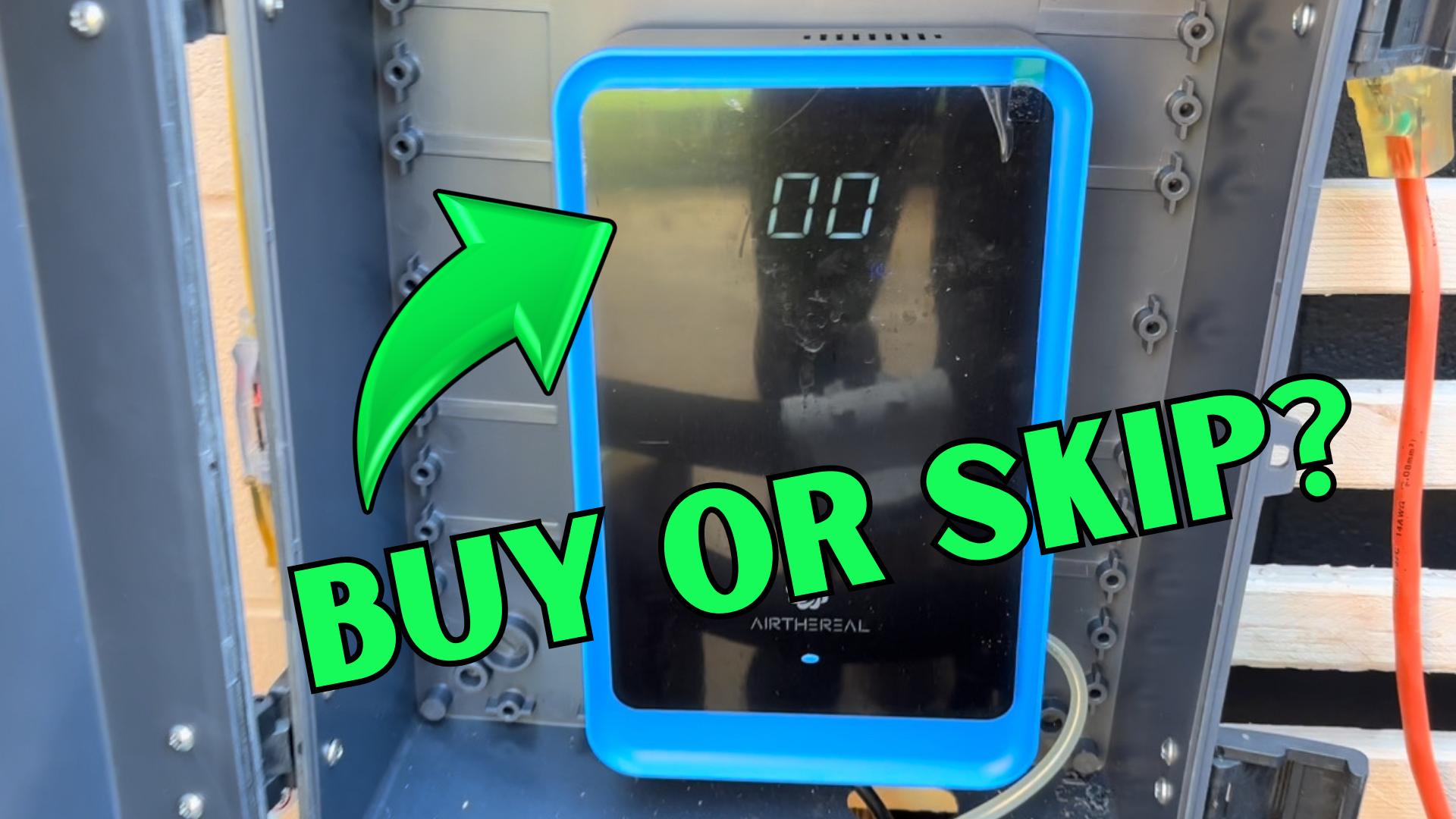
Figure 2: Contents of the Airthereal AH1000 package, including the ozone machine, user manual, two air tubes, two diffuser stones, and mounting hardware.
Setup Instructions
Follow these steps to set up your Airthereal AH1000 for use:
Connect Air Tube and Stone:
For water treatment, connect one end of the clear air tube to the outlet port on the side of the ozone machine. Attach a diffuser stone to the other end of the tube.

Figure 3: Step-by-step illustration of connecting the air tube to the machine and attaching the diffuser stone.
Power Connection:
Plug the power cord into a standard 110V USA electrical outlet.

Figure 4: Image showing the power cord being plugged into an electrical outlet.
Placement:
Place the machine on a stable, flat surface. For air purification, ensure it is in an unoccupied space. For water treatment, place the diffuser stone into the water container.

Figure 5: The AH1000 can be wall-mounted for convenient access, as shown in a bathroom setting.
Operating Instructions
The Airthereal AH1000 features a user-friendly touchscreen interface.

Figure 6: Detailed view of the control panel, highlighting the Power Switch, Ozone Timer controls (+/-), and Negative Ion Switch.
General Operation Steps:
Power On:
Press the Power Switch button to turn on the device.
Set Timer:
Use the Ozone Timer + and - buttons to adjust the operating time from 5 to 60 minutes. The selected time will be displayed on the screen.

Figure 7: Illustrates setting the timer on the digital display and the start of the ozone generation process.
Activate Negative Ion (Optional):
Press the Negative Ion Switch to activate the negative ion function, which aids in air purification.
Start Operation:
The machine will begin operating once the timer is set. Ensure the area is unoccupied during operation.
Completion:
The machine will automatically shut off once the set time expires. Wait at least 30 minutes after the treatment ends before re-entering the treated area.
Specific Applications:
Water Purification:
Place the diffuser stone into the water you wish to treat (e.g., for fruits, vegetables, or toys). Ozone effectively sterilizes water and eliminates harmful bacteria.

Figure 8: The AH1000 in use, sterilizing water in a kitchen sink with fresh produce, demonstrating its ability to kill harmful bacteria.

Figure 9: The ozone machine being used to sterilize baby toys and other items in a container, highlighting its multipurpose cleaning capabilities.
Air Purification and Odor Removal:
For air treatment, ensure the machine is placed in the center of the room. Ozone attaches to odor molecules and neutralizes them. This is effective against VOCs, mold, mildew, tobacco smoke, pet odors, and cooking smells.

Figure 10: Visual representation of the AH1000's effectiveness in removing common household odors such as VOCs, mold, tobacco smoke, pet odors, and cooking smells.
Usage Guidelines:
- Clean Odor Source: If treating odors, clean up the source of the odor before beginning ozone treatment for best results.
- Unoccupied Space: Always use the machine in an unoccupied space. Ensure no people, pets, or animals are in the room during operation.
- Repeat as Needed: Repeat treatment regularly or if a lingering odor is still present after the initial treatment.

Figure 11: A visual summary of key usage guidelines: clean the odor source, set the timer, use in unoccupied spaces only, and repeat as needed.
Care and Maintenance
To ensure optimal performance and longevity of your Airthereal AH1000, follow these maintenance guidelines:
- Cleaning: Wipe the exterior of the machine with a soft, damp cloth. Do not use abrasive cleaners or immerse the unit in water.
- Air Tubes and Diffuser Stones: Clean the air tubes and diffuser stones regularly, especially after water treatment, to prevent mineral buildup. Replacement tubes and diffuser stones are available (search B095WVPM5M).
- Storage: Store the unit in a cool, dry place when not in use.
Troubleshooting
If you encounter any issues with your Airthereal AH1000, please refer to the following common troubleshooting steps:
- Unit Not Turning On:
- Ensure the power cord is securely plugged into a working 110V outlet.
- Check if the power switch is in the "On" position.
- No Ozone Output:
- Verify that the timer is set and the unit is actively running.
- Check if the air tube is properly connected and not kinked or blocked.
- Ensure the diffuser stone is not clogged. Clean or replace if necessary.
- Weak Odor Removal:
- Confirm the treatment area is unoccupied and sealed as much as possible.
- Increase the treatment time or repeat the cycle.
- Ensure the source of the odor has been cleaned or removed prior to treatment.
For issues not listed here, please contact Airthereal customer support.
Specifications
Technical details for the Airthereal AH1000:
| Attribute | Detail |
|---|---|
| Model Number | AH1000 |
| Ozone Output | 1000 mg/h |
| Product Dimensions | 10.2"H x 6.3"W x 2.8"D (26 x 16 x 7 cm) |
| Weight | 2.2 Pounds (1 kg) |
| Rated Power | 20W |
| Voltage | USA 110V only |
| Floor Area Coverage | Up to 600 Square Feet (for air purification) |
| Certification | CE Certified |
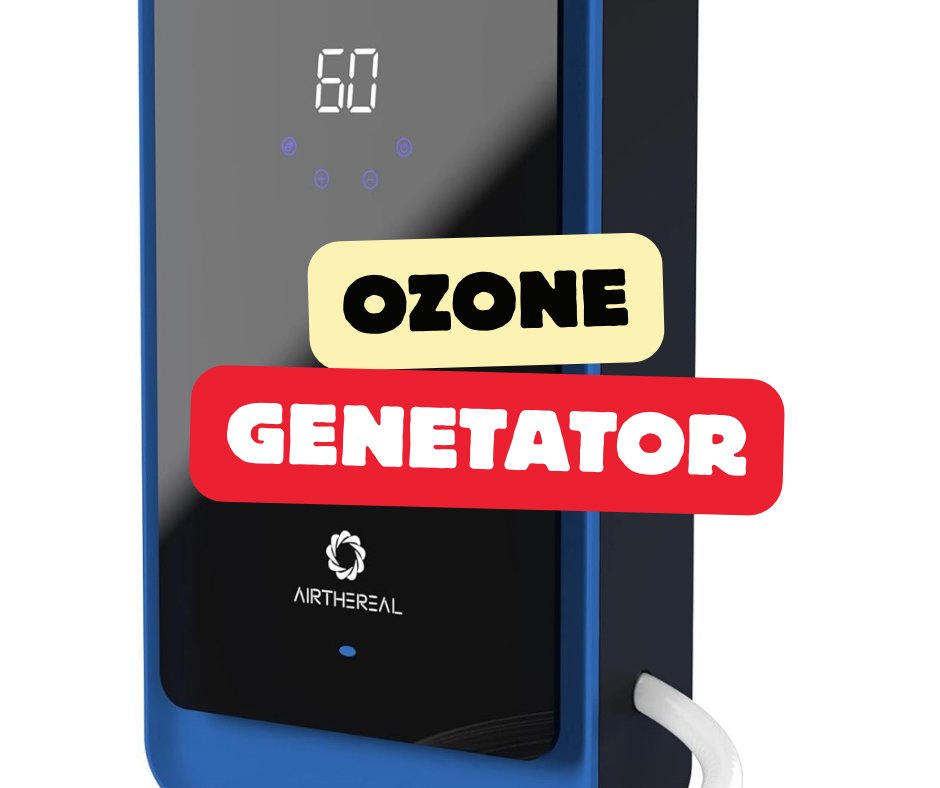
Figure 12: Visual representation of the product dimensions and a summary of its technical specifications.
Warranty and Support
Airthereal products are designed for reliability and performance. For specific warranty information, please refer to the documentation included with your product or visit the official Airthereal website.
If you require assistance, have questions, or need to report an issue, please contact Airthereal customer support. You can find contact information on the official Airthereal website or through your purchase platform.
Visit the AIRTHEREAL Store for more products and information.


