
Introduction
Welcome to the user manual for your Skullcandy Sesh ANC Wireless Earbuds. These earbuds are designed to provide a premium audio experience with advanced noise-canceling technology, long-lasting battery life, and a comfortable, secure fit. This manual will guide you through the setup, operation, maintenance, and troubleshooting of your new earbuds.
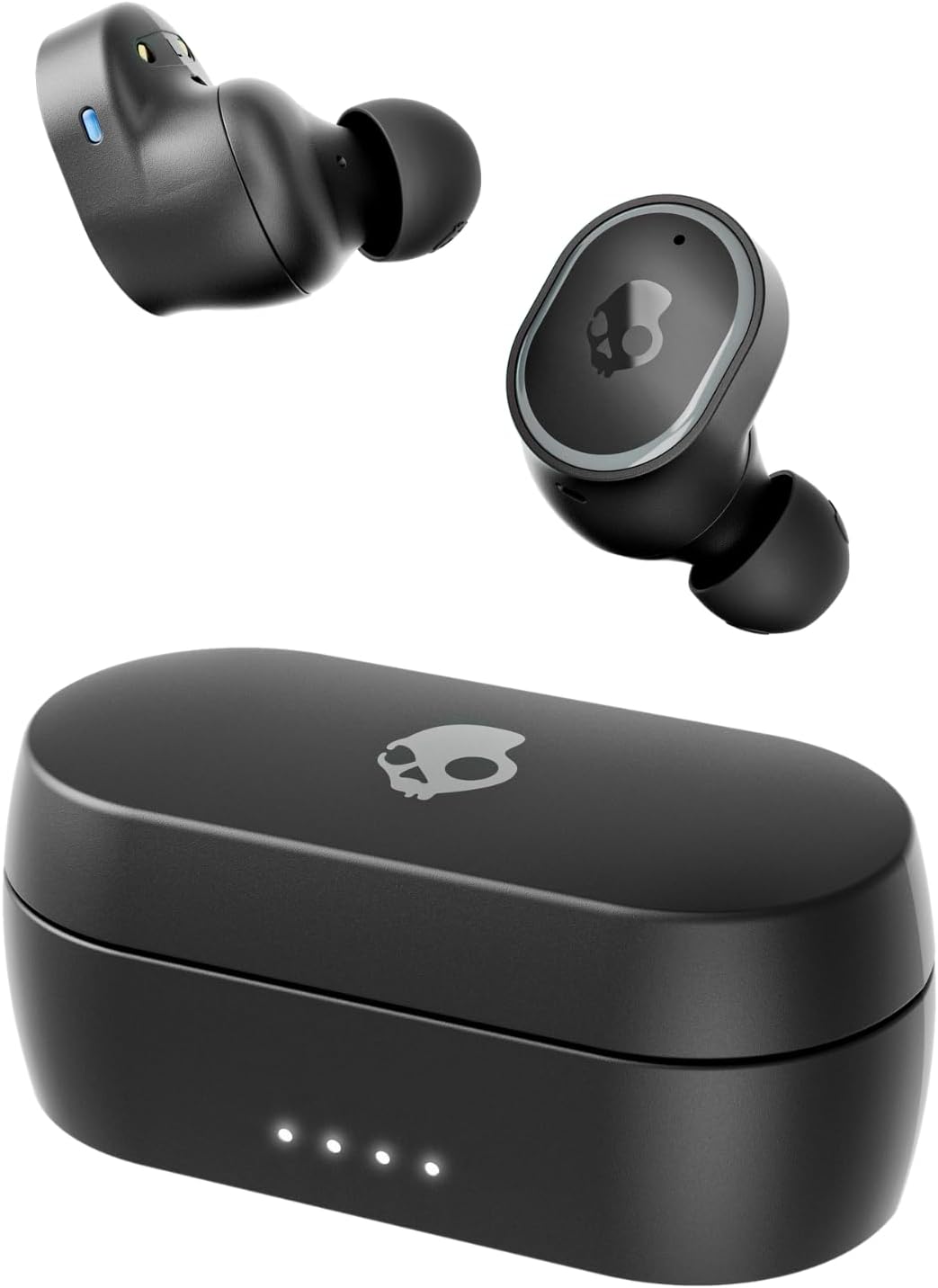
Image: Skullcandy Sesh ANC Wireless Earbuds and their charging case.
What's in the Box
Your Skullcandy Sesh ANC Wireless Earbuds package includes the following items:
- Sesh ANC Earbuds
- Wireless Charging Case
- Ear Gels (Multiple Sizes: S, M, L)
- USB-C Charging Cable
- User Manual
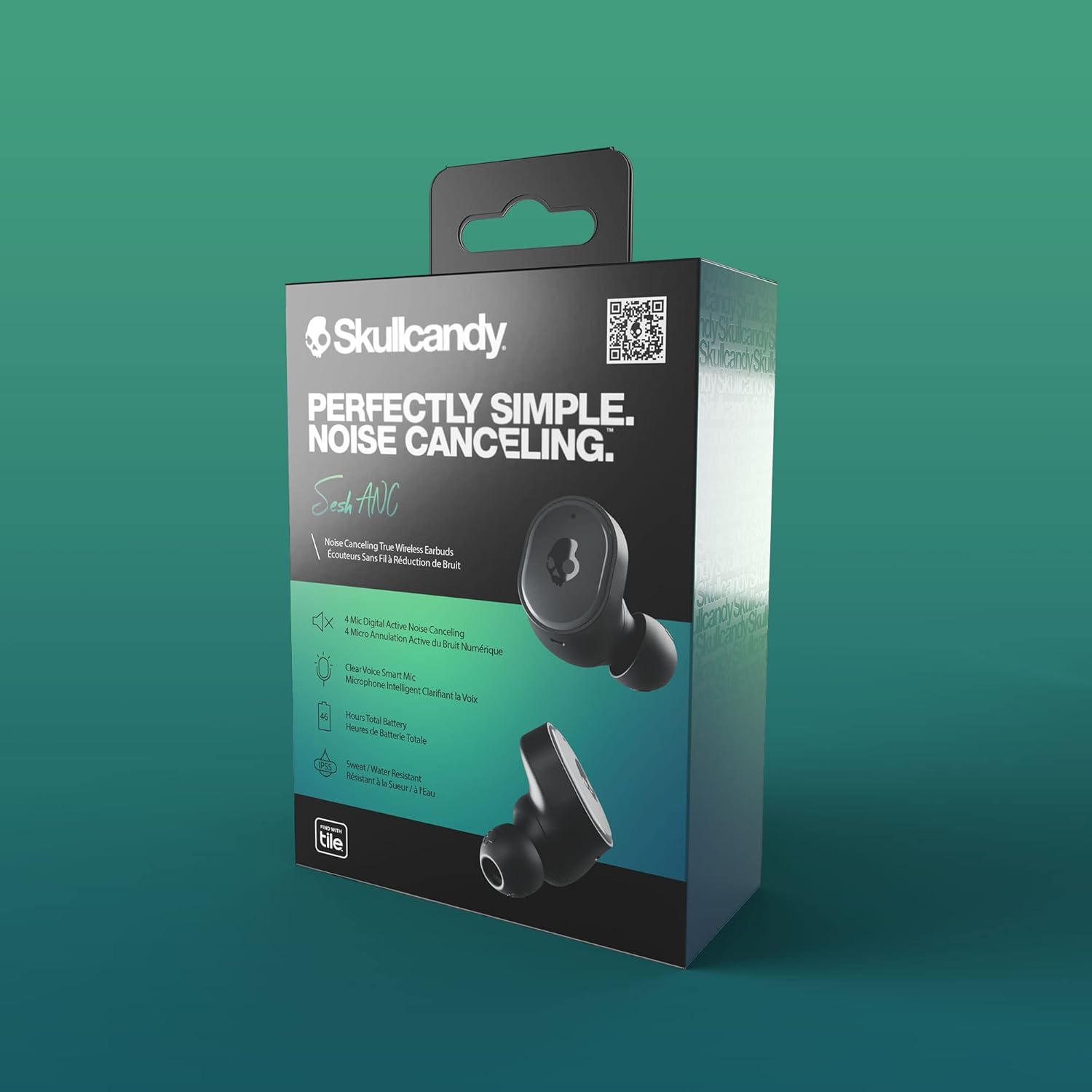
Image: The Skullcandy Sesh ANC earbuds, charging case, and various ear gel sizes.
Setup
Charging Your Earbuds
Before first use, ensure your earbuds and charging case are fully charged. The charging case provides up to 26 hours of additional battery life, while the earbuds themselves offer 6 hours of playback with ANC on. A quick 10-minute rapid charge can provide 2 hours of playback.
- Place both earbuds into the charging case. Ensure the LED indicators on the earbuds light up (red for charging).
- Connect the USB-C charging cable to the port on the back of the case and to a power source. The LED indicators on the case will show charging progress.
- Once fully charged, the earbud LEDs will turn blue, and the case LEDs will turn off.
Pairing with Your Device
The Sesh ANC earbuds are designed for seamless pairing with both iPhone and Android devices via Bluetooth 5.2.
- Remove both earbuds from the charging case. They will automatically enter pairing mode.
- On your device, open Bluetooth settings and look for "Sesh ANC" in the list of available devices.
- Select "Sesh ANC" to complete the pairing process. A voice prompt will confirm successful connection.
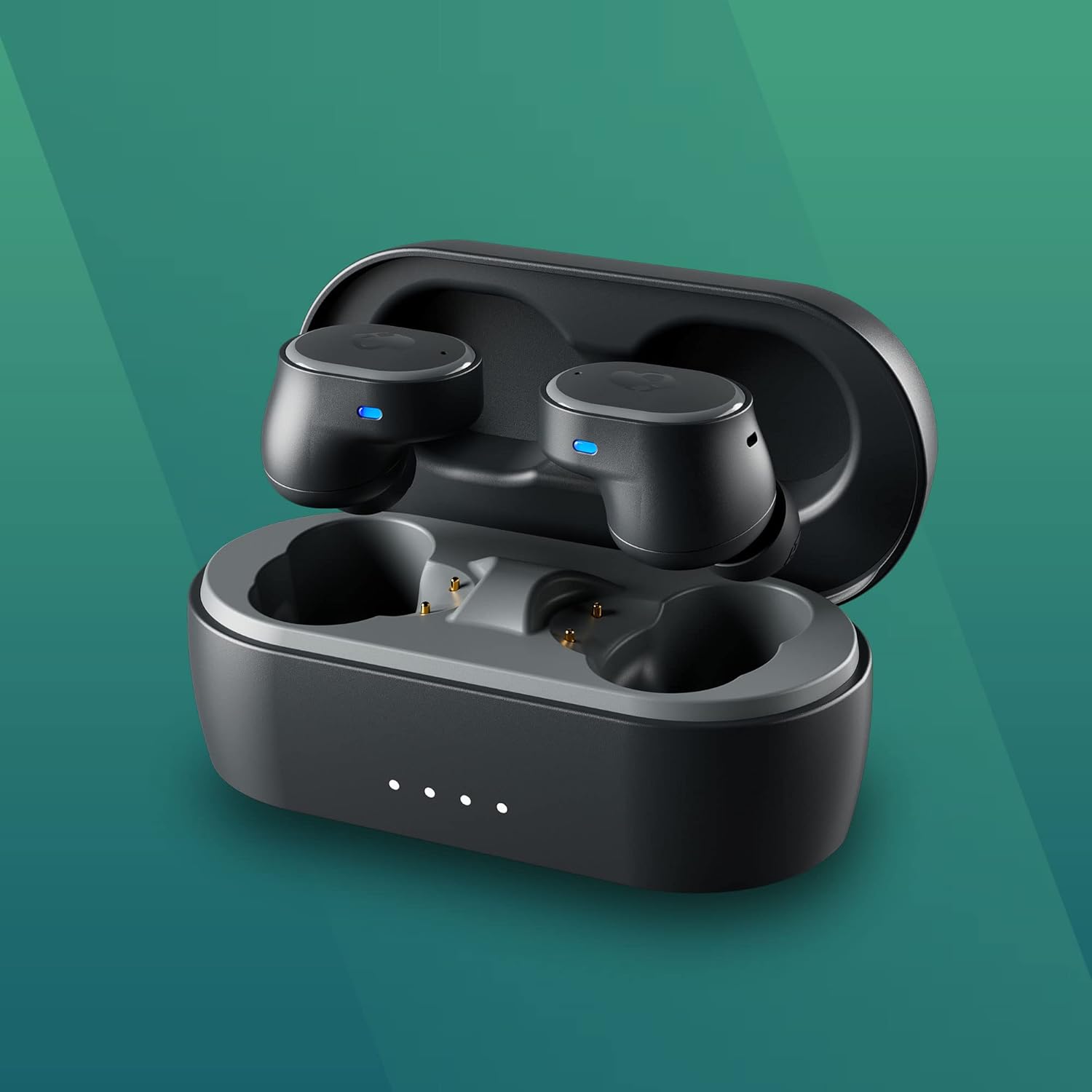
Image: The Skullcandy Sesh ANC earbuds charging in their open case.
Video: Official product video showcasing the Skullcandy Sesh ANC Wireless Earbuds and their features.
Operating Instructions
Controls
The Sesh ANC earbuds feature intuitive controls for managing your audio and calls:
- Play/Pause: Single press on either earbud.
- Volume Up: Press and hold the right earbud.
- Volume Down: Press and hold the left earbud.
- Next Track: Double press the right earbud.
- Previous Track: Double press the left earbud.
- Answer/End Call: Single press on either earbud during an incoming call.
- Activate Voice Assistant: Triple press on either earbud.
Active Noise Canceling (ANC) and Aware Mode
The Sesh ANC earbuds feature a premium 4-mic digital active noise canceling system, which effectively detects and cancels a full range of sounds. They also include an Aware Mode to let you hear your surroundings when needed.
- Toggle ANC/Aware Mode: Press and hold both earbuds simultaneously for 2 seconds. Cycle through ANC On, Aware Mode, and ANC Off.
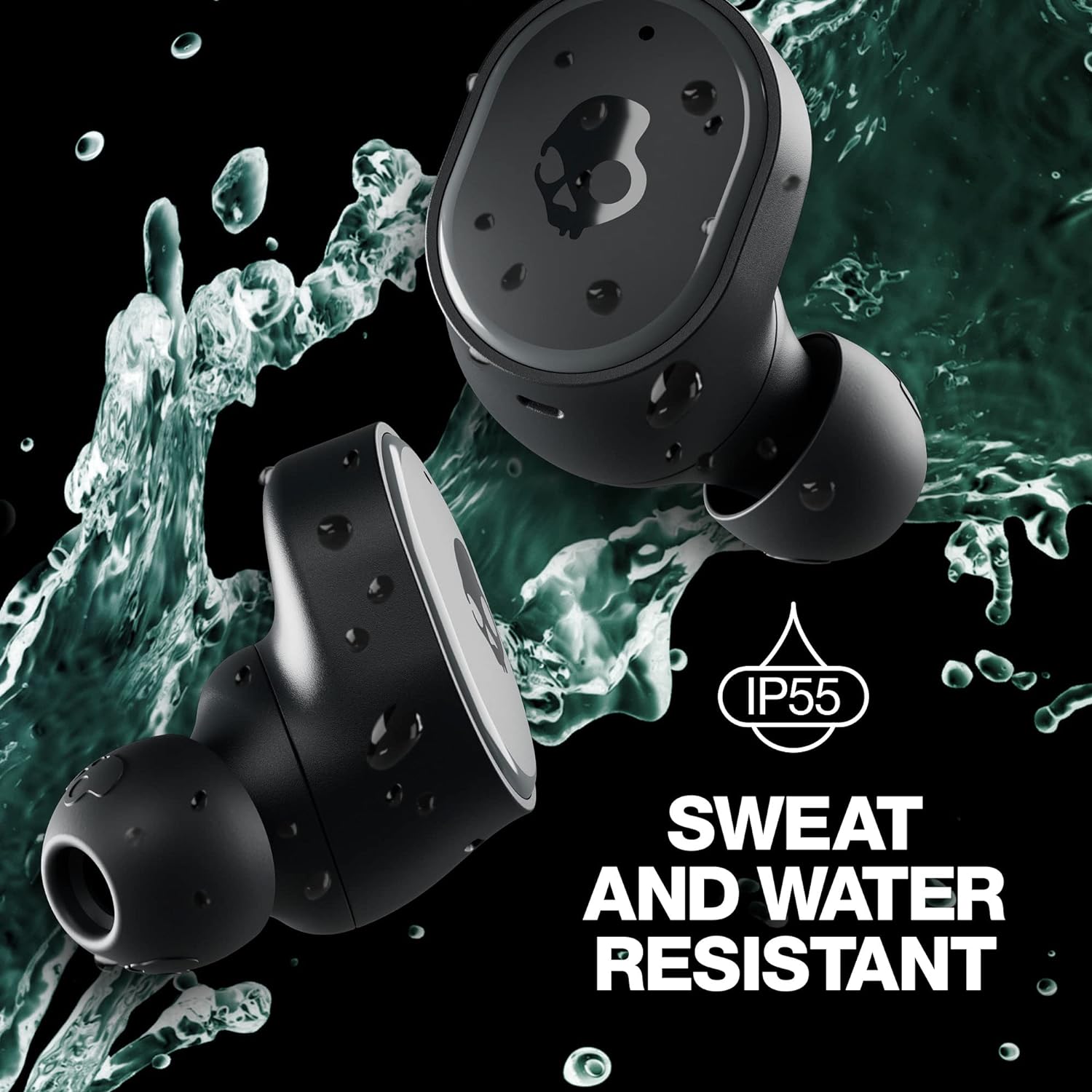
Image: A person wearing the Skullcandy Sesh ANC earbuds, demonstrating their discreet fit.
Video: This video highlights the active noise canceling and other key features of the Sesh ANC earbuds.
Maintenance
Cleaning
To ensure optimal performance and hygiene, regularly clean your earbuds:
- Gently wipe the earbuds and charging case with a soft, dry, lint-free cloth.
- Remove ear gels and clean them with mild soap and water. Ensure they are completely dry before reattaching.
- Use a dry cotton swab to clean the charging contacts on both the earbuds and inside the case.
Water and Sweat Resistance
The Sesh ANC earbuds are rated IP55 for sweat, water, and dust resistance, making them suitable for workouts and outdoor activities. While they can withstand splashes and light rain, they are not designed for submersion in water.
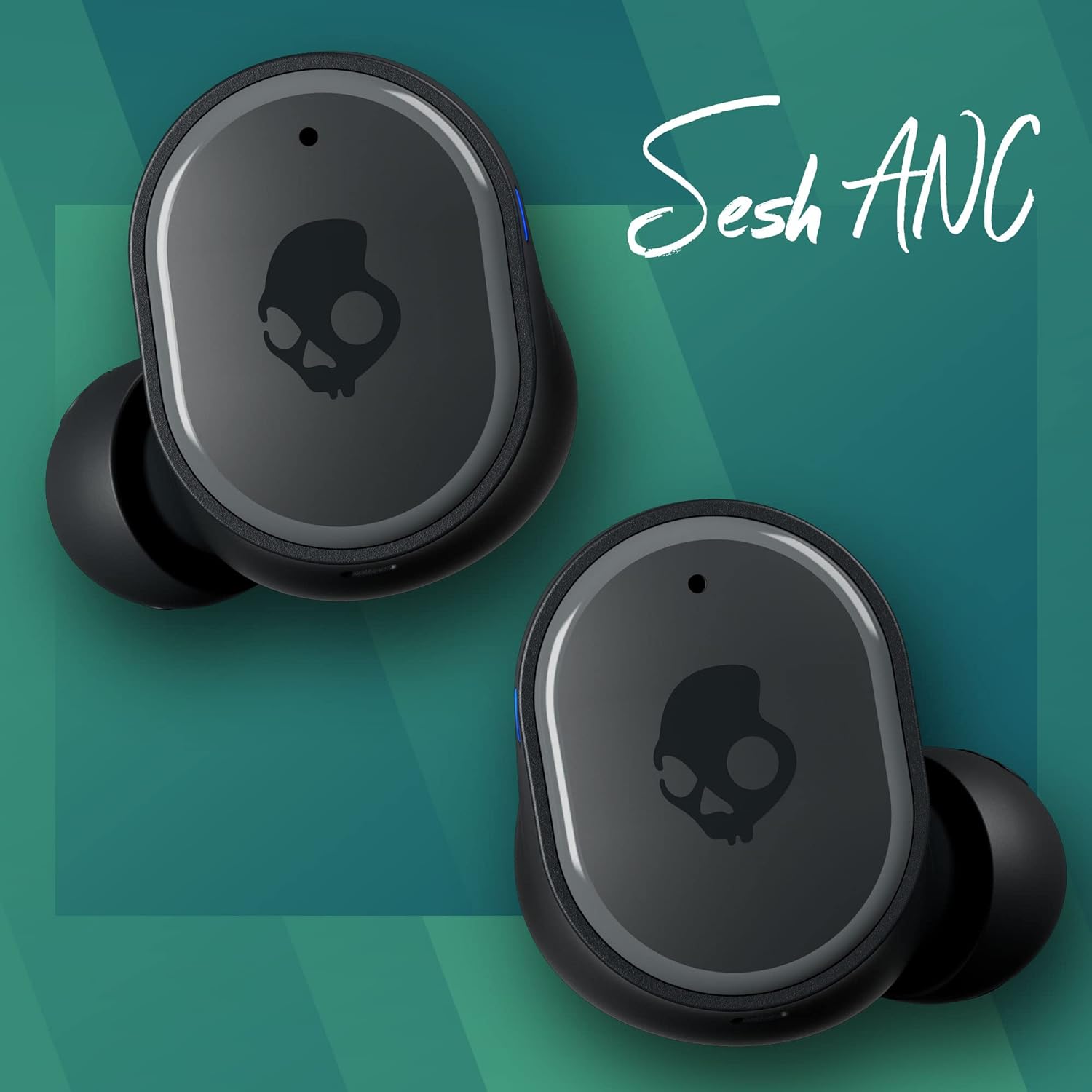
Image: The earbuds are shown with water droplets, highlighting their sweat and water-resistant design.
Troubleshooting
Pairing Issues
- Ensure both earbuds are fully charged.
- Turn off Bluetooth on any previously connected devices to prevent automatic connection.
- Place earbuds back in the case, close the lid for 5 seconds, then reopen to reset pairing mode.
- If issues persist, try forgetting/unpairing "Sesh ANC" from your device's Bluetooth settings and repeat the pairing process.
Sound Quality Issues
- Ensure ear gels are correctly sized and seated for a proper seal in your ear canal.
- Clean ear gels and earbud speaker meshes to remove any debris.
- Check your device's volume and equalizer settings.
Battery Not Charging
- Ensure charging contacts on earbuds and case are clean and free of debris.
- Try a different USB-C cable and power adapter.
- Verify the charging case itself has sufficient power.
Specifications
| Feature | Detail |
|---|---|
| Model Name | Sesh ANC |
| Model Number | S2TEW-P740 |
| Connectivity Technology | Wireless (Bluetooth 5.2) |
| Noise Control | Active Noise Cancellation (4-mic digital) |
| Battery Life (Earbuds) | 6 Hours (with ANC on) |
| Battery Life (Total with Case) | 32 Hours (with ANC on) |
| Rapid Charge | 10 min charge = 2 hours playback |
| Water Resistance Level | IP55 (Sweat, Water, and Dust Resistant) |
| Built-in Microphone | Yes (Clear Voice Smart Mic) |
| Weight | 2.24 ounces (63.5 grams) |
| Ear Placement | In Ear |
Warranty and Support
Your Skullcandy Sesh ANC Wireless Earbuds come with a 1-year US warranty. For any support needs, troubleshooting assistance, or warranty claims, please visit the official Skullcandy support page or contact their customer service.
For more information, visit the Skullcandy Store on Amazon.


