
1. Product Overview
The BACKWIN Wired In-Ear Headphones are designed to provide high-fidelity audio with convenient controls for music and calls. They feature a built-in microphone, volume control, and a 3.5mm jack for wide compatibility.

Image: The BACKWIN Wired In-Ear Headphones, showcasing their sleek design and 3.5mm audio jack.
2. Package Contents
Please check the package for the following items:
- BACKWIN Wired In-Ear Headphones (with integrated microphone and control)
- Ear tips (S/M/L sizes)
- Instruction Manual (this document)
3. Setup
3.1 Selecting Ear Tips
For optimal sound quality and comfort, choose the ear tips that best fit your ears. The headphones come with three sizes (Small, Medium, Large). Experiment with each size to find the most secure and comfortable fit that also provides good sound isolation.

Image: Illustration of earbuds with various ear tip sizes for a customized fit.
3.2 Connecting to Your Device
These headphones utilize a standard 3.5mm audio jack for connectivity. To connect:
- Locate the 3.5mm audio port on your smartphone, tablet, laptop, or other compatible device.
- Insert the 3.5mm jack of the headphones firmly into the device's audio port.
The headphones are compatible with most devices running iOS and Android operating systems, as well as laptops and tablets with a 3.5mm audio jack.
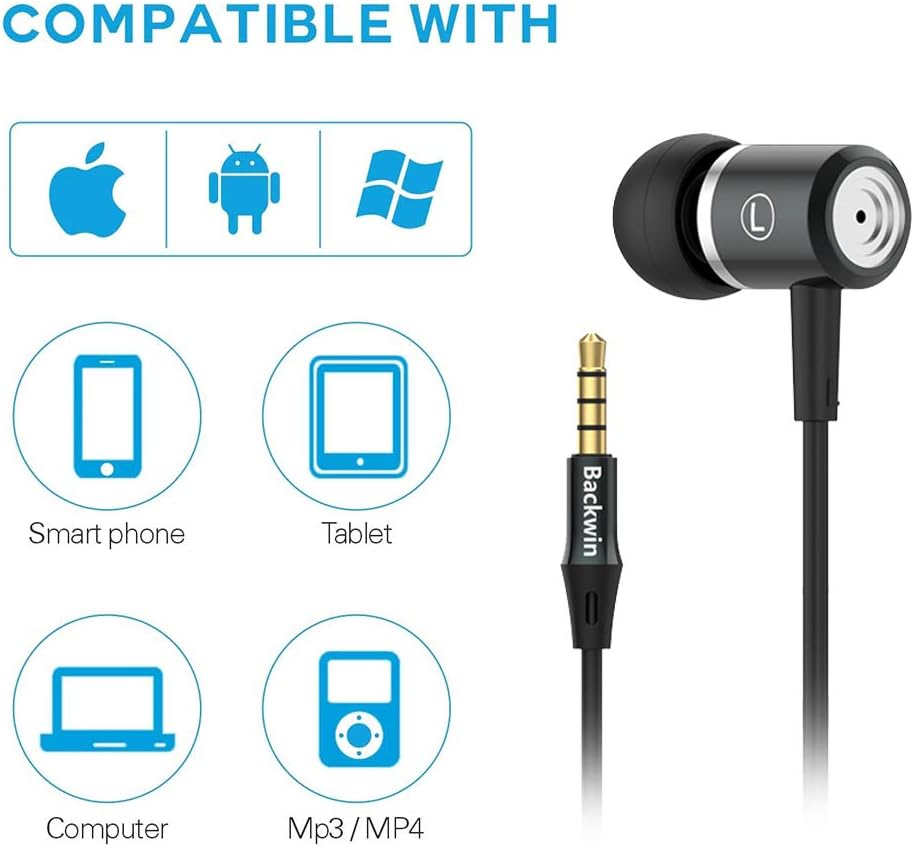
Image: Icons indicating compatibility with smartphones, tablets, computers, and MP3/MP4 players.
4. Operating Instructions
The in-line remote control allows for easy management of music playback and calls.

Image: Close-up of the in-line remote control, showing the volume up (+), volume down (-), and multi-function (center) buttons, along with the microphone.
4.1 Music Control
- Play/Pause: Press the center button once.
- Next Track: Press the center button twice quickly.
- Previous Track: Press the center button three times quickly.
4.2 Call Control
- Answer/End Call: Press the center button once.
- Reject Call: Press and hold the center button.
4.3 Volume Control
- Volume Up: Press the '+' button.
- Volume Down: Press the '-' button.
The built-in microphone ensures clear voice transmission during calls.
5. Maintenance and Care
5.1 Cleaning
- Gently wipe the earbuds and cable with a soft, dry cloth.
- Remove ear tips and clean them with mild soap and water if necessary. Ensure they are completely dry before reattaching.
- Do not use harsh chemicals or abrasive materials for cleaning.
5.2 Storage
To prolong the life of your headphones:
- Store the headphones in a clean, dry place when not in use.
- Avoid wrapping the cable too tightly to prevent damage. The cable is designed to be tangle-free for convenience.
- Keep away from extreme temperatures and direct sunlight.

Image: A detailed view of the headphone cable's internal structure, highlighting its durable construction.
6. Troubleshooting
| Problem | Possible Solution |
|---|---|
| No sound or low volume |
|
| Microphone not working |
|
| Sound quality is poor or "tinny" |
|
| Earbuds are uncomfortable or fall out |
|
7. Specifications
| Feature | Detail |
|---|---|
| Brand | BACKWIN |
| Model Number | 0 |
| Connectivity Technology | Wired (3.5mm Jack) |
| Wireless Communication Technology | None (Not Bluetooth compatible) |
| Noise Control | Sound Isolation, Noise Cancellation |
| Microphone | Included |
| Control Type | In-line Remote (Volume Control, Call Control) |
| Cable Feature | Tangle Free |
| Material | Plastic |
| Ear Placement | In Ear |
| Form Factor | In Ear |
| Impedance | 32 Ohms |
| Item Weight | 1.41 ounces (0.04 Kilograms) |
| Product Dimensions | 47.24 x 0.14 x 0.14 inches |
| Compatible Devices | Phones, Tablets, Laptops, Smartphones with Android and iOS operating systems |
| UPC | 712215782502 |
8. Warranty and Support
BACKWIN products undergo extensive quality verification to ensure reliability. If you encounter any issues or have questions regarding your headphones, please contact the seller directly via email for satisfactory after-sales service.
Please refer to your purchase documentation for specific warranty terms and conditions, as these may vary.