
1. Introduction
The HoldPeak HP-882C Digital Sound Level Meter is a portable device designed for measuring decibel noise. It features a wide measuring range, automatic backlight, and data hold functions, making it suitable for various acoustic measurements, including those in architectural acoustics and industrial safety. This manual provides essential information for the safe and effective operation of your device.

Figure 1: HoldPeak HP-882C Digital Sound Level Meter with its main components labeled. (1) MIC Enclosures Wind, (2) Automatic Backlight Sensor, (3) Power Switch, (4) FAST/SLOW Time Constant Selection, (5) Maximum and Minimum Value Button, (6) LCD Display.
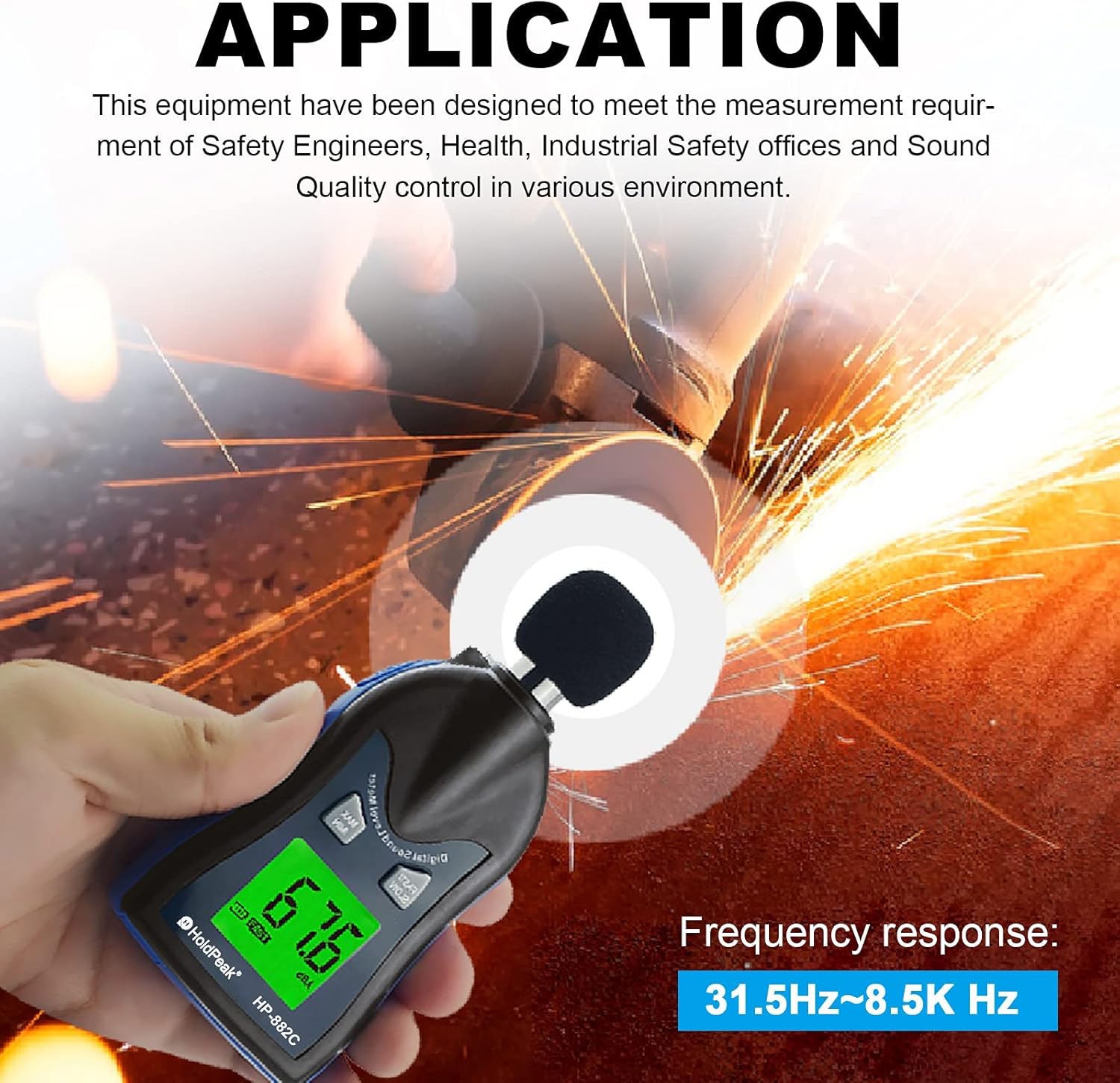
Figure 2: The HP-882C is designed to meet measurement requirements for safety engineers, health, industrial safety offices, and sound quality control in various environments.
2. Setup
2.1 Battery Installation
- Locate the battery compartment cover on the back of the device.
- Slide or unclip the cover to open the compartment.
- Insert two (2) AAA 1.5V batteries, ensuring correct polarity (+/-).
- Replace the battery compartment cover securely.
Note: Batteries are included with the device. Please ensure they are installed correctly before first use.
2.2 Initial Power-On
After installing the batteries, press the power switch (labeled '3' in Figure 1) to turn on the device. The LCD display will illuminate, and the device will be ready for measurement.
3. Operating Instructions
3.1 Power On/Off
- To turn on: Press the Power Switch.
- To turn off: Press the Power Switch again. The device also features an automatic power-off function to conserve battery life.
3.2 Taking Measurements
Hold the sound level meter with the microphone (1) pointed towards the sound source. The current decibel level will be displayed on the LCD screen (6).
3.3 FAST/SLOW Time Weighting
Press the FAST/SLOW button (4) to select the desired time weighting:
- FAST: Measures sound levels with a 125ms time constant, suitable for capturing sudden noise changes.
- SLOW: Measures sound levels with a 1-second time constant, suitable for averaging fluctuating noise levels.
3.4 MAX/MIN Value Display
Press the MAX/MIN button (5) to cycle through the display modes:
- Current real-time measurement.
- Maximum (MAX) decibel value recorded since power-on.
- Minimum (MIN) decibel value recorded since power-on.
3.5 Automatic Backlight
The device features an automatic LCD backlight sensor (2). The backlight will automatically illuminate in low-light conditions, making the display clearer and easier to read, especially at night or in dim environments.
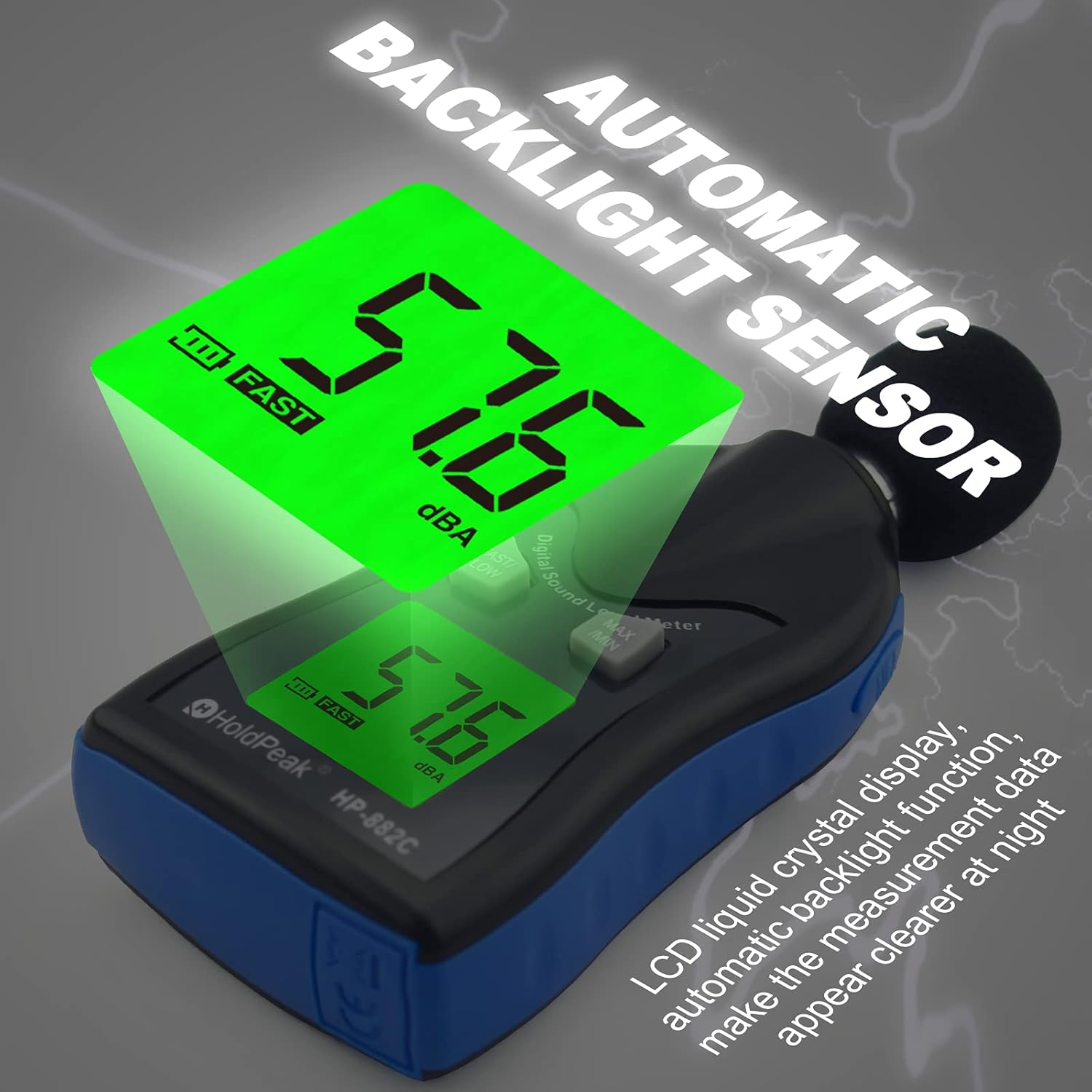
Figure 3: The automatic backlight sensor ensures clear readability of the LCD display in various lighting conditions.
3.6 Windscreen Usage
When measuring in environments with wind speeds exceeding 10 meters per second, it is recommended to use a wind cover (MIC Enclosures Wind, 1) over the microphone. This helps to reduce wind noise interference and improve measurement accuracy.
3.7 Decibel Level Interpretation
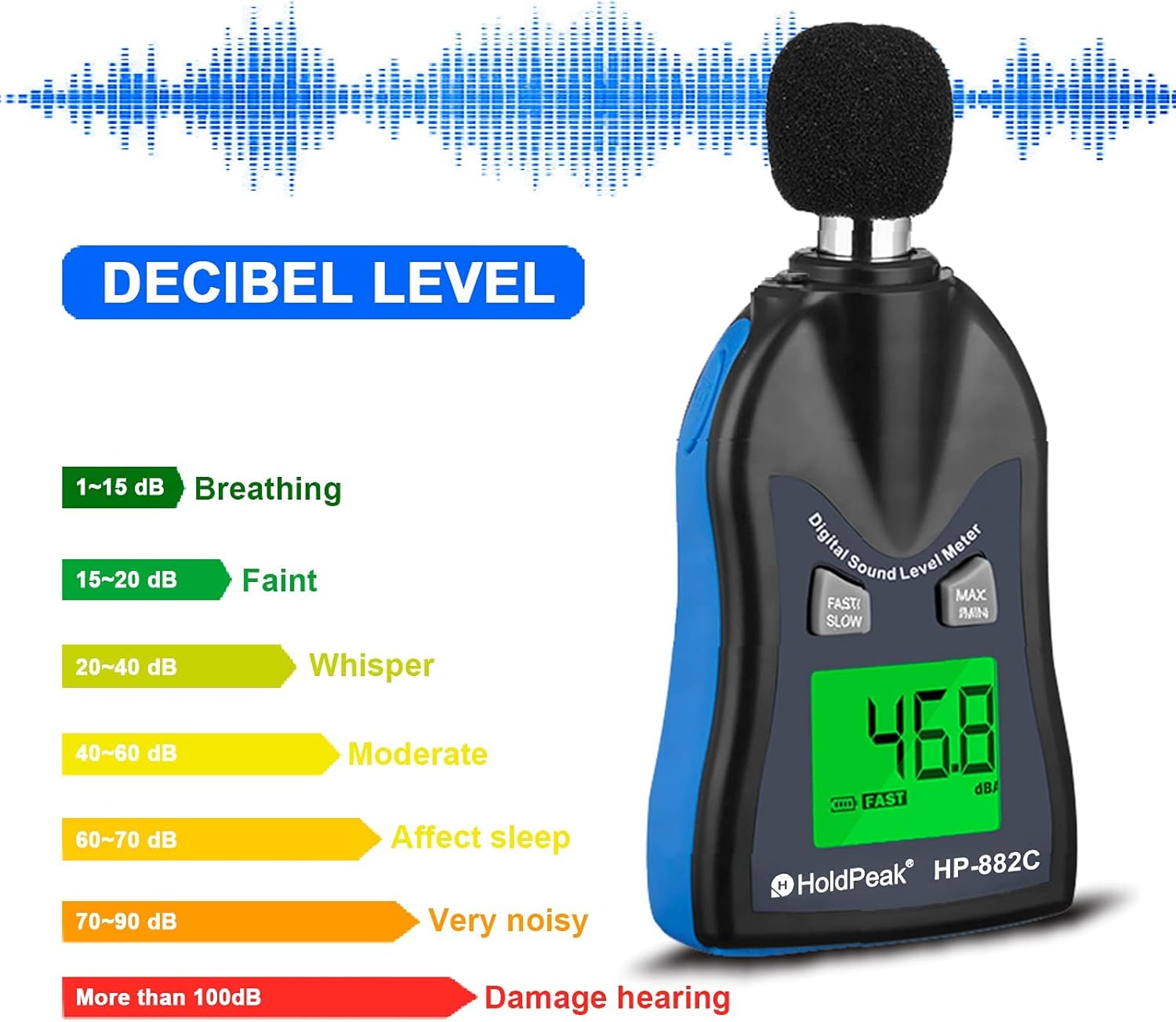
Figure 4: General guide for interpreting decibel levels.
- 1-15 dB: Breathing
- 15-20 dB: Faint
- 20-40 dB: Whisper
- 40-60 dB: Moderate
- 60-70 dB: Affects sleep
- 70-90 dB: Very noisy
- More than 100 dB: Damage hearing
4. Maintenance
4.1 Cleaning
To clean the device, use a soft, dry cloth. Do not use abrasive cleaners or solvents. Avoid immersing the meter in water or exposing it to excessive moisture.
4.2 Battery Replacement
When the battery indicator on the LCD display shows low power, replace the batteries promptly to ensure accurate measurements. Follow the battery installation steps in Section 2.1.
4.3 Storage
When not in use for extended periods, remove the batteries from the device. Store the sound level meter in a cool, dry place with a storage temperature between -10°C and 60°C and relative humidity between 10% and 70%.
5. Troubleshooting
5.1 Inaccurate Readings
- Check for wind interference: If measuring outdoors or in windy conditions, ensure the wind cover is properly installed.
- Battery level: Low batteries can affect performance. Replace batteries if the indicator shows low power.
- Environmental conditions: Ensure operating temperature and humidity are within specified ranges (0~40°C, 10~80% RH).
- Device malfunction: If readings remain consistently inaccurate despite checking the above, the device may require service. Contact customer support.
5.2 Device Not Powering On
- Battery installation: Verify that batteries are inserted correctly with the right polarity.
- Battery condition: Replace with fresh batteries.
- Power switch: Ensure the power switch is fully pressed.
6. Specifications

Figure 5: The HP-882C device, its packaging, and included AAA batteries.
| Feature | Specification |
|---|---|
| Measuring Range | 30 ~ 130 dB |
| Accuracy | ±1.5 dB |
| Frequency Response | 31.5 Hz ~ 8 KHz |
| Frequency Weighting | A |
| Digital Display | 4 digits, 0.1 dB resolution |
| Sampling Rate | 2 times/second |
| Microphone | 1/2 inch condenser microphone |
| Power | 2 x AAA 1.5V batteries |
| Battery Life | Approx. 30 hours (alkaline batteries) |
| Operating Temperature/Humidity | 0 ~ 40°C, 10 ~ 80% RH |
| Storage Temperature/Humidity | -10 ~ 60°C, 10 ~ 70% RH |
| Dynamic Characteristics | Fast/Slow |
| Weight | 144g (with battery) |
| Dimensions | 20.5 x 56.5 x 125 mm |
7. Warranty and Support
7.1 Warranty Information
This HoldPeak HP-882C Digital Sound Level Meter comes with a 365-day warranty from the date of purchase. This warranty covers manufacturing defects and ensures the product functions as intended under normal use.
7.2 Customer Support
If you encounter any problems with your device or have questions regarding its operation, please contact the seller directly. Our customer support team aims to respond to your inquiries as soon as possible, typically within 24 hours.

