
1. Introduction
This manual provides instructions for the WiZ Connected 3FT RGB Wi-Fi LED Smart Color Changing Light Strip Extension. This product is designed to extend an existing WiZ full-color light strip, allowing for a maximum total length of 32.8 feet. The flexible LED light strip can be adhered to various surfaces. It connects via Wi-Fi, offers 16 million colors, and is adjustable from warm white to daylight.
Important Note: This product is an extension and requires a WiZ Light Strip Starter Kit (sold separately) to function. It does not include a power adapter or controller.
2. Setup Instructions
- Prepare Your Starter Kit: Ensure your existing WiZ Light Strip Starter Kit is already set up and functioning. This extension connects directly to the end of the starter strip.
- Connect the Extension: Locate the connector at the end of your existing WiZ light strip. Align the pins of the 3FT extension strip with the connector and gently push them together until securely fastened.
- Power On: Once connected, power on your WiZ light strip system. The extension should illuminate along with the main strip.
- Wi-Fi Connectivity: The WiZ light strip system operates on a 2.4GHz Wi-Fi network. Ensure your router is configured for this frequency.
- Download the WiZ Connected App: If you haven't already, download the free WiZ Connected app from your device's app store.
- App Pairing: Open the WiZ Connected app. The app should detect the newly connected extension as part of your existing light strip. Follow the in-app instructions to confirm the setup.
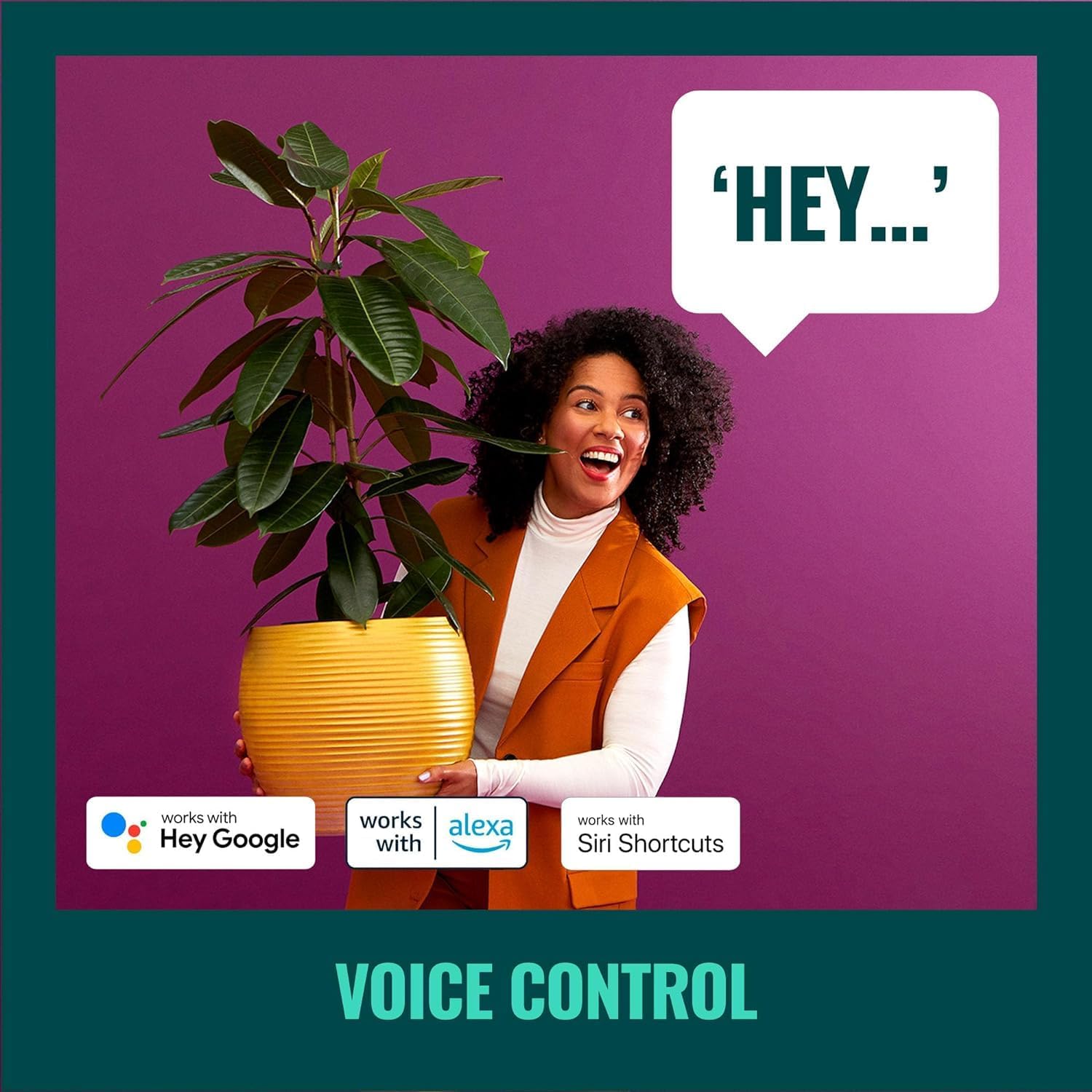
Image: The WiZ Connected app interface demonstrating the 'Easy Plug & Play' setup process on a smartphone. This image illustrates the simplicity of integrating the light strip extension into your smart home system.
Video: This video provides a step-by-step guide on how to set up your WiZ Connected smart lighting products, including pairing with the app and connecting to your Wi-Fi network.
3. Operating Instructions
The WiZ Connected Light Strip Extension operates seamlessly with your existing WiZ smart lighting system. Control is primarily managed through the WiZ Connected app or voice commands.
- App Control: Use the WiZ Connected app to control your light strip from anywhere. The app allows you to adjust brightness, change colors (from 16 million options), select preset dynamic modes, and switch between warm white and daylight. You can also invite family members and guests to control the lights.
- Voice Control: Integrate your WiZ lights with smart home assistants like Alexa or Google Home for hands-free control. Simply use voice commands to turn lights on/off, change colors, or adjust brightness.
- Scheduling: Utilize the app's smart features to schedule your LED lights to turn on or off according to your daily routine. A vacation mode can also be set to automate lighting, mimicking presence when you are away.
- Mood Lighting: The light strip can provide bright daylight for focus and energy, or transition to soft warm white to promote relaxation and better sleep. Explore various preset dynamic modes for different atmospheres.
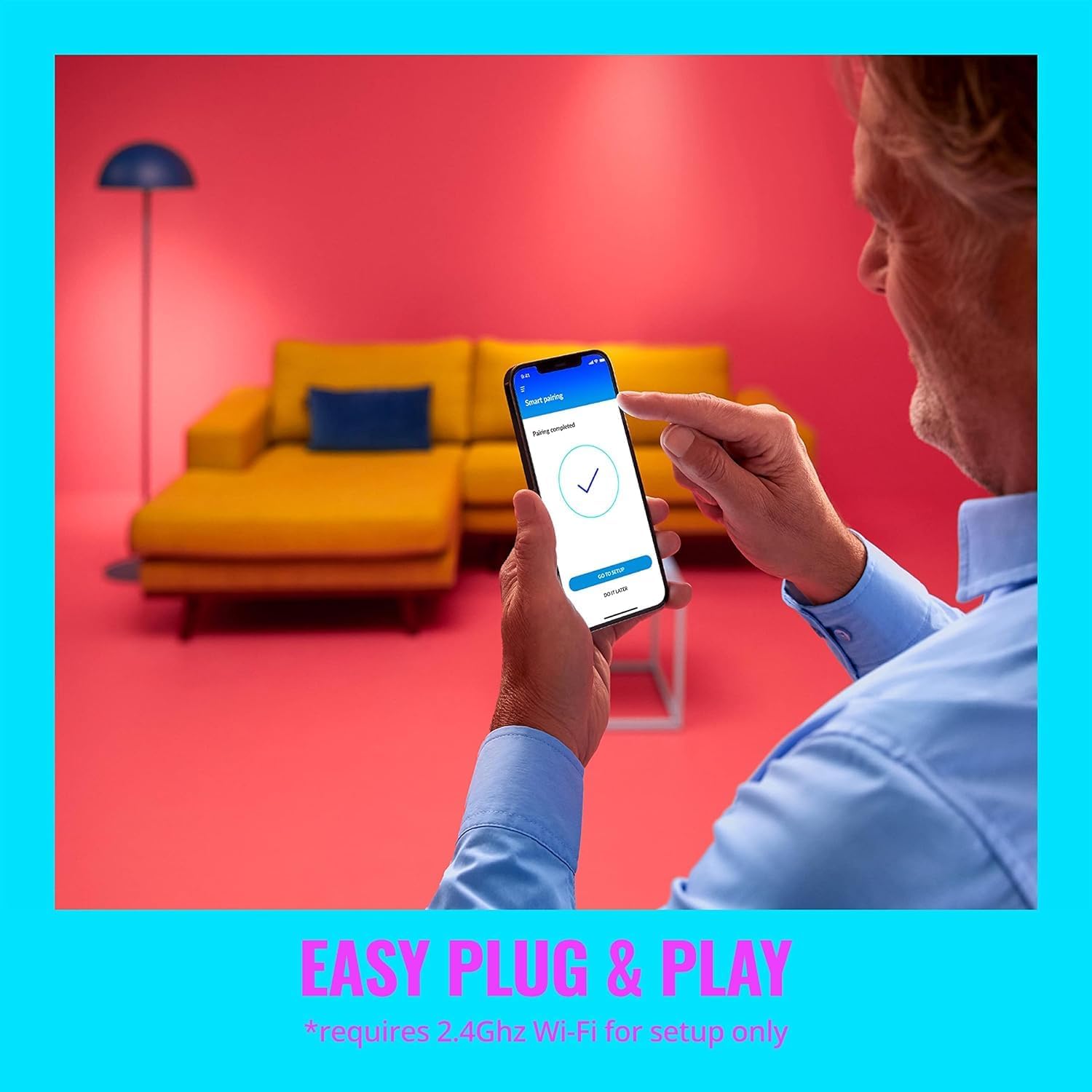
Image: This graphic displays icons for different control options, including remote app control, scheduling, voice commands, and compatibility with smart switches and sensors.

Image: An illustration of voice control functionality, showing a person using a voice command with a smart assistant to manage their lighting.

Image: This image showcases the versatility of the light strip, displaying both vibrant color options and adjustable white light tones.
Video: This video highlights the various features and capabilities of the WiZ smart lighting ecosystem, demonstrating how lights can be controlled and customized to enhance your home environment.
4. Maintenance
The WiZ Connected Light Strip Extension requires minimal maintenance. Keep the strip clean and free from dust to ensure optimal light output.
- Cleaning: Gently wipe the light strip with a dry, soft cloth. Do not use liquid cleaners or abrasive materials, as these can damage the strip.
- Storage: If removing the light strip for storage, ensure it is coiled loosely to prevent damage to the LED components or wiring.
- Environmental Conditions: This product is designed for indoor use only. Avoid exposing it to moisture, extreme temperatures, or direct sunlight for prolonged periods.
5. Troubleshooting
- Extension Not Lighting Up:
- Ensure the extension is securely connected to the main WiZ Light Strip Starter Kit.
- Verify that the main starter kit is powered on and functioning correctly.
- Confirm that this is an extension and not a standalone strip. This product requires a starter kit with a power adapter.
- App Connectivity Issues:
- Check that your Wi-Fi network is active and operating on the 2.4GHz frequency band.
- Restart your Wi-Fi router and the WiZ Connected app.
- Ensure your mobile device is connected to the same 2.4GHz Wi-Fi network as your WiZ lights during setup and operation.
- Inconsistent Light Output:
- Check for any physical damage or kinks in the light strip.
- Ensure the power supply to the main starter kit is stable.
6. Specifications
| Feature | Detail |
|---|---|
| Brand | WiZ Connected |
| Model Number | 603571 |
| Item Type Name | Lightstrip Extension |
| Length | 3FT (0.91 meters) |
| Color | RGB (Color Changing) |
| Light Source Type | LED |
| Connectivity Technology | Wi-Fi (2.4GHz) |
| Control Method | App, Voice |
| Special Features | Dimmable, Energy Efficient |
| Indoor/Outdoor Usage | Indoor |
| Material Type | Synthetic Polymer (PMMA) |
| Item Weight | 0.08 Pounds (approx. 36 grams) |
| Voltage | 120 Volts (via starter kit) |
| UPC | 046677603571 |

Image: A visual representation of the 3-foot WiZ Connected light strip extension, highlighting its physical dimensions and flexibility.
7. Warranty and Support
Warranty: This WiZ Connected Light Strip Extension comes with a 2-year manufacturer's warranty.
Customer Support: For technical assistance, warranty claims, or further inquiries, please visit the official WiZ Connected support website or contact their customer service department. Refer to the packaging of your WiZ Light Strip Starter Kit for specific contact details.


