1. Important Safety Information
Before operating the Sportstech VP400 4D Vibration Plate, please read and understand all safety instructions. Failure to follow these instructions may result in injury or damage to the device.
- Consult a physician before starting any new exercise program, especially if you have pre-existing medical conditions, are pregnant, or have a pacemaker.
- Keep children and pets away from the device during operation.
- Ensure the vibration plate is placed on a stable, level surface. Use the provided floor protection mat.
- Do not use the device if it is damaged or malfunctioning.
- Keep hands and feet clear of moving parts.
- Use only the power cable supplied with the device.
- Do not immerse the device in water or expose it to excessive moisture.
- Unplug the device from the power outlet when not in use or before cleaning.
2. Product Overview
The Sportstech VP400 is a 4D vibration plate designed for comprehensive fitness training. It features a curved design, a color touch display, smart LED technology, and multiple vibration modes.
Key Features:
- 4D Vibration Technology: Combines oscillation and linear vibration for varied training.
- Curved Design: Provides an ergonomic surface for enhanced movement and body sensation.
- Color Touch LCD Display: Intuitive interface for program selection and monitoring.
- Smart LED Lighting: Indicates training intensity with green, orange, and red lights.
- Remote Watch Control: Convenient control during workouts.
- Integrated Bluetooth Speaker: For audio playback during exercise.
- Multiple Programs: Includes 5 pre-installed programs and 60 speed levels.

Image: Overview of the Sportstech VP400's key features, including the LCD touch display, LED lighting, 4D vibration capability, and included accessories.
3. Setup and Assembly
3.1 Package Contents:
Verify that all items are present in the package:
- Sportstech VP400 Vibration Plate
- Remote control (watch style)
- Power cable
- 2 x Resistance ropes (Power Ropes)
- Floor protection mat
- Exercise poster
- Allen key
- 4 x Allen screws
- Instruction manual

Image: The Sportstech VP400 with its complete accessory bundle, including the touch LCD display, Bluetooth speaker, remote watch, exercise poster, and resistance bands.
3.2 Initial Setup:
- Unpack all components and remove any packaging materials.
- Place the floor protection mat on a flat, stable surface where you intend to use the vibration plate.
- Carefully place the Sportstech VP400 vibration plate on the protection mat.
- Connect the power cable to the device and then to a suitable power outlet.
- Ensure the remote watch has batteries (not included) and is paired according to the remote control instructions.
4. Operating Instructions
4.1 Powering On/Off:
Press the power button on the device or the remote watch to turn the vibration plate on or off.
4.2 Using the Touch Display:
The color touch LCD display allows you to select programs, adjust intensity, and monitor your workout time. Tap the icons on the screen to navigate through options.
4.3 Vibration Modes and Frequencies:
The VP400 offers three distinct vibration modes, indicated by the Smart LED lights:
- Oscillation (Green LED): Frequency range 6 - 10 Hz. Ideal for gentle warm-ups and relaxation.
- Vibration (Orange LED): Frequency range 27 - 40 Hz. Suitable for muscle activation and strength training.
- 4D (Oscillation + Vibration) (Red LED): Frequency range 25 - 32.2 Hz. Combines both movements for an intensive, full-body workout.

Image: The Smart LED display on the Sportstech VP400, showing the different frequency ranges for Oscillation, Vibration, and 4D modes.
4.4 Using the Remote Watch:
The remote watch allows you to control the device conveniently during your workout. Functions typically include power on/off, mode selection, and intensity adjustment. Refer to the remote control's specific instructions for pairing and detailed usage.
4.5 Pre-installed Programs:
The VP400 comes with 5 pre-installed programs. Select a program from the display to automatically adjust vibration modes, frequencies, and durations for a structured workout.
4.6 Foot Positions:
Different foot positions on the curved plate can vary the intensity and target different muscle groups. Wider stances generally increase intensity.
4.7 Training with Resistance Bands:
Attach the included resistance ropes to the designated points on the vibration plate. These can be used to enhance upper body and core exercises while the plate is vibrating.

Image: Examples of full-body workout positions on the Sportstech VP400, targeting various muscle groups including core, legs, arms, and chest.
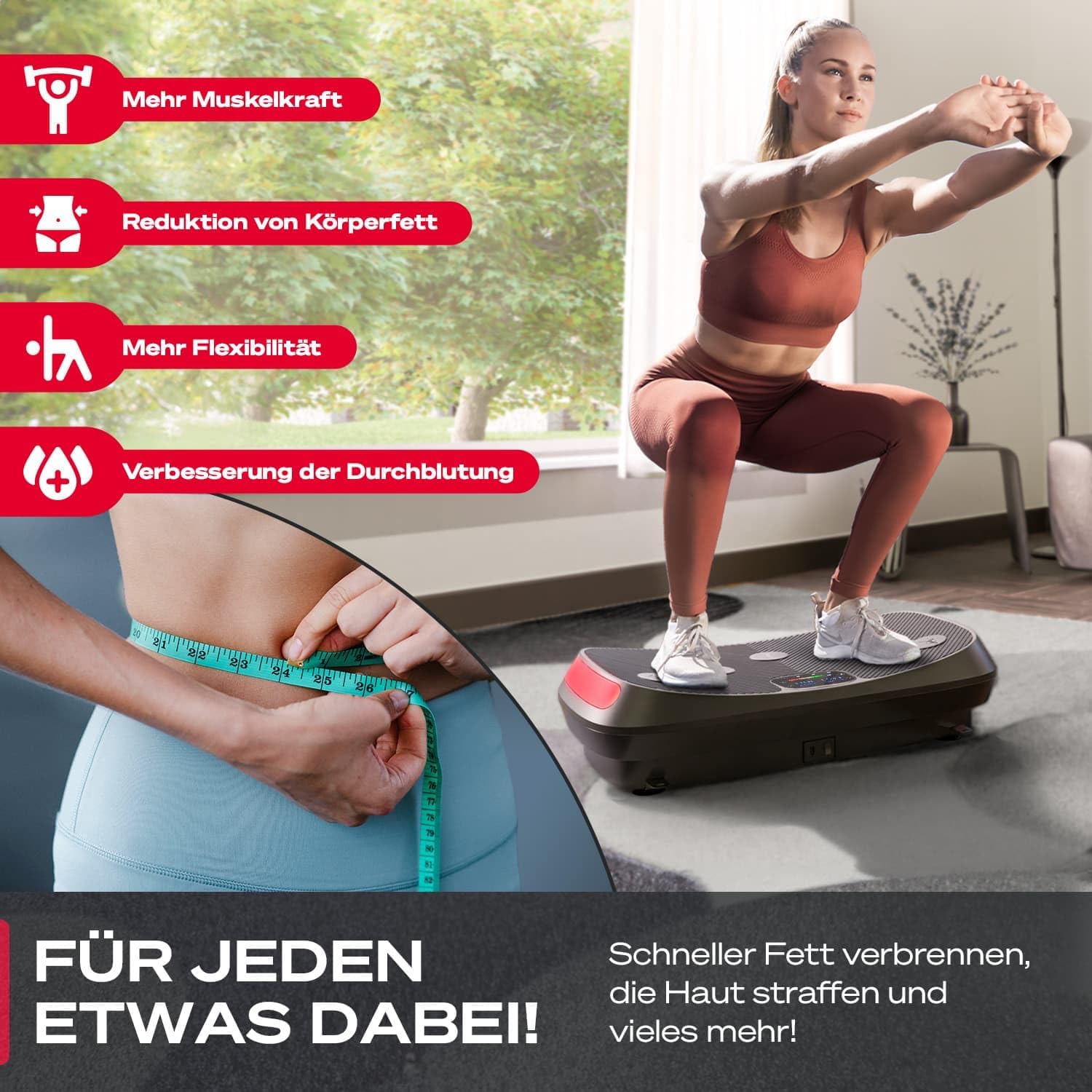
Image: Visual representation of the benefits of using the Sportstech VP400, such as increased muscle strength, reduced body fat, improved flexibility, and better blood circulation.
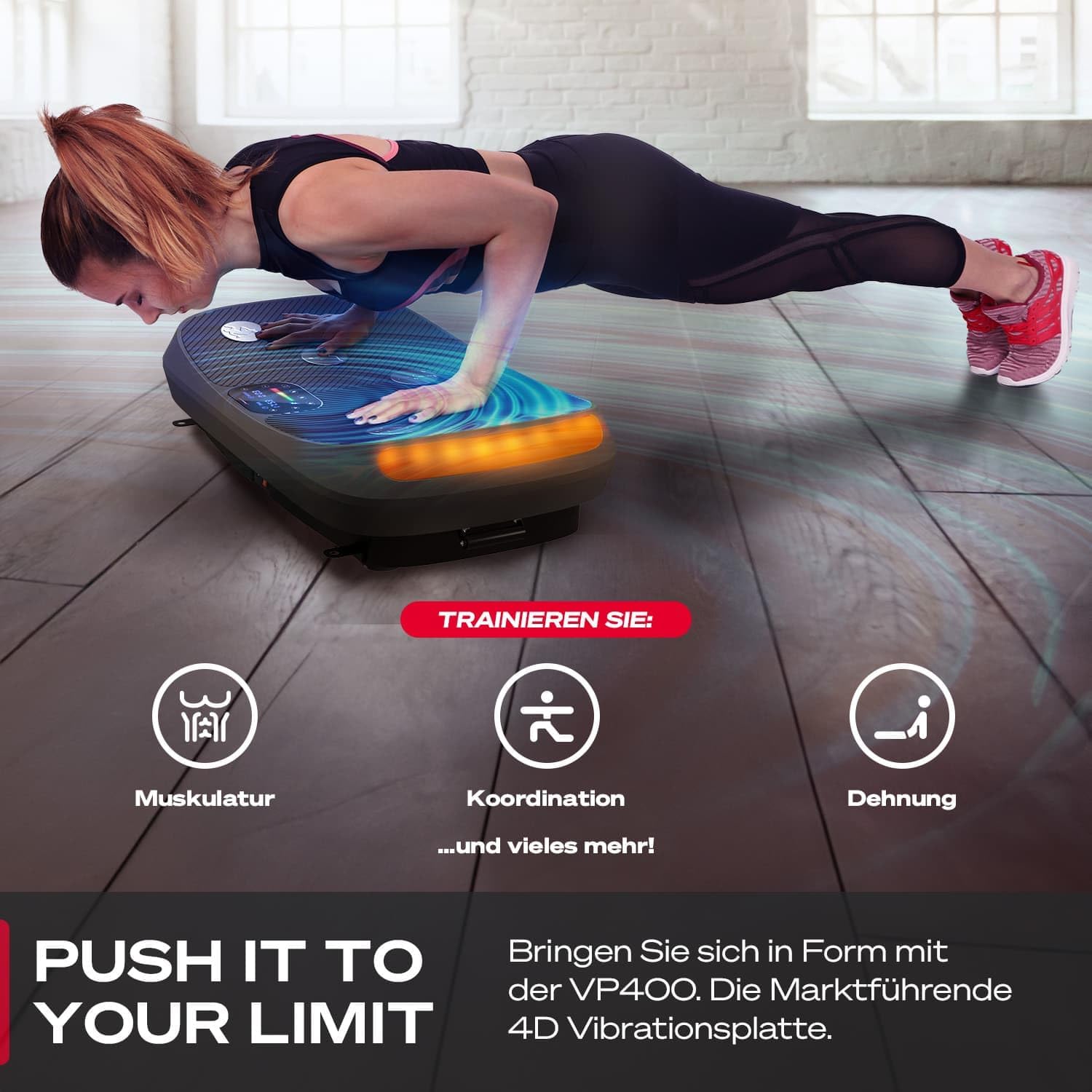
Image: A user demonstrating an exercise on the Sportstech VP400, emphasizing training for musculature, coordination, and stretching.
5. Maintenance
5.1 Cleaning:
- Always unplug the device before cleaning.
- Wipe the surface of the vibration plate with a soft, damp cloth. Do not use abrasive cleaners or solvents.
- Ensure no liquid enters the internal components.
5.2 Storage:
Store the vibration plate in a cool, dry place away from direct sunlight and extreme temperatures. If storing for an extended period, cover the device to protect it from dust.
6. Troubleshooting
| Problem | Possible Cause | Solution |
|---|---|---|
| Device does not power on. | Power cable not connected properly; Power outlet not working; Device fault. | Check power cable connection; Try a different outlet; Contact customer support. |
| Remote watch not working. | Batteries are dead or missing; Remote not paired. | Replace batteries; Refer to remote instructions for pairing. |
| Vibration is weak or inconsistent. | Incorrect mode selected; Device overloaded. | Select a higher intensity mode; Ensure user weight is within limits. |
| Unusual noise during operation. | Device not on a level surface; Loose components. | Ensure device is on a flat surface; Check for loose screws; Contact customer support if noise persists. |
7. Specifications
| Feature | Detail |
|---|---|
| Model Number | VP400 (sp_vp400_bl) |
| Material Type | Plastic |
| Number of Programs | 5 |
| Dimensions (L x W x H) | 78 x 46 x 18.5 cm |
| Weight | 17 kg |
| Power Source | Electric with cable |
| Power Output | 200 Watt |
| Motors | 2 Motors |
| Noise Level | < 60 dB |
| Speed Levels | 60 |
| Vibration Frequency | Up to 40 Hz |

Image: Detailed dimensions of the Sportstech VP400 vibration plate.
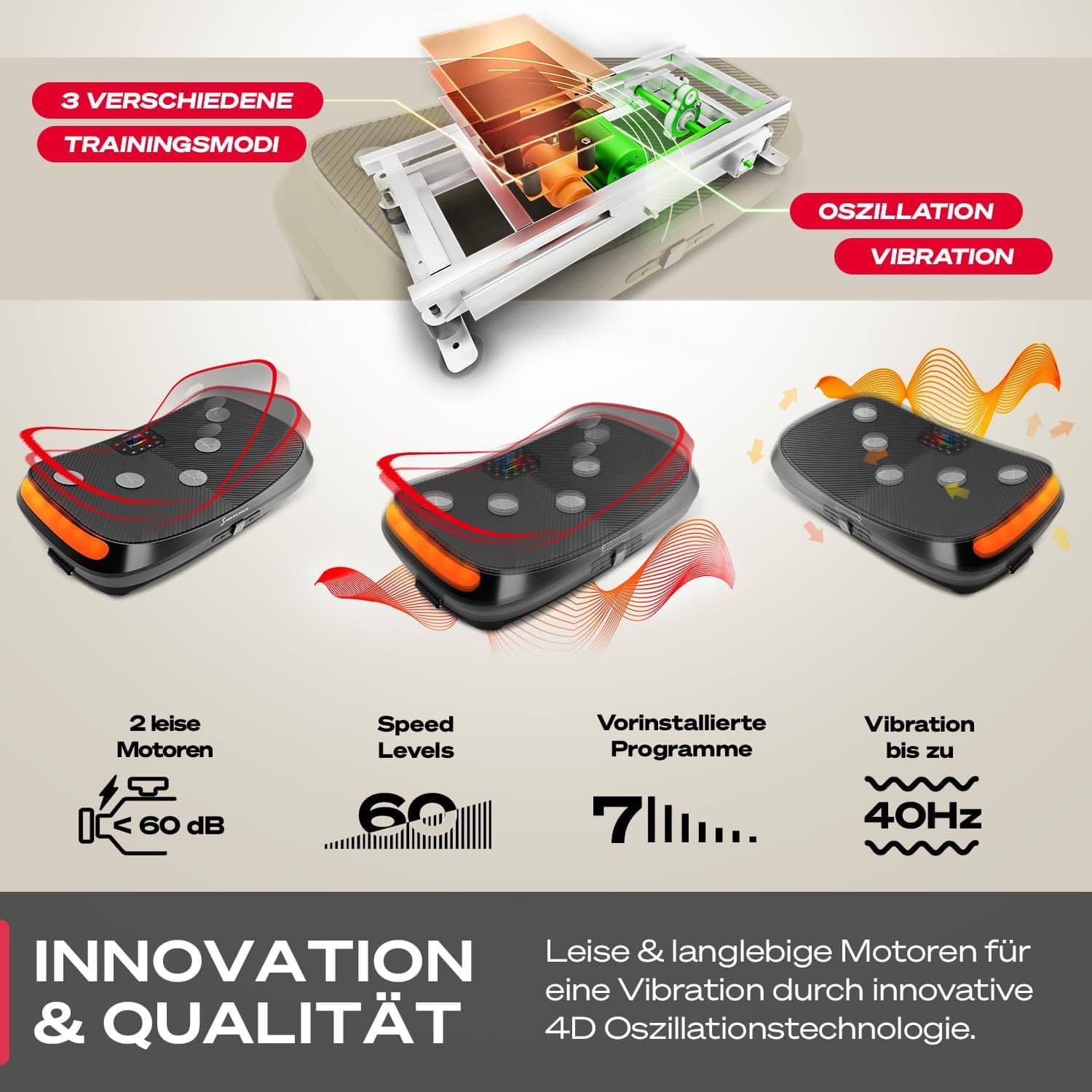
Image: Overview of the Sportstech VP400's innovative features and quality, including its multiple training modes, quiet motors, and high vibration frequency.
8. Warranty and Support
8.1 Warranty Information:
The Sportstech VP400 comes with a 2-year extended warranty. Please retain your proof of purchase for warranty claims. The warranty covers manufacturing defects and malfunctions under normal use conditions.
8.2 Customer Support:
For technical assistance, warranty claims, or any questions regarding your Sportstech VP400, please contact Sportstech customer support. Contact details can typically be found on the official Sportstech website or on your purchase documentation.
Please have your model number (VP400) and proof of purchase ready when contacting support.


