
Skullcandy S2BPW-P740
Contents
Skullcandy Push Active Wireless Earbuds User Manual
Your ultimate audio partner for any active adventure.
Introduction
The Skullcandy Push Active True Wireless Earbuds are designed for an active lifestyle, offering a secure fit, hands-free voice control, and robust water and sweat resistance. This manual provides essential information on setting up, operating, maintaining, and troubleshooting your earbuds to ensure optimal performance.
What's in the Box
- Skullcandy Push Active Wireless Earbuds
- Wireless Charging Case
- USB-C Charging Cable
- Ear Cushions (various sizes)
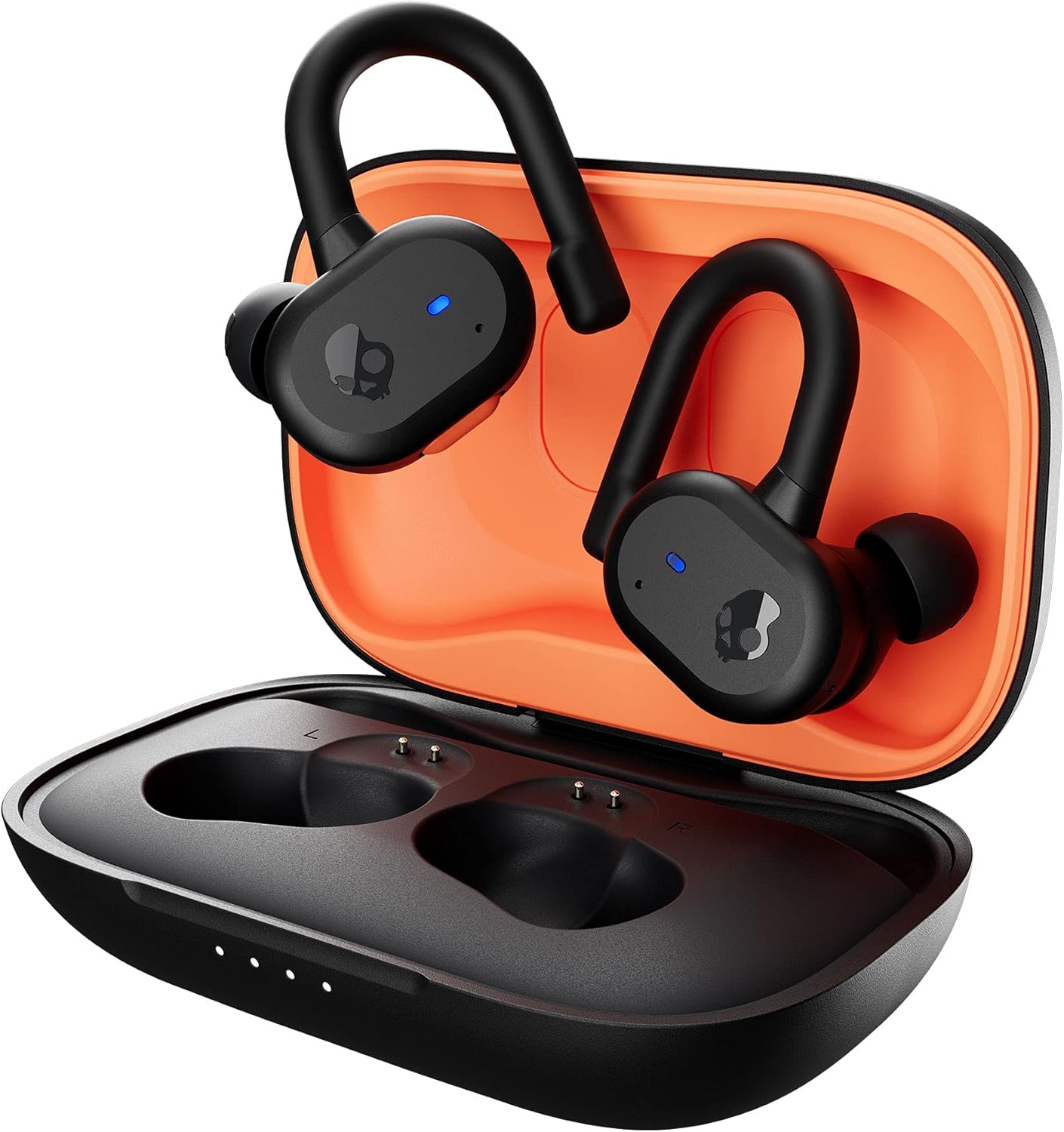
The Skullcandy Push Active Earbuds in their charging case.

Included components: earbuds, charging case, USB-C cable, and ear cushions.
Setup
Charging Your Earbuds
Before first use, fully charge your Skullcandy Push Active earbuds and charging case. The earbuds provide up to 10 hours of listening time on a single charge, with the charging case offering an additional 34 hours, totaling 44 hours of battery life. The case features LED lights to indicate battery status.
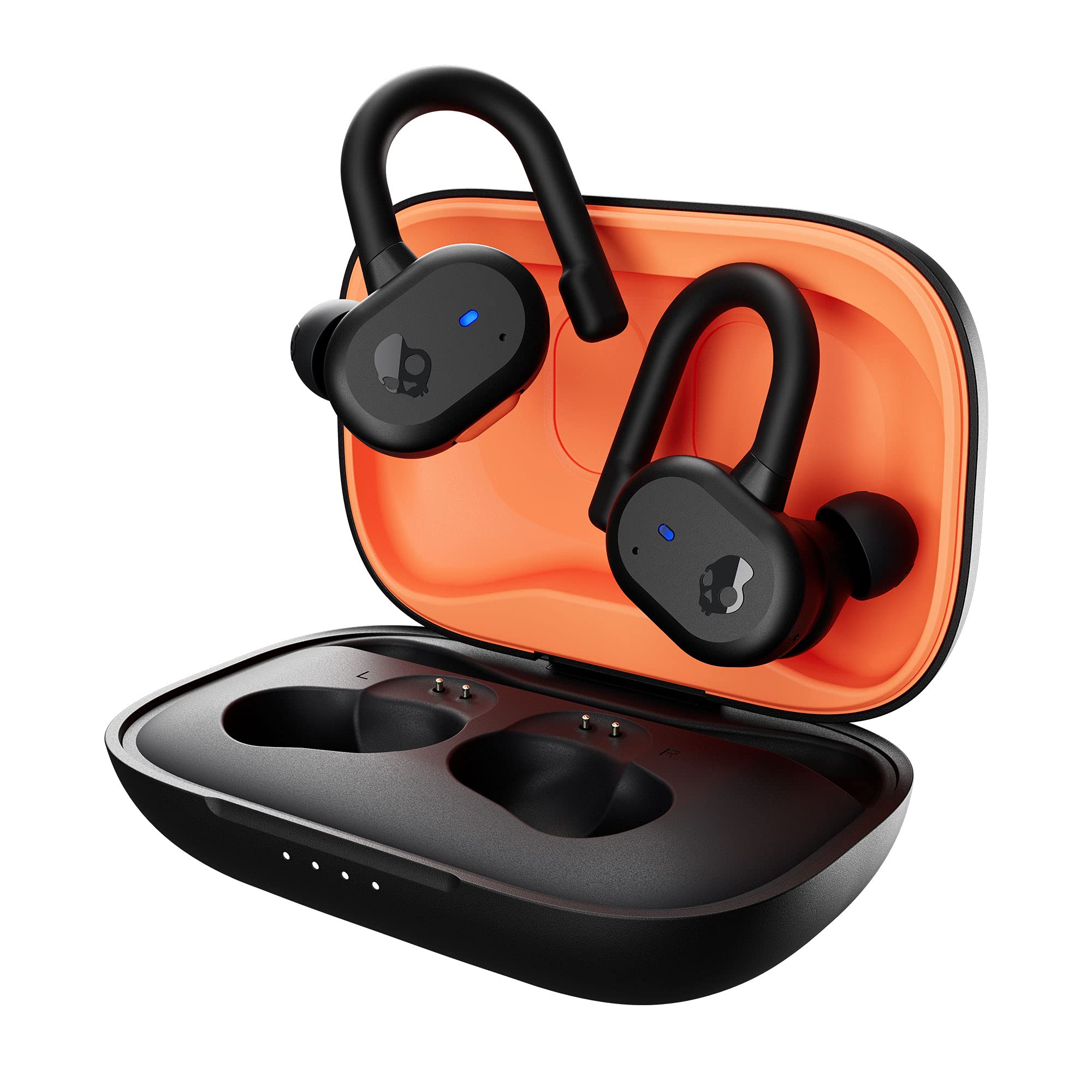
Earbuds charging inside the case, indicated by blue lights.

Charging points for the earbuds are located inside the case.
Initial Pairing
- Remove the earbuds from the charging case. They will automatically enter pairing mode.
- On your device, open Bluetooth settings and select
Documents and downloads
Ask a question about this manual
Ask about setup, troubleshooting, compatibility, parts, safety, or missing instructions. Manuals+ will review the question and use this page’s manual context to help answer it.