
Introduction
This manual provides essential information for the safe and efficient operation of your Prem-I-Air 4-in-1 Portable Mobile Air Conditioner, Model EH1924. This versatile unit offers cooling, dehumidifying, fan, and auto modes, designed to enhance your indoor comfort. Please read these instructions thoroughly before initial use and retain them for future reference.

Image: The Prem-I-Air portable air conditioner unit shown with its included accessories: exhaust hose, window venting kit components, remote control, and a grey dust cover.
The EH1924 model delivers an impressive 12000 BTU of cooling power, suitable for cooling areas between 18-25m². It operates within a temperature range of 16°C to 32°C and uses R290 refrigerant, which is an environmentally friendly option.

Image: Visual representation of the air conditioner's key specifications: 12000 BTU cooling capacity, recommended cooling area of 18-25m², temperature range of 16°C to 32°C, and R290 refrigerant type.
Safety Information
Always adhere to the following safety precautions to prevent injury or damage to the unit:
- Ensure the power supply matches the unit's requirements (230 Volts).
- Do not operate the unit with a damaged power cord or plug.
- Keep the unit away from water and direct sunlight.
- Do not block air inlets or outlets. Maintain adequate clearance around the unit.
- Unplug the unit before cleaning or performing any maintenance.
- This appliance is not intended for use by persons (including children) with reduced physical, sensory or mental capabilities, or lack of experience and knowledge, unless they have been given supervision or instruction concerning use of the appliance by a person responsible for their safety.
- Children should be supervised to ensure that they do not play with the appliance.
Product Overview & Components
Familiarize yourself with the main parts of your portable air conditioner:
- Main Unit (with control panel and display)
- Exhaust Hose
- Window Venting Kits (for sliding and hinged windows)
- Remote Control
- Drainage Hose (for continuous drainage in dehumidifier mode)
- Dust Cover
- Castors (for easy mobility)
Setup
Proper setup is crucial for optimal performance and safety.
1. Placement
Place the unit on a flat, stable surface. Ensure there is at least 30cm (12 inches) of space around the unit for proper airflow.
2. Exhaust Hose Installation
- Attach one end of the exhaust hose to the air outlet on the back of the unit.
- Attach the other end of the exhaust hose to the window exhaust adapter.
3. Window Venting Kit Installation
The unit comes with two easy-to-install window venting kits, compatible with both sliding and hinged windows. No tools or drilling are required for installation.
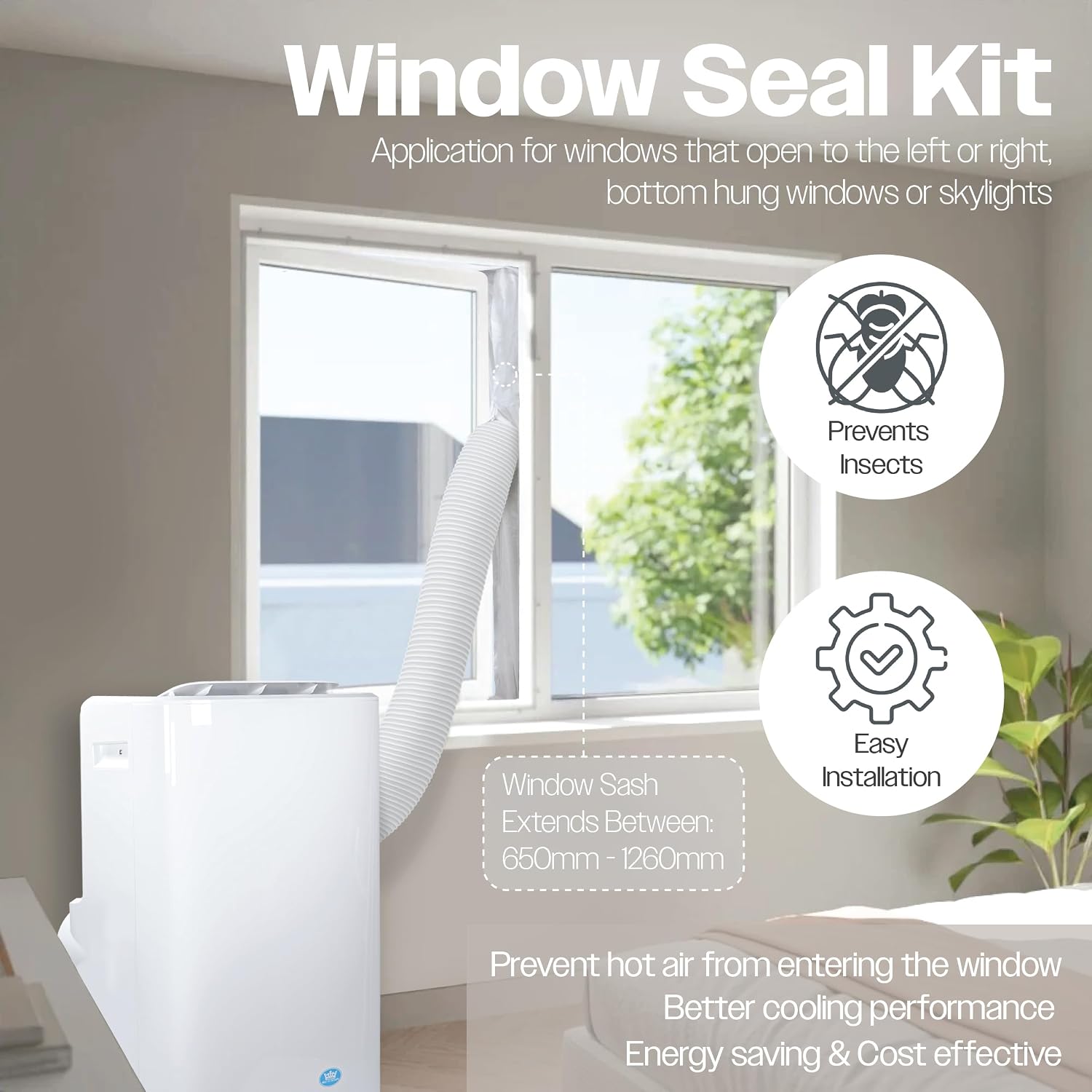
Image: A window seal kit demonstrating its application for various window types, including left/right opening, bottom-hung, or skylights. It prevents insects, ensures easy installation, and helps prevent hot air from entering, leading to better cooling performance and energy efficiency.

Image: Illustration of the easy installation process for the window kit, showing compatibility with both single/double hung windows and sliding/gliding hung windows without the need for tools or drilling.
- Open the window and insert the window sealing plate into the window opening. Adjust its length to fit snugly.
- Connect the exhaust hose with the window exhaust adapter to the opening in the window sealing plate.
- Ensure the window is closed as much as possible around the sealing plate to prevent air leakage.
4. Drainage Setup (for Dehumidifier Mode)
In dehumidifier mode, water will collect in the internal tank. For continuous operation, connect the drainage hose to the continuous drainage port and direct it to a suitable drain or container.
Operating Instructions
Your air conditioner can be controlled via the digital LED display on the unit or the wireless remote control.
1. Control Panel & Remote Control
The digital LED display provides visual feedback on settings. The remote control offers full command over all operating modes and functions.

Image: A hand holding the remote control, highlighting its various functions including Power, Dry, Cool, Fan, Timer, Sleep, and temperature unit selection (°C/°F).
2. Operating Modes
The unit features four versatile operating modes:

Image: Visual representation of the four versatile operating modes: Dry Mode (dehumidifier), Fan Mode, AC Mode (cooling), and Sleep Mode.
- Cooling Mode (AC Mode): Provides powerful air conditioning. Set your desired temperature between 16°C and 32°C.
- Fan Mode: Circulates air without cooling. Adjust fan speed as desired.
- Dehumidifier Mode (Dry Mode): Removes excess moisture from the air. Connect the continuous drainage hose for extended use.
- Auto Mode: The unit automatically selects the operating mode (cooling, fan, or dehumidifying) based on the ambient room temperature.
- Sleep Mode: Gradually adjusts the temperature to ensure a comfortable sleeping environment while minimizing overnight energy consumption. The noise level in sleep mode is typically below 53dB.

Image: Depiction of the Sleep Mode feature, indicating that the unit gradually adjusts temperature for comfort and operates at a low noise level (less than 53dB).
3. Timer Function
The built-in 24-hour on/off timer allows you to schedule the unit's operation. Refer to the remote control or control panel section for specific timer setting instructions.
4. Temperature Adjustment
Use the up/down arrows on the control panel or remote to set your desired temperature. You can switch between Celsius (°C) and Fahrenheit (°F) display.
5. Oscillation
The automatic oscillation mode allows you to direct airflow across a wide area or in a precise direction for optimal air distribution.
Maintenance
Regular maintenance ensures the longevity and efficiency of your air conditioner.
1. Cleaning the Air Filter
The air filter should be cleaned every two weeks or more frequently depending on usage and air quality. A dirty filter can reduce efficiency and airflow.
- Unplug the unit from the power outlet.
- Locate and remove the air filter (usually at the back or side of the unit).
- Clean the filter with a vacuum cleaner or wash it gently with warm water and mild detergent.
- Allow the filter to dry completely before reinserting it into the unit.
2. Draining Water
The unit has an internal water tank that collects condensed water. When the tank is full, the unit will stop operating and indicate that it needs draining. For continuous dehumidifier operation, use the continuous drainage hose.
- Unplug the unit.
- Place a shallow pan or tray under the drainage port.
- Remove the drain plug and allow all water to drain out.
- Replace the drain plug securely.
3. Storage
When storing the unit for an extended period, especially during off-season, ensure it is clean and dry. Use the provided dust cover for protection.
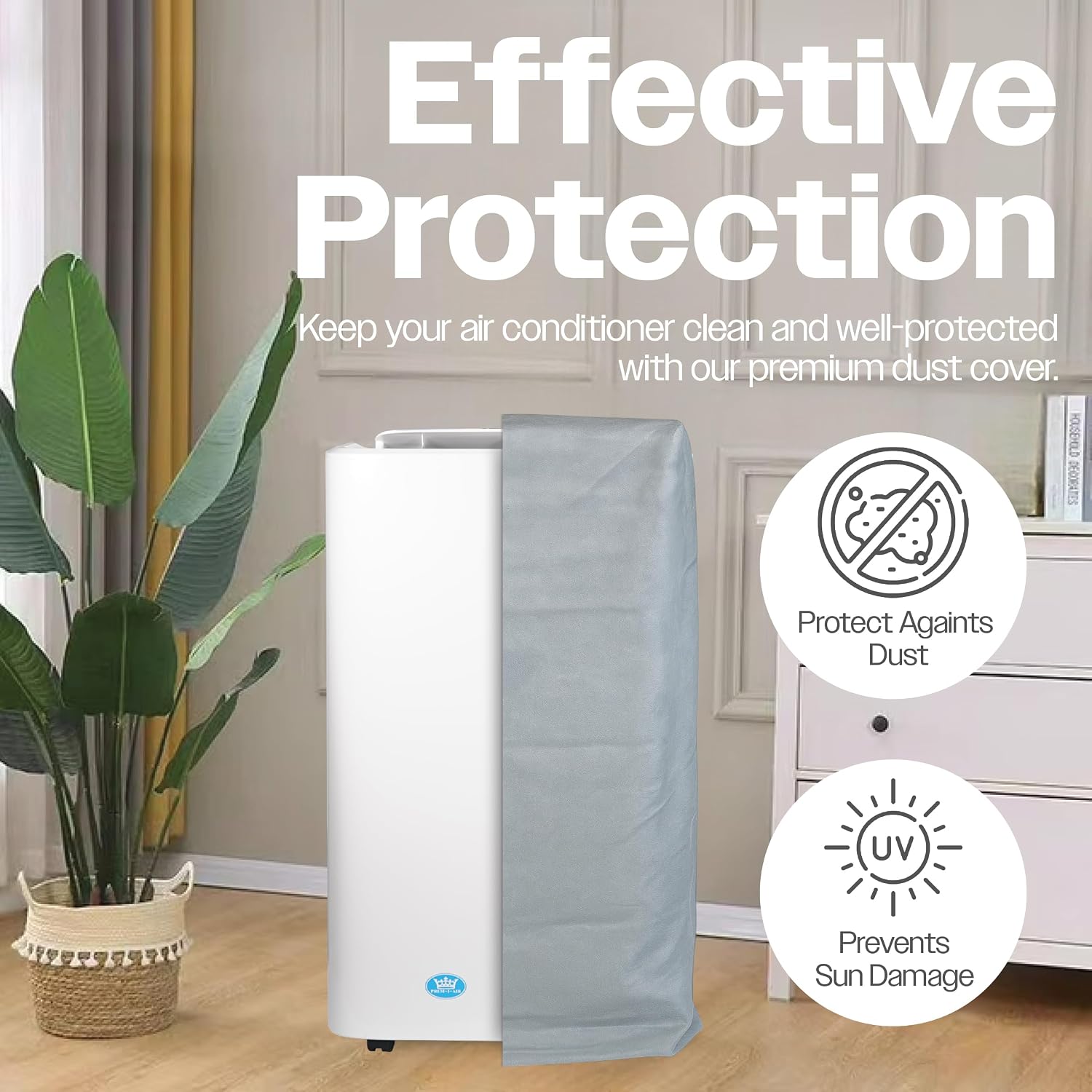
Image: The portable air conditioner unit partially covered by its grey dust cover, illustrating its use for effective protection against dust and sun damage during storage.
- Drain all water from the unit.
- Clean the air filter.
- Store the power cord and remote control securely.
- Cover the unit with the dust cover to protect it from dust and sun damage.
- Store in a cool, dry place.
Troubleshooting
Before contacting customer support, please refer to the following common issues and solutions:
| Problem | Possible Cause | Solution |
|---|---|---|
| Unit does not turn on. | No power, power cord loose, full water tank. | Check power connection, plug in securely, drain water tank. |
| Insufficient cooling. | Dirty air filter, blocked air intake/outlet, open windows/doors, room too large. | Clean air filter, ensure clear airflow, close windows/doors, verify room size is within specifications. |
| Unit is noisy. | Unit not on a flat surface, fan obstruction. | Place on a flat surface, check for obstructions in fan area. |
| Water leakage. | Drain plug loose, continuous drainage hose not connected properly. | Ensure drain plug is secure, check drainage hose connection. |
Specifications
Technical specifications for the Prem-I-Air Portable Mobile Air Conditioner Model EH1924:

Image: Diagram illustrating the physical dimensions of the air conditioner unit: 762mm height, 470mm width, 353mm depth, and a power cable length of 1.8 meters.
| Feature | Specification |
|---|---|
| Model Number | EH1924 |
| Cooling Capacity | 12000 BTU |
| Energy Efficiency Rating | Class A |
| Refrigerant | R290 |
| Dehumidifying Capacity | 28 litres/day |
| Noise Level | 65 dB (max), <53dB (Sleep Mode) |
| Voltage | 230 Volts |
| Product Dimensions (L x W x H) | 36 x 42 x 72 cm |
| Item Weight | 29 kg |
| Colour | White |
| Special Features | Castors, Dust Cover, Universal Fixing Kit |
Warranty & Support
For warranty information and customer support, please refer to the documentation provided with your purchase or visit the official Prem-I-Air website. Ensure you have your model number (EH1924) and proof of purchase ready when contacting support.
Prem-I-Air has over 40 years of air treatment expertise, committed to quality and reliability. They are a UK-owned and based company.


