
Introduction
This manual provides detailed instructions for the proper use and maintenance of your STREETZ TWS-111 True Wireless Stereo Bluetooth Earbuds. Please read this guide thoroughly before using the product to ensure optimal performance and longevity. These earbuds offer a comfortable, ergonomic fit and feature an integrated microphone for calls, along with touch controls for music and call management. Connect via Bluetooth 5.0 for up to 4 hours of music playback, extended to 16 hours with the included 400 mAh charging case.
Package Contents
Verify that all items are present in your package:
- Two (2) Earbuds (Left and Right)
- One (1) Quick Charging Case
- One (1) Micro USB Charging Cable
- Multiple Pairs of Ear Tips
- One (1) User Manual
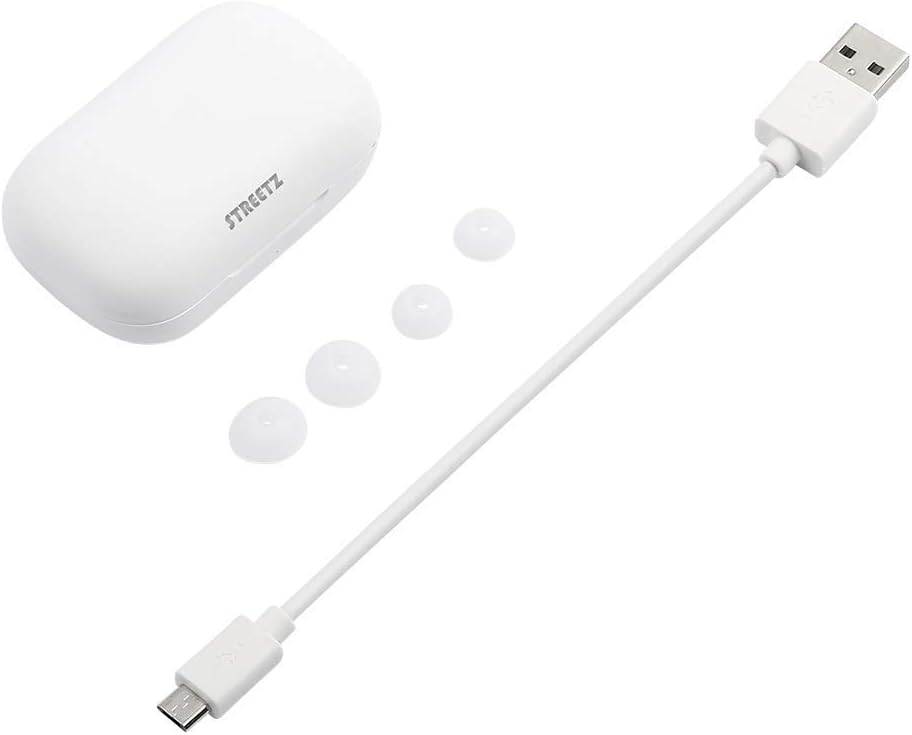
Image: The STREETZ TWS-111 charging case, a micro USB charging cable, and several pairs of silicone ear tips, representing the package contents.
Product Overview
The STREETZ TWS-111 earbuds are designed for comfortable, wireless audio. They feature an ergonomic in-ear design and come with a portable charging case that also functions as a power bank for the earbuds.

Image: The STREETZ TWS-111 earbuds positioned above their charging case, all in white.

Image: A side view of the two STREETZ TWS-111 earbuds, highlighting their in-ear design and compact form factor.
Setup
1. Initial Charging
Before first use, ensure both earbuds and the charging case are fully charged. The charging case acts as a power bank for the earbuds.
- Remove Protective Film: Important: Before charging, carefully remove the small plastic protective film covering the charging contacts on the earbuds. This film prevents charging during shipping.
- Place the earbuds into the charging case, ensuring they are correctly seated in their respective slots.
- Connect the micro USB charging cable to the charging port on the case and plug the other end into a USB power source (e.g., wall adapter, computer USB port).
- The indicator lights on the case and/or earbuds will show charging status. Allow sufficient time for a full charge.
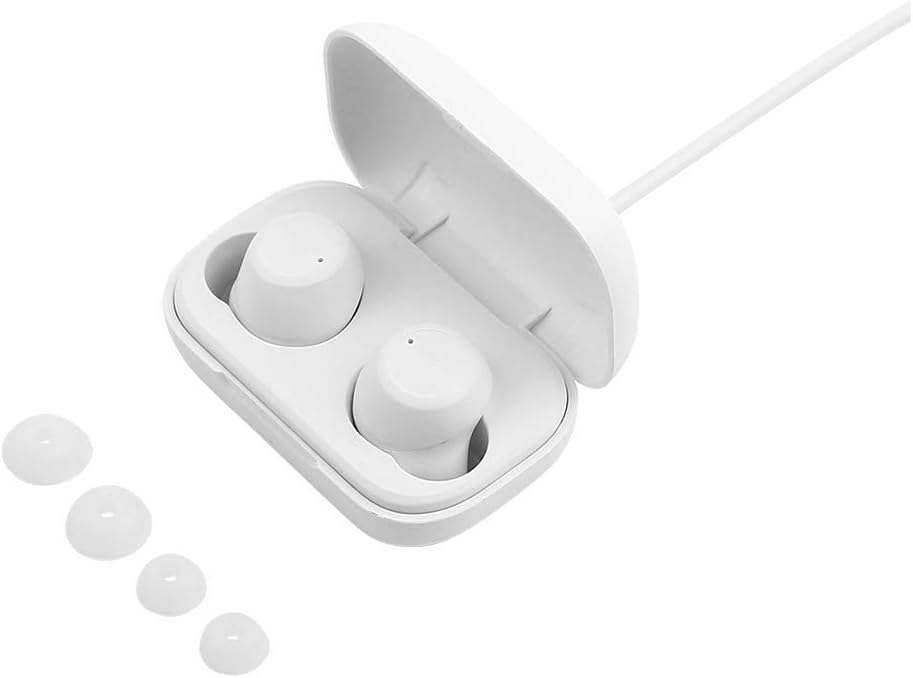
Image: The open charging case of the STREETZ TWS-111 with both earbuds inside, ready for charging. Various ear tip sizes are shown next to the case.
2. Bluetooth Pairing
To connect your earbuds to a device:
- Ensure the earbuds are charged and removed from the charging case. They will automatically enter pairing mode.
- On your smartphone or other Bluetooth-enabled device, go to the Bluetooth settings.
- Search for available devices. You should see "STREETZ TWS-111" (or similar) in the list.
- Select the earbuds to connect. Once paired, you will hear an audio confirmation, and the indicator lights may change.
- The earbuds will automatically reconnect to the last paired device when removed from the case, if Bluetooth is enabled on the device.
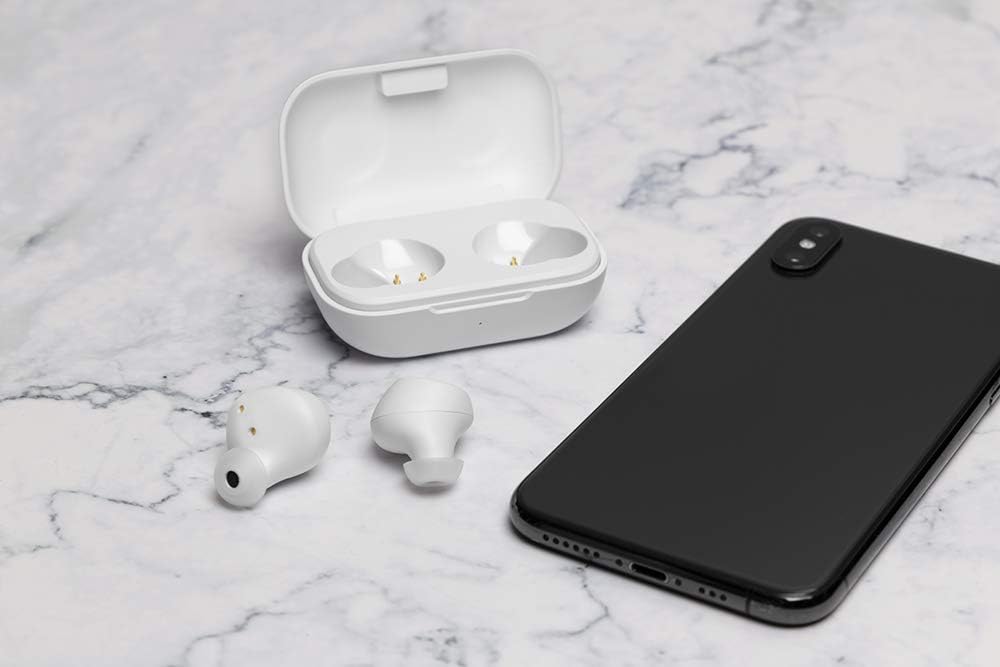
Image: The STREETZ TWS-111 earbuds and their open charging case are placed next to a smartphone, symbolizing the pairing process.
Operating the Earbuds
Wearing the Earbuds
Select the ear tips that provide the most comfortable and secure fit for your ears. Insert each earbud gently into your ear canal and rotate slightly until it feels snug and stable.
Touch Controls
The STREETZ TWS-111 earbuds feature touch-sensitive controls for managing music playback and calls. Specific functions may vary slightly, but generally include:
- Play/Pause: Single tap on either earbud.
- Next Track: Double tap on the right earbud.
- Previous Track: Double tap on the left earbud.
- Answer/End Call: Single tap on either earbud during an incoming call.
- Reject Call: Press and hold on either earbud during an incoming call.
- Activate Voice Assistant: Triple tap on either earbud (if supported by your device).
Making and Receiving Calls
The integrated microphone allows for hands-free calling. Ensure the earbuds are connected to your phone via Bluetooth. Use the touch controls to manage calls as described above.
Maintenance
Cleaning
Regular cleaning helps maintain sound quality and hygiene:
- Gently wipe the earbuds and charging case with a soft, dry, lint-free cloth.
- Remove ear tips and clean them with mild soap and water, then dry thoroughly before reattaching.
- Use a dry cotton swab to carefully clean the charging contacts on both the earbuds and inside the case.
Storage
When not in use, store the earbuds in their charging case to protect them from dust, damage, and to keep them charged.
Battery Care
To prolong battery life, avoid fully discharging the earbuds and charging case frequently. Charge them regularly, even if not used for extended periods.
Troubleshooting
| Issue | Possible Cause | Solution |
|---|---|---|
| Earbuds not charging | Protective film still on contacts; improper seating; dirty contacts; faulty cable/charger. | Ensure protective film is removed. Re-seat earbuds firmly in case. Clean charging contacts. Try a different micro USB cable or power source. |
| Earbuds not pairing | Not in pairing mode; Bluetooth off on device; already paired to another device; low battery. | Ensure earbuds are out of case and charged. Turn Bluetooth on your device. Forget/remove earbuds from previously paired devices. Restart earbuds/device. |
| No sound or poor sound quality | Low battery; improper fit; volume too low; connection issues. | Charge earbuds. Adjust earbud position and try different ear tips. Increase volume on device. Re-pair earbuds. |
| Microphone not working | Earbuds not selected as audio input; dirty microphone port. | Check device settings to ensure "STREETZ TWS-111" is selected for calls. Clean microphone opening gently. |
Specifications
- Model: TWS-111
- Brand: STREETZ
- Connectivity: Wireless, Bluetooth 5.0
- Form Factor: In-Ear
- Impedance: 32 ohms
- Frequency Response: 20 KHz
- Microphone: Integrated
- Control Type: Touch Control
- Charging Port: Micro USB (for case)
- Battery Life (Earbuds): Up to 4 hours playback
- Battery Life (with Charging Case): Up to 16 hours total playback
- Charging Case Battery: 400 mAh
- Material: Plastic
- Water Resistance: Water-resistant
- Age Range: Adult
Warranty and Support
For warranty information or technical support, please refer to the documentation provided with your purchase or contact your retailer. Keep your proof of purchase for any warranty claims.
For further assistance, you may also visit the official STREETZ website or contact their customer service department.


