
1. Introduction
This manual provides essential instructions for the safe and effective operation, setup, and maintenance of your GEARWRENCH 1 Inch Drive Electronic Torque Wrench, Model 85085. This tool is designed for precise torque measurement and application within a range of 150-1000 ft/lbs. Please read this manual thoroughly before use and retain it for future reference.

Image 1.1: The GEARWRENCH 1 Inch Drive Electronic Torque Wrench, Model 85085.
2. Safety Information
Always observe basic safety precautions to reduce the risk of injury or damage to the tool. Failure to follow these instructions may result in serious injury or property damage.
- Wear appropriate personal protective equipment, including eye protection.
- Ensure the workpiece is stable and secured before applying torque.
- Do not exceed the maximum torque capacity of the wrench (1000 ft/lbs).
- Keep hands and clothing clear of moving parts.
- Do not use the wrench if it is damaged or malfunctioning.
- Store the wrench in its protective case when not in use to prevent damage.
3. Product Overview
The GEARWRENCH Model 85085 is a 1 inch drive electronic torque wrench designed for high-precision applications. It features a durable alloy steel construction and an electronic display for accurate readings.

Image 3.1: Close-up view of the 1 inch fixed square drive head of the electronic torque wrench.
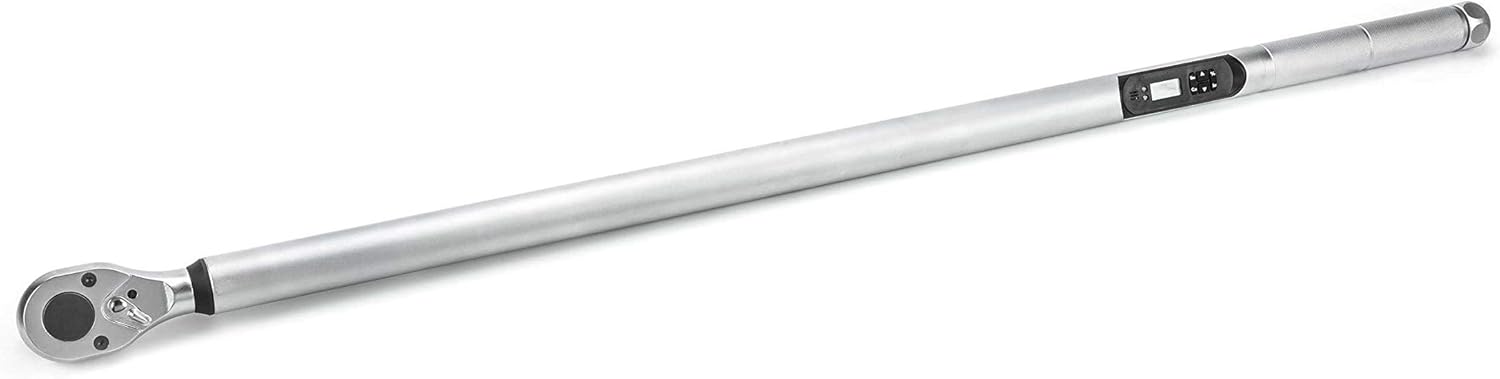
Image 3.2: The electronic display and control buttons for setting torque values and units.
Key components include:
- Fixed Square Head: For secure socket attachment.
- Electronic Display: Provides real-time torque readings.
- Control Buttons: For unit selection, target torque setting, and mode adjustments.
- Knurled Handle: For improved grip during operation.
4. Setup
Before first use, ensure the wrench is properly prepared.
- Battery Installation: The wrench requires batteries for operation. Refer to the battery compartment for correct polarity and type. (Batteries are not included with the product).
- Power On: Press the power button to activate the electronic display.
- Unit Selection: Use the 'Unit' button to cycle through the available measurement units: Nm, ft-lb, in-lb, Kgf-m, and Kgf-cm. Select the desired unit for your application.
- Target Torque Setting: Use the 'Set' button and arrow keys to adjust the target torque value.
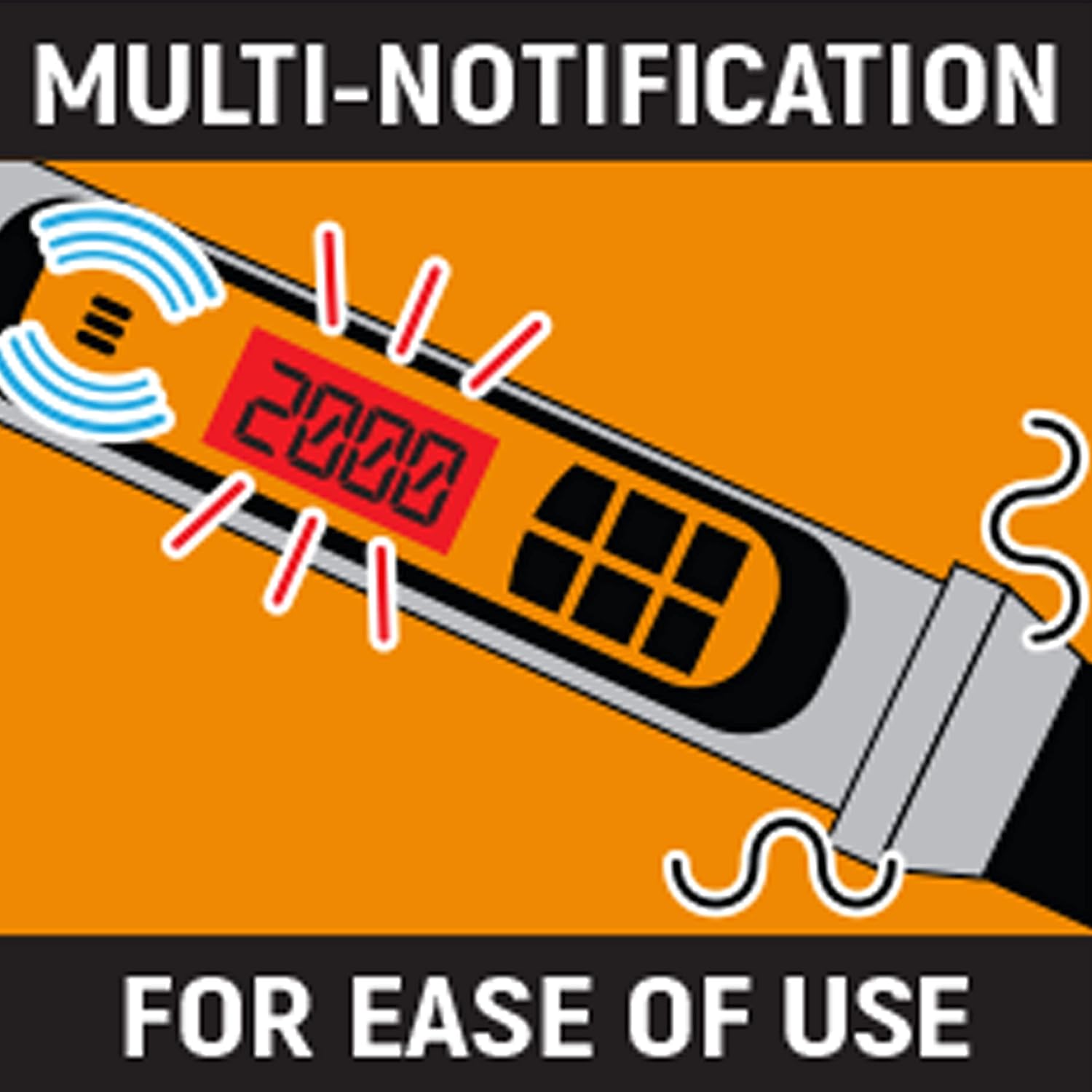
Image 4.1: The wrench offers an adjustable range for various torque requirements.
5. Operating Instructions
Follow these steps for accurate torque application:
- Attach Socket: Securely attach the appropriate 1 inch drive socket to the wrench head.
- Position Wrench: Place the socket onto the fastener to be torqued. Ensure a straight and firm engagement.
- Apply Torque: Apply steady, increasing force to the wrench handle. The electronic display will show the real-time torque value.
- Target Torque Alert: As you approach the preset target torque, the wrench will provide a warning through a vibrating handle, an audible buzzer, and a solid LED light. This multi-notification system indicates when the target torque is reached, ensuring precise application.
- Release Force: Once the target torque is achieved and indicated, stop applying force and remove the wrench from the fastener.
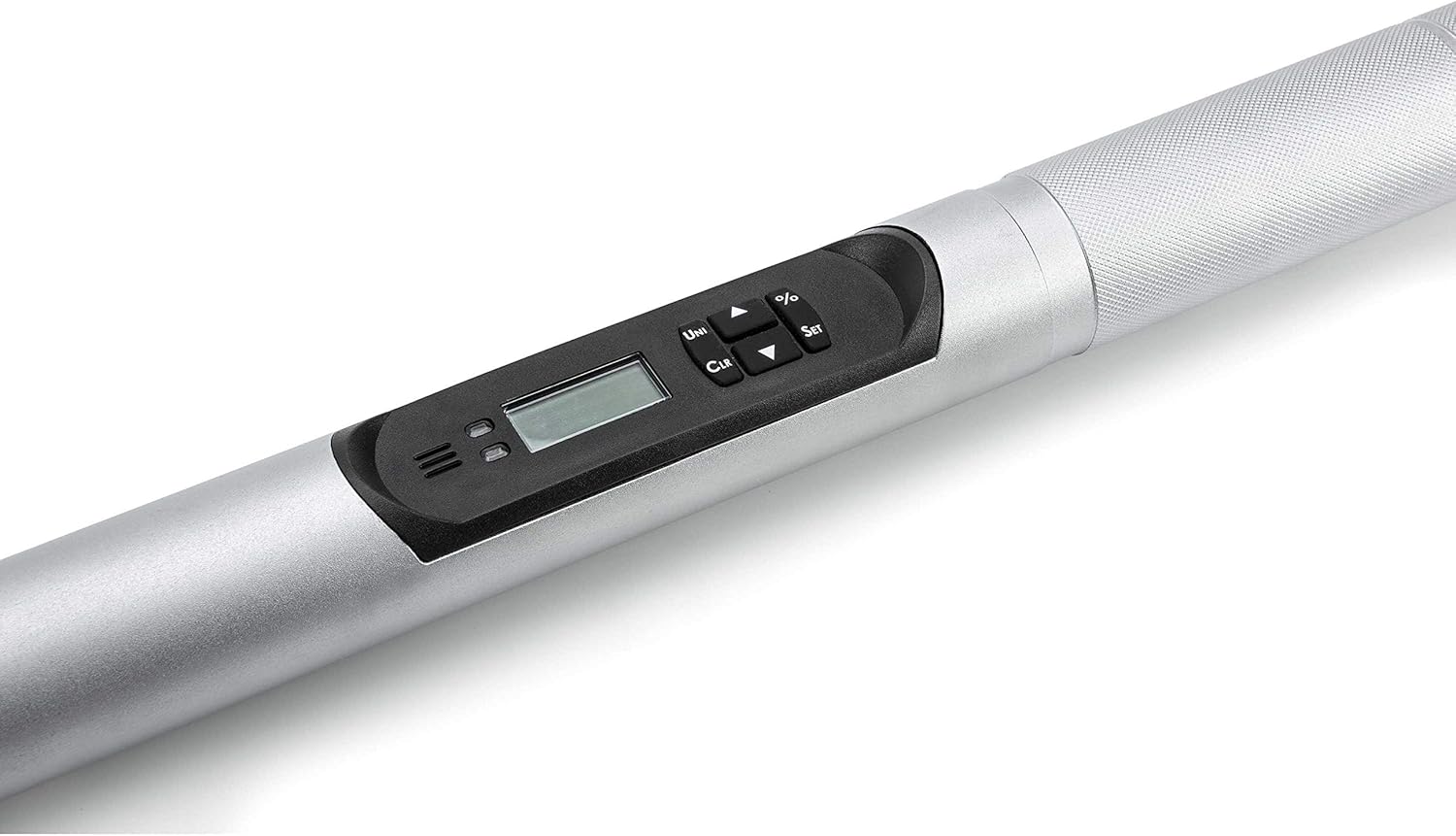
Image 5.1: Proper technique for applying torque with the electronic wrench.

Image 5.2: The multi-notification system provides visual, audible, and tactile feedback for ease of use.
The wrench offers a torque accuracy of +/-2% clockwise (CW) and +/-3% counter-clockwise (CCW) between 20% and 100% of its capability.
6. Maintenance
Proper maintenance ensures the longevity and accuracy of your torque wrench.
- Cleaning: Wipe the wrench clean with a soft, dry cloth after each use. Do not use harsh chemicals or solvents.
- Storage: Store the wrench in its original protective case in a dry, temperature-controlled environment. Avoid dropping or subjecting the wrench to impact.
- Battery Replacement: Replace batteries promptly when the low battery indicator appears on the display. Remove batteries during extended periods of non-use to prevent leakage.
- Calibration: Electronic torque wrenches require periodic calibration to maintain accuracy. Refer to the warranty section for calibration details.

Image 6.1: The torque wrench should be stored in its protective case when not in use.
7. Troubleshooting
If you encounter issues with your torque wrench, consider the following common solutions:
- Wrench not powering on: Check battery installation and ensure batteries are fresh.
- Inaccurate readings: Ensure the correct unit of measurement is selected. The wrench may require recalibration if readings remain inconsistent.
- No alert at target torque: Verify that the target torque is set correctly and within the wrench's operating range.
For persistent issues, contact customer support.
8. Specifications
| Specification | Detail |
|---|---|
| Model Number | 85085 |
| Drive Size | 1 Inch |
| Torque Range | 150-1000 ft/lbs |
| Torque Accuracy | +/-2% CW, +/-3% CCW (20%-100% of capacity) |
| Measurement Units | Nm, ft-lb, in-lb, Kgf-m, Kgf-cm |
| Material | Alloy Steel |
| Item Length | 49.1 Inches |
| Item Weight | 19.36 pounds |
| Power Source | Battery Powered (Batteries not included) |
| Head Style | Fixed Square |
| Operation Mode | Electric |
| UPC | 099575850851 |
9. Warranty and Support
Warranty Description: This product comes with a 90-day calibration warranty and a 1-year parts warranty.
For technical support, service, or warranty claims, please contact GEARWRENCH customer service. Refer to the official GEARWRENCH website for current contact information.
Online Resources: For additional product information and support, visit the official GEARWRENCH Store.
