
Introduction
This manual provides essential information for the safe and effective use of your ReadyWired USB Charging Cable. This cable is specifically designed to provide power to compatible Simplehuman 5 and 8 inch Sensor Mirrors and Lighted Makeup Mirrors. Please read these instructions carefully before use and retain them for future reference.
Safety Information
- Use this cable only for its intended purpose as a charging cable for compatible devices.
- Do not expose the cable to water, excessive moisture, or extreme temperatures.
- Avoid bending, twisting, or stretching the cable excessively, as this may damage internal wires.
- Keep out of reach of children and pets.
- If the cable appears damaged, discontinue use immediately.
Package Contents
- 1 x ReadyWired USB Charging Cable
Setup Instructions
Identifying the Connectors
The ReadyWired USB Charging Cable features two distinct connectors:
- USB-A Connector: The standard rectangular connector, typically inserted into a USB wall adapter, computer USB port, or power bank.
- Micro-USB Connector: The smaller, trapezoidal connector, designed to plug into the charging port of your Simplehuman Sensor Mirror.
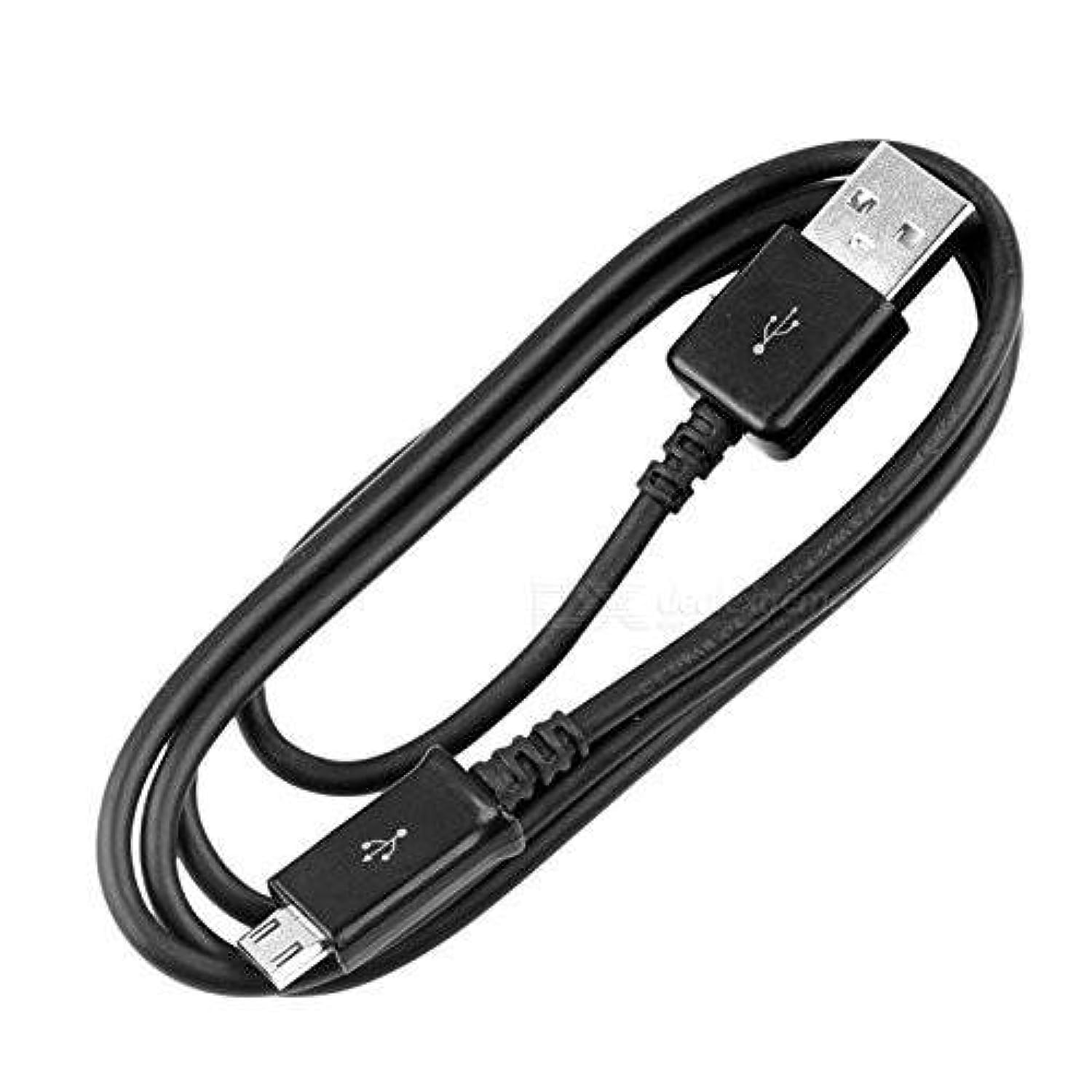
Image: The ReadyWired USB Charging Cable, showing the standard USB-A connector on the left and the Micro-USB connector on the right. Both connectors are black, and the cable itself is black and round.
Connecting the Cable
- Locate the charging port on your Simplehuman 5 or 8 inch Sensor Mirror. This is typically a small, rectangular port.
- Carefully insert the Micro-USB connector of the ReadyWired cable into the charging port of your Simplehuman mirror. Ensure it is oriented correctly and slides in smoothly without force.
- Insert the USB-A connector of the ReadyWired cable into a compatible USB power source, such as a USB wall adapter (not included), a computer's USB port, or a power bank.
- Once connected, your Simplehuman mirror should indicate that it is charging (e.g., via an LED indicator, if present on your mirror model).
Operating Instructions
The ReadyWired USB Charging Cable functions as a power delivery conduit. Once properly connected to a power source and your Simplehuman mirror, it will facilitate the charging process. The charging status (e.g., full charge, low battery) is typically indicated by the Simplehuman mirror itself, not the cable.
- Ensure the power source is active and providing sufficient power (e.g., a wall adapter plugged into a live outlet).
- Allow adequate time for your mirror to fully charge. Charging times may vary depending on the mirror's battery capacity and the power output of your USB source.
- Disconnect the cable by gently pulling on the connector ends, not the cable itself, once charging is complete or when you need to move the mirror.
Maintenance
- Cleaning: Wipe the cable with a soft, dry cloth to remove dust or dirt. Do not use liquid cleaners or abrasive materials.
- Storage: When not in use, store the cable in a cool, dry place, away from direct sunlight and extreme temperatures. Avoid tightly coiling or kinking the cable.
- Handling: Always grasp the connector ends when plugging in or unplugging the cable. Avoid pulling on the cable itself, as this can damage the internal wiring or the connectors.
Troubleshooting
| Problem | Possible Cause | Solution |
|---|---|---|
| Mirror not charging | Loose connection; Faulty power source; Damaged cable; Incompatible device | Ensure both ends of the cable are securely connected. Try a different USB wall adapter or USB port. Inspect the cable for visible damage. Confirm your mirror is a compatible Simplehuman model. |
| Cable feels hot during charging | Overload; Internal short; Environmental factors | Immediately disconnect the cable from both the power source and the mirror. Do not use the cable if it consistently overheats. Contact support if issues persist. |
| Intermittent charging | Loose connection; Damaged connector; Unstable power source | Check connections at both ends. Try a different power source. If the issue continues, the cable or mirror port may be damaged. |
Specifications
| Brand | ReadyWired |
| Connector Type | USB 2.0 (USB-A to Micro-USB) |
| Cable Type | USB |
| Compatible Devices | Simplehuman 5 and 8 inch Sensor Mirrors, Lighted Makeup Mirrors |
| Color | Black |
| Maximum Voltage | 5 Volts |
| Item Weight | 0.95 ounces |
| Indoor/Outdoor Usage | Indoor |
Warranty and Support
For warranty information or technical support regarding your ReadyWired USB Charging Cable, please refer to the retailer's return policy or contact the manufacturer directly. Keep your purchase receipt as proof of purchase.


