
Hamdol T1
Hamdol 360° Rotating RC Stunt Car Instruction Manual
Model: T1
Brand: Hamdol
Important Safety Information
Please read all instructions carefully before operating the Hamdol RC Stunt Car. Keep this manual for future reference.
- Age Recommendation: Suitable for children aged 6 years and older. Adult supervision is recommended.
- Battery Safety: Use only the provided rechargeable batteries and charging cable. Do not mix old and new batteries, or different types of batteries. Do not short-circuit battery terminals.
- Choking Hazard: Contains small parts. Not suitable for children under 3 years.
- Operating Environment: Avoid operating the car near water, heat sources, or in hazardous areas. Ensure a clear play area to prevent accidents.
- Impact Warning: While durable, excessive force or high-impact collisions may cause damage.
Package Contents
Verify that all items listed below are included in your package:
- Hamdol 360° Rotating RC Stunt Car (Model T1)
- Remote Control (2.4GHz)
- 2 x 3.7V Rechargeable Lithium Polymer Batteries (for car)
- USB Charging Cable
- Screwdriver
- Instruction Manual
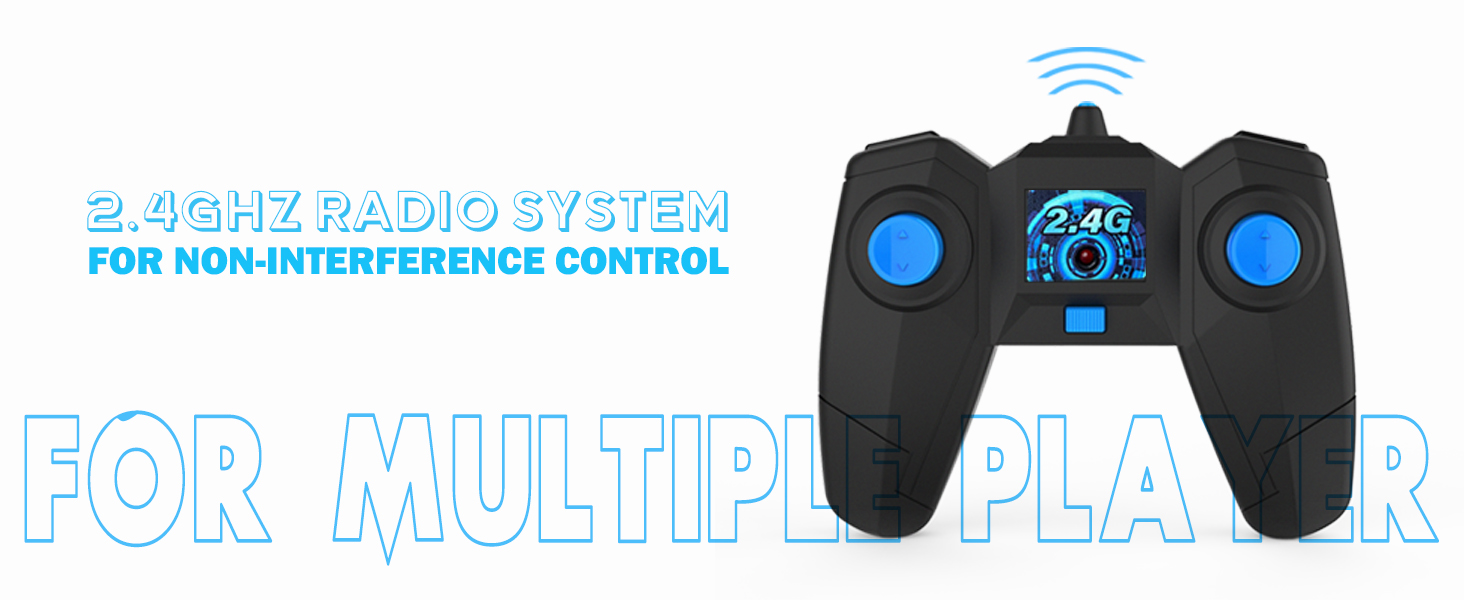
Image: All components included in the Hamdol RC Stunt Car package.
Setup Guide
Car Battery Installation
- Use the provided screwdriver to open the battery compartment cover on the underside of the car.
- Connect one of the 3.7V rechargeable batteries to the car's battery connector.
- Place the battery inside the compartment and securely close the cover with the screw.

Image: Visual instructions for opening the battery compartment, connecting the battery, and securing it.
Remote Control Battery Installation
- Open the battery compartment on the back of the remote control.
- Insert 2 x AAA batteries (not included) into the compartment, ensuring correct polarity (+/-).
- Close the battery compartment cover.
Charging Instructions
The Hamdol RC Stunt Car uses 3.7V rechargeable Lithium Polymer batteries. Each battery provides approximately 30 minutes of play time.
- Connect the USB charging cable to the battery.
- Plug the USB end of the cable into a USB power source (e.g., computer, USB wall adapter).
- The indicator light on the USB cable will show the charging status (e.g., red for charging, off or green for fully charged).
- Charging typically takes about 1 hour per battery.
- Always allow batteries to cool down before recharging.

Image: Illustration of connecting the rechargeable battery to the USB charging cable and a power source.
Operating Instructions
Power On/Off
- Turn on the power switch on the car (located on the underside). The LED lights will flash.
- Turn on the power switch on the remote control. The remote's indicator light will blink and then become solid when paired with the car.
Basic Controls
Use the joysticks on the remote control to maneuver the car:
- Forward: Push both joysticks forward.
- Backward: Pull both joysticks backward.
- Turn Left: Push the right joystick forward, or pull the left joystick backward.
- Turn Right: Push the left joystick forward, or pull the right joystick backward.

Image: Instructions for basic car movements using the remote control.
Stunt Features
- 360° Rotation: Push one joystick forward and the other backward simultaneously to perform a rapid 360-degree spin.
- Double-Sided Driving: The car is designed to drive on both sides. If it flips over, it will continue to operate without interruption.
- LED Headlights: The bright LED headlights enhance visibility and add a dynamic effect during play, especially in low-light conditions.

Image: The RC stunt car performing a 360-degree rotation.
Terrain Handling
Equipped with anti-slip rubber tires and a 4WD system, the Hamdol RC Stunt Car can conquer various surfaces:
- Grass
- Sand
- Gravel
- Carpet
- Smooth Floors

Image: The RC stunt car navigating various indoor and outdoor terrains.
Multi-Player Function
The 2.4GHz control system allows multiple cars to race simultaneously without signal interference, making it ideal for group play.

Image: Children enjoying multi-player racing with Hamdol RC Stunt Cars.
Maintenance
Care and Cleaning
- Wipe the car with a soft, dry cloth after each use to remove dirt and debris.
- Do not immerse the car or remote control in water.
- Avoid using harsh chemicals or solvents for cleaning.
Storage
- Store the car and remote control in a cool, dry place away from direct sunlight.
- Remove batteries from both the car and remote control if storing for extended periods to prevent leakage.
Troubleshooting Guide
If you encounter any issues, please refer to the following common problems and solutions:
| Problem | Possible Cause | Solution |
|---|---|---|
| Car does not respond to remote. | Car or remote is off; low batteries; not paired. | Ensure both are switched on. Replace/recharge batteries. Turn both off and on again to re-pair. |
| Short play time. | Battery not fully charged; old battery. | Ensure battery is fully charged (approx. 1 hour). Use the spare battery. |
| Car moves slowly. | Low battery power. | Recharge or replace the car battery. |
| Interference during multi-player. | Other 2.4GHz devices nearby. | Move to an area with less wireless interference. The 2.4GHz system is designed to minimize this. |
Product Specifications
- Model Number: Hamdol T1
- Product Dimensions: 7 x 3 x 10 inches
- Item Weight: 1.15 pounds
- Manufacturer Recommended Age: 6 - 6 years
- Batteries: 2 Lithium Polymer batteries required (included)
- Control Frequency: 2.4GHz
- Drive System: 4WD
- Special Features: 360° Rotation, Double-Sided Driving, LED Headlights
Official Product Videos
Watch these official videos from the seller for demonstrations and additional information:
Video: A detailed overview of the Hamdol Remote Control Car, showcasing its LED wheels and rechargeable features. Ideal for understanding product capabilities.
Video: A demonstration of the Hamdol Remote Control Car's features and performance, including stunts and handling.
Video: A short clip highlighting the fun and engaging aspects of the RC Stunt Car for users of all ages.
Video: A review and demonstration of the stunt car's remote control functions and overall performance.
Warranty and Customer Support
For any warranty claims, technical support, or product inquiries, please contact Hamdol customer service through the retailer's platform or the contact information provided in your product packaging.
Please retain your proof of purchase for warranty validation.
Related documentsT1


Ask a question about this manual
Ask about setup, troubleshooting, compatibility, parts, safety, or missing instructions. Manuals+ will review the question and use this page’s manual context to help answer it.