
1. Introduction
Thank you for choosing the Hoco HC2 Wireless Speaker. This manual provides essential information for setting up, operating, and maintaining your device. Please read it carefully before use to ensure optimal performance and longevity of your speaker.
2. Features
- Bluetooth 5.0 for stable and efficient wireless connectivity.
- Dual 52mm speaker units with 5W x 2 power output for rich, clear audio.
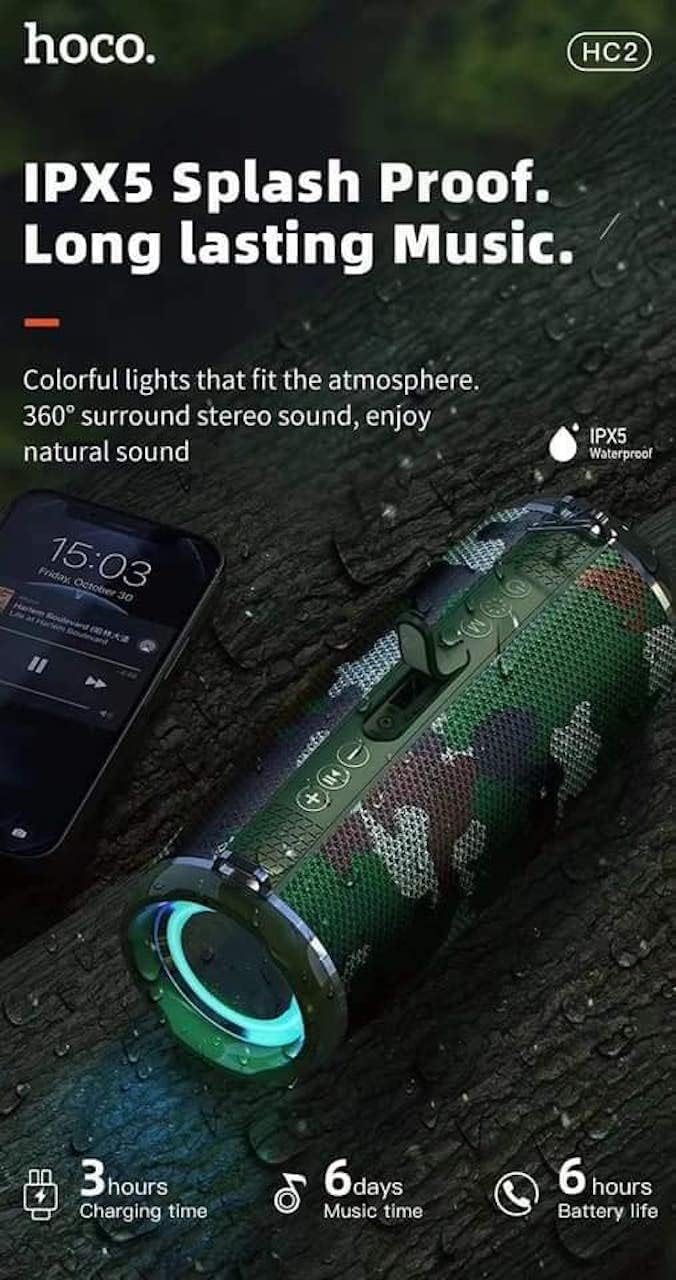
- Built-in 2400 mAh battery providing approximately 6 hours of talk/music playback time.
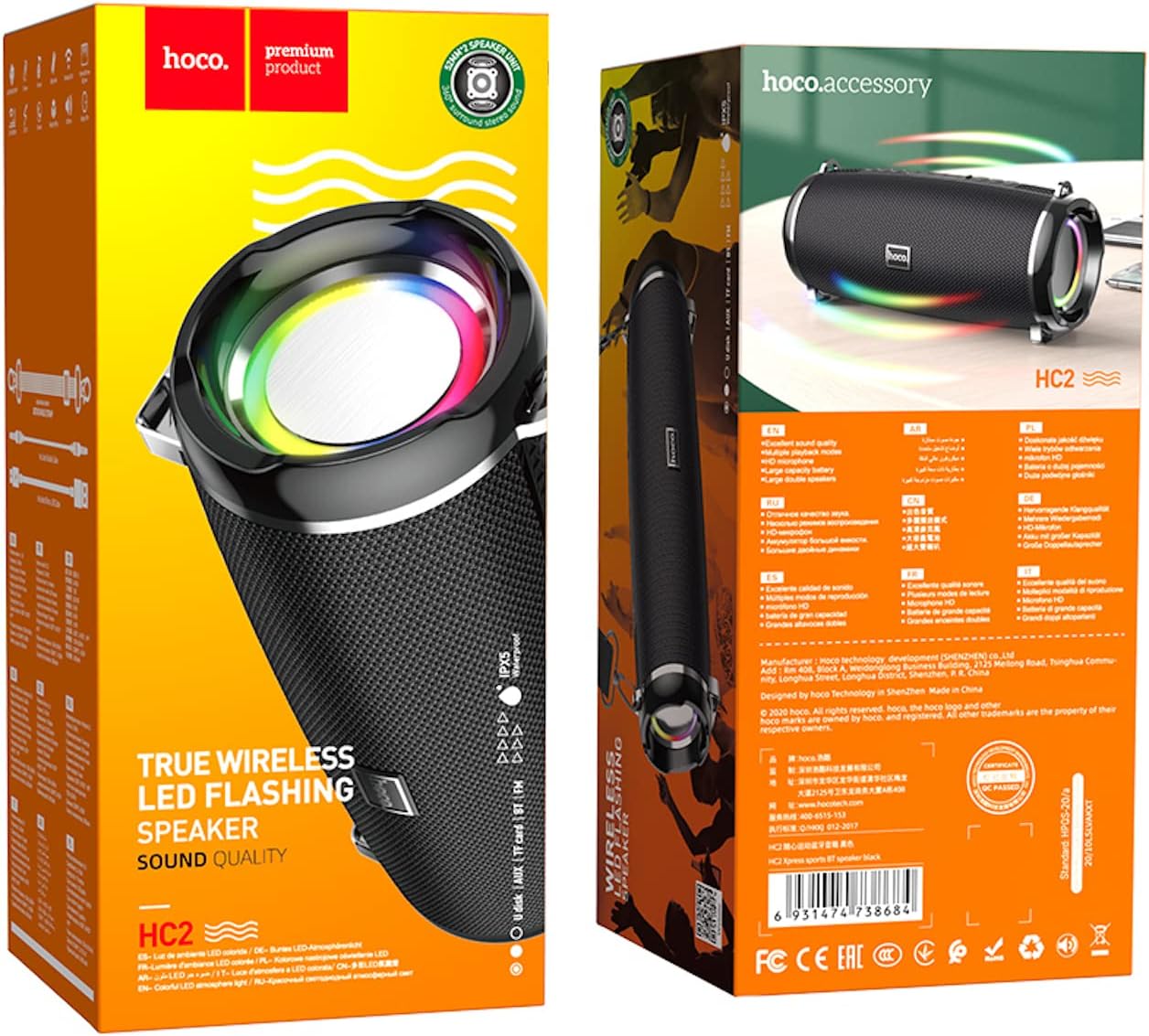
- Versatile playback options: Supports Bluetooth, TF card, USB, AUX, and FM radio modes.
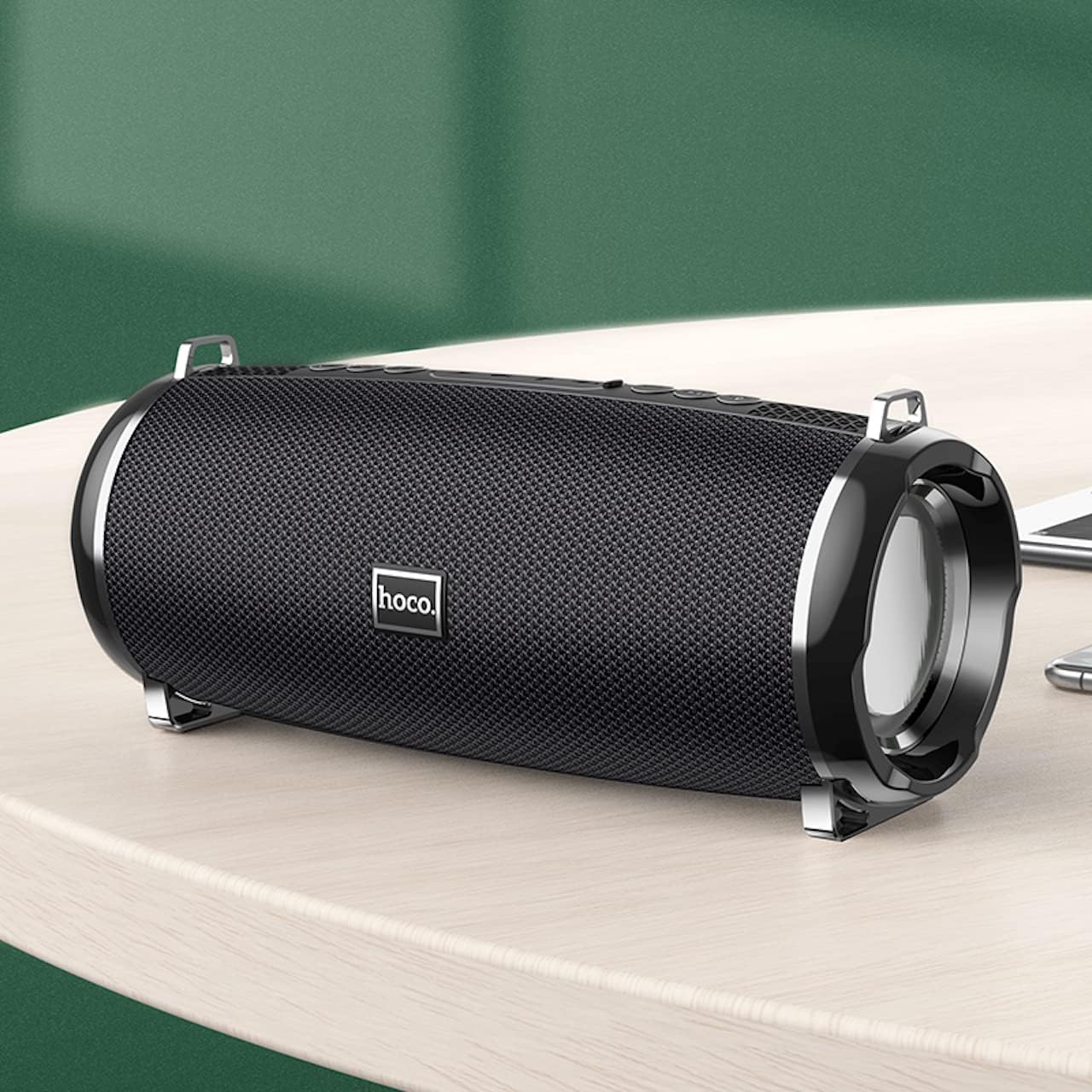
- Compact and portable design with dimensions of 194.4 x 81 x 82 mm and a weight of 598 grams.
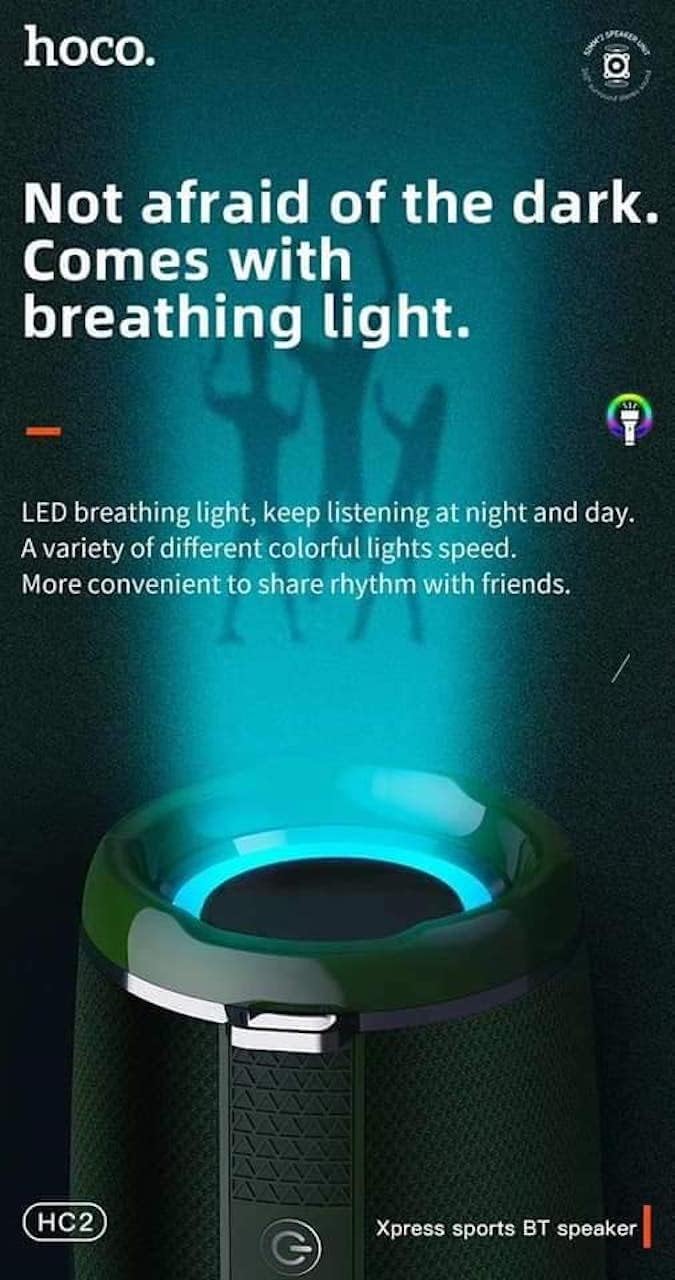
- Features LED breathing light for enhanced visual experience.
- IPX5 splash-proof rating for outdoor use.
3. Package Contents
Please check the package for the following items:
- Hoco HC2 Wireless Speaker
- USB Charging Cable
- User Manual
- Shoulder Strap (may vary by package)
4. Setup
4.1 Charging the Speaker
Before first use, fully charge the speaker. Connect the provided USB charging cable to the speaker's charging port and the other end to a USB power adapter (not included) or a computer's USB port. The charging indicator light will illuminate during charging and turn off when fully charged. Charging takes approximately 3 hours.
4.2 Powering On/Off
Press and hold the power button for a few seconds to turn the speaker on or off. A voice prompt will indicate the power status.
4.3 Bluetooth Pairing
- Turn on the speaker. It will automatically enter Bluetooth pairing mode, indicated by a flashing LED light.
- Enable Bluetooth on your smartphone, tablet, or other device.
- Search for "HC2" in the list of available Bluetooth devices.
- Select "HC2" to connect. Once connected, a voice prompt will confirm the successful pairing, and the LED light will stop flashing.
- If prompted for a password, enter "0000".
The speaker will automatically reconnect to the last paired device when powered on, if the device's Bluetooth is active and within range.
5. Operating Instructions
5.1 Mode Switching
Press the 'M' (Mode) button to cycle through available modes: Bluetooth, TF Card, USB, AUX, and FM Radio.
5.2 Music Playback (Bluetooth/TF Card/USB)
- Play/Pause: Press the Play/Pause button.
- Next Track: Short press the 'Next' button.
- Previous Track: Short press the 'Previous' button.
- Volume Up: Long press the 'Volume Up' button.
- Volume Down: Long press the 'Volume Down' button.
5.3 FM Radio Operation
- Switch to FM Radio mode using the 'M' button.
- Press the Play/Pause button to automatically scan and save available radio stations.
- Use the 'Next' and 'Previous' buttons to switch between saved stations.
5.4 AUX Mode
Connect an external audio device (e.g., MP3 player, computer) to the speaker's AUX port using a 3.5mm audio cable. The speaker will automatically switch to AUX mode. Control playback from your connected device.
5.5 LED Light Control
The speaker features an LED breathing light. Refer to the specific button on your speaker (often a dedicated light button or a long press on a volume button) to cycle through light modes or turn the light on/off.
6. Maintenance
- Cleaning: Use a soft, dry cloth to clean the speaker. Do not use abrasive cleaners or solvents.
- Storage: Store the speaker in a cool, dry place away from direct sunlight and extreme temperatures.
- Battery Care: To prolong battery life, charge the speaker regularly, even if not in use. Avoid fully discharging the battery frequently.
- Water Resistance: The speaker is IPX5 splash-proof, meaning it can resist light splashes of water. Do not submerge it in water or expose it to heavy rain. Ensure all ports are securely covered when exposed to moisture.
7. Troubleshooting
| Problem | Possible Cause | Solution |
|---|---|---|
| Speaker does not turn on. | Low battery. | Charge the speaker fully. |
| No sound. | Volume too low; incorrect mode; device not connected. | Increase volume; switch to correct mode; ensure device is paired/connected. |
| Bluetooth pairing fails. | Speaker not in pairing mode; device too far; interference. | Ensure speaker is in pairing mode; move devices closer; restart both devices. |
| Poor FM radio reception. | Weak signal. | Relocate the speaker to an area with better signal. |
8. Specifications
| Specification | Detail |
|---|---|
| Model Name | HC2 |
| Product Dimensions | 19.44 x 8.2 x 8.1 cm |
| Weight | 598 grams |
| Connectivity Technology | Bluetooth, FM, TF Card, USB Disk, AUX, TWS |
| Bluetooth Version | 5.0 |
| Chipset | JLAC6928B |
| Battery Capacity | 2400 mAh |
| Charging Time | Approx. 3 hours |
| Talk/Music Playback Time | Approx. 6 hours |
| Speaker Unit | 52 mm × 2 |
| Maximum Speaker Output Power | 5W × 2 |
| Audio Output Mode | Surround |
| Special Feature | Bluetooth, TF Card, USB, AUX, FM Radio support |
| Recommended Uses | Smartphones, Tablets, Music Players, Surround Sound Systems |
| Compatible Devices | Smartphone, Laptop, MP3 Player, Tablet, Desktop Computer |
| Mounting Type | Tabletop |
9. Product Images




10. Warranty and Support
Hoco products are manufactured to the highest quality standards. This product is covered by a standard manufacturer's warranty against defects in materials and workmanship. Please refer to the warranty card included in your package for specific terms and conditions, including the warranty period.
For technical support, troubleshooting assistance, or warranty claims, please contact Hoco customer service through their official website or the retailer from whom you purchased the product. Keep your purchase receipt as proof of purchase for warranty purposes.
Extended protection plans may be available from your retailer. These plans offer additional coverage beyond the standard manufacturer's warranty.
