
Silvergear 2096
Silvergear Digital Kitchen Scale Model 2096 User Manual
Your guide to accurate and easy weighing.
Introduction
Thank you for choosing the Silvergear Digital Kitchen Scale, Model 2096. This scale is designed for precise measurement of both solid ingredients and liquids, making your cooking and baking experience more accurate and enjoyable. Please read this manual carefully before use to ensure proper operation and maintenance.
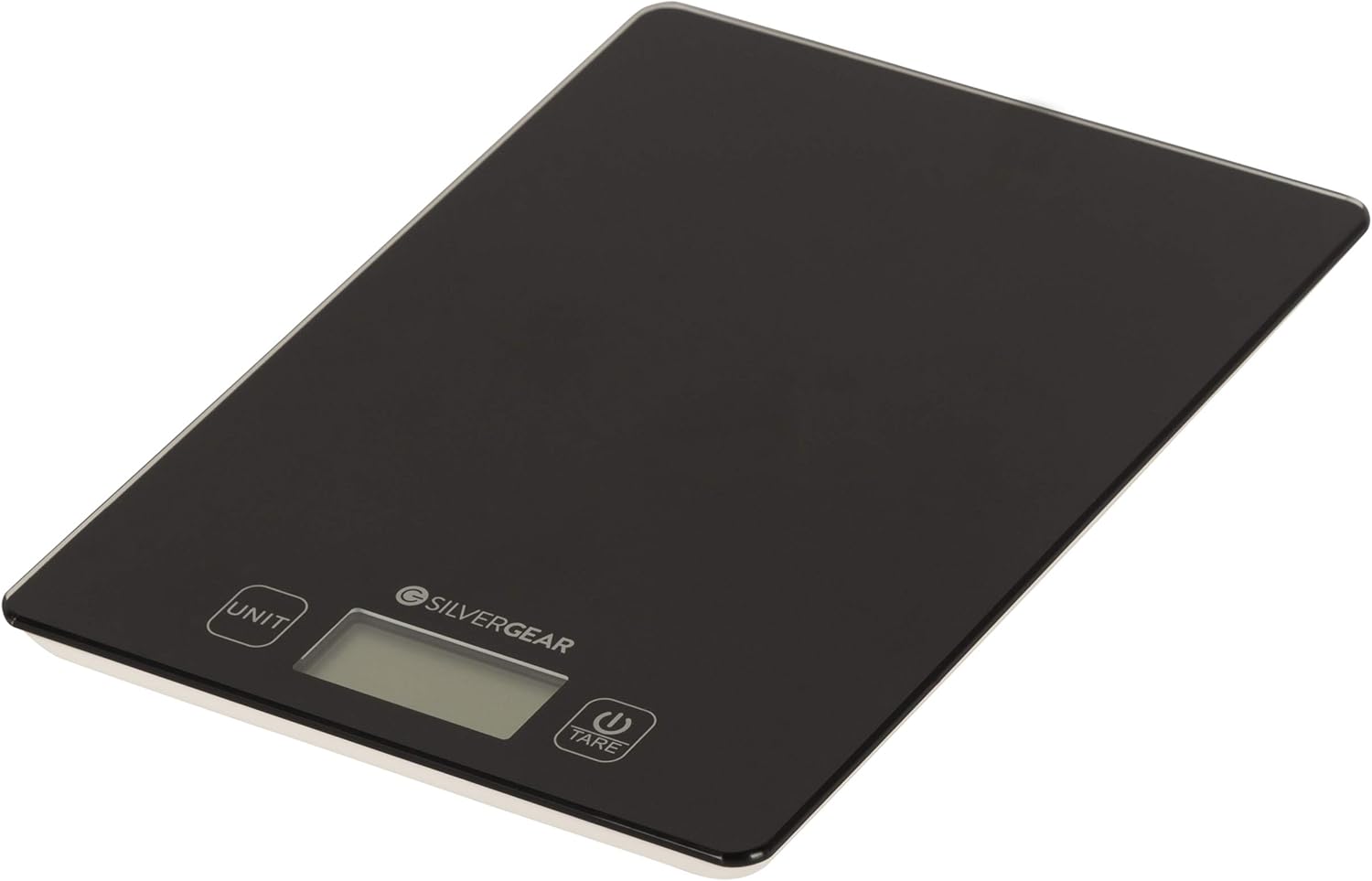
Image: Top-down view of the Silvergear Digital Kitchen Scale, showcasing its sleek black tempered glass surface and LCD display.
1. Setup
1.1 Unpacking and Placement
- Carefully remove the scale from its packaging.
- Place the scale on a hard, flat, and stable surface to ensure accurate readings. Avoid soft or uneven surfaces.
- Keep the scale away from strong electromagnetic fields, extreme temperatures, and vibrations.
1.2 Battery Installation
The scale requires one CR2032 battery (typically included). Follow these steps to install or replace the battery:
- Turn the scale upside down.
- Locate the battery compartment cover on the underside of the scale.
- Open the battery compartment cover.
- Insert the CR2032 battery with the positive (+) side facing upwards.
- Close the battery compartment cover securely.
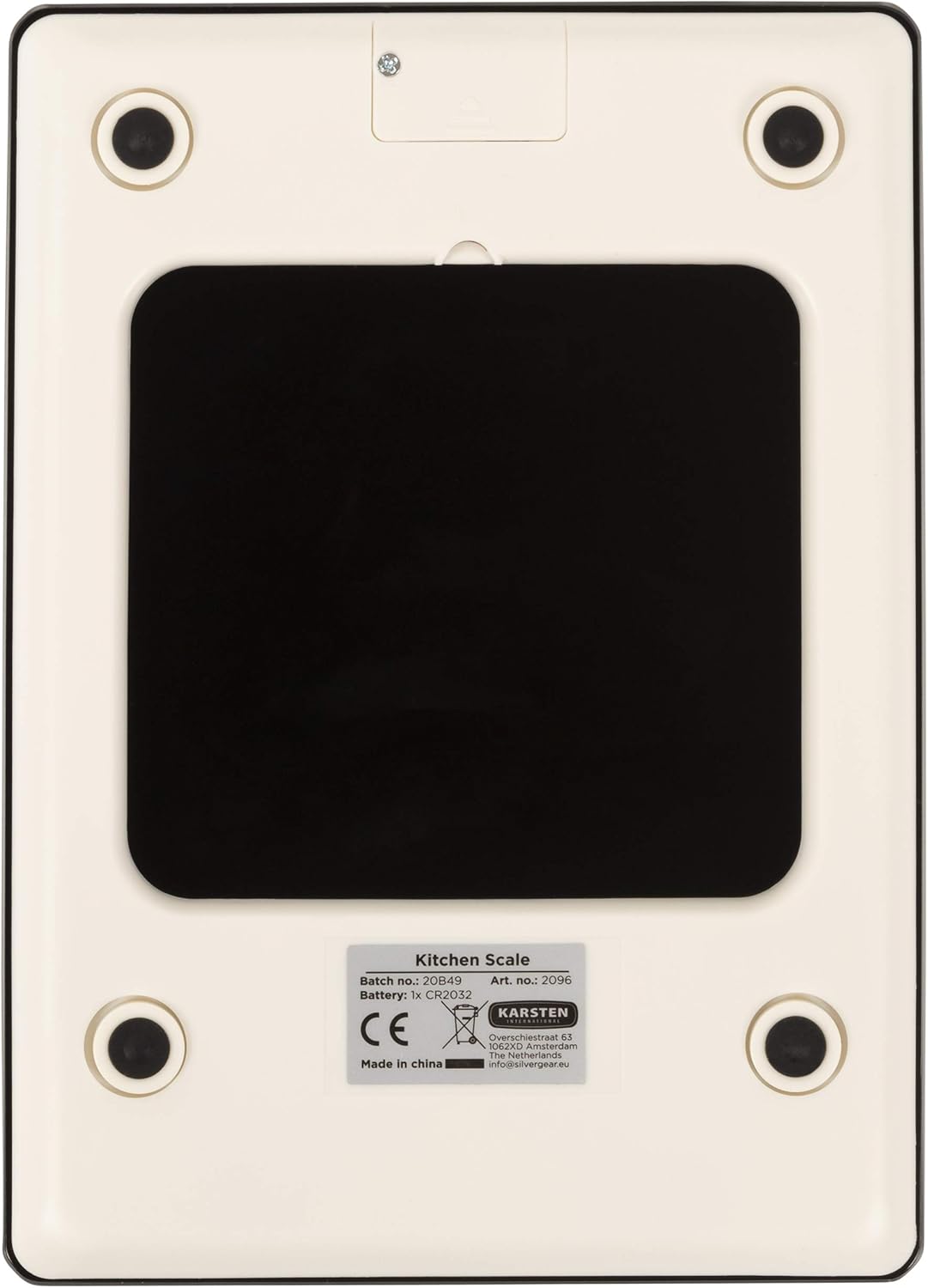
Image: The underside of the Silvergear Digital Kitchen Scale, highlighting the battery compartment and non-slip feet.
2. Operating Instructions
2.1 Power On/Off
- To turn on: Press the Power/Tare button (
 ). The display will show "8888" and then "0g" or "0ml".
 - To turn off: Press and hold the Power/Tare button for a few seconds. The scale will also automatically turn off after a period of inactivity to save battery.
2.2 Unit Selection
The scale can measure in grams (g), milliliters (ml), and fluid ounces (fl'oz). To change the unit:
- With the scale on, press the UNIT button.
- The display will cycle through the available units: g → ml → fl'oz. Select your desired unit.
2.3 Weighing Ingredients (Tare Function)
The Tare function allows you to weigh multiple ingredients in the same container or to subtract the weight of a container.
- Place an empty container on the scale. The display will show its weight.
- Press the Power/Tare button. The display will reset to "0g" or "0ml".
- Add your first ingredient to the container. The display will show the weight of the ingredient.
- To add another ingredient, press the Power/Tare button again to reset the display to "0".
- Continue this process for all ingredients.
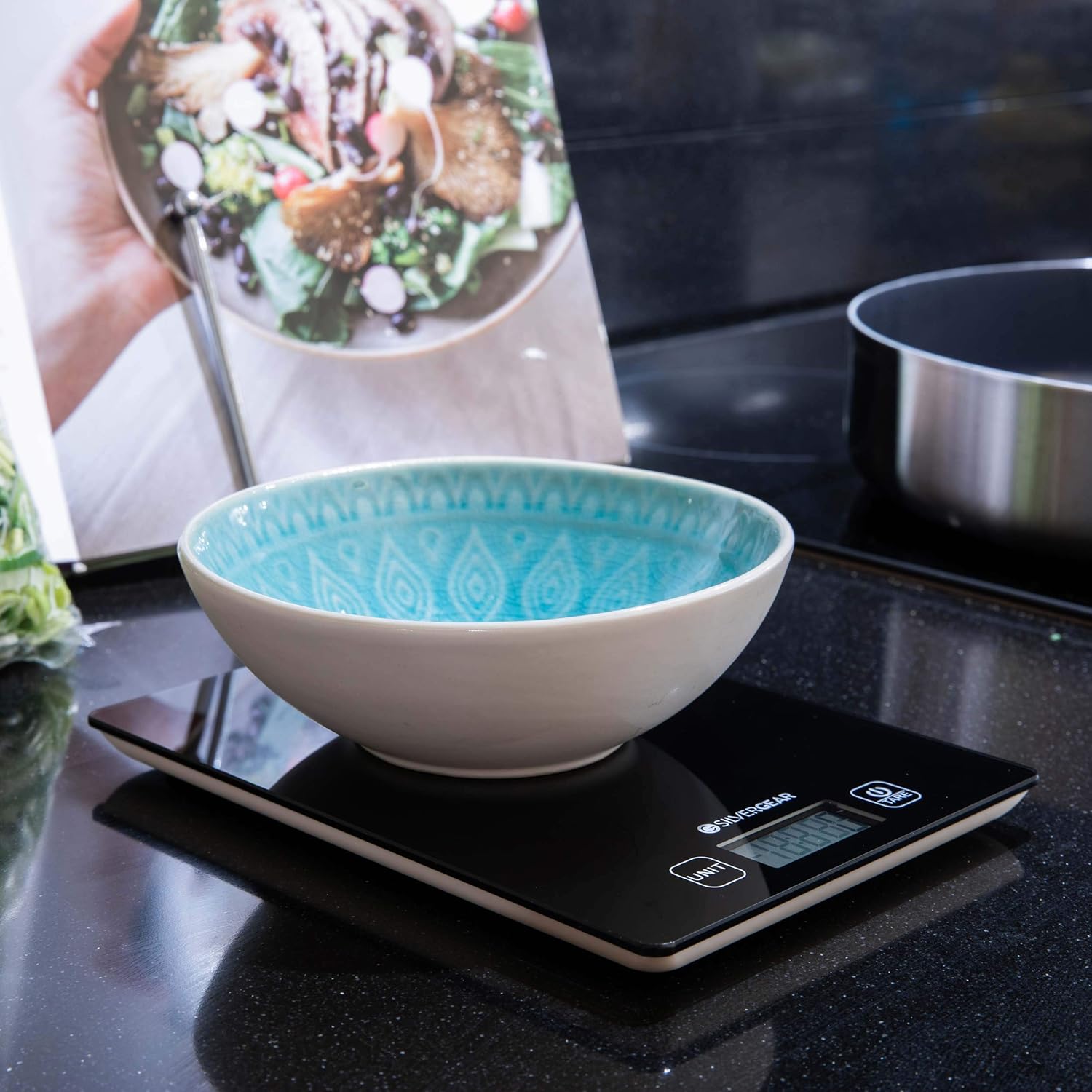
Image: The Silvergear Digital Kitchen Scale with a light blue bowl placed on its surface, demonstrating the weighing process.
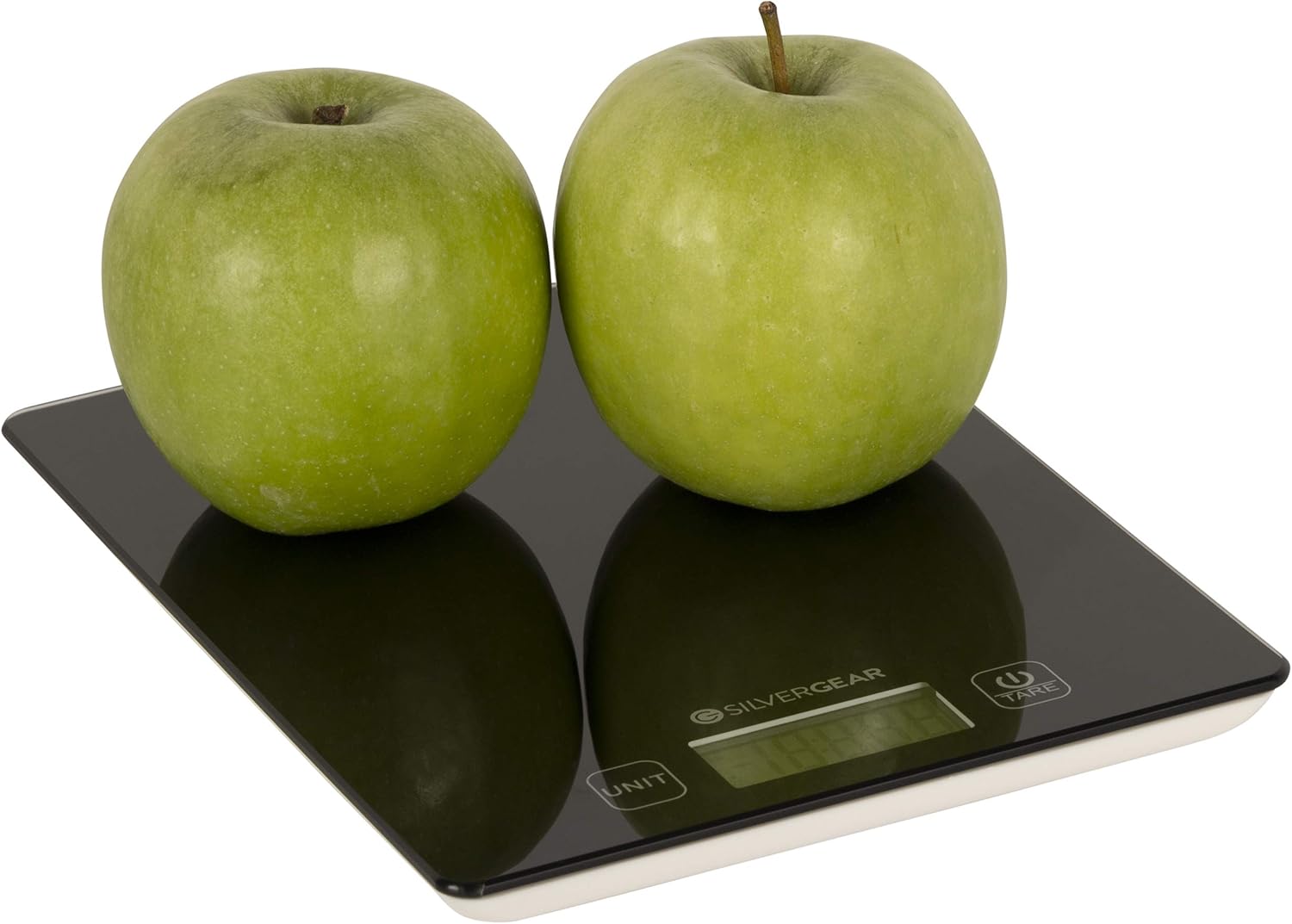
Image: The Silvergear Digital Kitchen Scale accurately weighing two green apples, illustrating its use for solid ingredients.
3. Maintenance
- Cleaning: Wipe the scale's tempered glass surface with a soft, damp cloth. Do not use abrasive cleaners or immerse the scale in water.
- Storage: Store the scale in a clean, dry place. Avoid placing heavy objects on the scale when not in use.
- Battery: If the scale will not be used for an extended period, remove the battery to prevent leakage.
4. Troubleshooting
| Problem | Possible Cause | Solution |
|---|---|---|
| "LO" displayed | Low battery power. | Replace the CR2032 battery. |
| "EEEE" displayed | Overload. The weight exceeds the maximum capacity (5kg). | Remove items from the scale immediately to prevent damage. |
| Inaccurate readings | Scale is on an uneven surface, or there are vibrations. | Place the scale on a hard, flat, and stable surface. Ensure no external vibrations. |
| Scale does not turn on | Battery is dead or incorrectly installed. | Check battery installation or replace the battery. |
5. Specifications
- Model Number: 2096
- Brand: Silvergear
- Manufacturer: Karsten International
- Maximum Capacity: 5 kg
- Units of Measurement: Grams (g), Milliliters (ml), Fluid Ounces (fl'oz)
- Display Type: LCD
- Surface Material: 3 mm Tempered Glass
- Power Source: 1 x CR2032 Battery
- Product Dimensions: 19.5 x 14.1 x 1.4 cm
- Item Weight: 370 g
- Special Features: Tare function, Low battery indicator, Overload indicator
6. Warranty and Support
For warranty information or technical support, please contact your retailer or the manufacturer, Karsten International. Keep your proof of purchase for any warranty claims.
Manufacturer Contact Information:
Karsten International
Oudewal 63
2288 CD Rijswijk
The Netherlands
info@karsten.nl
Ask a question about this manual
Ask about setup, troubleshooting, compatibility, parts, safety, or missing instructions. Manuals+ will review the question and use this page’s manual context to help answer it.