Introduction
This manual provides detailed instructions for the installation, operation, and maintenance of your Westek BL-CLNG5RC 5-inch Rechargeable Motion Sensor Light. This LED light offers a slim profile, rechargeable battery, and multiple operational modes for various indoor applications.
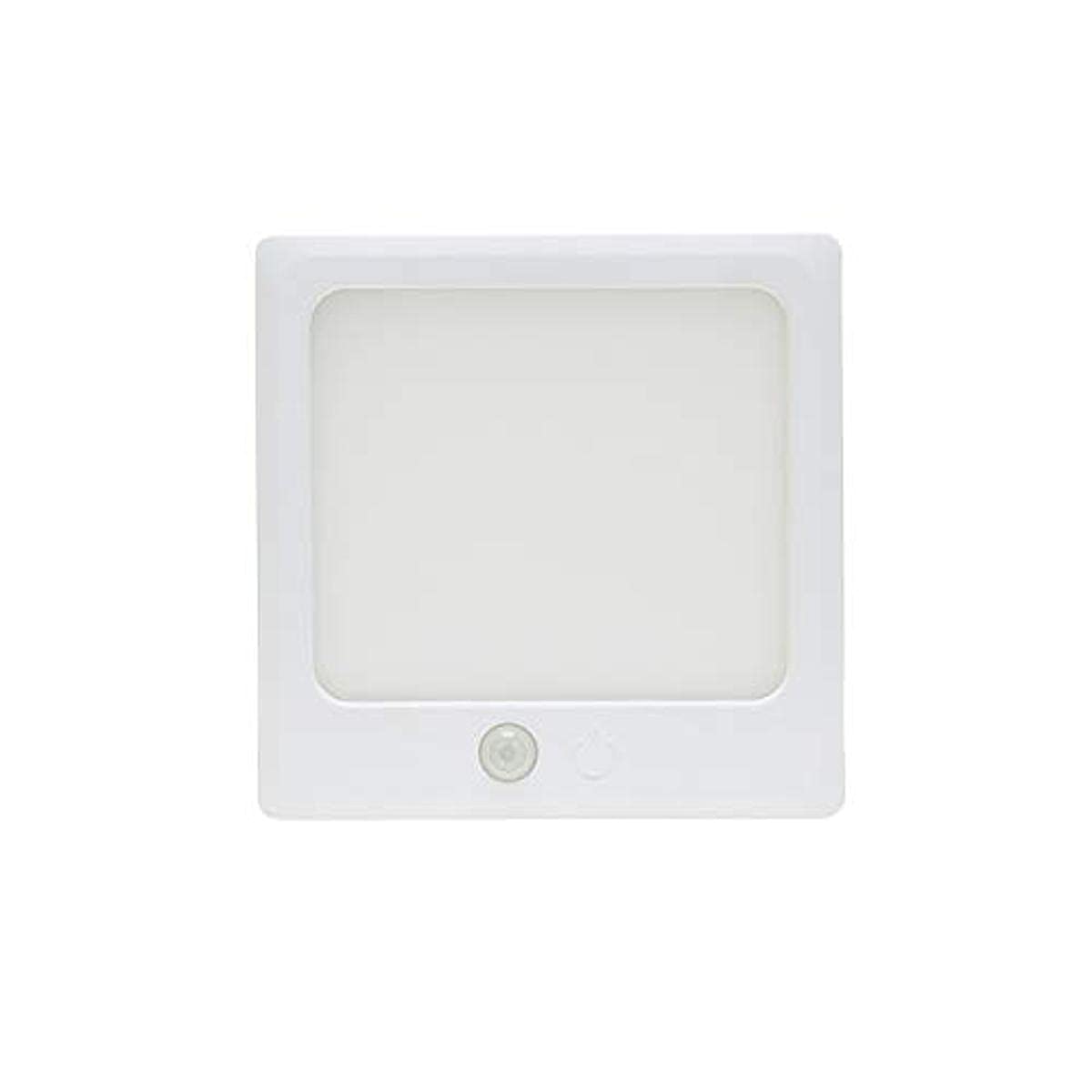
Image: The Westek BL-CLNG5RC 5-inch rechargeable motion sensor light.
Included Components
Verify that all the following components are included in your package:
- Westek BL-CLNG5RC 5-inch Rechargeable Motion Sensor Light
- 39-inch USB Micro B Charging Cable
- Metal Mounting Plates
- 3M Adhesive Tape
- Mounting Screws

Image: The included mounting plates and screws.
Setup and Installation
The Westek BL-CLNG5RC light offers flexible mounting options using either built-in magnets with adhesive metal plates or traditional screws.
- Choose Mounting Location: Select a clean, dry, and flat surface for installation. Common locations include under cabinets, inside closets, or on ceilings.
- Magnetic Mounting (Recommended for easy removal):
- Clean the desired mounting surface thoroughly.
- Peel the backing from the 3M adhesive tape and attach it to the metal mounting plates.
- Press the metal plates firmly onto the chosen surface. Allow the adhesive to set for at least 24 hours before attaching the light.
- Align the light's built-in magnets with the installed metal plates and attach the light. This allows for easy removal for recharging.
- Screw Mounting (Permanent Installation):
- Mark the desired screw locations on the mounting surface using the light's screw holes as a guide.
- Drill pilot holes if necessary.
- Secure the light to the surface using the provided mounting screws.
Video: This video demonstrates the features and installation of the Westek rechargeable light bar series, including its motion sensing, dimming, and easy mounting options.
Operating Instructions
The Westek BL-CLNG5RC light features multiple modes of operation and adjustable settings.
Modes of Operation
The light can be switched between standard light mode and motion-activated mode. A touch of a finger changes the mode.
- Touch Activation: Briefly touch the sensor to cycle between standard light mode and motion-activated mode.
- Motion Activated Mode: In this mode, the light detects motion up to 12 feet away at an angle of 100°. The light will automatically shut off after 30 seconds of no detected motion.
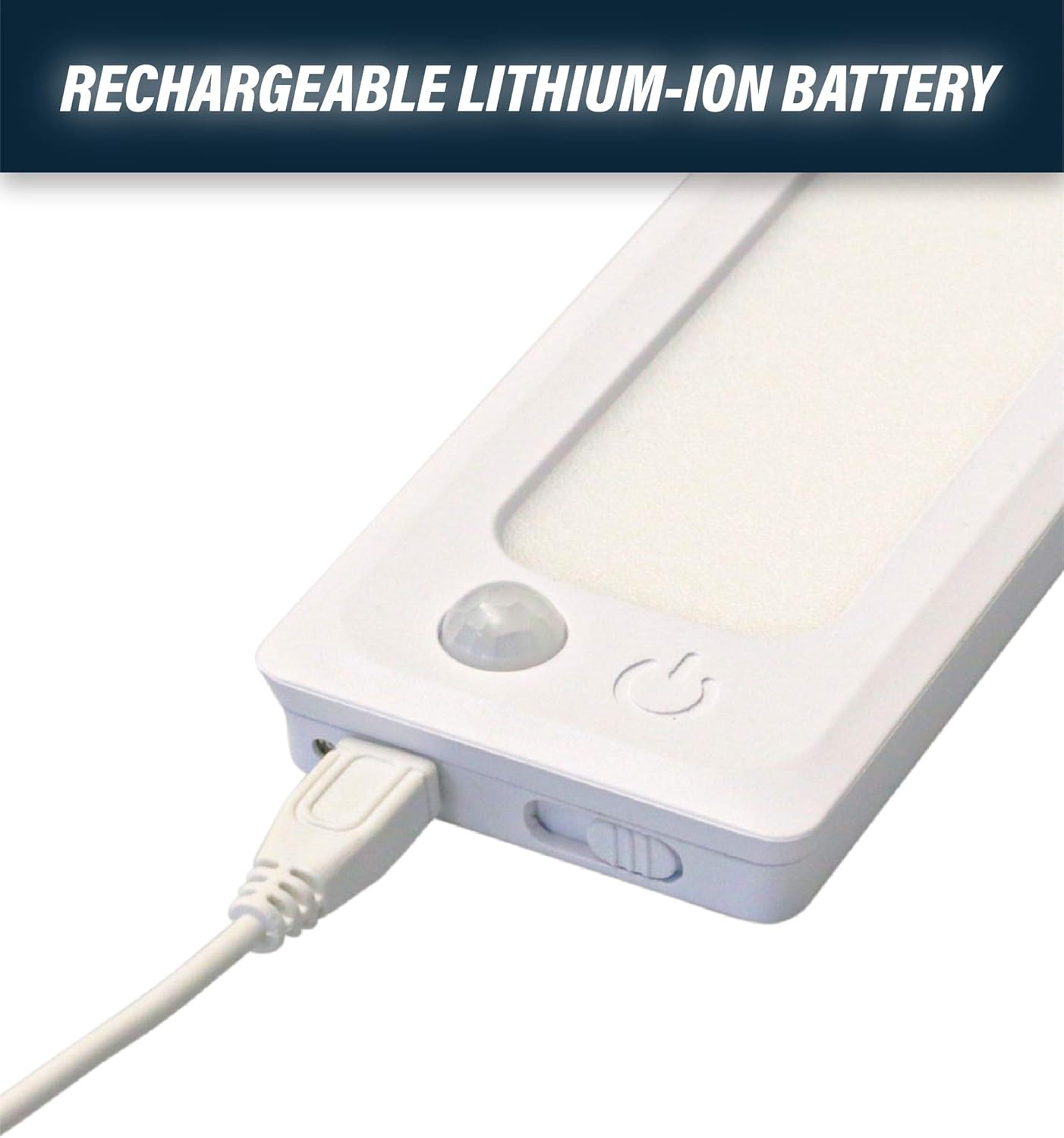
Image: A hand demonstrating motion activation of the light.
Dimming Function
The light features continuous touch dimming.
- To Dim: Touch and hold the sensor to dim the light from 100% brightness down to 10%. Release when the desired brightness level is reached.

Image: A finger touching the light to adjust brightness.
Color Temperature Selection (CCT Selectable)
Adjust the light's color temperature to suit your preference using the switch located on the bottom of the light.
- Warm White (3000K): Provides a soft, yellowish light.
- Bright White (4000K): Offers a neutral, balanced white light.
- Daylight (5000K): Produces a crisp, bluish-white light.

Image: Illustration of selectable color temperatures (3000K, 4000K, 5000K).
Charging
The Westek BL-CLNG5RC light is equipped with a rechargeable Lithium-ion battery.
- Charging: Use the included 39-inch USB Micro B charging cable to recharge the battery. Connect the Micro B end to the light and the USB-A end to a compatible USB power source (e.g., wall adapter, computer USB port).
- Charging Indicator: The light will typically have an indicator to show charging status (e.g., red for charging, green/off for fully charged).
- Battery Life: Battery life varies based on usage frequency and brightness settings.

Image: The light being charged via its USB Micro B cable.
Maintenance
To ensure optimal performance and longevity of your Westek light, follow these maintenance guidelines:
- Cleaning: Wipe the light's surface with a soft, dry, or slightly damp cloth. Do not use abrasive cleaners or solvents, as they may damage the finish or electronic components.
- Battery Care: Avoid fully discharging the battery frequently. Recharge the light when the brightness noticeably diminishes. If storing the light for an extended period, charge it periodically to maintain battery health.
- Environmental Conditions: This product is designed for indoor use only. Avoid exposure to moisture, extreme temperatures, or direct sunlight, which can affect performance and battery life.
Troubleshooting
If you encounter issues with your Westek BL-CLNG5RC light, refer to the following common solutions:
| Problem | Possible Cause | Solution |
|---|---|---|
| Light does not turn on. | Battery is depleted. | Recharge the light using the provided USB cable. |
| Motion sensor is not activating consistently. | Insufficient motion, ambient light too bright, or sensor obstruction. | Ensure there is clear motion within the 12-foot, 100° detection range. Check if the sensor is obstructed. Test in a darker environment. |
| Light dims quickly or battery life is short. | Battery not fully charged, frequent activation, or high brightness setting. | Ensure the light is fully charged. Reduce brightness if possible. Consider the frequency of motion activation in the area. |
| Light does not dim. | Incorrect operation. | Touch and hold the sensor to activate the continuous dimming function. |
Specifications
| Feature | Detail |
|---|---|
| Brand | Westek |
| Model Number | BL-CLNG5RC |
| Dimensions | 5 x 5 x 0.73 inches |
| Item Weight | 7.8 ounces |
| Power Source | Battery Powered (1 Lithium Ion battery included) |
| Light Source Type | LED |
| Brightness | 155/160/155 Lumens (depending on CCT) |
| Color Temperature | 3000K (Warm White), 4000K (Bright White), 5000K (Daylight) |
| Special Features | Dimmable, Motion Sensor |
| Control Method | Touch |
| Installation Type | Ceiling Mount, Magnetic Mount |
| Indoor/Outdoor Usage | Indoor |
Warranty and Support
The Westek BL-CLNG5RC light comes with a 1-year limited warranty from the date of purchase. This warranty covers defects in materials and workmanship under normal use.
For warranty claims or technical support, please contact Westek customer service. Keep your proof of purchase for warranty validation.