
1. Introduction
Thank you for choosing JOYHOOSH Wireless Earbuds. This manual provides essential information for setting up, operating, and maintaining your earbuds to ensure optimal performance and longevity. Please read it carefully before use.

Image 1.1: JOYHOOSH Wireless Earbuds, Charging Case, and Anti-Lost Strap.
2. Package Contents
Ensure all items are present in your package:
- Earbuds (2)
- Charging Case (1)
- USB Type-C Charging Cable (1)
- Earbuds Caps (2 sets)
- User Manual (1)

Image 2.1: All components included in the JOYHOOSH Earbuds package.
3. Safety Information
For your safety and to prevent damage to the product, please observe the following:
- Do not expose the headset to direct sunlight while charging, especially when ambient temperature is high.
- Avoid extreme temperatures (hot or cold).
- Do not disassemble or modify the earbuds or charging case.
- Keep out of reach of children and pets.
- Use only the provided charging cable or a certified equivalent.
4. Product Features and Overview
The JOYHOOSH Wireless Earbuds are designed for a superior audio experience with convenience and durability.
4.1. Advanced Bluetooth 5.0 Technology
Equipped with advanced Bluetooth 5.0, these earbuds provide a clear, fast, and smooth connection, ensuring zero distortion and lossless audio transmission.

Image 4.1: Illustration of the Bluetooth 5.0 chip for stable connectivity.
4.2. Super Bass Sound & Ergonomic Design
Experience high-quality sound with super bass and noise cancellation. The ergonomic in-ear design, along with three different sizes of ear caps, ensures an ideal fit for enhanced noise isolation and comfort during extended use.
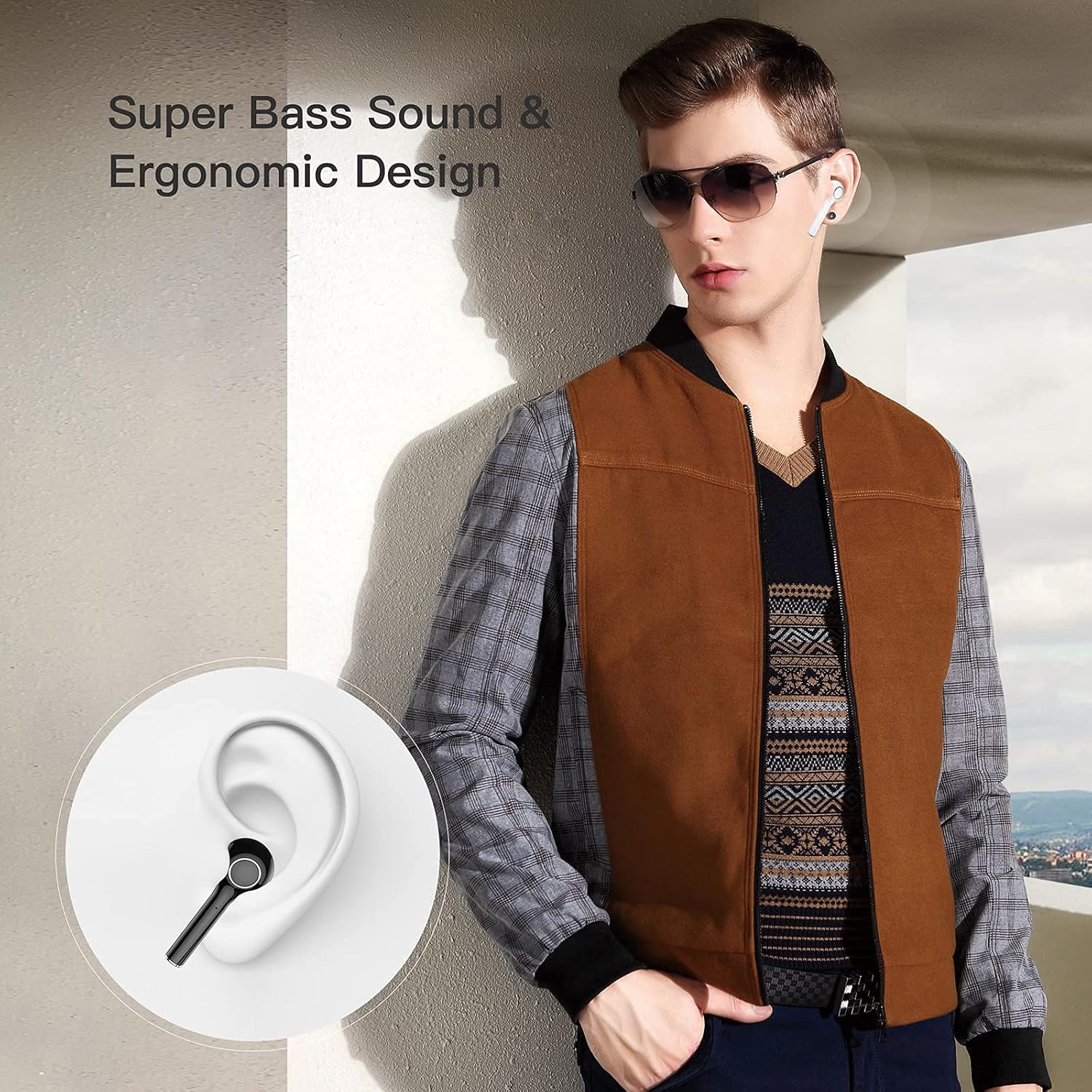
Image 4.2: Earbuds designed for comfortable and secure fit in the ear.

Image 4.3: Internal components illustrating the 13mm drive area for super bass and true HiFi sound.
4.3. Anti-Lost Strap
The included magnetic anti-lost strap provides added security, reducing the possibility of misplacing or losing your earbuds, especially during sports or active use.

Image 4.4: The anti-lost strap provides security during physical activity.
4.4. LED Power Display
The smart LED digital display on the charging case allows you to easily monitor the battery consumption of the case and earbuds.

Image 4.5: The LED display on the charging case indicates battery percentage.
4.5. Extended Playing Time
Enjoy up to 4.5 hours of playtime on a single charge. The charging case can recharge the earbuds 3.5 times, extending total playtime to 20 hours with both earbuds or 40 hours with a single earbud. Standby time is up to 10 days.

Image 4.6: Battery life overview for earbuds and charging case.
4.6. Wide Compatibility
The earbuds are compatible with both iOS and Android devices, as well as Windows and TV systems, offering versatile connectivity.

Image 4.7: Compatibility with various operating systems and devices.
4.7. Product Overview Video
Video 4.1: An overview of the JOYHOOSH Wireless Earbuds, demonstrating key features and design elements.
5. Setup
5.1. Charging the Earbuds and Case
Before first use, fully charge the earbuds and charging case.
- Place the earbuds into the charging case. Ensure they are correctly seated in their respective slots.
- Connect the USB Type-C charging cable to the charging port on the back of the case and plug the other end into a USB power source (e.g., wall adapter, computer USB port).
- The LED display on the charging case will show the current battery percentage, indicating charging status. A full charge takes approximately 1 hour for the case.
Image 5.1: The charging case with earbuds, showing the USB-C charging port.

Image 5.2: The LED display on the charging case indicates the battery level during charging.
5.2. Pairing with Your Device
The earbuds support automatic connection for easy pairing.
- Open the charging case. The earbuds will automatically enter pairing mode.
- On your device (smartphone, tablet, etc.), go to Bluetooth settings and turn on Bluetooth.
- Look for "TWS" or "JOYHOOSH-TW13" in the list of available devices and select it to connect.
- Once connected, you will hear a confirmation tone, and the earbuds will be ready for use.
Video 5.1: Demonstrates the automatic connection process of the earbuds with a mobile device (0:10 - 0:14).
6. Operating Instructions (Touch Controls)
The JOYHOOSH Wireless Earbuds feature intuitive touch controls on each earbud. Refer to the diagram below for specific functions:

Image 6.1: Overview of touch control functions.
- One Touch: Answer/End Call, Play/Pause Music.
- Double Touch (Left Earbud): Previous Music.
- Double Touch (Right Earbud): Next Music.
- Triple Touch: Adjust Volume.
- Long Touch (3 seconds): Activate Voice Assistant (Siri/Google Assistant).
- Long Touch (2 seconds): Hang up call.
Video 6.1: Demonstrates various touch control gestures including one touch for calls/playback, double click for track navigation, triple click for volume, and long touch for voice assistant (0:20 - 0:34).
7. Maintenance
Proper maintenance ensures the longevity and performance of your earbuds:
- Cleaning: Regularly clean the earbuds and charging case with a soft, dry, lint-free cloth. Do not use harsh chemicals or abrasive materials.
- Ear Tips: Remove and clean the ear tips periodically. You can gently wash them with water and mild soap, then dry them completely before reattaching.
- Charging Ports: Keep the charging contacts on the earbuds and inside the case clean and free of debris. Use a dry cotton swab if necessary.
- Storage: When not in use, store the earbuds in their charging case to protect them from dust and damage.
- Avoid Water: While the earbuds are waterproof, avoid prolonged exposure to water or submersion. Dry them thoroughly if they get wet.
8. Troubleshooting
If you encounter issues with your JOYHOOSH Wireless Earbuds, try the following solutions:
- Earbuds not pairing with device:
- Ensure both earbuds are charged.
- Turn off and on Bluetooth on your device.
- Forget the device from your Bluetooth list and try pairing again.
- Place earbuds back in the case, close the lid, wait a few seconds, then open to re-enter pairing mode. - Only one earbud working:
- Place both earbuds back in the charging case and close the lid. Open the lid after a few seconds to reset them.
- Ensure both earbuds have sufficient charge. - Low volume or poor sound quality:
- Adjust the volume on both your device and the earbuds.
- Ensure the ear tips are properly sealed in your ear canal.
- Clean any debris from the earbud speakers and ear tips. - Charging case not charging:
- Check the charging cable and power adapter for damage.
- Ensure the charging cable is securely connected to both the case and the power source.
- Try a different charging cable or power source. - Earbuds not charging in case:
- Ensure the charging contacts on the earbuds and inside the case are clean and dry.
- Make sure the earbuds are correctly seated in their charging slots.
9. Specifications
| Feature | Specification |
|---|---|
| Model Name | JOYHOOSH-TW13-Bluetooth Earbuds |
| Connectivity Technology | Wireless (Bluetooth 5.0) |
| Ear Placement | In Ear |
| Noise Control | Active Noise Cancellation |
| Playing Time (Earbuds) | 4.5 Hours |
| Total Playing Time (with Case) | 20 Hours |
| Charging Time (Case) | 1 Hour |
| Bluetooth Range | 15 Meters |
| Frequency Range | 20 Hz - 20 kHz |
| Control Method | Touch |
| Water Resistance Level | Waterproof |
| Item Weight | 0.529 ounces (per earbud) |
| Product Dimensions | 1.37 x 1.37 x 0.98 inches |
| Material | Plastic |
| Color | White |
10. Warranty and Support
JOYHOOSH products are manufactured to the highest quality standards. For information regarding warranty coverage, technical support, or customer service, please refer to the contact details provided on the product packaging or the official JOYHOOSH website. Please retain your proof of purchase for warranty claims.