
Introduction
This manual provides detailed instructions for the assembly, care, and display of your Italeri 1:24 Scania R730 Streamline Show Truck plastic model kit. Please read all instructions carefully before beginning assembly. This kit is designed for hobbyists aged 14 and up, requiring precision and attention to detail.

Image of the completed Italeri 1:24 Scania R730 Streamline Show Truck model, showcasing its detailed finish and decals.
Safety Information
Warning: Not suitable for children under 14 years. Use under adult supervision. This kit contains small parts which may pose a choking hazard and sharp components. Exercise caution during assembly and when using tools such as hobby knives and sprue cutters. Always work in a well-ventilated area when using glues and paints.
Assembly Instructions
The Italeri 1:24 Scania R730 Streamline Show Truck is a detailed plastic model kit designed for self-assembly. Successful completion requires careful attention to the included illustrated instructions and proper use of tools and materials.
Required Tools and Materials (Not Included)
- Plastic cement (glue) suitable for polystyrene plastic.
- Hobby knife or sprue cutters for precise part removal.
- Fine-grit sandpaper or sanding sticks for cleaning part edges.
- Model paints (acrylic or enamel, as desired) for detailing.
- Paint brushes or airbrush for applying paint.
- Tweezers for handling small parts and decals.
- Water and a soft cloth for decal application.
General Assembly Steps
- Part Preparation: Carefully remove parts from the sprues using a hobby knife or sprue cutters. Trim any excess plastic (flash) from the edges of the parts.
- Dry-Fitting: Always dry-fit parts before applying glue to ensure proper alignment and fit. This helps prevent errors and ensures a smooth build.
- Gluing: Apply plastic cement sparingly to bonding surfaces. Hold parts together firmly until the glue sets. Avoid using too much glue, as it can damage the plastic.
- Following Instructions: Refer to the included illustrated assembly instructions for the specific sequence of construction. Each step is designed to guide you through the build process.
- Painting: Paint parts as indicated in the instructions or according to your personal preference. Allow paint to dry completely before handling or proceeding with further assembly.
- Decal Application: Apply decals using water. Carefully cut out the desired decal, dip it in water for a few seconds, then slide it onto the model surface. Position it accurately and gently press out any air bubbles with a soft cloth or cotton swab.
Kit Components Overview
The kit includes various plastic sprues with detailed parts and multiple decal sheets for customization.

Detailed decal sheet for the Scania R730 Streamline Show Truck, featuring various logos, stripes, and license plates for customization.
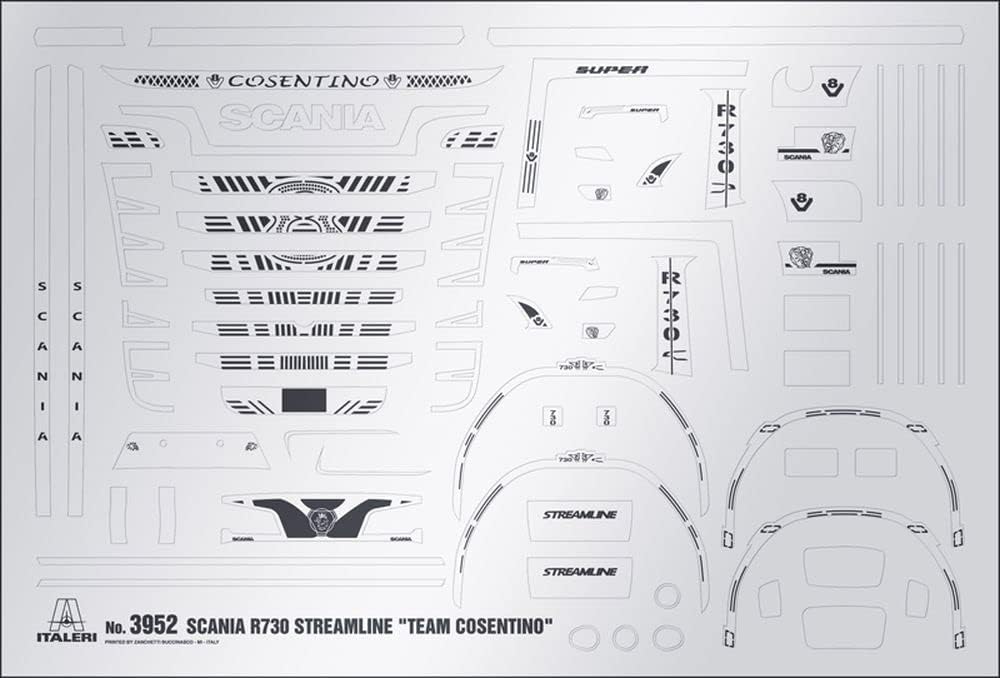
Additional decal sheet showing various graphic elements and markings for the Scania R730 model.

Plastic sprue containing parts for the truck's cab interior, including seats, dashboard, and other cabin details.

Small plastic sprue with specific detail parts for the model kit.

Plastic sprue containing engine components, exhaust system, and various chassis parts for the truck model.

Plastic sprue featuring chassis frame elements, suspension components, and axle parts.

Small plastic sprue with fuel tanks or similar auxiliary components.

Plastic sprue containing interior details like steering wheel and pedals, along with some exterior trim pieces.

Plastic sprue with various body panels, fenders, and other exterior structural parts.

Plastic sprue showing major cab exterior components, including roof and side panels.
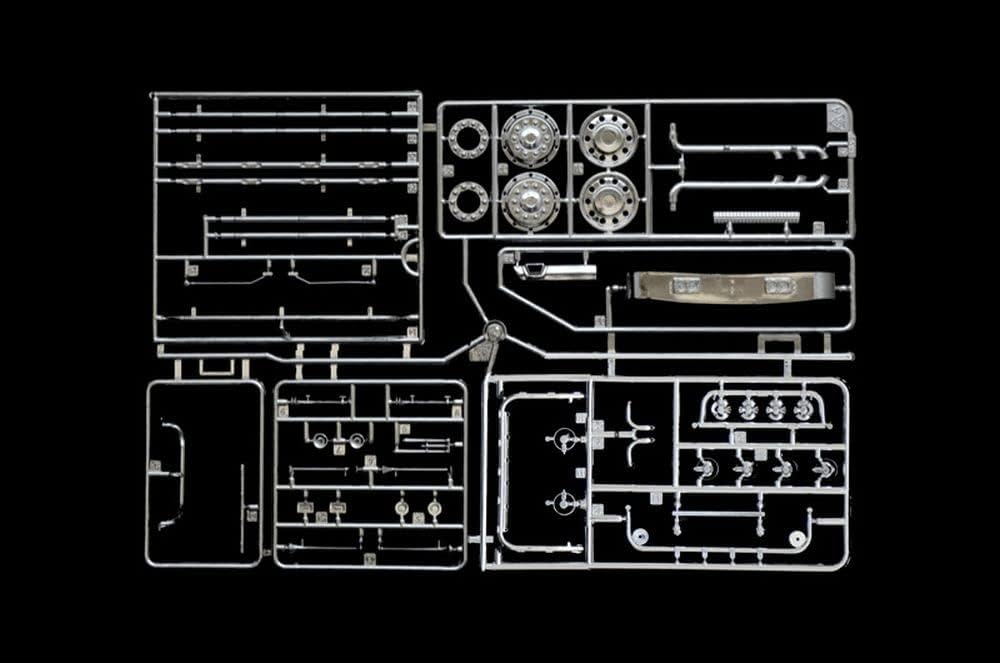
Clear plastic sprue containing chromed parts such as wheels, grilles, and other decorative elements.
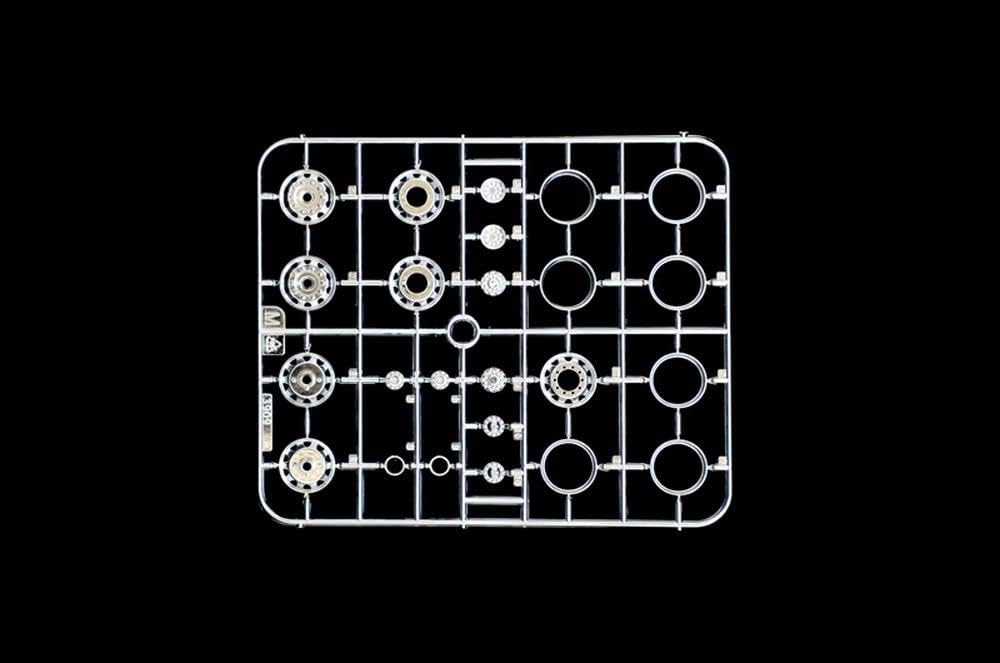
Clear plastic sprue with chromed wheel hubs and other small circular details.
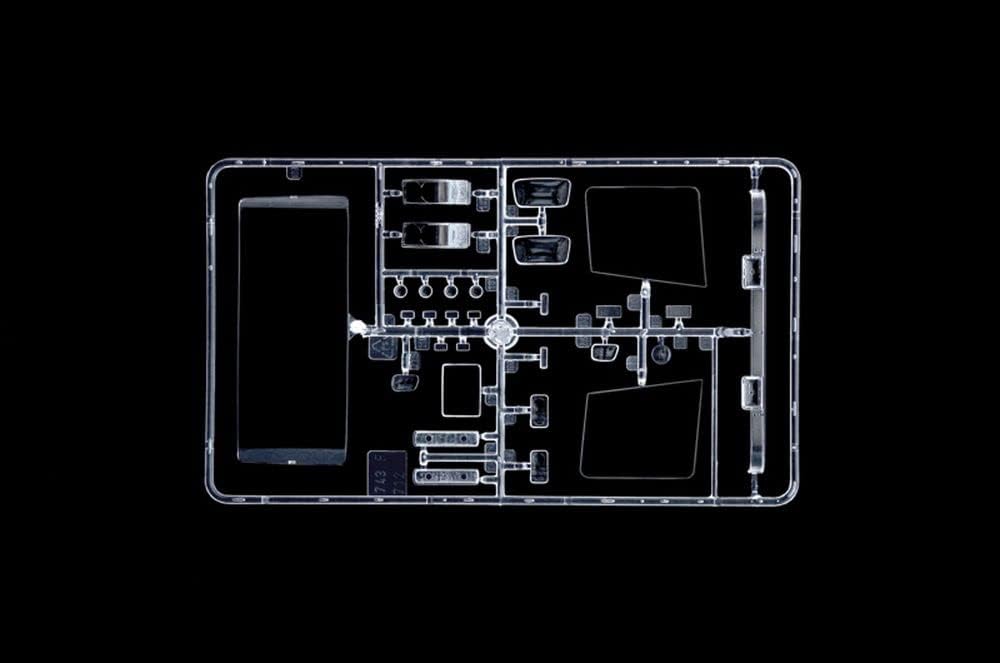
Clear plastic sprue containing window parts, headlights, and other transparent components.

Clear plastic sprue with small transparent parts, likely for indicator lights or lenses.

Image showing two rubber tires, indicating quantities of 2x and 5x, for the model truck.
Display and Handling
Once assembled, your Italeri Scania R730 model is intended for display. Proper handling and display conditions will preserve its appearance.
- Handle the model carefully to avoid damaging delicate parts or paintwork. Always lift the model from its base or sturdy sections.
- Display the model on a stable, flat surface away from direct sunlight, extreme temperatures, and high humidity. These conditions can cause material degradation, paint fading, or warping.
- Keep the model out of reach of small children and pets due to its small, fragile components.
Maintenance
To maintain the appearance and longevity of your model:
- Dust regularly with a soft, dry brush (such as a soft makeup brush) or a lint-free cloth to prevent dust buildup in crevices.
- Avoid using chemical cleaners, solvents, or abrasive materials, as these can damage paint, decals, or the plastic itself.
- For stubborn dust or light smudges, a slightly damp cloth (water only) can be used, followed by immediate gentle drying with a clean, soft cloth.
Troubleshooting Common Issues
Parts Not Fitting
If parts do not fit together smoothly, carefully check for excess plastic (known as 'flash') on the edges and trim it with a hobby knife. Ensure you are using the correct parts as indicated in the assembly instructions and that they are oriented correctly. Dry-fitting before gluing can prevent this issue.
Decal Application Problems
If decals do not adhere properly, wrinkle, or silver (show air bubbles underneath), ensure the surface where the decal is applied is clean and smooth. Use decal setting solutions to help them conform to irregular surfaces and eliminate air bubbles. A gloss coat before decals and a matte/satin coat after can also improve results.
Paint Issues
For uneven paint, ensure surfaces are clean and free of oils or dust before painting. Apply paint in thin, even coats, allowing each coat to dry thoroughly before applying the next. Refer to paint manufacturer instructions for recommended drying times and thinning ratios. Humidity can also affect paint drying and finish.
Product Specifications
| Feature | Detail |
|---|---|
| Brand | Italeri |
| Model Name | 1:24 Scania R730 Streamline Show Truck |
| Model Number | 3952S |
| Scale | 1:24 |
| Material | Plastic |
| Recommended Age | 14 years and up |
| Product Dimensions (L x W x H) | 14.69 x 9.49 x 4.65 inches |
| Item Weight | 7.1 ounces |
| Special Features | Detailed model kit, high-quality kit, fantastic decals sheet, accurate sheet of metallic adhesives, new chromed plastic parts. |
Warranty Information
Specific warranty details for this Italeri 1:24 Scania R730 Streamline Show Truck model kit are not provided with the product. For any manufacturing defects or concerns, please refer to the retailer's return policy where the product was purchased or contact Italeri directly through their official website for assistance.
Customer Support
For further assistance, inquiries regarding missing parts, or technical support related to your Italeri model kit, please utilize the following resources:
- Retailer Support: Contact the customer service department of the retailer from whom you purchased the kit.
- Italeri Official Website: Visit the official Italeri website for FAQs, contact information, and potential online resources or forums.