
1. Introduction
Thank you for choosing the TRUSTECH Evaporative Air Cooler. This device is designed to provide a comfortable environment by combining fanning, cooling, and humidification functions. Its bladeless design ensures safety and ease of cleaning, making it suitable for various indoor settings. Please read this manual thoroughly before operation to ensure proper use and maintenance.

Image 1.1: The TRUSTECH Evaporative Air Cooler highlighting its multi-functional capabilities.
2. Safety Instructions
- Always ensure the power supply matches the voltage specified on the product label.
- Do not immerse the unit, cord, or plug in water or other liquids.
- Unplug the unit from the power outlet when not in use, before filling or emptying the water tank, and before cleaning.
- Place the unit on a stable, level surface to prevent tipping and water leakage.
- Keep the unit out of reach of children and pets. The bladeless design enhances safety, but supervision is always recommended.
- Do not block air inlets or outlets. Maintain adequate clearance around the unit for optimal performance.
- Do not use the appliance if the power cord or plug is damaged, or if the appliance malfunctions or has been damaged in any manner.
- Only use attachments/accessories specified by the manufacturer.

Image 2.1: The bladeless design of the air cooler ensures safety around children and pets.
3. Package Contents
Please check the package for the following items:
- TRUSTECH Evaporative Air Cooler Unit
- Remote Control
- Ice Boxes (for enhanced cooling)
- Instruction Manual
4. Setup
- Unpacking: Carefully remove the air cooler and all accessories from the packaging. Retain packaging for future storage or transport.
- Placement: Place the unit on a firm, level surface in the desired location. Ensure there is adequate space around the unit for proper airflow.
- Filling the Water Tank: Pull out the water tank from the bottom rear of the unit. Fill the tank with clean water up to the 'MAX' line. For enhanced cooling, place the provided ice boxes (after freezing) or ice cubes into the water tank. Do not overfill.
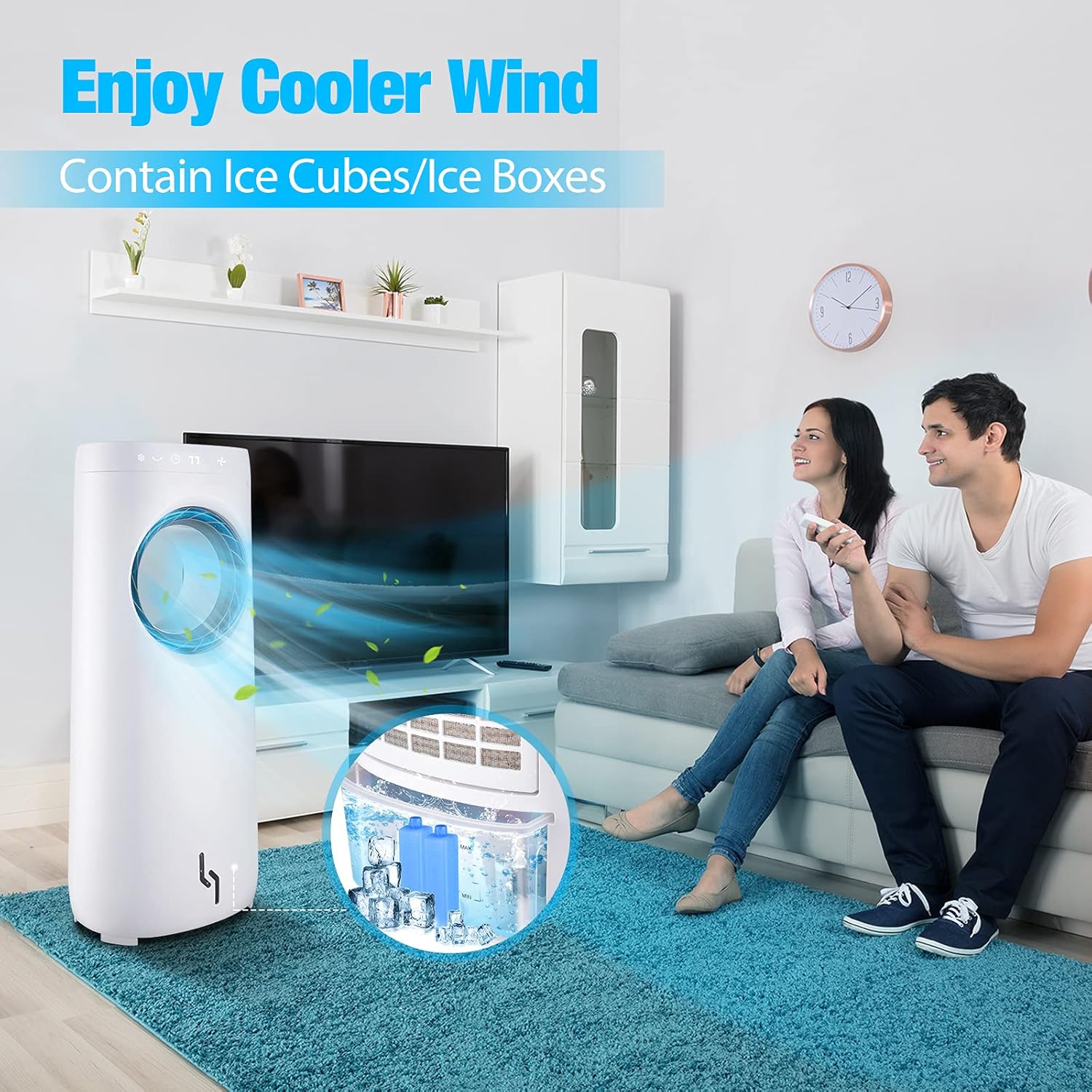
Image 4.1: The water tank with ice cubes and ice boxes for improved cooling performance.
- Power Connection: Insert the power plug into a standard electrical outlet.
5. Operating Instructions
The air cooler can be operated using the touch control panel on the top of the unit or the included remote control.
5.1 Control Panel & Remote Control Functions
- ON/OFF Button: Press to turn the unit on or off.
- Speed Button: Press to cycle through 3 wind speeds: Low, Medium, High.

Image 5.1: The air cooler offers three adjustable wind speeds for various comfort levels.
- Cooler/Humidify Button: Activates the evaporative cooling and humidification function. Ensure the water tank is filled.
- Swing Button: Activates the 360° oscillation feature, distributing air across a wider area.

Image 5.2: The air cooler features 360° rotation and can be controlled via remote from up to 8 meters away.
- Timer Button: Press repeatedly to set the auto-off timer from 1 to 12 hours. The display will show the selected duration.
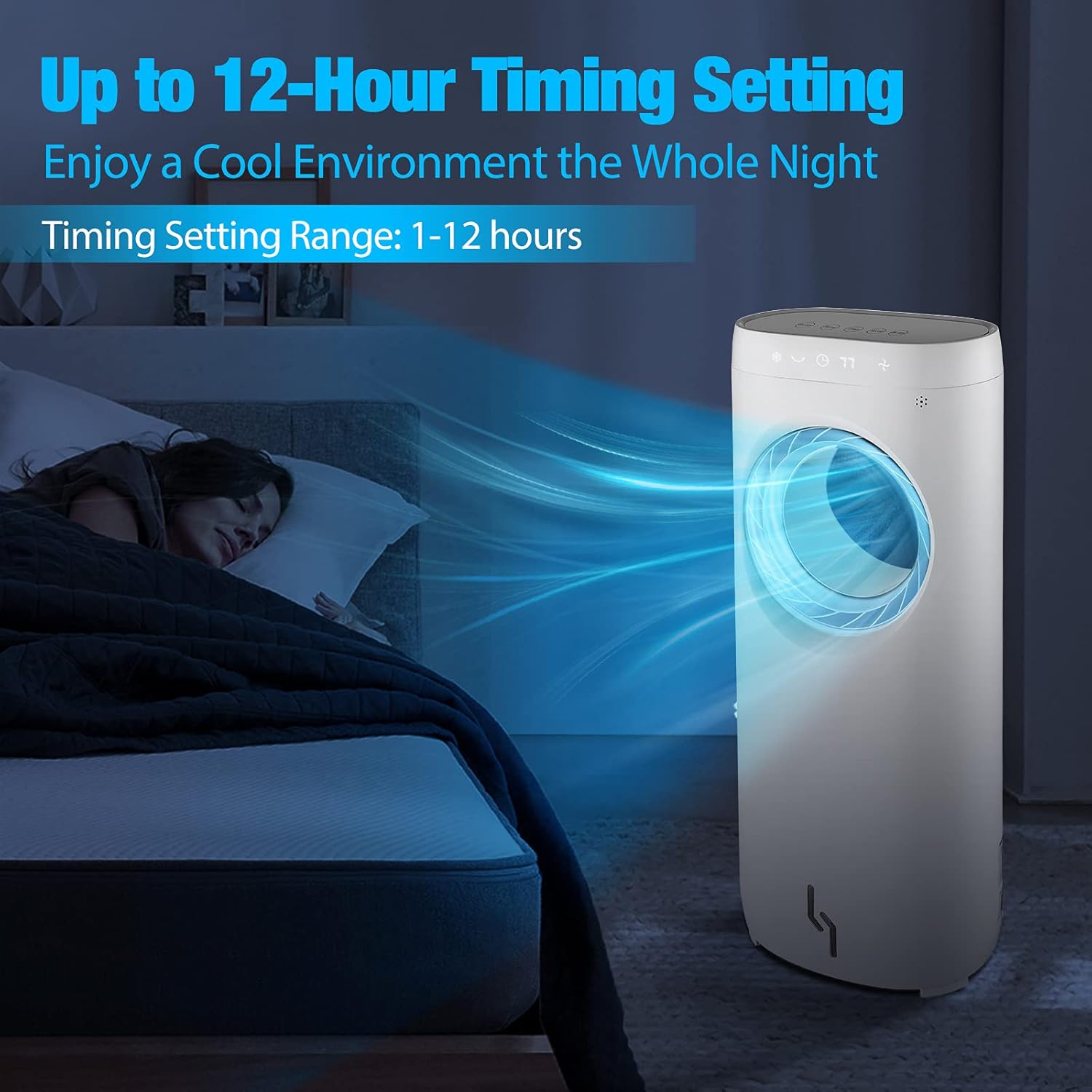
Image 5.3: The 12-hour timer allows for a cool and peaceful night's sleep.
6. Maintenance
Regular cleaning and maintenance will ensure the longevity and optimal performance of your air cooler.
6.1 Cleaning the Exterior
- Always unplug the unit before cleaning.
- Wipe the exterior surfaces with a soft, damp cloth. Do not use abrasive cleaners or solvents.
- The bladeless design makes it easy to wipe down the air outlet without disassembly.
6.2 Cleaning the Water Tank
- Empty any remaining water from the tank.
- Clean the water tank with a mild detergent and rinse thoroughly with clean water.
- Allow the tank to air dry completely before reinserting it into the unit.
- Clean the water tank regularly (e.g., weekly) to prevent mold and mildew growth.
6.3 Storage
- If storing the unit for an extended period, ensure the water tank is empty and dry.
- Clean the entire unit as described above.
- Store the unit in a cool, dry place, preferably in its original packaging.
7. Troubleshooting
If you encounter any issues with your air cooler, please refer to the following common problems and solutions:
| Problem | Possible Cause | Solution |
|---|---|---|
| Unit does not turn on. | No power supply; Power button not pressed. | Check if the power cord is securely plugged in. Press the ON/OFF button. |
| No cool air/Humidification not working. | Water tank empty; Cooler function not activated. | Fill the water tank. Press the Cooler/Humidify button. Ensure ice boxes are frozen if used. |
| Unit is leaking water. | Water tank overfilled; Unit not on a level surface; Damaged water tank. | Do not overfill the water tank. Place the unit on a stable, level surface. Inspect the water tank for damage. |
| Remote control not working. | Batteries depleted; Obstruction between remote and unit. | Replace batteries in the remote control. Ensure a clear line of sight to the unit's receiver. |
8. Specifications
| Feature | Specification |
|---|---|
| Brand | TRUSTECH |
| Model Number | 6937590200159 |
| Voltage | 110 Volts (AC) |
| Wattage | 110 watts |
| Number of Speeds | 3 |
| Reservoir Capacity | 4 Liters |
| Controls Type | Button, Remote Control |
| Form Factor | Tower |
9. Warranty and Support
This product comes with a manufacturer's warranty. For detailed warranty information, please refer to the warranty card included in your package or contact TRUSTECH customer support. If you require assistance, have questions, or need to report an issue, please contact our customer service team through the contact information provided on our official website or your purchase platform.


