
1. Introduction
This manual provides essential information for the safe and efficient installation, operation, and maintenance of your TIMBERTECH Model STAN01 Sliding Gate Opener Kit. Please read all instructions carefully before beginning installation or operation to ensure proper function and safety.
2. Safety Information
Important Safety Instructions:
- Always disconnect power before performing any service or maintenance.
- Keep children and pets away from the gate area, especially during operation.
- Do not allow children to play with gate controls or remote controls.
- Ensure the gate path is clear of obstructions before and during operation.
- Install infrared sensors to prevent the gate from closing on people or objects.
- In case of power failure, use the emergency release keys to operate the gate manually.
- Professional installation is recommended for electrical connections and complex mechanical setups.
3. Package Contents
Verify that all components listed below are present in your kit:
- 1 x Sliding Gate Motor Unit (Model STAN01)
- 8 x Toothed Racks (50 cm each)
- 2 x Spring Limit Switches
- 2 x Remote Controls
- 2 x Infrared Sensors (Emitter and Receiver)
- 1 x Wireless Keypad
- 2 x Emergency Release Keys
- Assembly Materials (screws, bolts, brackets, etc.)
- 1 x Multilingual Assembly Manual (EN/DE/FR/IT/ES)
Note: Batteries for the keypad (1 x CR2450 - 3V) and remote controls (27A, 12V) are not included. The flashing light is also not included in this specific kit.

Image: Overview of the TIMBERTECH STAN01 Sliding Gate Opener Kit contents, including the motor unit, remote controls, wireless keypad, infrared sensors, emergency keys, and assembly hardware.
4. Technical Specifications
| Parameter | Specification |
|---|---|
| Voltage | 220-240V, 50Hz |
| Motor Speed | 1400 rpm |
| Gear Speed | 54 rpm |
| Power | 180 W |
| Force | 16 Nm |
| Gate Speed | 11 m/min |
| Duty Cycle | Up to 15 min (then 5 min pause) |
| Max. Remote Controls | 20 |
| Remote Control Range | 30 m (Frequency: 433.92 MHz) |
| Remote Control Battery | 27A, 12V |
| Max. Gate Weight | 600 kg |
| Operating Temperature | -20°C to +70°C |
| Rack Dimensions | 500x30x8 mm |
| Keypad Dimensions | 93 x 73 x 43 mm |
| Keypad Frequency | 433.92 MHz |
| Keypad Battery | 1 x CR2450 - 3V (not included) |
| Keypad Range (Outdoor) | 100 m |
| Keypad Range (Indoor) | 35 m |
| Protection Rating | IP54 |
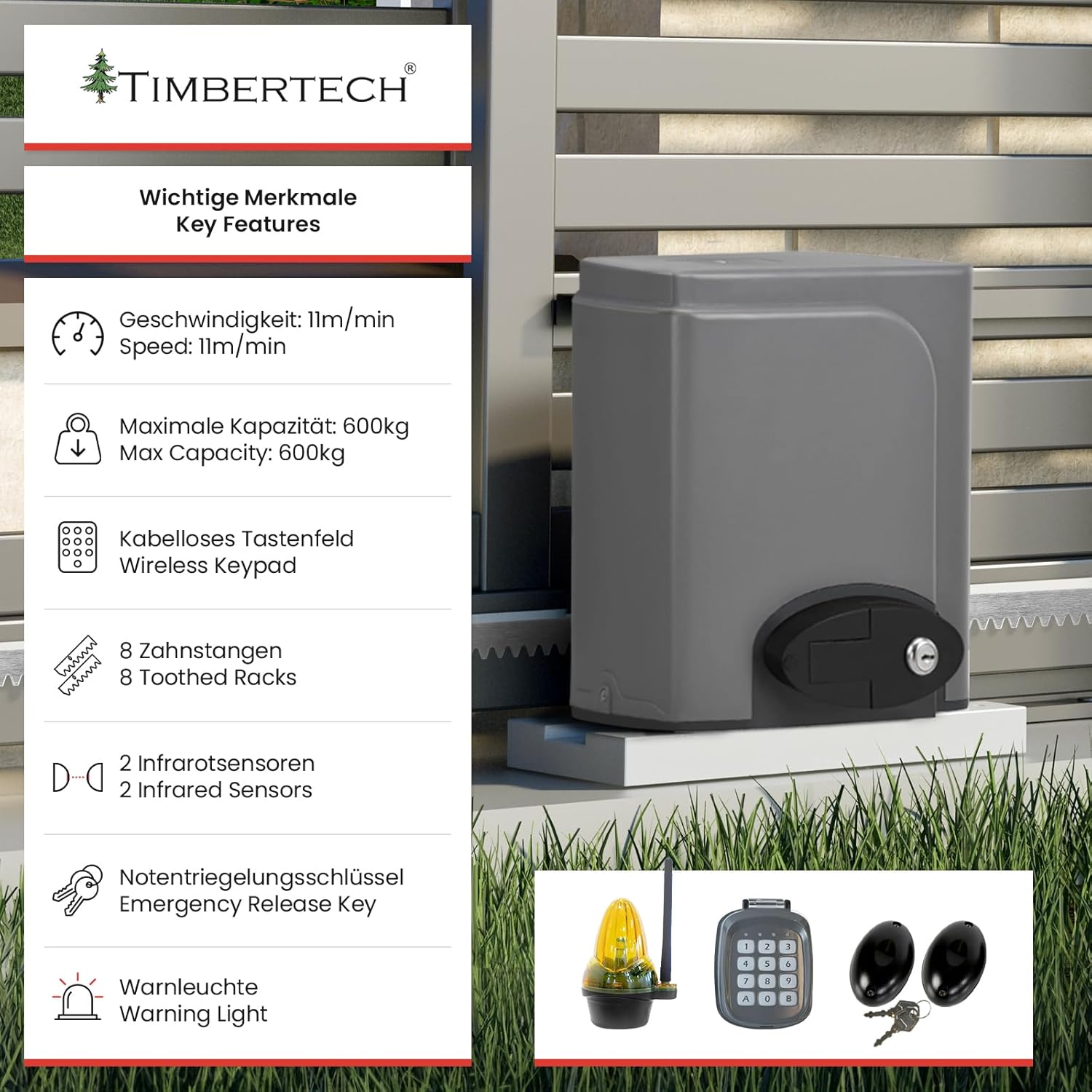
Image: Key features of the TIMBERTECH STAN01 Sliding Gate Opener, highlighting speed, max capacity, wireless keypad, toothed racks, infrared sensors, and emergency release key.
5. Setup and Installation
The installation process involves mechanical mounting, electrical wiring, and sensor alignment. Refer to the dedicated multilingual assembly manual included in your kit for detailed, step-by-step instructions and diagrams.
5.1. Mechanical Installation
- Mounting the Motor Unit: Securely fasten the motor unit to a stable, level concrete base next to the gate, ensuring proper alignment with the gate's movement path.
- Installing the Toothed Racks: Attach the toothed racks along the bottom edge of the sliding gate, ensuring they mesh correctly with the motor's gear. Maintain a small gap (approx. 1-2mm) between the rack and the gear to allow for smooth operation and thermal expansion.
- Installing Limit Switches: Position the spring limit switches at the desired open and closed positions of the gate. These switches signal the motor to stop when the gate reaches its full open or closed state.
5.2. Electrical Connections
All electrical work should be performed by a qualified electrician to ensure safety and compliance with local regulations.
- Power Supply: Connect the motor unit to a 220-240V, 50Hz power supply. Ensure the circuit is protected by a suitable circuit breaker.
- Infrared Sensors: Mount the infrared sensors on opposite sides of the gate opening, ensuring they are aligned and their beam is unobstructed. Connect them to the motor unit's control board as per the wiring diagram in the assembly manual. These sensors provide a safety mechanism, reversing the gate if an obstruction is detected.
- Wireless Keypad: Install the wireless keypad in a convenient location, ensuring it is within range of the motor unit.
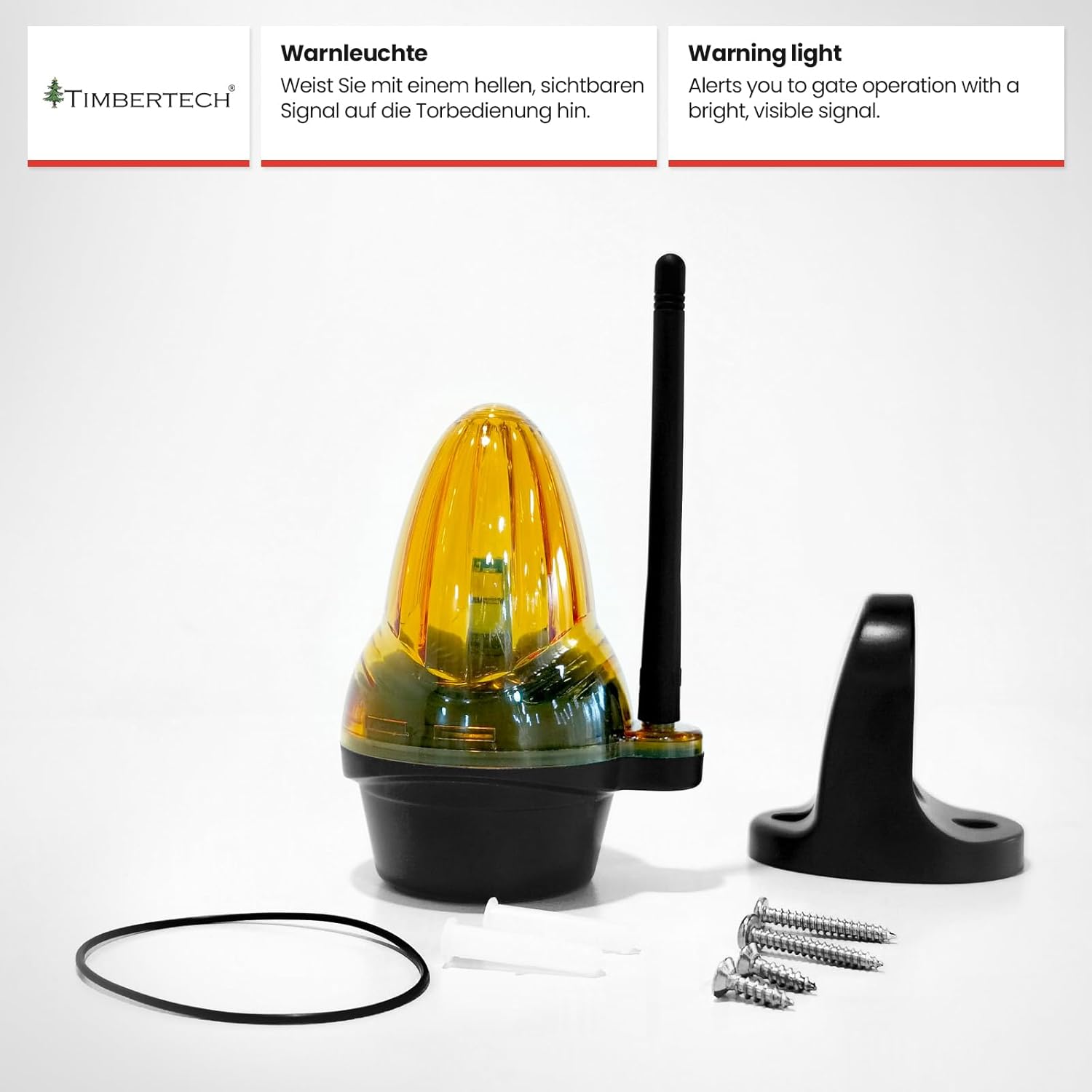
Image: The TIMBERTECH STAN01 motor unit installed with a toothed rack on a sliding gate, illustrating the mechanical setup.
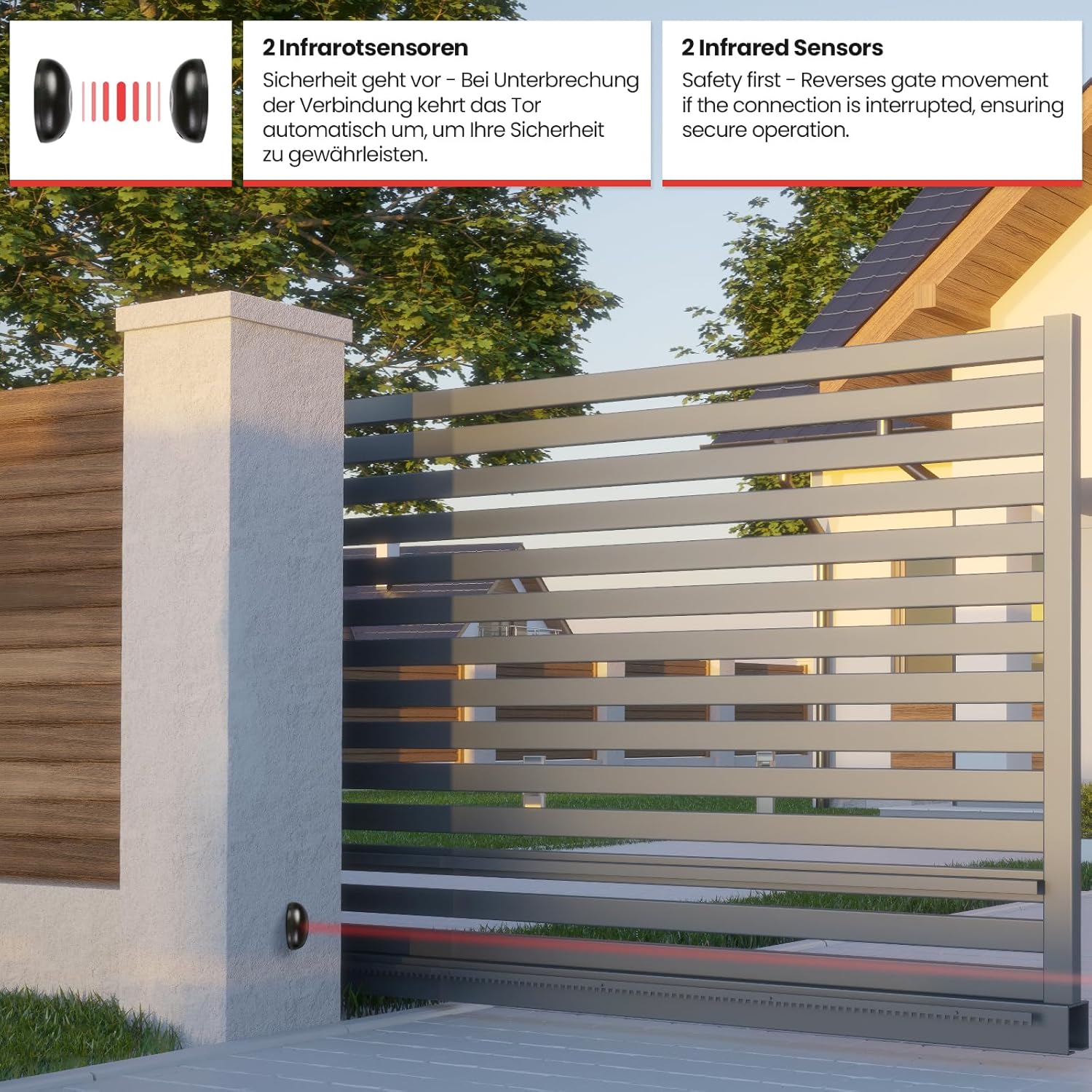
Image: Close-up of the infrared sensors installed, showing the safety beam across the gate opening. If the connection is interrupted, the gate movement reverses.
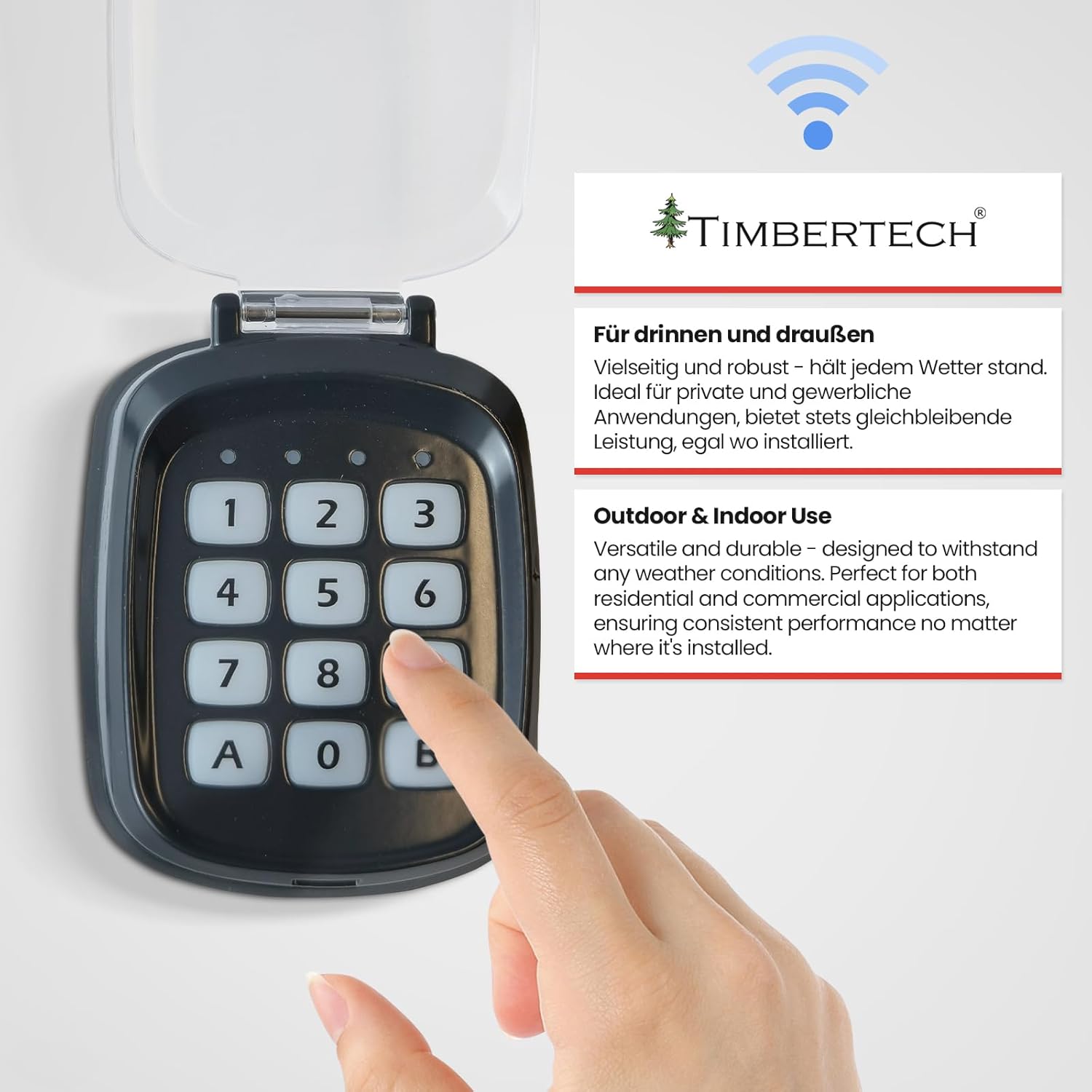
Image: The TIMBERTECH STAN01 wireless keypad, suitable for both indoor and outdoor use, demonstrating its versatility and robust design.
6. Operating Instructions
6.1. Using Remote Controls
Your kit includes two remote controls for convenient gate operation. Ensure batteries (27A, 12V) are correctly installed.
- Press the designated button on the remote control to open or close the gate.
- The remote control has a range of up to 30 meters.
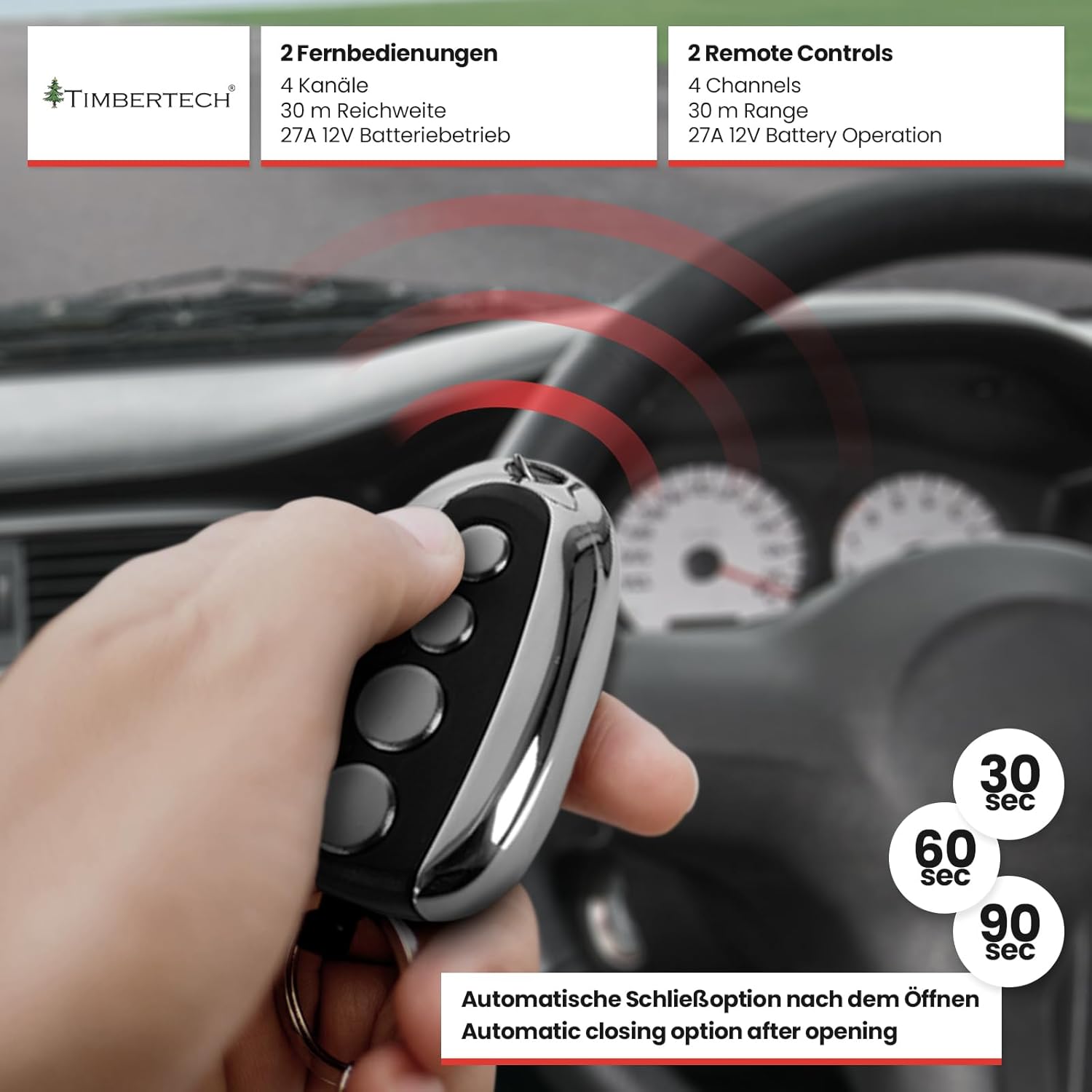
Image: A hand operating the TIMBERTECH STAN01 remote control, illustrating the ease of use and highlighting the automatic closing options (30, 60, 90 seconds).
6.2. Using the Wireless Keypad
The wireless keypad provides an alternative method for operating your gate. Ensure a CR2450 - 3V battery is installed.
- Enter your programmed access code on the keypad to open or close the gate.
- Refer to the assembly manual for instructions on programming your access code.
6.3. Automatic Closing Function
The motor unit can be configured to automatically close the gate after a set period.
- The automatic closing delay can be set to 30, 60, or 90 seconds after the gate opens.
- Consult the assembly manual for instructions on how to activate and adjust this feature.
6.4. Manual Override (Emergency Release)
In the event of a power outage or malfunction, you can manually operate the gate using the emergency release keys.
- Insert the emergency release key into the lock on the motor unit.
- Turn the key to disengage the motor, allowing the gate to be moved by hand.
- Remember to re-engage the motor once power is restored or the issue is resolved.
7. Maintenance
Regular maintenance ensures the longevity and reliable operation of your gate opener.
- Cleaning: Periodically clean the motor unit, racks, and sensors to remove dirt, dust, and debris. Use a soft, damp cloth.
- Lubrication: Lightly lubricate the gate's moving parts and the toothed racks with appropriate grease or spray lubricant every 6 months.
- Sensor Check: Regularly check that the infrared sensors are clean, aligned, and free from obstructions. Test their functionality by breaking the beam while the gate is closing.
- Battery Replacement: Replace batteries in remote controls (27A, 12V) and the wireless keypad (CR2450 - 3V) as needed, typically when range or responsiveness decreases.
- Rack Inspection: Inspect the toothed racks for any damage, wear, or loose fasteners. Ensure they remain securely attached to the gate.
- All-Weather Performance: The system is designed for all-weather use. However, during extreme weather conditions (heavy snow, ice), ensure the gate path and racks are clear to prevent strain on the motor.
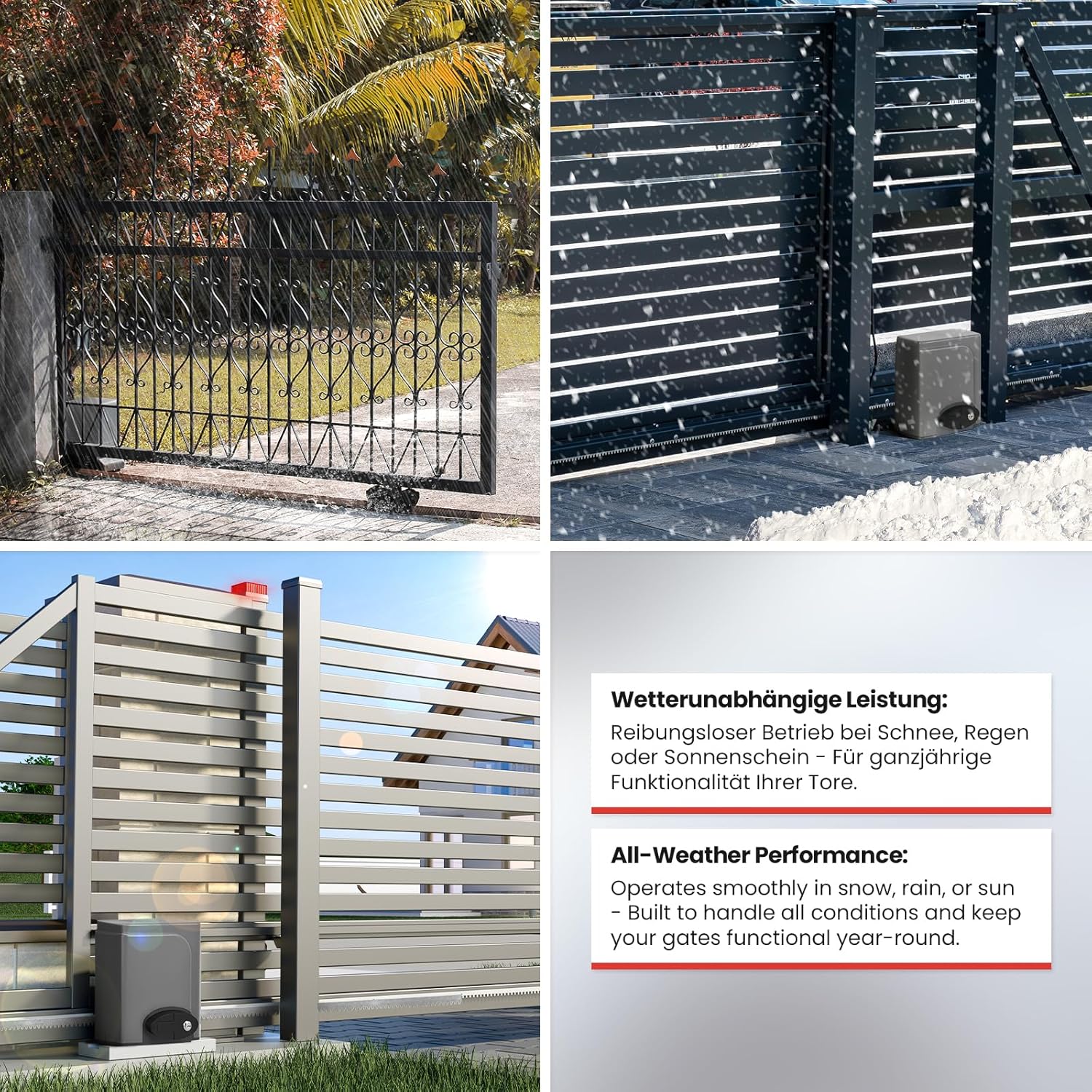
Image: Collage demonstrating the TIMBERTECH STAN01 gate opener operating smoothly in various weather conditions, including rain and snow, highlighting its all-weather performance.
8. Troubleshooting
If you encounter issues with your gate opener, refer to the following common problems and solutions:
| Problem | Possible Cause | Solution |
|---|---|---|
| Gate does not respond to remote/keypad | Dead batteries in remote/keypad; remote/keypad out of range; power supply issue; motor disengaged. | Replace batteries; move closer to the gate; check power connection; ensure motor is engaged (not in manual override). |
| Gate opens but does not close automatically | Automatic closing function not activated; infrared sensors obstructed or misaligned. | Activate auto-closing in settings (refer to manual); clean and align infrared sensors. |
| Gate stops or reverses during operation | Obstruction in gate path; infrared sensors triggered; limit switches misadjusted. | Remove obstruction; check and clean infrared sensors; adjust limit switch positions. |
| Motor makes noise but gate does not move | Motor disengaged (manual override); gear not meshing with rack; mechanical obstruction. | Ensure motor is engaged; check rack alignment and condition; inspect for mechanical obstructions. |
If the problem persists after attempting these solutions, please consult a qualified technician or contact TIMBERTECH customer support.
9. Warranty and Support
For warranty information, please refer to your purchase documentation or contact the retailer where you purchased the TIMBERTECH STAN01 Sliding Gate Opener Kit. Keep your proof of purchase for any warranty claims.
For technical support or further assistance, please visit the official TIMBERTECH website or contact their customer service department. Contact details can typically be found in your product packaging or on the brand's official website.