
1. Introduction
Thank you for choosing the TESSAN USB Wall Socket. This device is designed to expand your power options, providing 3 AC outlets and 2 USB ports from a single wall socket. It features an integrated power switch for convenience and energy saving. Please read this manual carefully before use to ensure safe and optimal operation.
2. Product Features
- 3 AC Outlets & 2 USB Ports: The TESSAN USB wall socket is designed for French wall outlets (Type E – 2 pin). Simply plug it into any compatible socket to expand it to 3 AC outlets and 2 USB ports, meeting multiple charging needs simultaneously.
- 5-in-1 USB Wall Charger: The USB ports automatically detect your devices and deliver the fastest possible charging speed (2.4A total, 2.4A MAX per port). Charge laptops, phones, smartwatches, and other electronic devices efficiently.
- Power Strip with Switch: Easily turn off the power to all connected devices with the integrated switch to save electricity and avoid frequent plugging/unplugging. A soft blue indicator light confirms operation without disturbing your rest.
- Compact and Portable: Measuring 16.1 x 5.9 cm and weighing only 230g, this USB adapter's compact and lightweight design makes it easy to carry in your bag, saving space at home or during travel.
- Suitable for All Occasions: This wall charger is suitable for any interior, including bedrooms, bathrooms, kitchens, dorms, and hotels. Its classic white and light gray design blends easily with modern decor.
3. Setup Instructions
- Unpack the Device: Carefully remove the TESSAN USB Wall Socket from its packaging.
- Inspect for Damage: Before plugging in, check the device for any visible damage. Do not use if damaged.
- Plug into Wall Socket: Insert the TESSAN USB Wall Socket's Type E (2-pin French) plug into a compatible wall outlet. Ensure it is securely seated.
- Power On: Press the integrated power switch to the 'ON' position. The soft blue indicator light will illuminate, indicating the device is powered on and ready for use.

Image: The TESSAN USB Wall Socket, showing its three AC outlets, two USB ports, and power switch.
4. Operating Instructions
- Using AC Outlets: Plug your appliances into the 3 AC outlets. Ensure the total power consumption does not exceed the maximum rating (refer to specifications).
- Using USB Ports: Connect your USB-powered devices (e.g., smartphones, tablets, smartwatches) to the 2 USB ports using appropriate USB cables. The ports will automatically detect your device and provide optimal charging.
- Power Switch: Use the power switch to turn the entire unit on or off. This allows you to easily disconnect power to all connected devices without unplugging them individually.
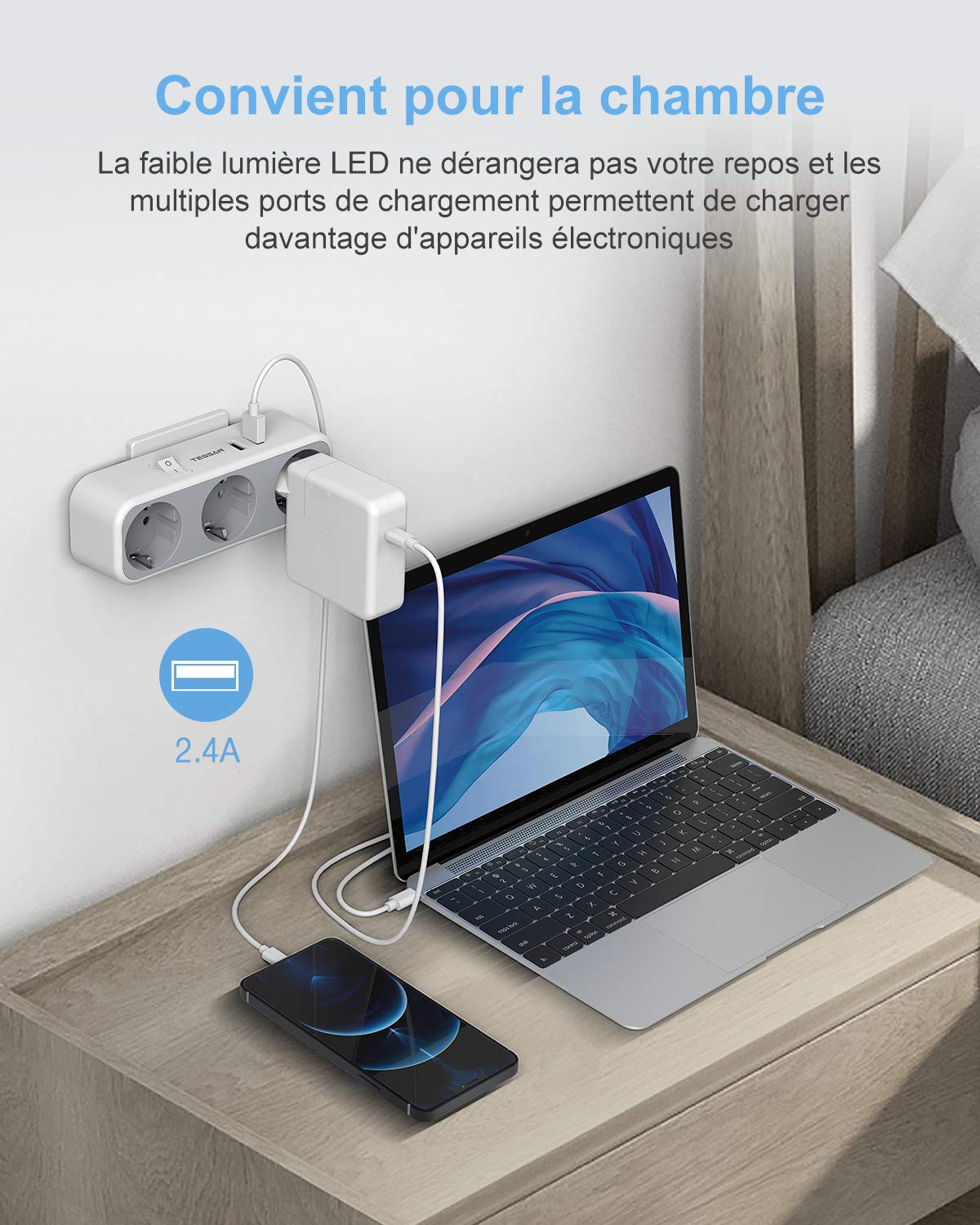
Image: The TESSAN USB Wall Socket in use, charging a laptop and a smartphone on a bedside table. This demonstrates its utility in a bedroom setting.

Image: The TESSAN USB Wall Socket powering a microwave and a coffee machine in a kitchen, highlighting its ability to handle multiple appliances.
5. Safety Information
- Do not exceed the maximum load capacity of the device.
- Do not use in wet environments or near water.
- Keep out of reach of children.
- Do not disassemble or modify the device.
- Ensure the wall socket is properly grounded.
- Unplug the device from the wall socket when not in use for extended periods.
6. Specifications
| Feature | Specification |
|---|---|
| Brand | TESSAN |
| Model | TS-322 |
| Color | White |
| Material | Plastic Polycarbonate (PC) |
| Product Dimensions (L x W) | 16 cm x 5.9 cm |
| Voltage | 240V |
| Current | 2.4 Ampere (USB) |
| Power Supply Plug Type | Type E – 2 pin (French) |
| Total Number of AC Outlets | 3 |
| Total Number of USB Ports | 2 |
| Item Weight | 230 Grams |

Image: A detailed view of the TESSAN USB Wall Socket with its dimensions (16 cm length, 5.5 cm height, 5.9 cm width) clearly indicated.
7. Troubleshooting
- No Power: Ensure the device is securely plugged into the wall socket and the power switch is in the 'ON' position. Check if the wall socket itself is functional by plugging in another device.
- Slow USB Charging: Verify that your USB cable is not damaged. Some devices may charge slower if they require higher amperage than the USB ports can provide, or if multiple devices are drawing power simultaneously.
- Overload: If the device stops working, it might be due to an overload. Unplug some devices, turn the power switch off and then on again. Ensure the total power consumption does not exceed the specified limits.
8. Maintenance
- Cleaning: Disconnect the device from the power source before cleaning. Use a dry, soft cloth to wipe the surface. Do not use liquid cleaners or abrasive materials.
- Storage: Store the device in a cool, dry place away from direct sunlight and moisture when not in use.
9. Product Video
Video: A short demonstration of the TESSAN USB Wall Socket, showcasing its design and features from various angles.
10. Warranty and Support
TESSAN products come with a standard manufacturer's warranty. For warranty claims, technical support, or any questions regarding your product, please contact TESSAN customer service through their official website or the retailer where you purchased the product. Please retain your proof of purchase for warranty purposes.