
Introduction
The CoComelon Deluxe Little Kitchen Roleplay Set is designed to inspire and nurture your child's imagination through interactive play. This playset includes various kitchen accessories and features that allow children to engage in roleplay games, helping to develop fine motor skills, dexterity, and an understanding of cause and effect.

Image: The CoComelon Deluxe Little Kitchen Roleplay Set, featuring a vibrant yellow kitchen unit with a sink, stove, and oven, alongside a light blue refrigerator. CoComelon characters and playful designs are visible on the set.
Setup
1. Unboxing and Content Check
Carefully remove all components from the packaging. Verify that all included accessories are present. The set typically includes:
- Main kitchen unit with sink, stove, and oven
- Attached refrigerator
- Chef's hat and oven mitt
- Watermelon-themed kettle
- Frying pan with flipper
- Cupcakes and baking tray
- Cups and other small utensils

Image: A collection of CoComelon-themed kitchen accessories, including a white chef's hat, a yellow oven mitt, a green watermelon kettle, a red frying pan, two cupcakes, and various small utensils.
2. Battery Installation
The interactive features of the kitchen require batteries. Locate the battery compartment, typically on the underside or back of the main unit. Insert the required number of AA batteries (not included), ensuring correct polarity. Close the compartment securely. After installation, locate the ON/OFF switch and set it to the 'ON' position to activate sounds and lights.
3. Assembly
The main kitchen unit and refrigerator are designed for easy connection. Follow any visual guides provided in the packaging to securely attach the refrigerator to the main kitchen unit. Ensure all parts are firmly connected before play.
Operating Instructions
1. Interactive Stove Knobs
Turn the blue stove knobs to activate different lights and sounds. One knob plays songs like "Breakfast Song" and "Pat-a-Cake," while another functions as a timer with oven lights. Experiment with each knob to discover its unique interactive feature.
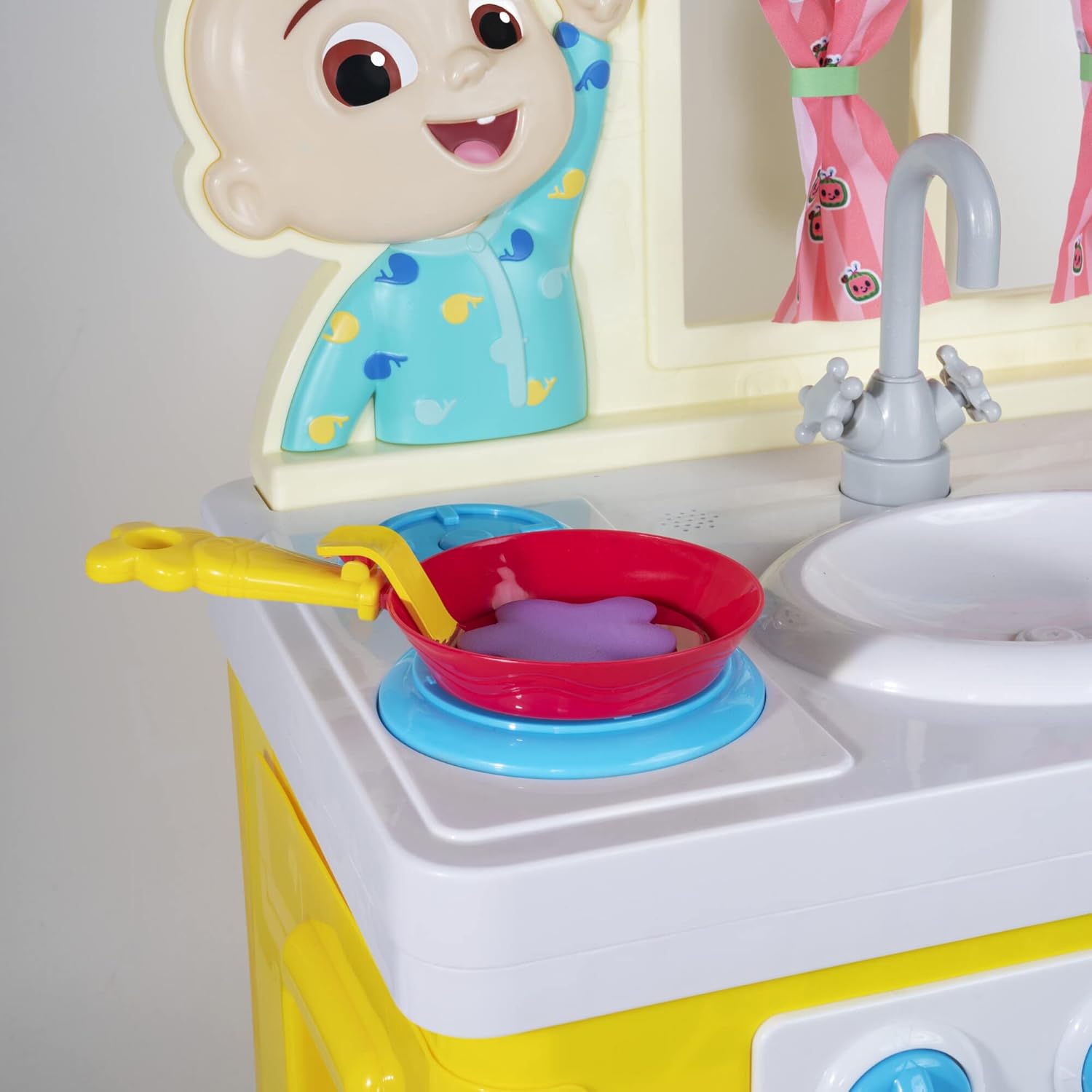
Image: A close-up view of the CoComelon kitchen's stove area, featuring a red frying pan on a blue burner. The interactive blue knobs are visible below the stovetop.
2. Interactive Sink
Turn the sink knob to hear realistic water running sounds, enhancing the roleplay experience.
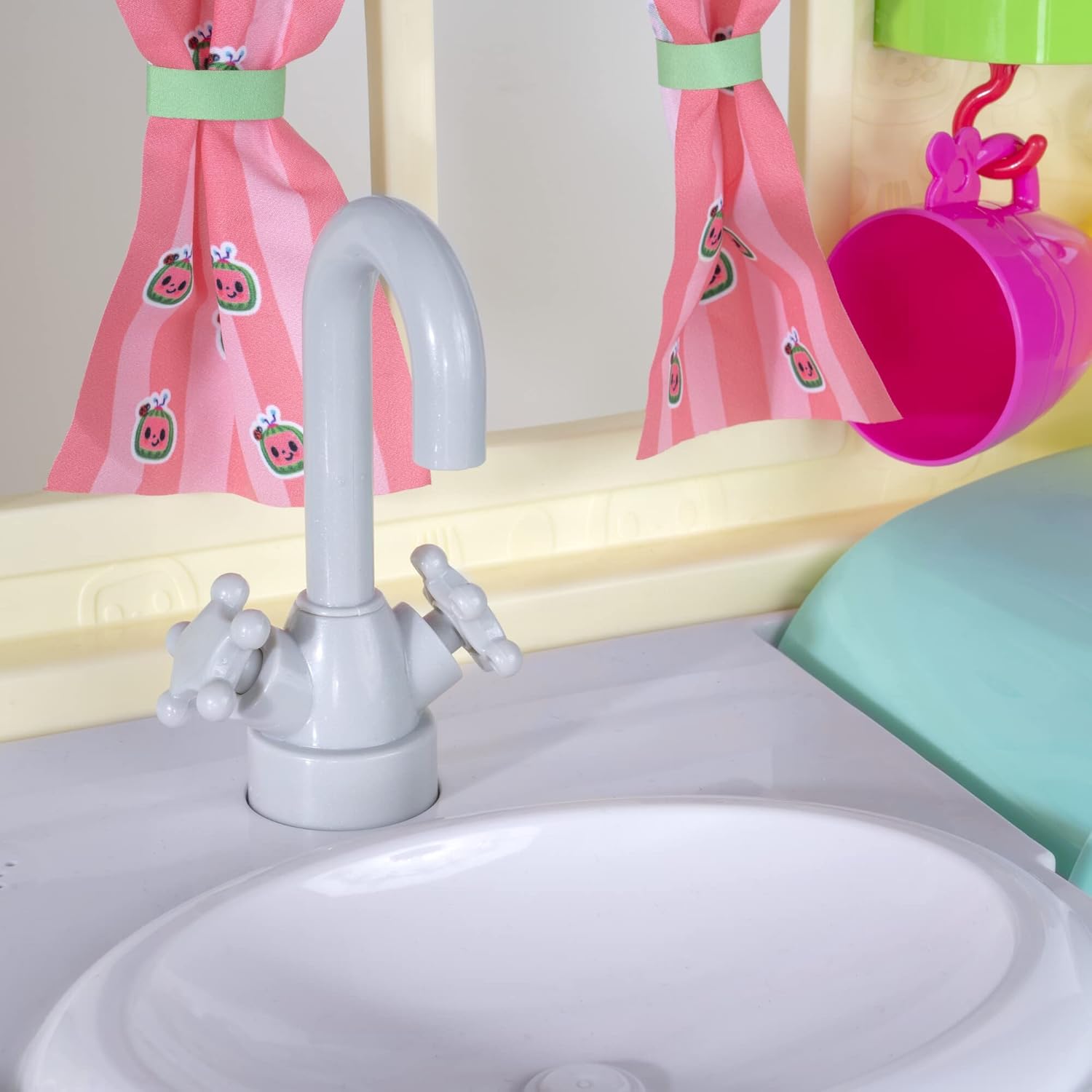
Image: A detailed shot of the CoComelon kitchen's white sink and grey faucet. Pink curtains with watermelon patterns are visible in the background.
3. Pancake Flipper
Use the included pancake flipper accessory to simulate flipping pancakes on the stove. This feature adds a dynamic element to cooking play.
4. Oven and Refrigerator
Open the oven doors to place baking items inside. The oven features lights that activate with certain stove knob settings. The refrigerator door can be opened for storing play food and accessories.

Image: A young child wearing a chef's hat and oven mitt, kneeling and interacting with the CoComelon kitchen. The oven door is open, revealing a lit interior and a baking tray with cupcakes.
Maintenance
1. Cleaning
To clean the playset, wipe surfaces with a soft, damp cloth. Avoid using harsh chemicals or abrasive cleaners, as these may damage the plastic or painted surfaces. Ensure the playset is dry before storing.
2. Storage
Store the playset in a cool, dry place away from direct sunlight to prevent fading and material degradation. If storing for an extended period, remove batteries to prevent leakage.
Troubleshooting
No Sound or Lights
- Check Battery Installation: Ensure batteries are correctly inserted with the proper polarity.
- Replace Batteries: If batteries are old or depleted, replace them with fresh ones.
- Verify ON/OFF Switch: Make sure the main power switch is in the 'ON' position.
- Stove Knob Position: For some features, such as songs or oven lights, the stove knobs may need to be turned to a specific position to activate. Try rotating all knobs to different settings.
Specifications
| Product Dimensions | 23.7 x 13 x 23 inches |
| Item Weight | 4 pounds |
| Item Model Number | CMW0118 |
| Manufacturer Recommended Age | 34 months and up |
| Manufacturer | Jazwares |
| Release Date | September 1, 2021 |
Warranty Information
Specific warranty details for the CoComelon Deluxe Little Kitchen Roleplay Set are not provided in this manual. Please refer to the product packaging or contact the manufacturer, Jazwares, directly for comprehensive warranty information and terms.
Customer Support
For any questions, concerns, or assistance with your CoComelon Deluxe Little Kitchen Roleplay Set, please contact the manufacturer, Jazwares, through their official customer support channels. Contact information can typically be found on the product packaging or their official website.