1. Introduction
The Dolphin Explorer E20 Robotic Pool Vacuum Cleaner is designed to provide efficient and thorough cleaning for your swimming pool. This advanced robotic cleaner is engineered to scrub pool floors and walls, ensuring a pristine swimming environment with minimal effort. Its plug-and-play design and user-friendly features make pool maintenance simple and hassle-free.

Image: The Dolphin Explorer E20 Robotic Pool Cleaner submerged in water, ready for operation.
2. Safety Information
Please read and understand all safety instructions before operating the Dolphin Explorer E20. Failure to follow these instructions may result in electric shock, fire, or serious injury.
- Always disconnect the power supply before performing any maintenance or cleaning on the unit.
- Do not operate the cleaner if the power cable is damaged. Contact authorized service personnel for repair.
- Ensure the power supply unit is placed at least 3.5 meters (11.5 feet) from the edge of the pool.
- Do not enter the pool while the cleaner is operating.
- Use only the original power supply unit provided with the cleaner.
- Keep the power supply unit away from water and direct sunlight.
- This appliance is not intended for use by persons (including children) with reduced physical, sensory or mental capabilities, or lack of experience and knowledge, unless they have been given supervision or instruction concerning use of the appliance by a person responsible for their safety.
3. Product Overview and Components
The Dolphin Explorer E20 is designed for optimal pool cleaning. Familiarize yourself with its main components:

Image: A detailed diagram illustrating the key components of the Dolphin Explorer E20, including the easy-access top-load filter, ergonomic handle, lightweight design, and active brushing mechanism.
- Main Unit: The robotic cleaner itself, housing the motor, pump, and brushes.
- Power Supply Unit: Connects the cleaner to an electrical outlet and controls its operation.
- Floating Cable: Connects the main unit to the power supply, designed to float on the water surface.
- Filter Basket: Located at the top of the unit, collects debris and can be easily removed for cleaning.
- Active Scrubbing Brush: Rotates at high speed to effectively scrub away dirt and algae from pool surfaces.
- Tracks: Provide traction for movement across the pool floor and up walls.
4. Setup and Initial Use
The Dolphin Explorer E20 features a simple plug-and-play setup for immediate use.
- Unpack the Cleaner: Carefully remove the Dolphin Explorer E20 and its power supply unit from the packaging.
- Position the Power Supply: Place the power supply unit at least 3.5 meters (11.5 feet) from the edge of the pool, ensuring it is not exposed to direct sunlight or standing water.
- Connect the Floating Cable: Uncoil the floating cable and connect it securely to the power supply unit. Ensure the connection is firm.
- Plug into Outlet: Plug the power supply unit into a grounded electrical outlet.
- Submerge the Cleaner: Gently lower the Dolphin Explorer E20 into the pool. Allow it to sink to the bottom, releasing any trapped air bubbles. Ensure the floating cable is sufficiently uncoiled to allow the cleaner to reach all areas of the pool.
- Start Cleaning: Press the power button on the power supply unit to begin the cleaning cycle. The cleaner will automatically start its programmed cleaning routine.

Image: A user initiating the cleaning process by pressing the power button on the Dolphin Explorer E20's power supply unit, demonstrating its simple plug-and-play operation.
5. Operating Instructions
The Dolphin Explorer E20 operates autonomously once activated, utilizing smart navigation for optimal coverage.
Cleaning Cycle
Once started, the Explorer E20 will perform a comprehensive cleaning cycle, typically lasting 2 hours. During this time, it will:
- Navigate the Pool Floor: The cleaner uses intelligent mapping to cover the entire pool floor efficiently.
- Climb Walls: The powerful wall-scrubbing capability allows the unit to ascend pool walls, cleaning the waterline and vertical surfaces.
- Active Scrubbing: The active scrubbing brush continuously works to dislodge and remove stubborn dirt, algae, and debris.
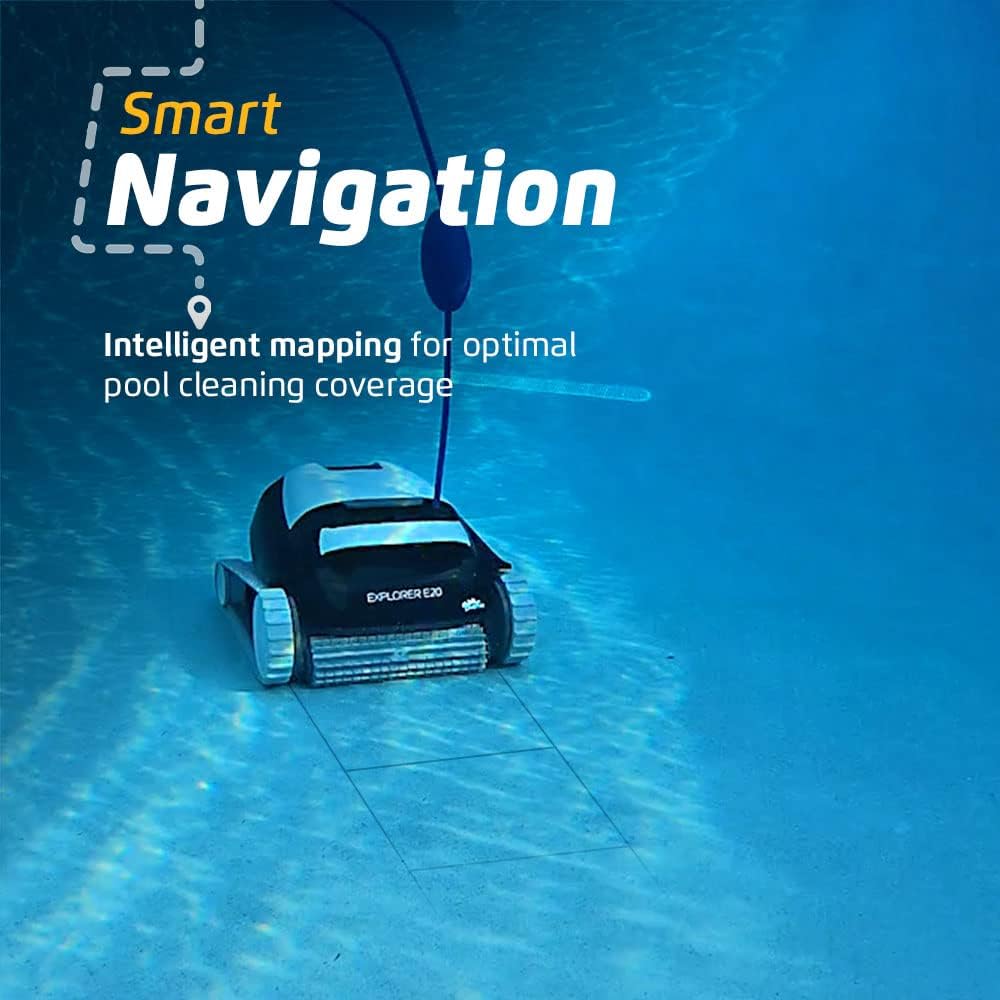
Image: The Dolphin Explorer E20 moving across the pool floor, demonstrating its smart navigation and intelligent mapping capabilities for comprehensive cleaning coverage.

Image: The Dolphin Explorer E20 showcasing its wall climbing capability, providing an ultimate clean by scrubbing both pool floor and walls.
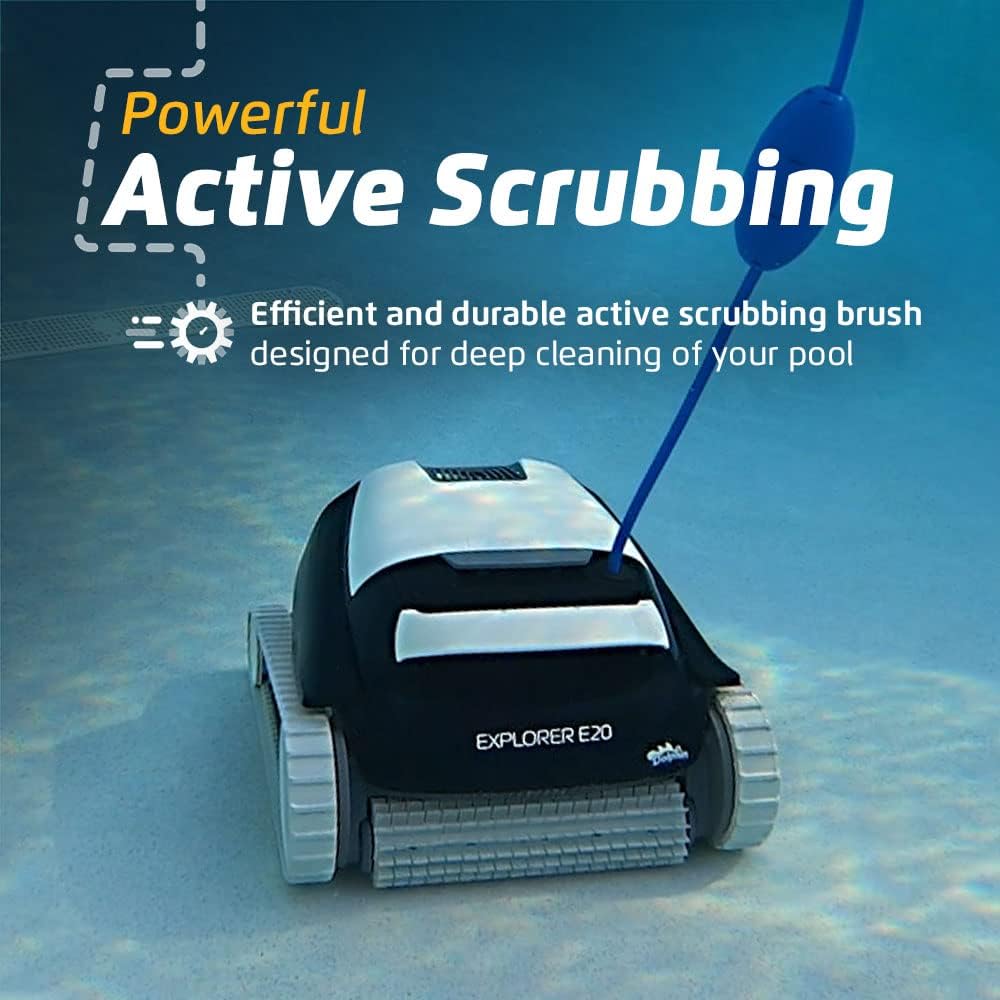
Image: The Dolphin Explorer E20 utilizing its powerful active scrubbing brush for efficient and durable deep cleaning of the pool surface.
Removing the Cleaner from the Pool
After the cleaning cycle is complete or when you wish to remove the cleaner:
- Turn Off Power: Press the power button on the power supply unit to turn off the cleaner.
- Pull from Water: Use the floating cable to gently pull the cleaner towards the edge of the pool. Do not pull the cleaner out of the water by its cable.
- Lift by Handle: Grasp the ergonomic handle of the cleaner and lift it out of the water. The quick water release feature will allow water to drain rapidly, making it lightweight for removal.

Image: A user easily lifting the Dolphin Explorer E20 from the pool, highlighting its lightweight design and ergonomic handle for convenient handling.

Image: The Dolphin Explorer E20 being lifted from the pool, showing water quickly draining from its body, which facilitates lightweight removal.
6. Maintenance
Regular maintenance ensures the longevity and optimal performance of your Dolphin Explorer E20.
Cleaning the Filter Basket
The top-load filter basket is designed for easy access and cleaning.
- Open the Top: Press the latch to open the top cover of the cleaner.
- Remove Filter Basket: Grasp the handle of the filter basket and lift it out of the cleaner.
- Empty Debris: Open the filter basket and empty any collected debris into a waste bin.
- Rinse Thoroughly: Rinse the filter basket and filter panels with a garden hose until all debris and fine particles are removed. Ensure the mesh is clear.
- Reinsert Filter Basket: Place the clean filter basket back into the cleaner, ensuring it clicks securely into place. Close the top cover.
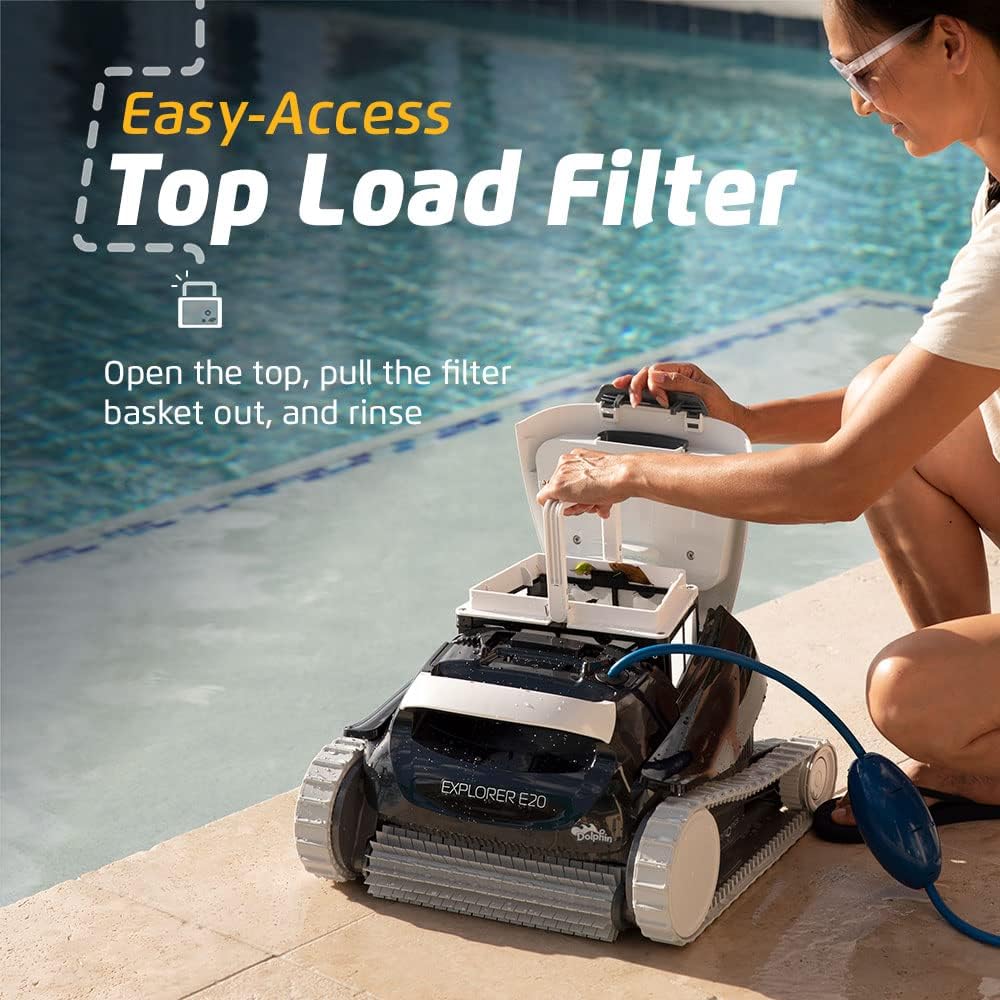
Image: A user opening the top cover of the Dolphin Explorer E20 to access the easy-access top-load filter basket, simplifying debris removal.

Image: A man demonstrating the cleaning process of the filter basket, showing how to remove and rinse the filter panels for optimal performance.
General Care and Storage
- Rinse Exterior: After each use, rinse the exterior of the cleaner with clean water to remove any chlorine residue or debris.
- Check Brushes and Tracks: Periodically inspect the scrubbing brush and tracks for wear or trapped debris. Clean as necessary.
- Store Properly: When not in use, store the Dolphin Explorer E20 in a cool, dry place, away from direct sunlight and extreme temperatures. Ensure the floating cable is neatly coiled to prevent tangling.
7. Troubleshooting
This section addresses common issues you might encounter with your Dolphin Explorer E20.
| Problem | Possible Cause | Solution |
|---|---|---|
| Cleaner does not turn on. | No power to the unit; power supply issue; cable not connected. | Check power outlet. Ensure power supply is plugged in and turned on. Verify floating cable is securely connected to the power supply. |
| Cleaner does not move or moves slowly. | Filter basket is full; debris caught in brushes/tracks; tangled cable. | Clean the filter basket. Remove any debris from brushes or tracks. Untangle the floating cable. |
| Cleaner does not climb walls effectively. | Filter basket is dirty; water chemistry imbalance (algae); worn brushes/tracks. | Clean the filter basket thoroughly. Check pool water chemistry and balance if necessary. Inspect brushes and tracks for wear and replace if needed. |
| Debris is not being collected. | Filter basket is clogged or improperly installed. | Remove and thoroughly clean the filter basket. Ensure it is correctly seated and locked in place. |
| Cleaner floats or has air bubbles. | Air trapped inside the unit. | Gently shake the cleaner underwater to release trapped air before starting operation. |
If the problem persists after attempting these solutions, please contact Dolphin customer support for further assistance.
8. Specifications
| Feature | Detail |
|---|---|
| Model Name | Explorer E20 |
| Brand | Dolphin |
| Manufacturer | Maytronics |
| Product Dimensions | 56.39 x 44.7 x 32.51 cm; 10.89 kg (22.2 x 17.6 x 12.8 inches; 24 lbs) |
| Material | Plastic, Metal, Fiberglass |
| Color | Black |
| Power Source | Corded Electric |
| Voltage | 18 Volts |
| Installation Type | Plug-and-play |
| Special Feature | Self Propelled, Wall Climbing, Active Scrubbing |
| Control Method | Touch (via power supply unit) |
| UPC | 850015249426 |
| Recommended Pool Size | Up to 33 FT in length |
9. Warranty and Support
For detailed warranty information and customer support, please refer to the official documentation included with your Dolphin Explorer E20 or visit the official Dolphin website. Maytronics, the manufacturer, provides support for their products.
Typical warranty coverage includes defects in materials and workmanship under normal use. Keep your proof of purchase for warranty claims.
For technical assistance, spare parts, or service inquiries, please contact Dolphin customer service through their official channels.



