
1. Introduction
Thank you for purchasing the One Fire Night Light Projector. This device is designed to create a captivating starry sky or themed projection experience, ideal for children's rooms. It features multiple projection films, various lighting modes, and a 360-degree rotation function. This manual provides essential information for safe operation, setup, and maintenance of your projector.

Image 1.1: The One Fire Night Light Projector in operation, showcasing its star and moon projection, alongside the six available projection films.
2. Safety Warnings
Please read and understand all safety warnings before using this product.
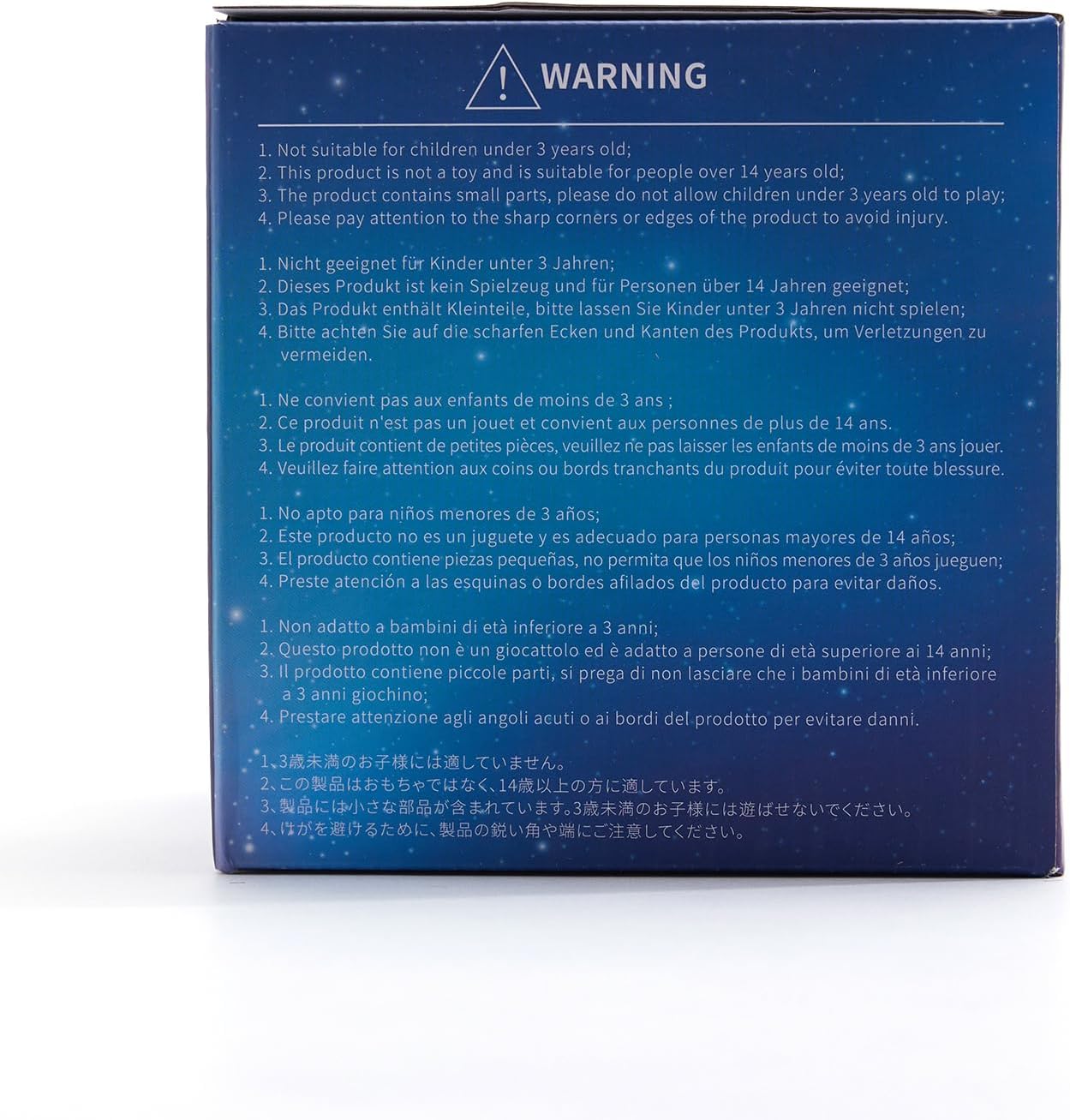
Image 2.1: Product packaging displaying important safety warnings.
- This product is not suitable for children under 3 years old.
- This product is not a toy and is suitable for individuals over 14 years old.
- The product contains small parts. To prevent choking hazards, do not allow children under 3 years old to play with it.
- Exercise caution with the sharp corners or edges of the product to avoid injury.
3. Package Contents
Verify that all items are present in the package:
- One Fire Night Light Projector (Model WH-E07)
- USB Charging Cable (Type-C)
- 6 Projection Films (Pre-installed or separate)
- User Manual
- Built-in Lithium Ion Battery
4. Product Overview
Familiarize yourself with the components and controls of your projector.

Image 4.1: Front view of the projector base with control buttons and charging port.
Control Buttons:
- Power Button (①): Press to turn the projector On/Off.
- Rotation Button (②): Press to activate or deactivate the 360-degree rotation of the projection.
- Light Mode Button (③): Press to cycle through different light colors and projection modes.
Ports:
- USB-C Charging Port: Used to charge the internal battery.
5. Setup Instructions
5.1 Charging the Projector
The projector is equipped with a rechargeable 2400mAh Lithium Ion battery. Before first use, fully charge the device.
- Connect the provided USB-C charging cable to the charging port on the projector.
- Connect the other end of the USB-C cable to a compatible USB power adapter (not included), power bank, or computer USB port.
- The charging indicator light will illuminate (typically red) during charging.
- Once fully charged, the indicator light may change color or turn off. A full charge provides approximately 5-7 hours of cordless operation.

Image 5.1: Illustration of the projector's USB charging capability and battery life.
5.2 Installing/Changing Projection Films
The projector comes with 6 different projection films to vary the visual experience.
- Gently remove the top dome cover of the projector.
- Carefully align the desired projection film with the internal slots or guides. Ensure it sits securely.
- Replace the top dome cover, ensuring it is properly seated.

Image 5.2: The six distinct projection films available for the projector.
6. Operating Instructions
6.1 Power On/Off
- Press the Power Button (①) once to turn the projector on.
- Press the Power Button (①) again to turn the projector off.
6.2 Adjusting Light Modes and Colors
The projector offers 13 RGB colors and 6 films, resulting in 78 projection options.
- Press the Light Mode Button (③) repeatedly to cycle through various single colors, multi-color combinations, and dynamic lighting effects.
- The selected projection film will be illuminated with the chosen light mode.
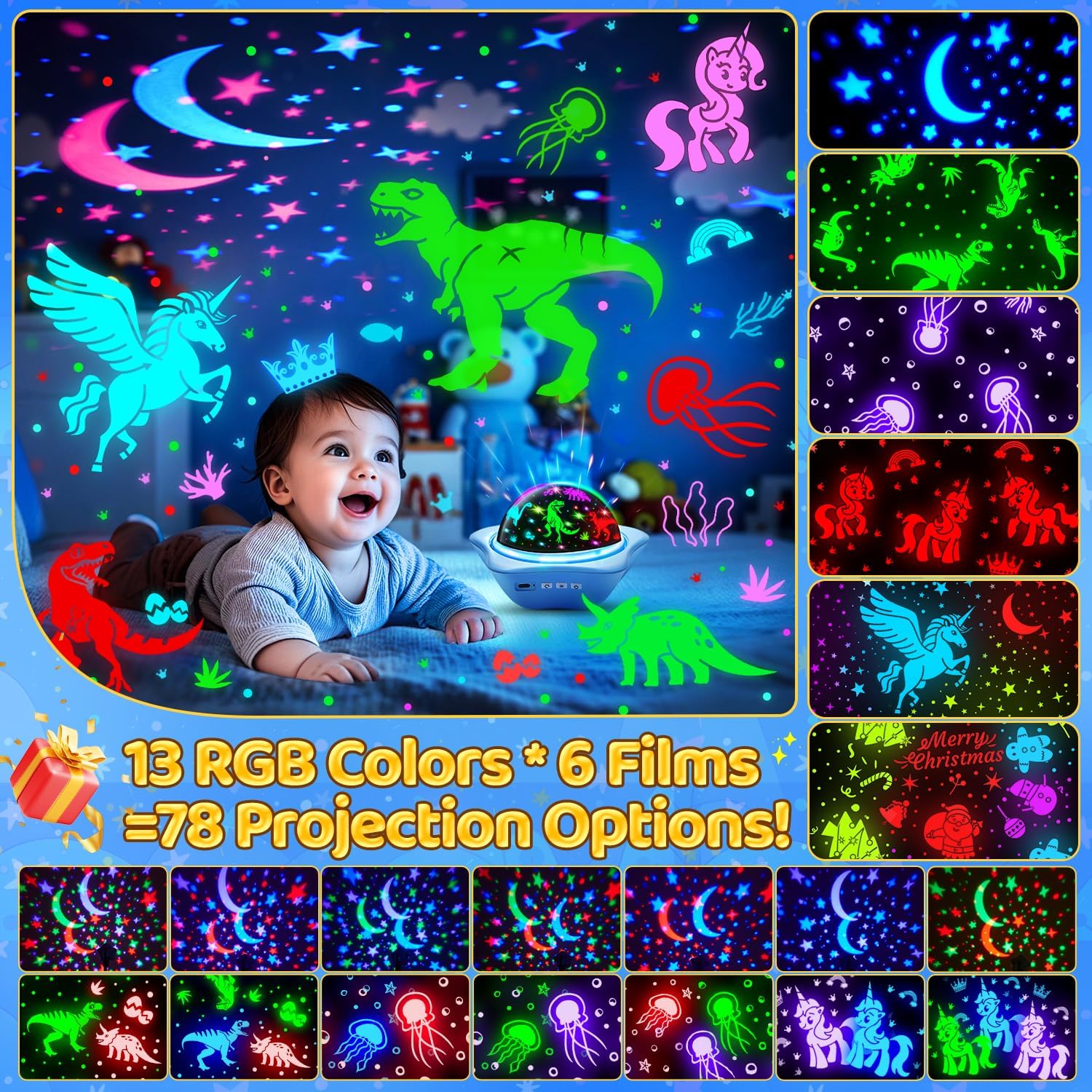
Image 6.1: Visual representation of the projector's color and film combinations.
6.3 Activating 360-Degree Rotation
- Press the Rotation Button (②) once to start the 360-degree rotation of the projection.
- Press the Rotation Button (②) again to stop the rotation.
- The rotation operates quietly to avoid disturbing sleep.

Image 6.2: The projector's 360-degree rotation feature creating a dynamic scene.
7. Maintenance
7.1 Cleaning
- Ensure the projector is turned off and unplugged before cleaning.
- Wipe the exterior of the projector with a soft, dry cloth.
- For stubborn marks, a slightly damp cloth can be used, followed by a dry cloth.
- Do not use abrasive cleaners, solvents, or harsh chemicals, as these may damage the surface.
- Keep the projection films clean and free of dust or fingerprints to ensure clear projections.
7.2 Storage
- Store the projector in a cool, dry place away from direct sunlight and extreme temperatures.
- If storing for an extended period, ensure the battery is partially charged (around 50%) to prolong its lifespan. Recharge every few months if not in use.
8. Troubleshooting
| Problem | Possible Cause | Solution |
|---|---|---|
| Projector does not turn on. | Low battery or no power. | Charge the projector using the USB-C cable. Ensure the power source is active. |
| Projection is dim or unclear. | Room is too bright; projection film is dirty or incorrectly installed. | Ensure the room is dark. Clean the projection film and the projector lens. Reinstall the film correctly. |
| Rotation function is not working. | Rotation feature is not activated; mechanical obstruction. | Press the Rotation Button (②). Check for any obstructions around the rotating mechanism. |
| Short battery life. | Battery not fully charged; aging battery. | Ensure the projector is fully charged. Battery performance may decrease over time. |
9. Specifications
| Feature | Detail |
|---|---|
| Model Number | WH-E07 |
| Dimensions (L x W x H) | 5.12" x 5.12" x 5.12" (13 x 13 x 13 cm) |
| Weight | 0.32 ounces (approx. 9 grams) |
| Material | Acrylonitrile Butadiene Styrene (ABS) |
| Light Source Type | LED |
| Brightness | 6 Lumen |
| Power Source | Battery Powered (Rechargeable Lithium Ion) |
| Battery Capacity | 2400mAh |
| Voltage | 3.6 Volts |
| Number of Films | 6 |
| Lighting Modes | 13 RGB Colors, 78 Projection Options |
| Rotation | 360-degree quiet rotation |
| Mounting Type | Wall mount or ceiling mount (placement dependent) |
10. Warranty and Support
One Fire provides a 24-month quality commitment for this product. For technical support, warranty claims, or general inquiries, please contact the manufacturer or their authorized representatives:
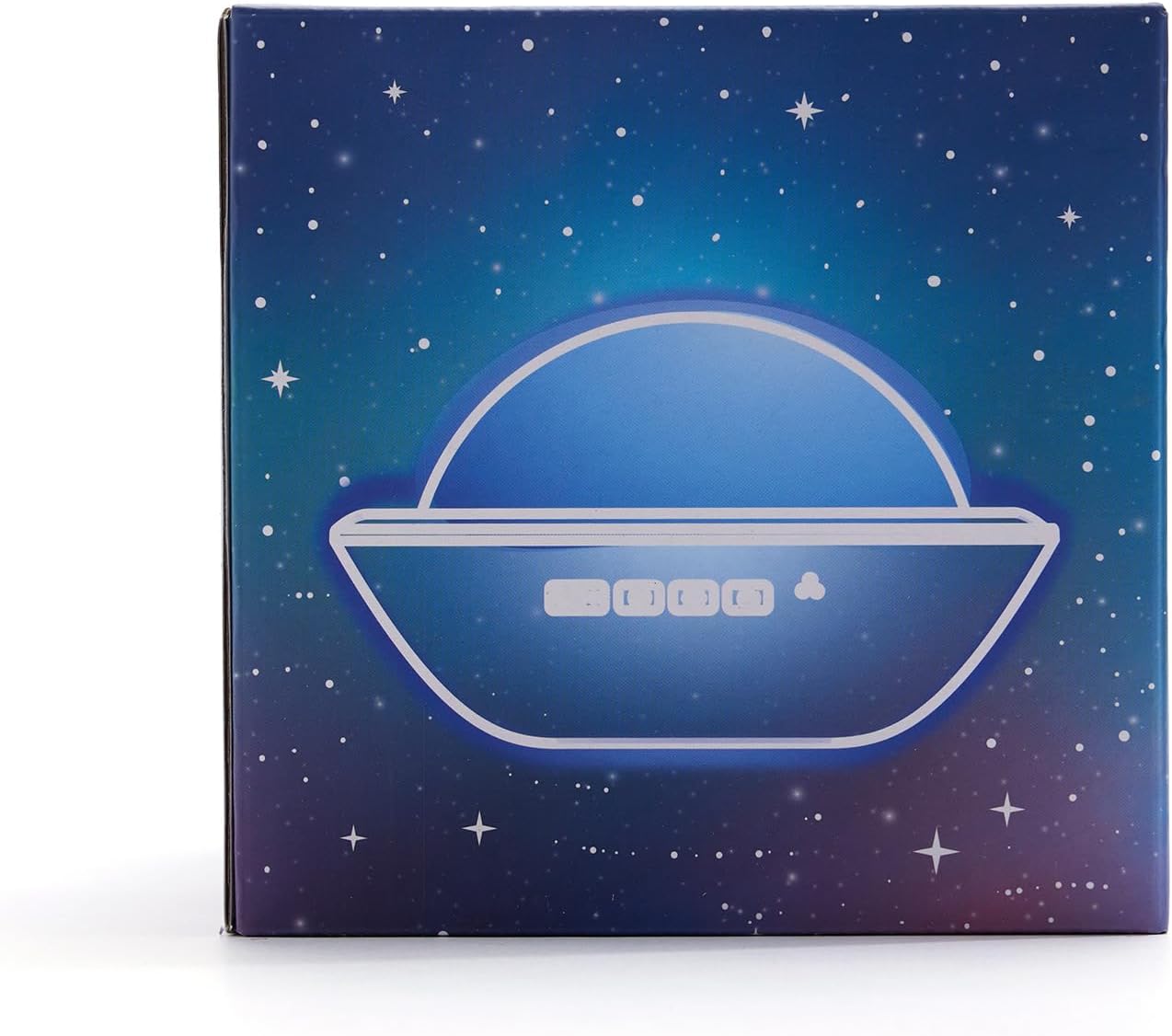
Image 10.1: Contact details for manufacturer and representatives.
- Manufacturer: TK Co., Ltd. (One Fire)
- European Representative: CET PRODUCT SERVICE SP. Z O.O.
Address: Ul. Dluga 33 102, Zgierz 95-100 Polen
E-mail: info.cetservice@gmail.com
Tel: +49 71416432251 - British Representative: CET PRODUCT SERVICE LTD.
Address: Beacon House Stokenchurch Business Park, Ibstone Rd, Stokenchurch, High Wycombe HP14 3FE United Kingdom
E-mail: info.cetservice@gmail.com
Tel: +44 7419325266


