
1. Introduction
This manual provides detailed instructions for the safe and effective use of your Godox Ving V860IIIS Speedlight. Designed for Sony cameras, this high-performance flash unit features a powerful 76Ws output, 2.4G wireless X system, High-Speed Sync (HSS), and a quick-release lock for secure mounting. Please read this manual thoroughly before operation to ensure optimal performance and to prevent damage to the product or injury to yourself.
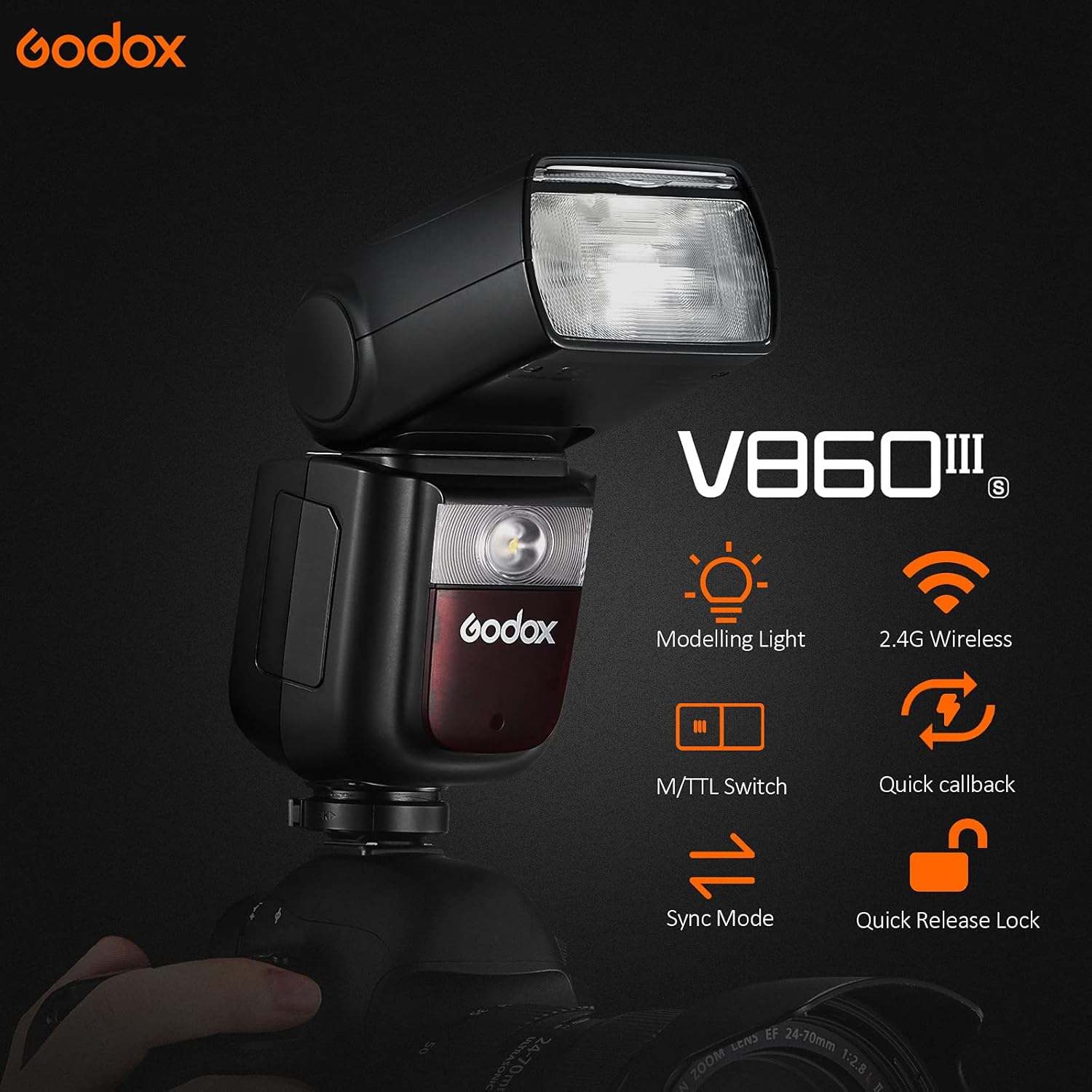
Image: The Godox Ving V860IIIS Speedlight, showcasing its design and highlighting features such as the modeling light, 2.4G wireless capability, M/TTL switch, quick callback, sync mode, and quick release lock.
2. Safety Precautions
To prevent electric shock, fire, or damage to the product, always observe the following safety precautions:
- Do not disassemble or modify the flash unit. High voltage components are present.
- Keep the unit dry. Do not expose to rain or moisture.
- Do not touch the flash tube after firing, as it can be hot.
- Avoid direct eye exposure to the flash, especially at close range, as it can impair vision.
- Keep out of reach of children.
- Use only the specified battery and charger.
3. What's in the Box
Verify that all items are included in your package:
- 1x Godox V860IIIS Flash Unit
- 1x Lithium Battery (7.2V/2600mAh)
- 1x Protection Case
- 1x Instruction Manual
- 1x USB Battery Charger
- 1x Charger
- 1x USB Cable
- 1x Mini Stand
- 1x Pergear Color filters (set)
- 1x Pergear Diffusers (set)

Image: An overhead view of the Godox V860IIIS Speedlight and its included accessories, such as the battery, charger, USB cable, mini stand, protection case, and various diffusers and color filters.
4. Product Overview
4.1 Key Features
- Built-in Godox 2.4G Wireless X System: Offers all-in-one functions for wireless control and triggering.
- Modeling Light: Integrated LED modeling light with 10 adjustable brightness levels for pre-visualization.
- Quick Button for Manual and TTL Switch: Easily switch between TTL (Through-The-Lens) and Manual flash modes.
- High-Performance Li-ion Battery: 7.2V/2600mAh battery provides 0.01-1.5s recycle time and approximately 480 full power flashes.
- Versatile Flash Modes: Supports TTL, Manual, and Multi flash modes, including HSS (up to 1/8000s), FEC, FEB, and rear curtain sync.
- Master & Slave Functionality: Can operate as a master or slave unit within the Godox 2.4G wireless X system.
4.2 Modeling Light
The V860IIIS features an integrated modeling light at the front of the flash head. This light aids in pre-visualization of lighting effects and helps blend with ambient light. The brightness is dimmable in 10 levels.
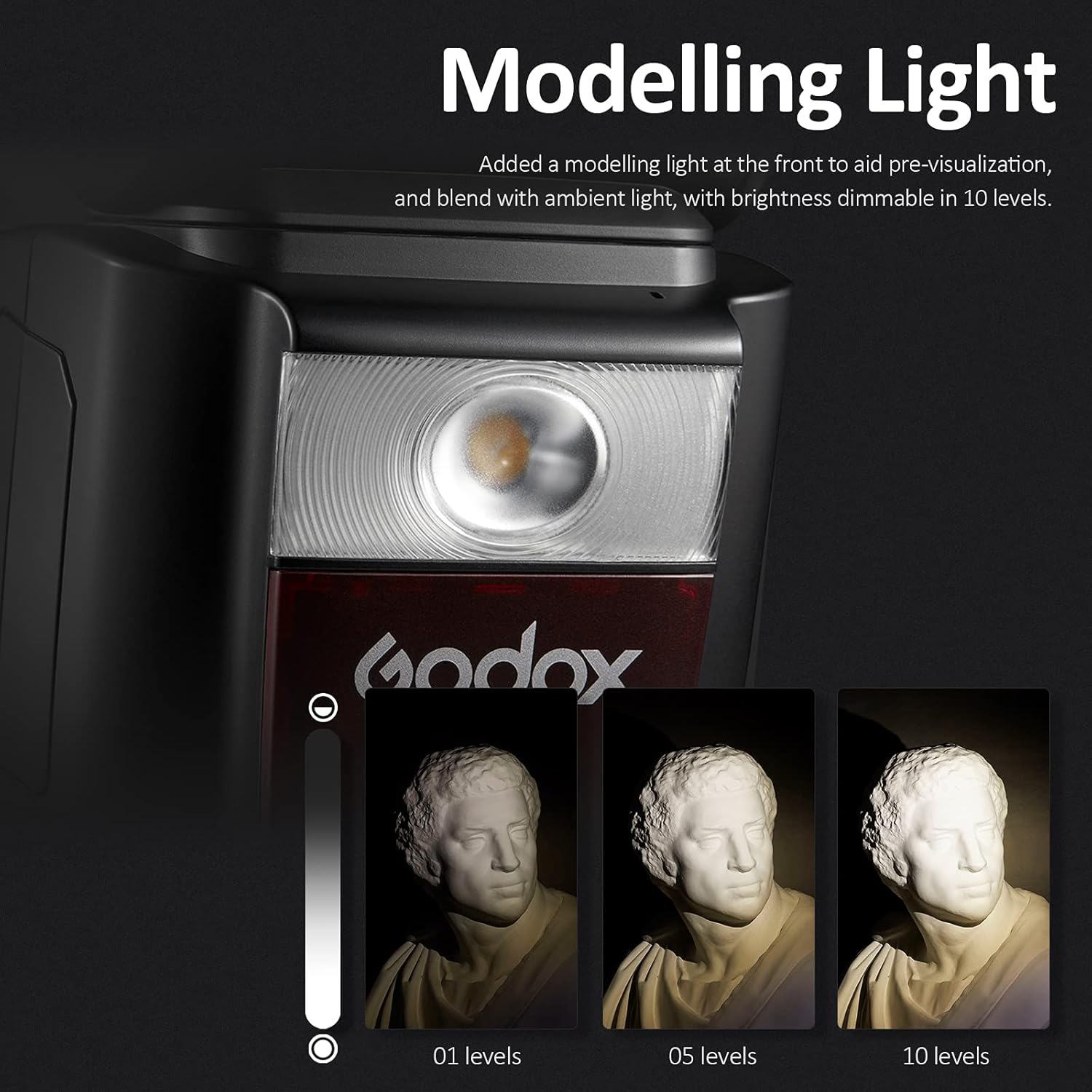
Image: A close-up of the Godox V860IIIS Speedlight's modeling light, demonstrating its adjustable brightness from level 01 to 10 on a subject.
4.3 TTL and Manual Mode Switch
A dedicated quick button on the side of the flash allows for rapid switching between TTL (automatic) and Manual (fixed power) flash modes.
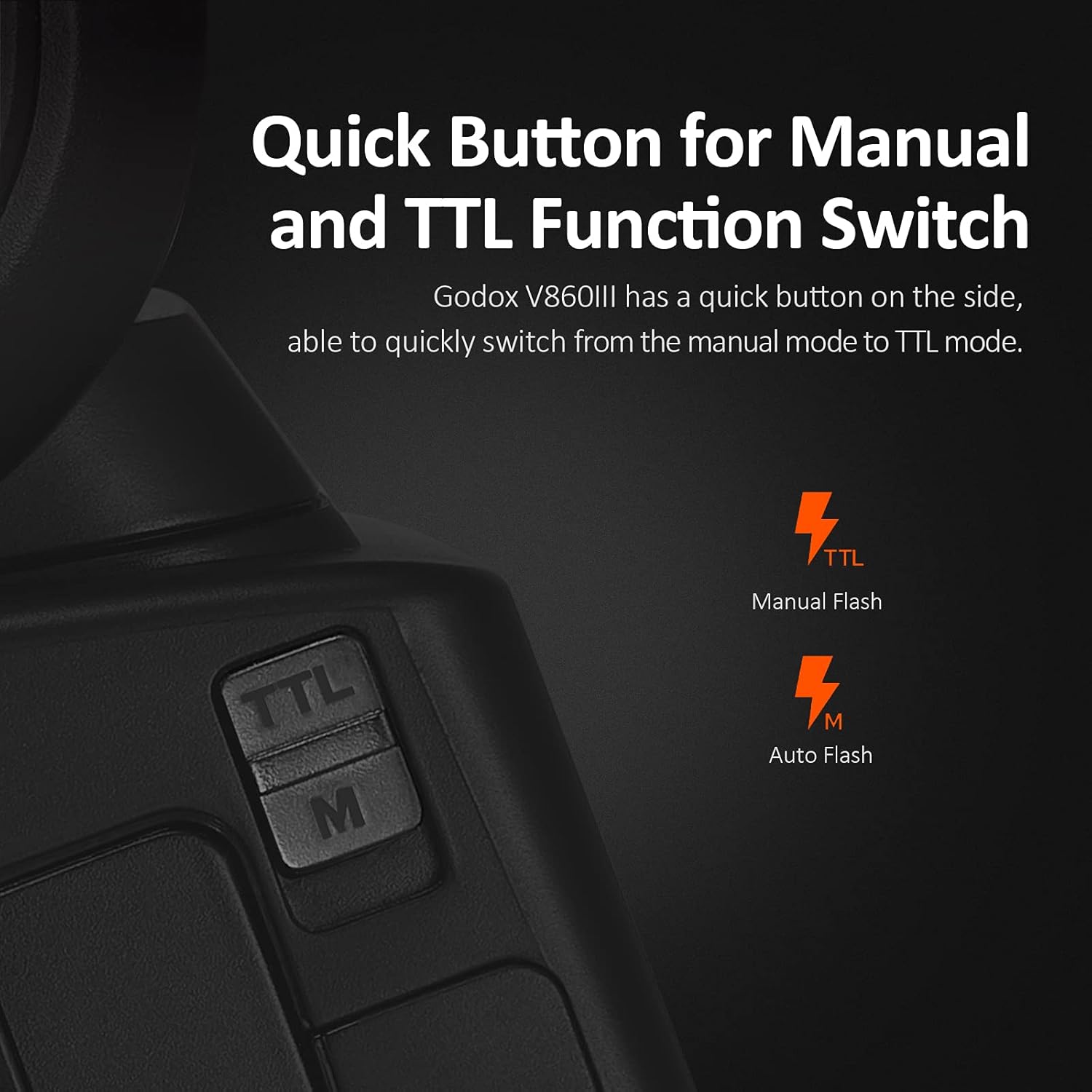
Image: A close-up of the side of the Godox V860IIIS Speedlight, showing the 'TTL' and 'M' buttons for quick switching between automatic and manual flash modes.
4.4 Battery Performance
The V860IIIS is powered by a 7.2V/2600mAh Li-ion battery, offering a fast recycle time of 0.01-1.5 seconds and up to 480 full power flashes. This battery is interchangeable with the Godox V1 battery.

Image: The Godox V860IIIS Speedlight's display showing flash settings, with an emphasis on the battery and its performance metrics: 1.5s fast recycling time and 480 flashes at full power.
5. Setup
5.1 Charging the Battery
- Insert the lithium battery into the USB battery charger.
- Connect the charger to a power source using the provided USB cable and charger adapter.
- The indicator light on the charger will show charging status. Charge until fully indicated.
5.2 Attaching to Camera
- Ensure the flash unit is powered off.
- Slide the flash's hot shoe into your Sony camera's hot shoe mount.
- Engage the quick-release lock to secure the flash firmly to the camera.
6. Operating Instructions
6.1 Power On/Off
Press the power button to turn the flash unit on or off. The LCD screen will illuminate upon power-on.
6.2 Mode Selection
Use the 'MODE' button or the dedicated TTL/M switch to cycle through flash modes:
- TTL (Through-The-Lens): Automatic flash exposure based on camera metering.
- M (Manual): Manually set flash power output (e.g., 1/1 to 1/256).
- Multi (Stroboscopic): Fires a series of rapid flashes during a single exposure for motion effects.
6.3 Wireless X System (Master/Slave)
The V860IIIS can function as a master or slave unit within the Godox 2.4G Wireless X System. This allows for off-camera flash control.
- As a Slave Unit: The V860IIIS can be triggered by other Godox 2.4G master units (e.g., XProS, X2T-S) or compatible Sony camera flashes (e.g., HVL-F60M, HVL-F43M, HVL-F32M).
- As a Master Unit: The V860IIIS can control other Godox 2.4G slave units or compatible Sony camera flashes.

Image: A diagram illustrating the Godox V860IIIS Speedlight's capability to function as both a master and slave unit, showing its interaction with other Sony flashes and Godox triggers.
6.4 Advanced Flash Functions
- HSS (High-Speed Sync): Allows flash synchronization at shutter speeds faster than the camera's native sync speed (up to 1/8000s).
- FEC (Flash Exposure Compensation): Adjusts the flash output to fine-tune exposure.
- FEB (Flash Exposure Bracketing): Takes three photos with different flash exposures.
- Rear Curtain Sync: Fires the flash just before the second curtain closes, creating motion blur behind the subject.
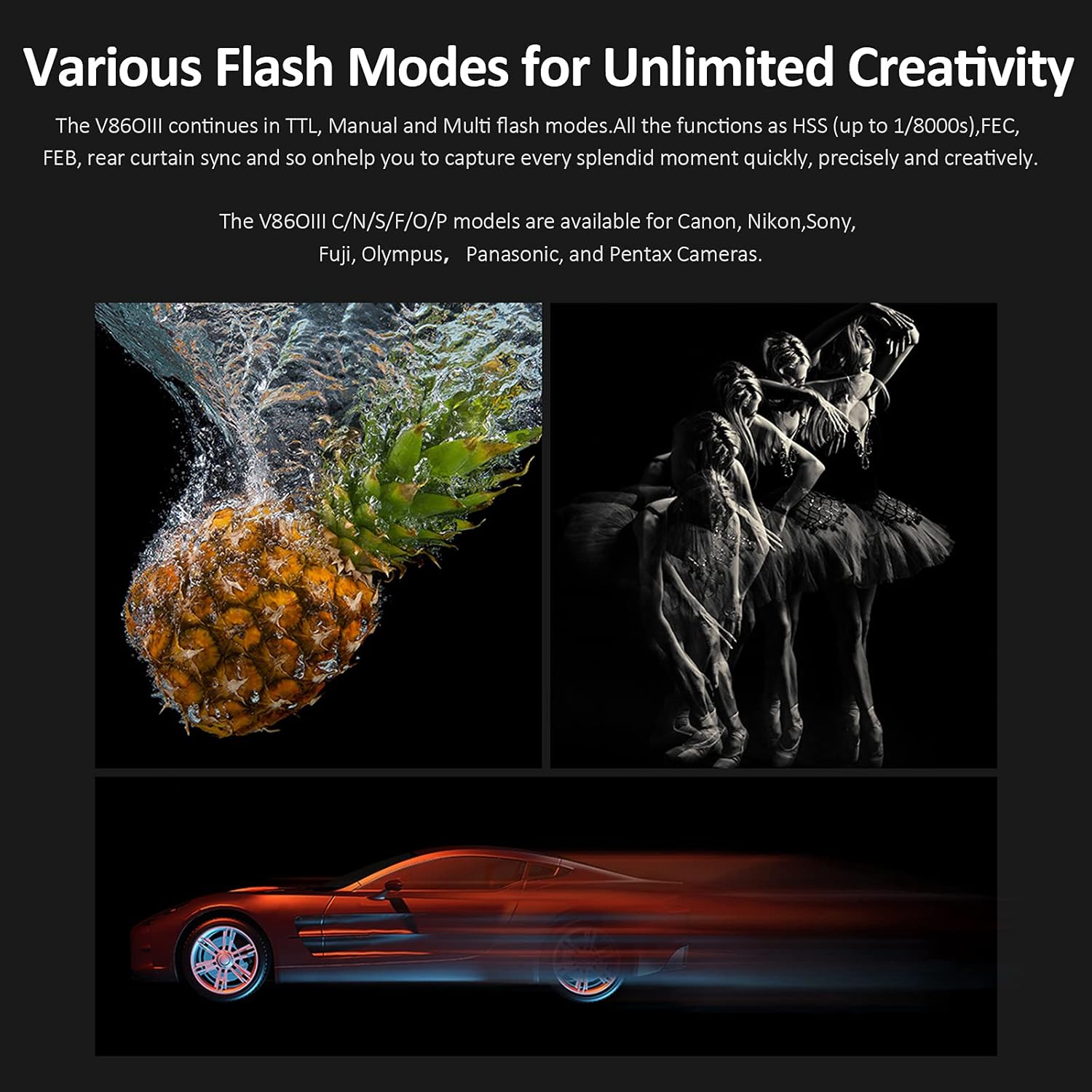
Image: Three example photographs demonstrating the creative possibilities with the V860IIIS, including capturing water splashes, dynamic motion, and multi-exposure effects.
7. Maintenance
7.1 Cleaning
Use a soft, dry cloth to clean the flash unit. For stubborn dirt, a slightly damp cloth can be used, followed by a dry cloth. Do not use solvents or abrasive cleaners.
7.2 Battery Care
- Store the battery in a cool, dry place when not in use.
- Do not expose the battery to extreme temperatures.
- If storing for extended periods, charge the battery to approximately 50% capacity.
8. Troubleshooting
| Problem | Possible Cause | Solution |
|---|---|---|
| Flash does not fire. | Low battery; Incorrect mode; Flash not securely mounted. | Charge battery; Select appropriate flash mode (TTL/M); Re-mount flash securely. |
| Flash exposure is incorrect. | Incorrect FEC setting; Ambient light issues; Distance to subject. | Adjust FEC; Check camera settings; Move closer or further from subject. |
| Wireless trigger not working. | Incorrect channel/ID; Distance too far; Obstructions. | Ensure master and slave units are on the same channel/ID; Reduce distance; Clear line of sight. |
9. Specifications
| Feature | Detail |
|---|---|
| Model | Godox V860III-S |
| Compatible Mountings | Sony |
| Flash Sync Speed | 1/8000s (HSS) |
| Battery | 7.2V/2600mAh Lithium Ion (included) |
| Recycle Time | 0.01-1.5 seconds |
| Full Power Flashes | Approx. 480 |
| Modeling Light | 10 Levels LED |
| Wireless System | Built-in Godox 2.4G Wireless X System |
| Item Weight | 2.2 pounds |
| Package Dimensions | 10.43 x 8.62 x 4.21 inches |
10. Warranty & Support
10.1 Warranty Information
Godox products typically come with a limited warranty against defects in materials and workmanship. Please refer to the warranty card included with your product or visit the official Godox website for specific warranty terms and conditions applicable to your region. Keep your purchase receipt as proof of purchase for warranty claims.
10.2 Customer Support
For technical assistance, troubleshooting, or service inquiries, please contact Godox customer support through their official website or the contact information provided in your product packaging. When contacting support, please have your product model number (V860III-S) and purchase details ready.