
FITUEYES B08SJ9TFQ9
Contents
FITUEYES 4-Tier AV Media Stand Instruction Manual
Model: B08SJ9TFQ9
1. Introduction
This manual provides detailed instructions for the assembly, operation, and maintenance of your FITUEYES 4-Tier AV Media Stand. Designed for versatility and durability, this stand offers a modern storage solution for your audio-visual equipment, including record players, HiFi systems, and other media components. Please read these instructions carefully before beginning assembly or use to ensure proper setup and safe operation.
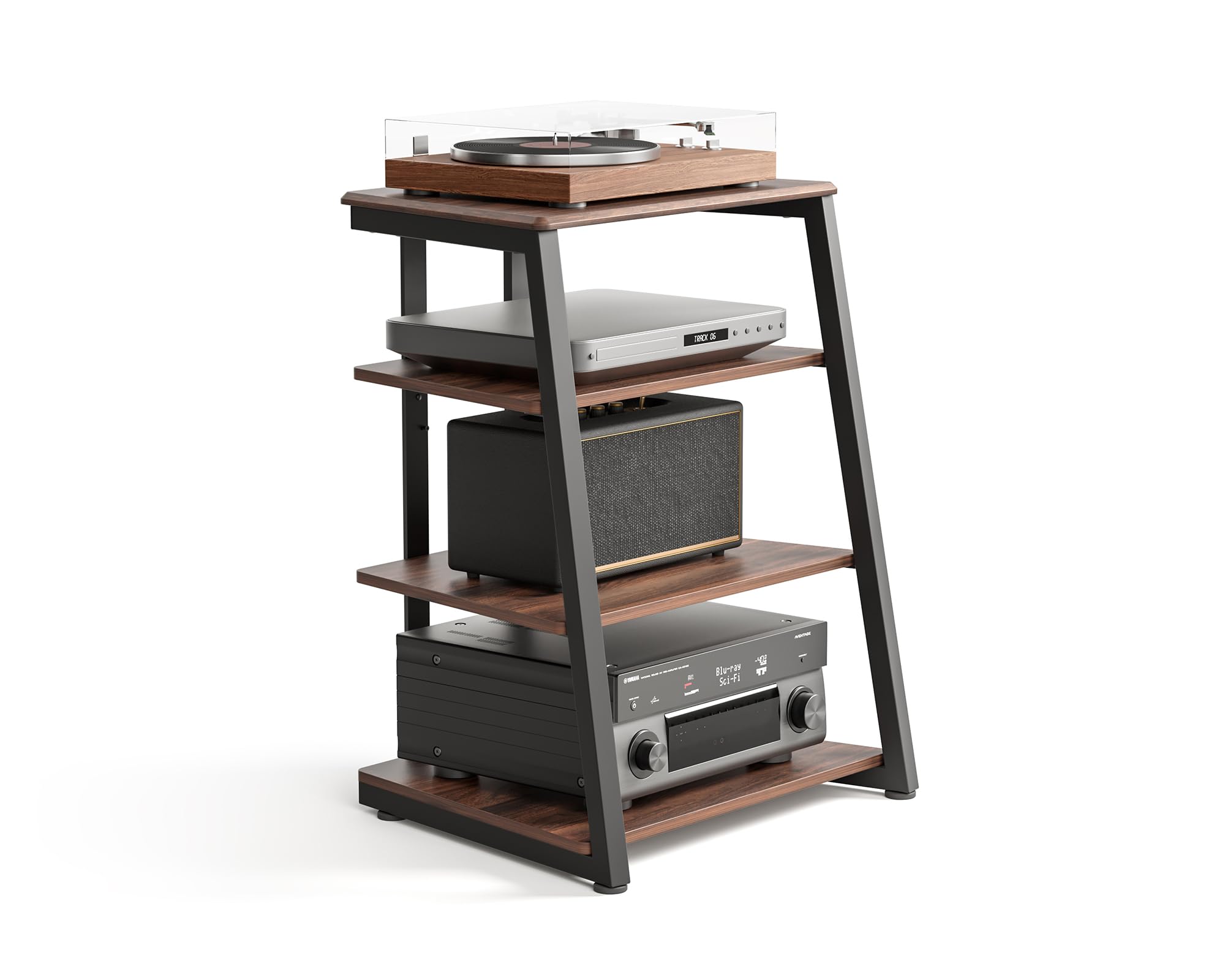
Image: The FITUEYES 4-Tier AV Media Stand in Dark Walnut, showcasing its design and capacity for various media components.
2. Safety Information
- Ensure all components are securely fastened before placing any equipment on the stand.
- Do not exceed the maximum weight capacity of 110 lbs (50 kg) for the top and bottom shelves, and 44 lbs (20 kg) for the middle shelves.
- Place the stand on a level, stable surface to prevent tipping.
- Keep small parts away from children during assembly.
- Avoid exposing the stand to excessive moisture or direct sunlight.
3. Package Contents
Verify that all parts are present before beginning assembly. If any parts are missing or damaged, please contact customer support.
- Top Shelf (1)
- Middle Shelves (2)
- Bottom Shelf (1)
- Side Frames (2)
- Rear Support Bars (2)
- Adjustable Foot Pads (4)
- Assembly Hardware (Screws, Allen Wrench)
- Cable Management Clip (1)
4. Setup and Assembly
Follow these steps for quick and easy assembly. It is recommended to have a second person assist during certain steps to ensure stability.
- Unpack Components: Carefully remove all parts from the packaging and lay them out on a soft, clean surface to prevent scratches.
- Attach Foot Pads: Screw the adjustable foot pads into the bottom of the side frames.
- Assemble Frame: Connect the side frames using the rear support bars. Ensure the holes for the cable management feature on the rear support bars are oriented correctly. Hand-tighten screws initially to avoid cross-threading.
- Install Shelves: Place the top, middle, and bottom shelves into the frame. The middle shelves are height-adjustable; select your desired position. Secure each shelf with the provided screws.
- Final Tightening: Once all components are in place, fully tighten all screws using the Allen wrench.
- Cable Management: Utilize the integrated cable management clip on the rear support bars to organize your wires.

Image: Detailed dimensions of the 4-Tier AV Media Stand, including shelf heights and overall measurements.
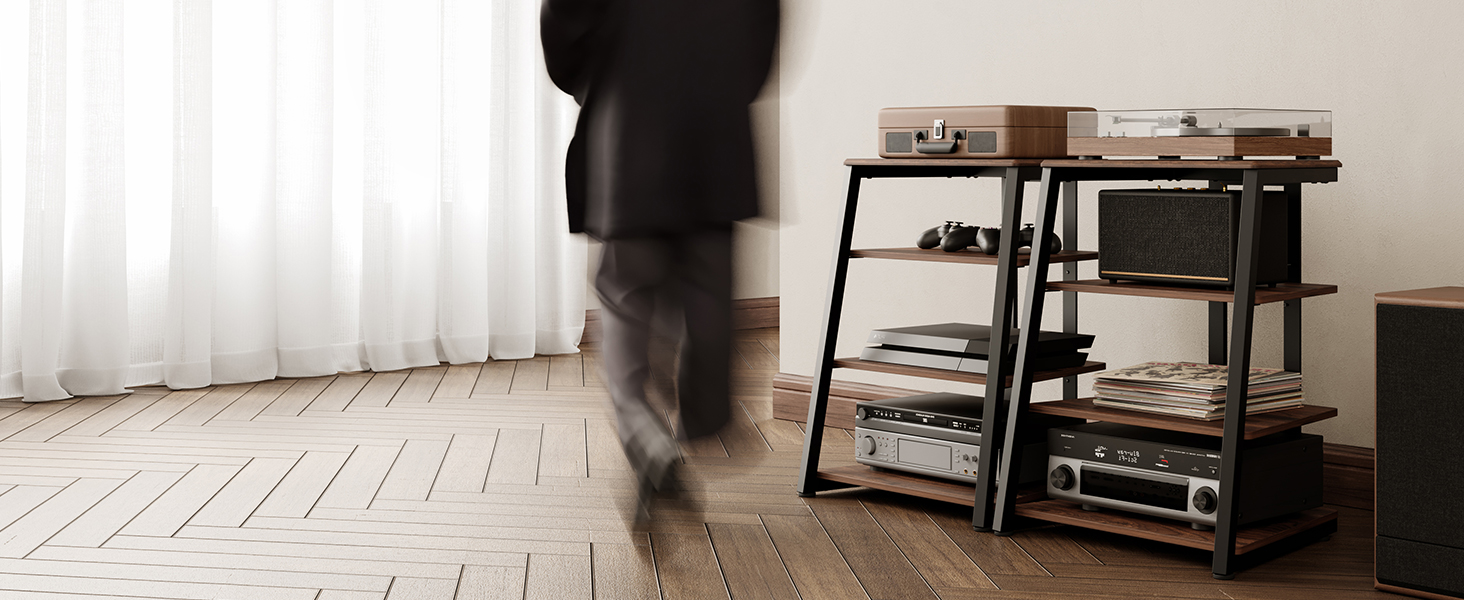
Image: Illustration of the adjustable shelf height feature, allowing customization for various equipment sizes.
Assembly Video Guide
Video: A step-by-step guide demonstrating the assembly process of the FITUEYES Media Stand.
5. Operating Instructions
The FITUEYES AV Media Stand is designed for versatile use in various settings. Here are some tips for optimal operation:
- Equipment Placement: Arrange your audio-visual components on the shelves, utilizing the adjustable height feature to accommodate different sizes. The top shelf is ideal for record players or smaller TVs, while lower shelves can hold amplifiers, receivers, game consoles, and other devices.
- Cable Management: Use the integrated cable management system at the back of the stand to route and conceal power cords and audio/video cables. This helps maintain a tidy appearance and prevents cable clutter.
- Ventilation: Ensure adequate airflow around your electronic devices to prevent overheating. The open design of the stand promotes heat dissipation.
- Mobility (Optional Casters): If optional swivel casters are installed (not included with this model but shown in some promotional images), the stand can be easily moved for flexible placement.

Image: The media stand configured with a record player, speaker, and receiver, demonstrating its multifunctional storage capabilities.
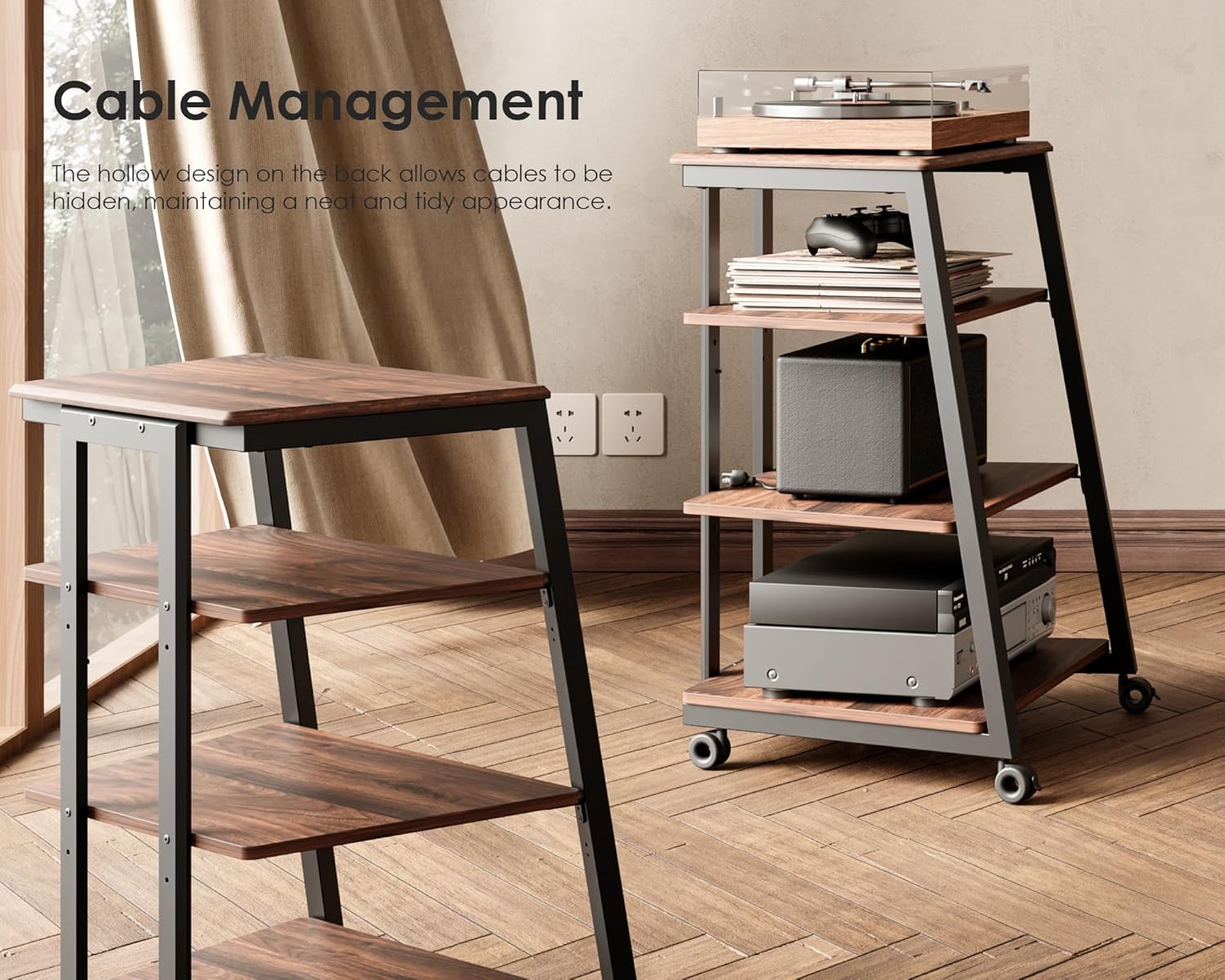
Image: A close-up of the stand's rear, highlighting the hollow design for effective cable management, keeping wires neat and hidden.
Product Overview Video
Video: An overview of the FITUEYES 4-Tier AV Media Stand, showcasing its design and features.
6. Maintenance
- Cleaning: Wipe the stand with a damp cloth for general cleaning. For stubborn marks, use a mild, non-abrasive cleaner. Dry immediately with a soft, dry cloth.
- Dusting: Regularly dust the surfaces to prevent buildup, which can affect electronic equipment.
- Hardware Check: Periodically check all screws and connections to ensure they remain tight. Re-tighten if necessary.
- Avoid Harsh Chemicals: Do not use harsh chemicals, abrasive cleaners, or polishes that may damage the finish.
7. Troubleshooting
| Problem | Possible Cause | Solution |
|---|---|---|
| Stand is wobbly after assembly. | Screws are not fully tightened; uneven floor. | Ensure all screws are securely tightened. Adjust the leveling foot pads on the bottom of the stand to compensate for uneven surfaces. |
| Equipment does not fit on shelves. | Incorrect shelf height adjustment. | Re-adjust the middle shelves to a different height setting. Refer to the dimensions diagram in Section 4. |
| Cables are disorganized. | Cable management not utilized. | Route cables through the designated cable management area at the back of the stand. Use cable ties if necessary. |
| Scratches on surfaces. | Improper handling during assembly or use. | Handle components carefully. Use furniture markers for minor touch-ups if needed. |
8. Specifications
- Dimensions (L x W x H): 23.8" x 20.3" x 30.7" (60.5 cm x 51.5 cm x 78 cm)
- Material: Metal frame, MDF shelves with Walnut finish
- Number of Shelves: 4
- Weight Capacity (Top/Bottom Shelves): Up to 110 lbs (50 kg) each
- Weight Capacity (Middle Shelves): Up to 44 lbs (20 kg) each
- Features: Adjustable shelves, cable management, adjustable foot pads
- Color: Dark Walnut
- Assembly: Required (instructions included)
9. Warranty Information
FITUEYES products are manufactured with quality and durability in mind. This product comes with a standard manufacturer's warranty covering defects in materials and workmanship under normal use. The specific duration and terms of the warranty may vary. Please retain your proof of purchase for warranty claims.
For detailed warranty information, please refer to the warranty card included with your product or contact FITUEYES customer support.
10. Customer Support
If you have any questions, require assistance with assembly, or need to report missing/damaged parts, please contact FITUEYES customer support:
- Website: Visit the official FITUEYES website for support resources and contact forms.
- Email: Refer to your product packaging or the FITUEYES website for the customer service email address.
- Phone: Check the FITUEYES website for available phone support numbers.
Please have your model number (B08SJ9TFQ9) and purchase date ready when contacting support.
Ask a question about this manual
Ask about setup, troubleshooting, compatibility, parts, safety, or missing instructions. Manuals+ will review the question and use this page’s manual context to help answer it.