
Vitafit VT707
Contents
Vitafit 33lb/15kg Food Scale Instruction Manual
Model: VT707 | Brand: Vitafit
1. Introduction
Thank you for choosing the Vitafit 33lb/15kg Food Scale. This digital kitchen scale is designed for high accuracy and ease of use, making it an essential tool for cooking, baking, and meal preparation. Featuring a durable tempered glass platform and a clear LED display, it provides precise measurements for a variety of ingredients. This manual will guide you through the setup, operation, maintenance, and troubleshooting of your new scale.
2. Safety Information
- Always place the scale on a hard, flat, and stable surface to ensure accurate readings.
- Do not immerse the scale in water or any other liquid. The surface is easy to clean, but the internal components are not waterproof.
- Avoid exposing the scale to extreme temperatures, direct sunlight, or high humidity.
- Do not overload the scale beyond its maximum capacity of 33lb (15kg) to prevent damage.
- Keep batteries out of reach of children. If swallowed, seek immediate medical attention.
- Remove batteries if the scale will not be used for an extended period to prevent leakage.
3. Package Contents
- 1 x Vitafit 33lb/15kg Food Scale (Black Tempered Glass)
- 3 x AAA Batteries
- 1 x User Manual (this document)
4. Product Overview

The Vitafit Food Scale features a sleek black tempered glass surface with an integrated LED display and touch-sensitive buttons for UNIT and TARE functions.
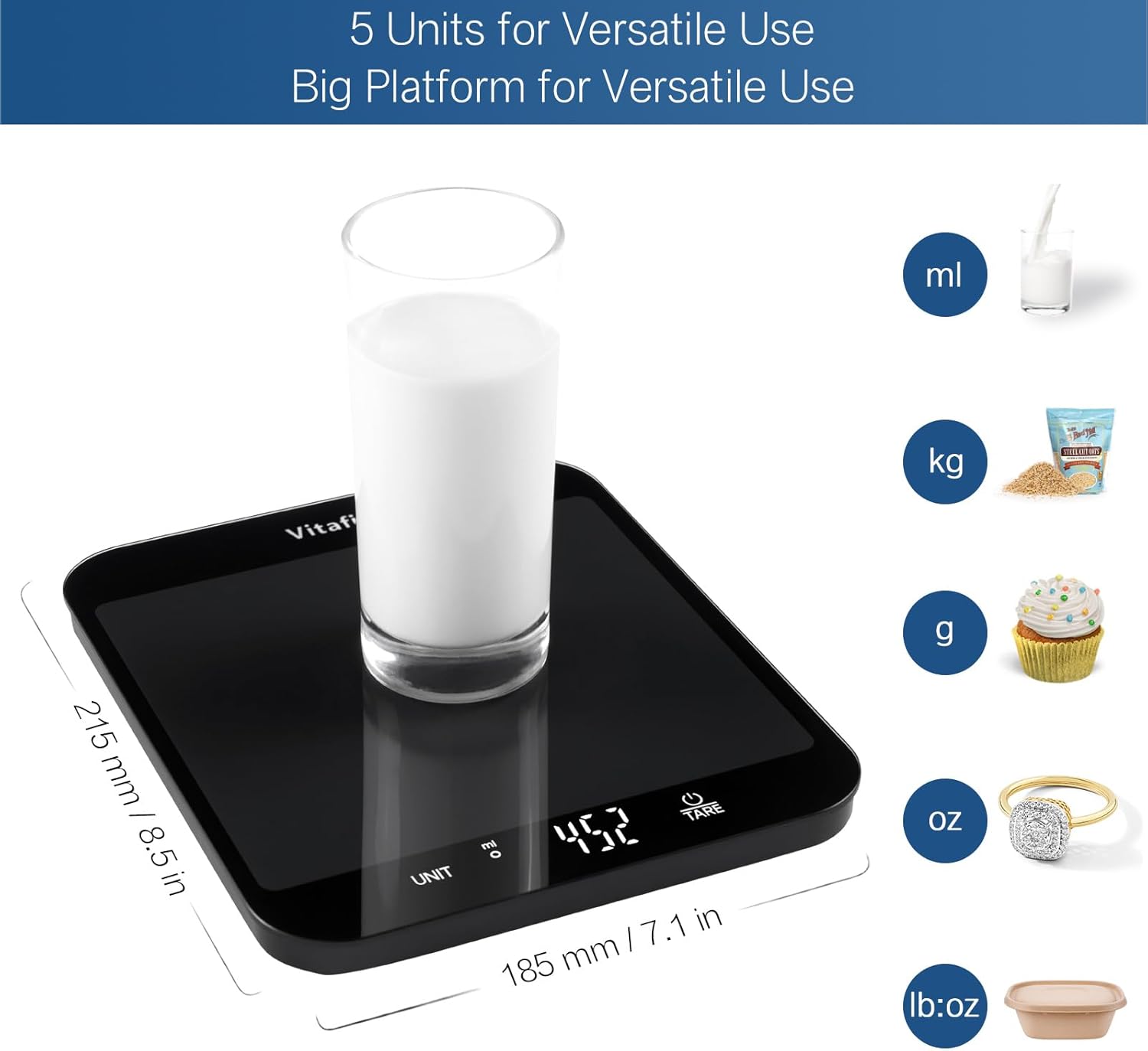
This image illustrates the compact dimensions of the scale (8.5 x 7.1 x 0.9 inches) and highlights its versatility with five measurement units: milliliters (ml), kilograms (kg), grams (g), ounces (oz), and pounds:ounces (lb:oz).
The Vitafit Food Scale is designed with a large tempered glass platform for versatile use, accommodating various bowls and ingredients. The bright LED display ensures clear readability of measurements under different lighting conditions. The touch-sensitive buttons, 'UNIT' and 'TARE', are seamlessly integrated into the glass surface for easy operation and cleaning.
5. Setup
5.1 Battery Installation
- Locate the battery compartment on the underside of the scale.
- Open the battery compartment cover.
- Insert the 3 AAA batteries, ensuring the correct polarity (+/-) as indicated inside the compartment.
- Close the battery compartment cover securely.
6. Operating Instructions
6.1 Power On/Off
- To turn on the scale, press the 'TARE' button. The display will show '0' or '0.0' when ready.
- The scale features an automatic shut-off function after 2 minutes of inactivity to conserve battery life.
- To manually turn off the scale, press and hold the 'TARE' button for approximately 3 seconds.
6.2 Unit Conversion

The scale accurately weighs various food items, such as this lemon and strawberries, displaying the weight clearly on the LED screen.
- With the scale powered on, press the 'UNIT' button to cycle through the available measurement units: grams (g), ounces (oz), pounds:ounces (lb:oz), kilograms (kg), and milliliters (ml).
- Select the desired unit before placing items on the scale or after taring.
6.3 Tare Function (Zeroing)

This image demonstrates the tare function, where a hand presses the 'TARE' button to zero out the weight of a bowl, allowing for accurate measurement of ingredients added subsequently.
- The Tare function allows you to subtract the weight of a container or previous ingredients, so you can measure multiple items in the same bowl.
- Place an empty container on the scale. The display will show its weight.
- Press the 'TARE' button. The display will reset to '0' or '0.0'.
- Add your ingredients to the container. The display will now show only the weight of the added ingredients.
6.4 Weighing Procedure
- Place the scale on a firm, flat, and level surface.
- Press the 'TARE' button to turn on the scale.
- Press the 'UNIT' button to select your desired unit of measurement (g, oz, lb:oz, kg, ml).
- If using a container, place it on the scale and press 'TARE' to zero out its weight.
- Carefully place the item(s) to be weighed onto the center of the scale platform.
- Read the stable weight displayed on the LED screen.
7. Maintenance and Care
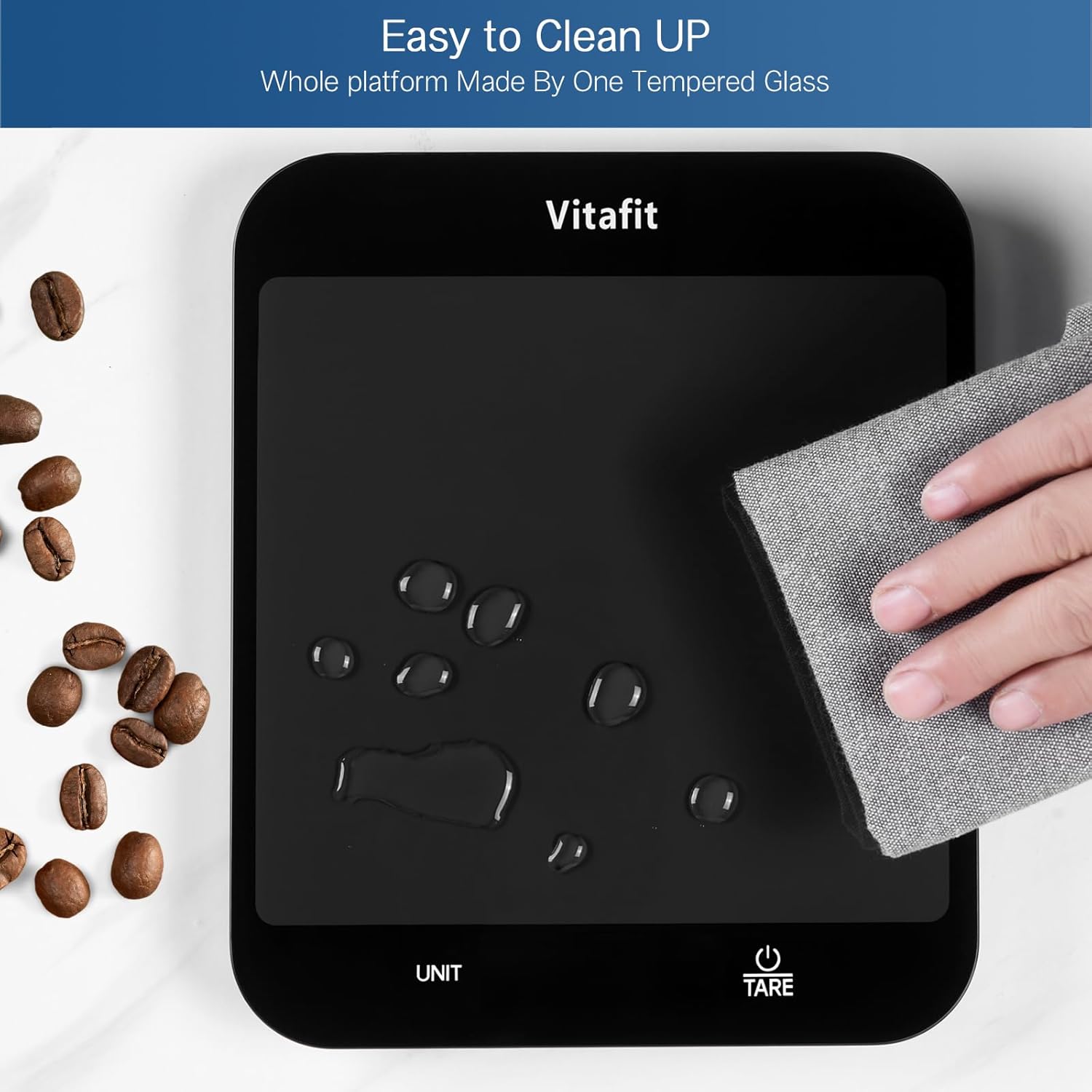
The tempered glass platform of the Vitafit Food Scale is designed for easy cleaning, as shown by a hand wiping away water droplets with a cloth.
- Cleaning: The tempered glass surface is easy to clean. Wipe the scale with a damp cloth and mild detergent if necessary. Do not use abrasive cleaners or immerse the scale in water.
- Storage: Store the scale in a cool, dry place. Avoid storing it vertically or with heavy objects on top, which could damage the sensors.
- Battery Replacement: Replace batteries when the 'LO' indicator appears on the display.
8. Troubleshooting
| Problem | Possible Cause | Solution |
|---|---|---|
| Scale does not turn on | Dead batteries; Incorrect battery installation | Replace batteries; Check battery polarity. |
| Display shows "LO" | Low battery power | Replace all 3 AAA batteries. |
| Display shows "O-Ld" | Scale overloaded | Remove item immediately. Do not exceed 33lb (15kg). |
| Inaccurate or fluctuating readings | Unstable surface; Scale not zeroed; Air currents; Item not centered | Place on a firm, level surface; Press TARE before weighing; Avoid drafts; Center the item on the platform. |
| Display is dim or hard to read | Low battery power | Replace batteries. |
9. Specifications
- Model: VT707
- Capacity: 33lb / 15kg
- Accuracy: 0.1oz / 1g
- Units: g, oz, lb:oz, kg, ml
- Dimensions: 8.46 x 7.09 x 0.87 inches (215 x 180 x 22 mm)
- Material: Tempered Glass
- Display: Bright White LED
- Power: 3 x AAA Batteries (included)
- Special Features: Auto Shut Off, Backlit Display, Tare Function, Touch Buttons
10. Warranty and Support
Vitafit stands behind the quality of its products. Your Vitafit Food Scale is backed by a 5-year warranty, ensuring long-term reliability and performance. For any questions, concerns, or support needs, please contact our dedicated US customer service center located in Missouri. Our team is committed to providing excellent assistance.
For more information and to explore other Vitafit products, please visit the official Vitafit Store: Vitafit Store on Amazon.
Documents and downloads
Ask a question about this manual
Ask about setup, troubleshooting, compatibility, parts, safety, or missing instructions. Manuals+ will review the question and use this page’s manual context to help answer it.