
Introduction
This manual provides detailed instructions for the installation, operation, and maintenance of your Suncourt Equalizer EZ8 HC600-WK Register Booster Fan. This device is designed to enhance airflow from your existing HVAC system into rooms that experience temperature imbalances, making them more comfortable.
The Suncourt Equalizer EZ8 HC600-WK is an ultra-quiet, 8-speed fan featuring smart technology for automatic operation. It is engineered to boost airflow by up to 300% without requiring modifications to your HVAC system.
Safety Information
Please read all safety instructions before operating this product. Failure to follow these instructions may result in electric shock, fire, or injury.
- Ensure the power cord is not damaged and is properly connected to a suitable electrical outlet.
- Do not operate the fan with a damaged cord or plug.
- Do not immerse the fan or power cord in water or other liquids.
- Keep fingers and other objects away from the fan blades during operation.
- This product is designed for indoor use only.
- The fan is made with flame-retardant, thermally protected materials.
Setup and Installation
The Suncourt Equalizer EZ8 HC600-WK is designed for easy, tool-free installation. It fits into or over standard floor or wall registers.
1. Product Overview

Image: The Suncourt Equalizer EZ8 HC600-WK Register Booster Fan, showing its white casing, fan grille, control dial, power cord, and included wall mount accessories.
The fan unit measures approximately 7"D x 15"W x 3"H. It includes a 6-foot power cord and optional wall mount accessories.

Image: Diagram illustrating the dimensions of the Suncourt Equalizer EZ8 HC600-WK fan (14-7/32" length, 6-27/32" width, 2-25/32" height) along with icons highlighting its 8 fan speeds, low voltage, up to 12.3 watts power consumption, up to 200 CFM airflow, and as low as 40 dBA noise level.
2. Placement and Fit
The booster fan is designed to fit any floor or wall register that is 6"x12" or smaller. Common compatible sizes include 2"x10", 2"x12", 3"x10", 3"x12", 4"x10", 4"x12", 6"x10", and 6"x12".
Important:
- Measure the interior of your vent duct opening, not the decorative cover, to ensure a proper fit.
- The fan sits directly on top of the register opening.
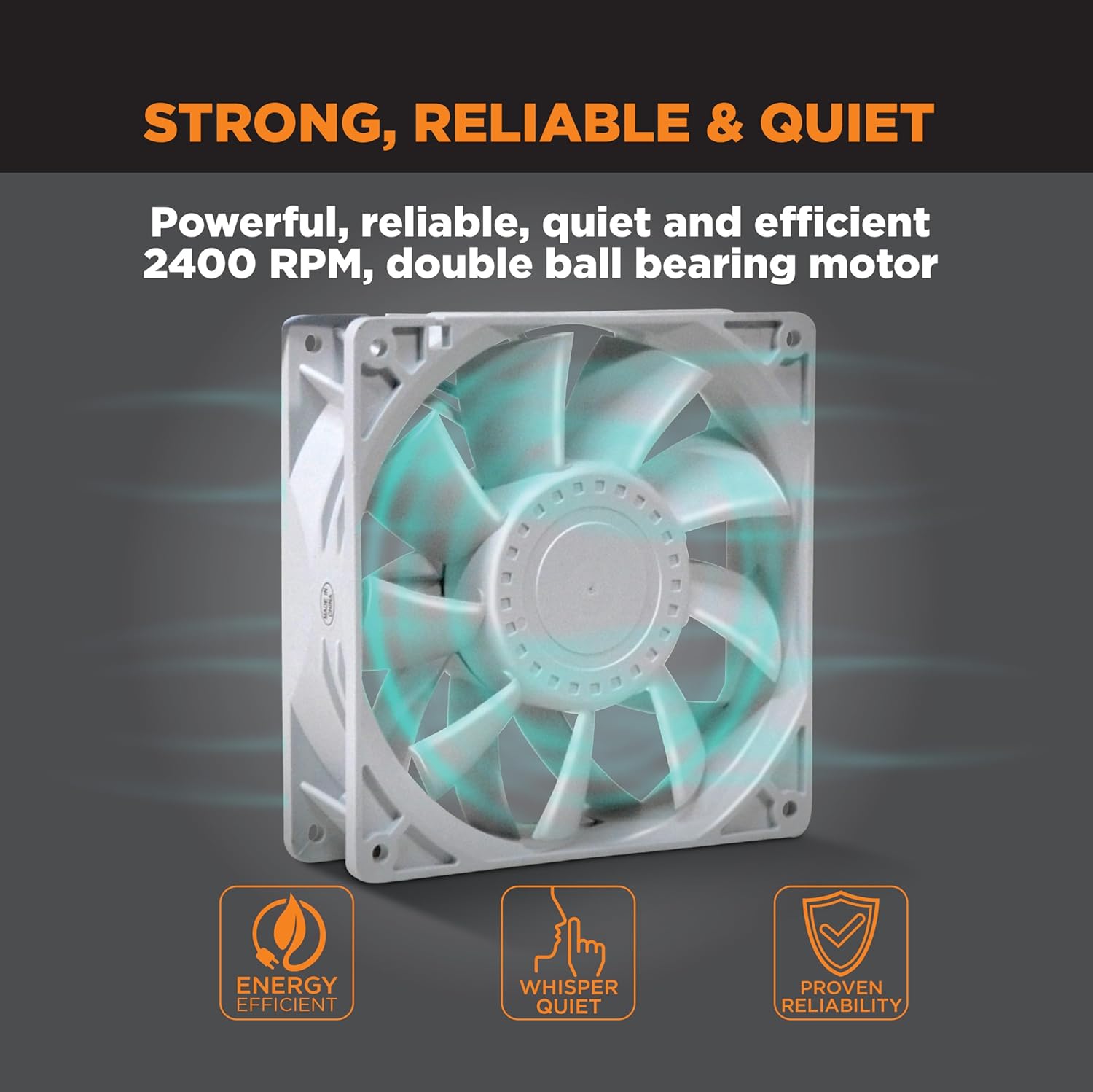
Image: The Suncourt Equalizer EZ8 HC600-WK fan placed over a floor register, with text indicating it fits registers up to 6 inches wide and up to 12 inches long, and that it sits on top of the register for easy installation.
3. Connection Steps
- Place the Booster Fan: Position the Suncourt Equalizer EZ8 directly over the register opening you wish to boost.
- Connect Power to Fan: Plug the small end of the 6-foot power cord into the designated port on the booster fan.
- Connect to Wall Outlet: Plug the larger end of the power cord into a standard wall receptacle.

Image: A four-panel graphic demonstrating the three simple installation steps: 1. Placing the booster fan on the register boot. 2. Plugging the power cord into the booster fan. 3. Plugging the power cord into a wall receptacle.
Operating Instructions
The Suncourt Equalizer EZ8 HC600-WK features smart technology for automatic operation and adjustable fan speeds.
Automatic Operation (Smart Technology)
The fan is equipped with patented smart technology that automatically detects when your HVAC system is heating or cooling. It will turn on when airflow is detected and turn off when the HVAC system is inactive. No manual or seasonal settings are required for this feature.

Image: A graphic depicting the Suncourt Equalizer EZ8 HC600-WK mounted on a wall, with arrows indicating boosted airflow. Icons highlight automatic operation, patented smart technology, up to 300% airflow boost, and 8 fan speeds, emphasizing automatic operation with heating and air conditioning.
Adjusting Fan Speed
The fan offers 8 adjustable speeds, allowing you to customize the airflow and noise level to your preference. Use the control dial on the unit to select your desired fan speed. The fan can provide up to 200 CFM (Cubic Feet Per Minute) of airflow.
The fan operates quietly, with noise levels as low as 40 dBA, comparable to a quiet office environment.

Image: A bedroom scene with the Suncourt Equalizer EZ8 HC600-WK mounted on the wall, illustrating its quiet operation. A diagram compares its noise level (as low as 40 dBA) to a laptop fan (35 dBA), office environment (50 dBA), and vacuum cleaner (70 dBA), highlighting its ultra-quiet performance.
Maintenance
Regular maintenance ensures optimal performance and longevity of your Suncourt Equalizer EZ8 HC600-WK.
- Cleaning: Periodically wipe the exterior of the fan with a soft, dry cloth. Do not use abrasive cleaners or solvents.
- Dust Removal: Ensure the fan grille and blades remain free of dust and debris to maintain efficient airflow. Use a soft brush or vacuum cleaner with a brush attachment to gently clean the fan blades and grille.
- Power Cord: Inspect the power cord regularly for any signs of damage. If damaged, discontinue use and contact customer support.
Troubleshooting
If you encounter issues with your Suncourt Equalizer EZ8 HC600-WK, refer to the following common solutions:
Fan Not Turning On
- Check Power Connection: Ensure the power cord is securely plugged into both the fan and a working wall outlet.
- Verify HVAC Operation: In automatic mode, the fan only operates when your HVAC system is actively heating or cooling. Confirm your furnace or air conditioner is running.
- Adjust Sensitivity: The fan uses a thermocouple to sense airflow. If the fan is not activating reliably, adjust the sensitivity dial on the unit.
Insufficient Airflow
- Increase Fan Speed: Adjust the fan speed dial to a higher setting. The fan has 8 adjustable speeds.
- Clear Obstructions: Ensure the register and the fan's intake/output grilles are free from dust, debris, or other obstructions.
- Proper Fit: Verify the fan is correctly positioned over the vent opening, allowing for optimal air capture.
Excessive Noise
- Reduce Fan Speed: Lowering the fan speed will decrease operational noise.
- Check for Vibrations: Ensure the fan is stable and not vibrating against the register or floor. The unit includes fan isolators to minimize vibration.
- Internal Components: The fan assembly is designed for quiet operation. If unusual noises persist, ensure no foreign objects are interfering with the fan blades.
Specifications
| Brand | Suncourt |
| Model Name | HC600-WK |
| Color | White |
| Product Dimensions | 7"D x 15"W x 3"H |
| Item Weight | 2.35 Pounds |
| Power Source | Corded Electric |
| Wattage | 12.3 watts |
| Air Flow Capacity | Up to 200 Cubic Feet Per Minute (CFM) |
| Number of Power Levels | 8 |
| Special Feature | Smart Technology, Ultra-Quiet Operation |
| Indoor/Outdoor Usage | Indoor |
| Included Components | Booster Fan Unit, 6-Foot Power Cord |
Warranty Information
The Suncourt Equalizer EZ8 HC600-WK Register Booster Fan is backed by a 3-year warranty from the date of purchase. This warranty covers defects in materials and workmanship under normal use.
For warranty claims or detailed information, please refer to the official Suncourt website or contact customer support.
Customer Support
For further assistance, technical support, or to inquire about replacement parts, please visit the official Suncourt website or contact their customer service department.
You can find more information and contact details at the Suncourt Brand Store on Amazon.


