1. Introduction
Thank you for choosing the Spider Farmer 4-Inch Smart Air Filtration Kit. This comprehensive ventilation system is designed to provide optimal climate control for your grow tent or hydroponic setup. It includes a powerful inline duct fan, a high-performance carbon filter, flexible ducting, and a smart GGS controller with app control capabilities for precise temperature and humidity management.
2. Safety Information
- Always disconnect power before installation, cleaning, or maintenance.
- Ensure all electrical connections comply with local codes and regulations.
- Do not operate the fan with a damaged cord or plug.
- Keep the fan and controller away from water or excessive moisture.
- This product is intended for indoor use only.
- Do not insert fingers or foreign objects into the fan.
3. Package Contents
Your Spider Farmer 4-Inch Smart Air Filtration Kit includes the following components:
- 4-Inch Inline Duct Fan
- GGS Temperature Humidity Controller with App Control
- Carbon Filter (4-inch)
- Flexible Ducting (25 ft length)
- 3 Stainless Steel Clamps
- Hanging Straps
4. Product Overview
The Spider Farmer Smart Air Filtration Kit is engineered for efficient and quiet operation, ensuring a healthy environment for your plants.
4.1. Inline Duct Fan
The inline duct fan features an EC motor for energy efficiency, consuming only 27 watts while delivering 205 CFM airflow. Its lightweight ABS blades enhance airflow by 40%, and it operates at a low noise level of 26.8 dB. The fan is ETL/FCC listed for safety.

Image: Cross-section view of the inline duct fan highlighting the energy-efficient EC motor and airflow patterns.
4.2. Carbon Filter
The heavy-duty carbon filter includes a metal housing and stainless steel flanges for durability. It utilizes RC412 activated carbon for effective odor control and air purification, with a 38mm carbon layer for enhanced absorption. A pre-filter is included to capture large particles, extending the filter's lifespan.

Image: Exploded view of the premium carbon filter, showing its layers including the pre-filter, outer mesh, charcoal bed, and inner mesh.
4.3. GGS Controller
The GGS Controller integrates app control for remote management of the fan. It includes a temperature and humidity sensor for real-time climate monitoring and automated regulation. The controller is powered via its RJ12 port from the inline fan, eliminating the need for an external power supply.

Image: Close-up of the high-precision 3-in-1 sensor, indicating its temperature and humidity measurement capabilities.
5. Setup and Installation
Follow these steps to set up your Spider Farmer Air Filtration Kit:
- Mount the Fan and Filter: Use the provided hanging straps to secure the inline duct fan and carbon filter to the tent's support bars. Ensure the fan is positioned to draw air through the filter.
- Connect Ducting: Attach the flexible ducting to the fan and filter using the stainless steel clamps. Ensure all connections are airtight to prevent air leaks.
- Connect GGS Controller: Plug the RJ12 cable from the inline fan into the GGS Controller. The controller will power on automatically.
- Power On: Connect the inline fan's power cord to a suitable power outlet.

Image: Diagram illustrating the simple and smart connection of the inline fan to the GGS controller via an RJ12 cable, showing the fan as the power source for the controller.
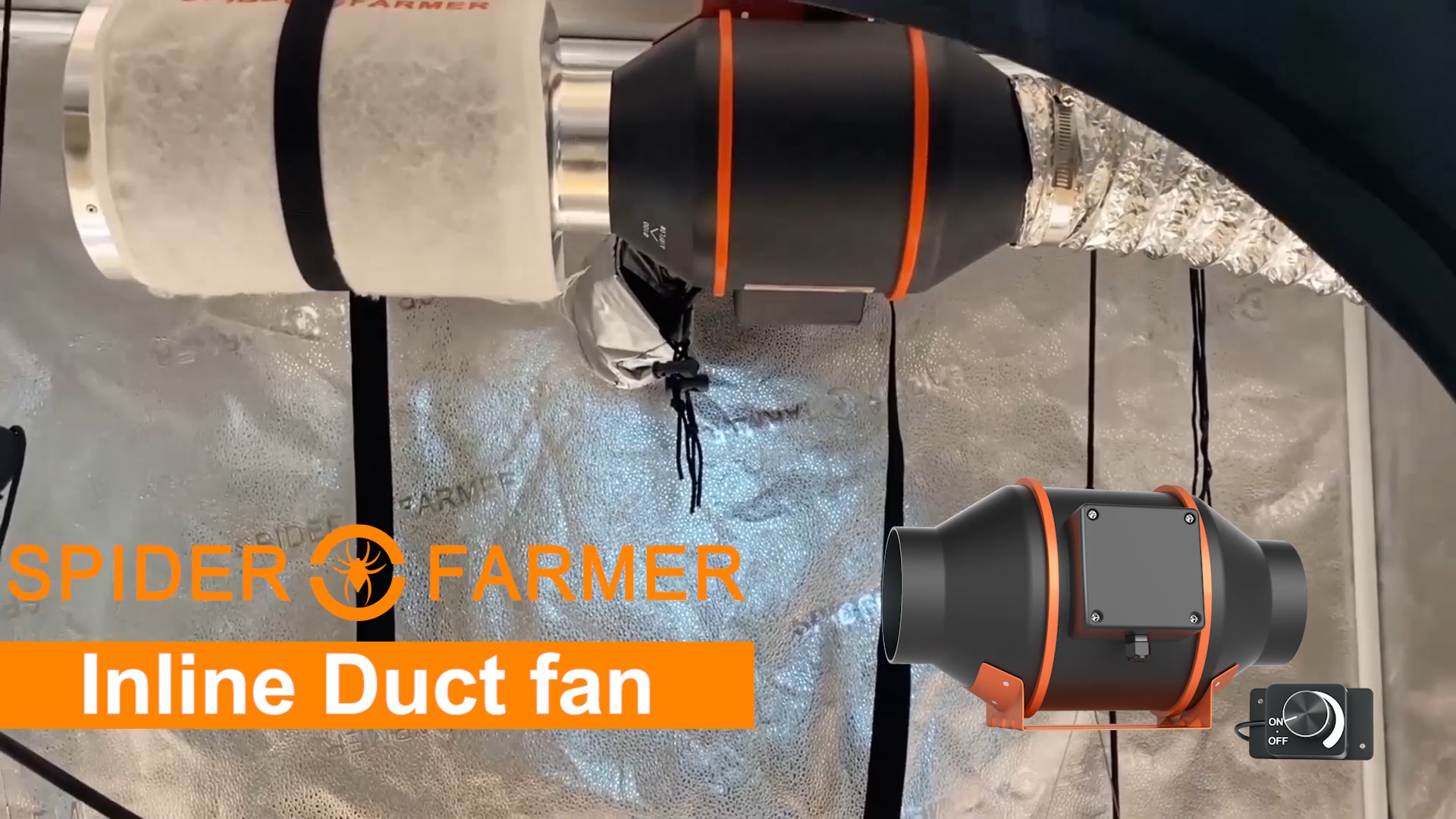
Image: Various installation suggestions for the ventilation system within a grow tent, showing different configurations for air intake and exhaust.
5.1. Installation Videos
Video: A step-by-step guide demonstrating the installation process of the Spider Farmer Inline Fan and associated components.
Video: Instructions on how to connect the GGS Controller to the inline fan, detailing the cable connections and initial power-up sequence.
6. Operating Instructions
The Spider Farmer Smart Air Filtration Kit offers flexible control options through both the GGS Controller and a dedicated mobile application.
6.1. App Control
Connect your GGS Controller to the Spider Farmer App to manage your ventilation system remotely. The app allows you to monitor climate conditions, adjust fan speed, and set automated programs from anywhere.

Image: Screenshot of the Spider Farmer mobile app interface, showing options for speed adjustment, timer settings, temperature mode, humidity mode, and power control for the inline fan.
Video: Demonstration of controlling the Spider Farmer Inline Fan using both the mobile app and the GGS Controller, showcasing various modes and settings.
6.2. GGS Controller Operation
The GGS Controller provides direct control and real-time data. Use the rotary knob to navigate through the interface, scroll or move between options, and press to confirm selections. The controller displays current temperature, humidity, and fan settings.

Image: Close-up of the GGS Controller's display and rotary knob, showing temperature, humidity, and fan settings, along with navigation instructions.
Operating Modes:
- Manual Mode: Manually set the fan speed from 0% to 100%.
- Time Slot Mode: Program the fan to start and stop at specific times, with adjustable running and standby speeds.
- Cycle Mode: Set the fan to run for a specified duration and then pause for another set duration, repeating the cycle a chosen number of times.
- Environment Mode: Prioritize either temperature or humidity. The fan will automatically adjust its speed to maintain the target environmental conditions.

Image: The GGS Controller display showing scheduling options for the inline fan, including start time, end time, operation speed, and standby speed.
Video: An overview of the Spider Farmer Intelligent Ventilation System, highlighting its smart features and automatic climate control capabilities.
7. Maintenance
Regular maintenance ensures optimal performance and longevity of your air filtration kit.
- Carbon Filter: The pre-filter should be cleaned or replaced periodically depending on usage and air quality. The main carbon filter can be reversed to extend its life. Replace the carbon filter when odor control effectiveness diminishes.
- Ducting: Inspect the flexible ducting for any tears or damage that could affect airflow. Ensure clamps remain secure.
- Fan: Keep the fan blades and housing clean from dust and debris to maintain efficient airflow and quiet operation.
8. Troubleshooting
- Fan Not Turning On: Check if the power cord is securely plugged into an outlet and the fan. Ensure the RJ12 cable is properly connected to the GGS Controller. Verify the fan is not set to 'Off' in manual mode or within a 'standby' period in programmed modes.
- Inaccurate Temperature/Humidity Readings: Ensure the 3-in-1 sensor is positioned correctly and not obstructed. Avoid placing the sensor directly in airflow or near heat sources.
- Poor Odor Control: Check the carbon filter for blockages or saturation. Clean or replace the pre-filter. Consider reversing the carbon filter if it hasn't been done recently.
- App Connectivity Issues: Ensure your mobile device has a stable internet connection and the GGS Controller is within Wi-Fi range. Restart the app and controller if necessary.
9. Specifications
| Duct Size | 4 Inch / 100 mm |
| Power | 27W ± 5% |
| Fan Speed | 3000 RPM |
| Airflow | 205 CFM |
| Noise Level | 26.8 Decibels |
| Voltage | AC 110-240V |
| Product Dimensions | 17.52 x 12.99 x 14.57 inches |
| Item Weight | 14.52 pounds |

Image: Diagram showing the physical dimensions and key specifications of the inline duct fan and associated cables.
10. Warranty and Support
For warranty information, technical support, or any questions regarding your Spider Farmer product, please refer to the official Spider Farmer website or contact customer service directly. Keep your purchase receipt for warranty claims.


