
NKF BN59-01315A
NKF BN59-01315A Universal Remote Control for Samsung TVs
User Manual
Introduction
This manual provides instructions for the NKF BN59-01315A Universal Remote Control, designed for use with Samsung Smart TVs, LED, LCD, and 3D models manufactured between 2013 and 2024. This remote control requires no programming or pairing; simply insert batteries to begin operation.
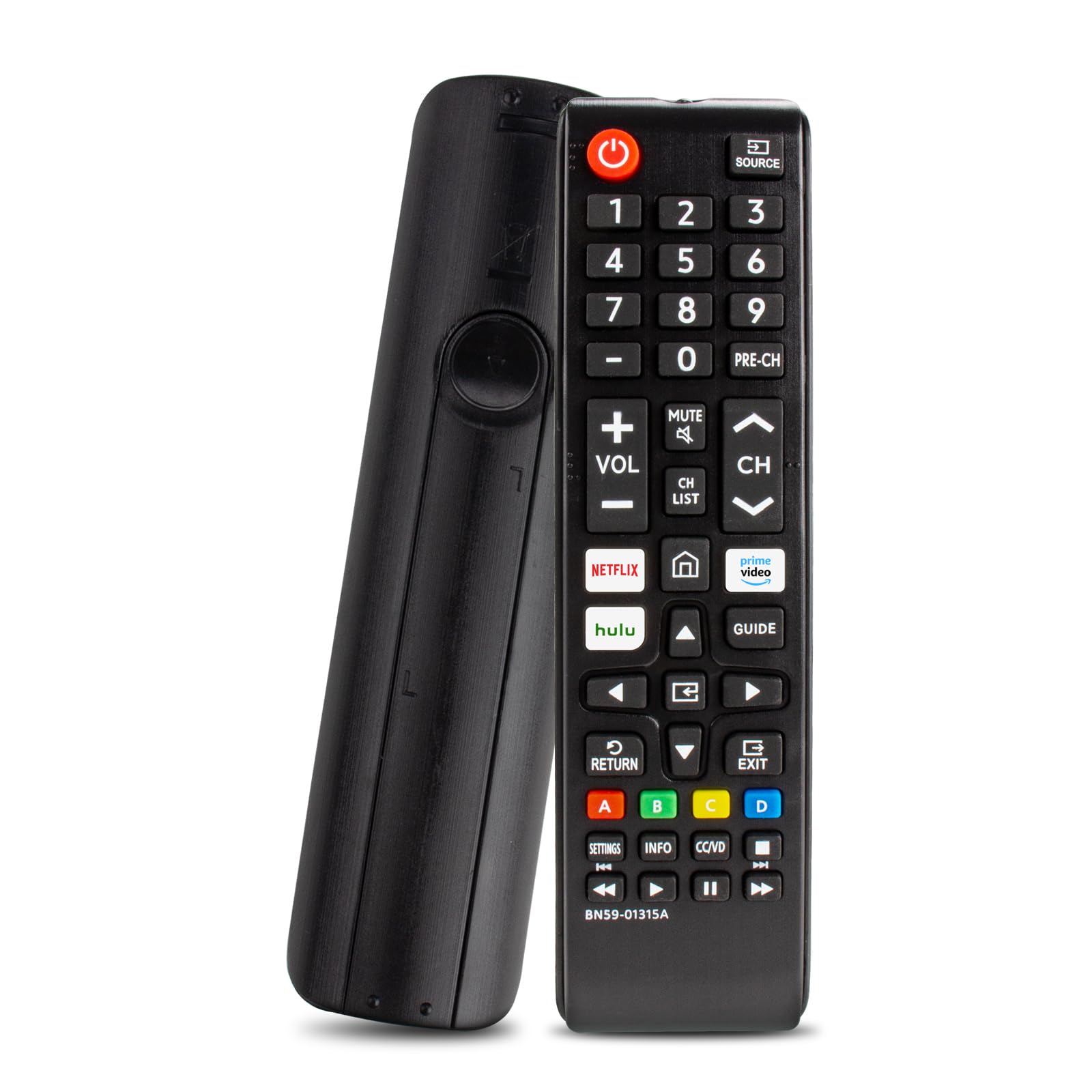
Image: Front view of the NKF BN59-01315A Universal Remote Control.
Product Overview
The NKF BN59-01315A remote control features a standard layout with dedicated buttons for essential TV functions and popular streaming services. Its ergonomic design ensures comfortable handling.

Image: Detailed layout of the NKF BN59-01315A remote control buttons and their functions.
Button Functions:
- Power Button: Turns the TV on or off.
- Source Button: Selects input sources (HDMI, AV, etc.).
- Number Keys (0-9): Direct channel selection.
- Volume Keys (+/-): Adjusts the volume level.
- Mute Button: Mutes or unmutes the TV audio.
- Channel Keys (CH Up/Down): Changes TV channels.
- Netflix Button: Direct access to Netflix.
- Prime Video Button: Direct access to Prime Video.
- Hulu Button: Direct access to Hulu.
- Guide Button: Displays the TV program guide.
- Return Button: Navigates back to the previous screen or menu.
- Exit Button: Exits the current menu or application.
- Directional Pad (Up, Down, Left, Right) and Enter Button: Navigates through menus and confirms selections.
- Settings Button: Accesses TV settings.
- Info Button: Displays information about the current program.
- Color Buttons (A, B, C, D): Functionality varies by TV model and application.
- Playback Controls (Play, Pause, Stop, Fast Forward, Rewind): Controls media playback.
Setup: Battery Installation
The NKF BN59-01315A remote control operates on two AAA alkaline batteries (not included). No programming or pairing is required for initial use.
- Locate the battery compartment on the back of the remote control.
- Press the release tab and slide the battery cover downwards to open.
- Insert two new AAA alkaline batteries, ensuring the positive (+) and negative (-) terminals align correctly with the markings inside the compartment.
- Slide the battery cover back into place until it clicks securely.

Image: Illustration of how to open the battery compartment and insert AAA batteries.
Video: Battery Installation Guide
Video: A demonstration of inserting batteries into the NKF BN59-01315A remote control.
Operating Instructions
Once batteries are installed, the remote is ready for immediate use with compatible Samsung TVs. Ensure a clear line of sight between the remote and the TV's infrared receiver.
- Basic Control: Use the Power, Volume, and Channel buttons for fundamental TV operations.
- Navigation: The directional pad and Enter button allow for easy navigation through TV menus and smart TV interfaces.
- Streaming Access: Dedicated Netflix, Prime Video, and Hulu buttons provide one-touch access to these streaming applications.
- Operating Range: The remote functions reliably up to 10 meters (30 feet) away from the television using advanced IR technology.

Image: Visual representation of the remote control's effective operating distance of up to 10 meters.
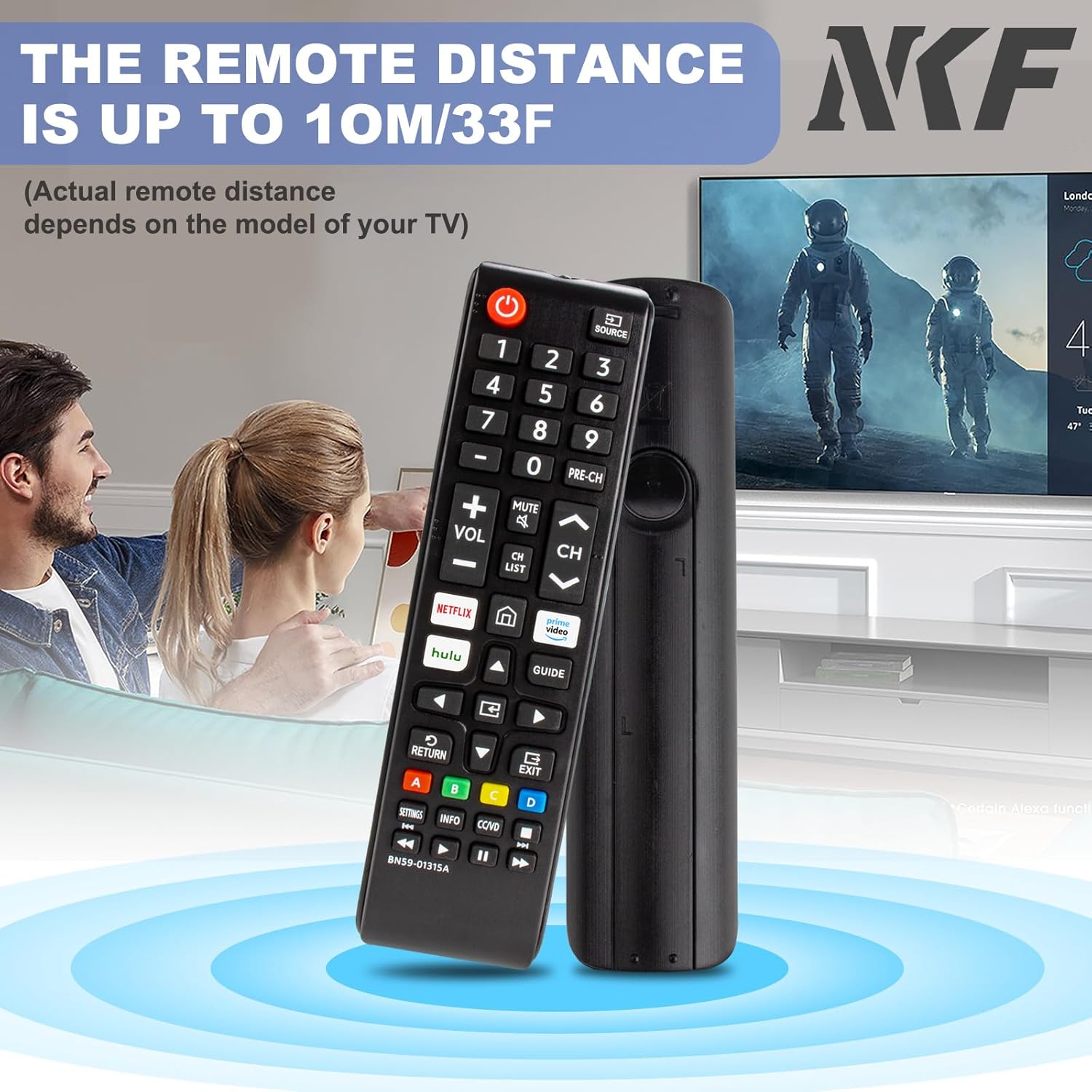
Image: A user interacting with a Samsung Smart TV interface using the NKF BN59-01315A remote control.
Compatibility
This universal remote control is compatible with a wide range of Samsung TV models, including Smart TVs, LED, LCD, and 3D televisions produced from 2013 to 2024. It serves as a direct replacement for many original Samsung remote models.
Known Compatible Remote Models:
- BN59-01315J
- BN59-01301A
- BN59-01175N
- BN59-01199F
- AA59-00741A
- AA59-00786A
- AA59-00602A
- BN59-01247A
- AA59-00743A
- BN59-01175B
- AA59-00818A
- AA59-00603A
- BN59-01199G
- AA59-00622A
- AA59-00496A
- AA59-01180A
- AA59-00666A
- AA59-00600A
- And many other similar Samsung remote models.
Compatible Television Models (Examples):
- Samsung UN65AU8000FXZA
- Samsung UN65RU7100FXZA
- Samsung UN65TU8300FXZA
- Samsung UN82NU8000FXZA
- Samsung UN86TU9010FXZA
Specifications
| Brand | NKF |
| Model Name/Number | BN59-01315A |
| Special Feature | No Programming Required |
| Color | Black |
| Compatible Devices | Television (Samsung Smart, LED, LCD, 3D) |
| Connectivity Technology | Infrared |
| Button Quantity | 44 |
| Maximum Range | 10 Meters (30 Feet) |
| Battery Type | 2 x AAA Alkaline Batteries (not included) |
| Item Weight | 0.13 Pounds |
| Item Dimensions (L x W x H) | 6.89" x 1.77" x 0.94" |
Troubleshooting
- Remote not responding:
- Ensure batteries are inserted correctly with the correct polarity (+/-).
- Replace old batteries with new AAA alkaline batteries.
- Check for any obstructions between the remote control and the TV's infrared sensor.
- Ensure you are within the operating range of 10 meters (30 feet).
- Specific buttons not working:
- Clean the remote control buttons and surface to remove any dirt or debris.
- Verify that the TV model is listed as compatible. While universal, some older or very specific models might have limited functionality.
- Streaming service buttons not launching apps:
- Ensure your Samsung Smart TV is connected to the internet.
- Confirm that the streaming applications (Netflix, Prime Video, Hulu) are installed and updated on your TV.
Warranty and Support
The NKF BN59-01315A Universal Remote Control comes with a 30-day hassle-free return policy. For any questions, technical assistance, or support, please refer to the contact information provided with your purchase or visit the NKF brand store on Amazon.
Ask a question about this manual
Ask about setup, troubleshooting, compatibility, parts, safety, or missing instructions. Manuals+ will review the question and use this page’s manual context to help answer it.