
Introduction
The NEBO SLIM is a versatile and durable 500-lumen rechargeable LED flashlight designed for everyday carry and various work environments. Its compact and ergonomic design, combined with multiple mounting options, provides hands-free illumination wherever needed. This manual provides essential information on the operation, features, and maintenance of your NEBO SLIM flashlight.

Image: The NEBO SLIM flashlight in red, shown with its included Micro-USB charging cable.
Safety Information
This product may contain chemicals known to the State of California to cause cancer and birth defects or other reproductive harm. Please handle with care and dispose of responsibly.
Components
- NEBO SLIM 500-Lumen Rechargeable LED Flashlight
- Micro-USB to USB Charging Cable
Setup: Charging Your Device
The NEBO SLIM features a built-in, non-replaceable rechargeable battery. A Micro-USB charging cable is included. Any standard Micro-USB charging cable will work with the device.
- To access the charging port, lift the silicone rubber USB cover located on the side of the flashlight.
- Connect the Micro-USB end of the cable to the flashlight's charging port.
- Connect the USB-A end of the cable to a suitable USB charging block (not included).
- While charging, a red indicator light will illuminate. The light will turn green once the flashlight is fully charged. Full charge typically takes approximately 3 hours.
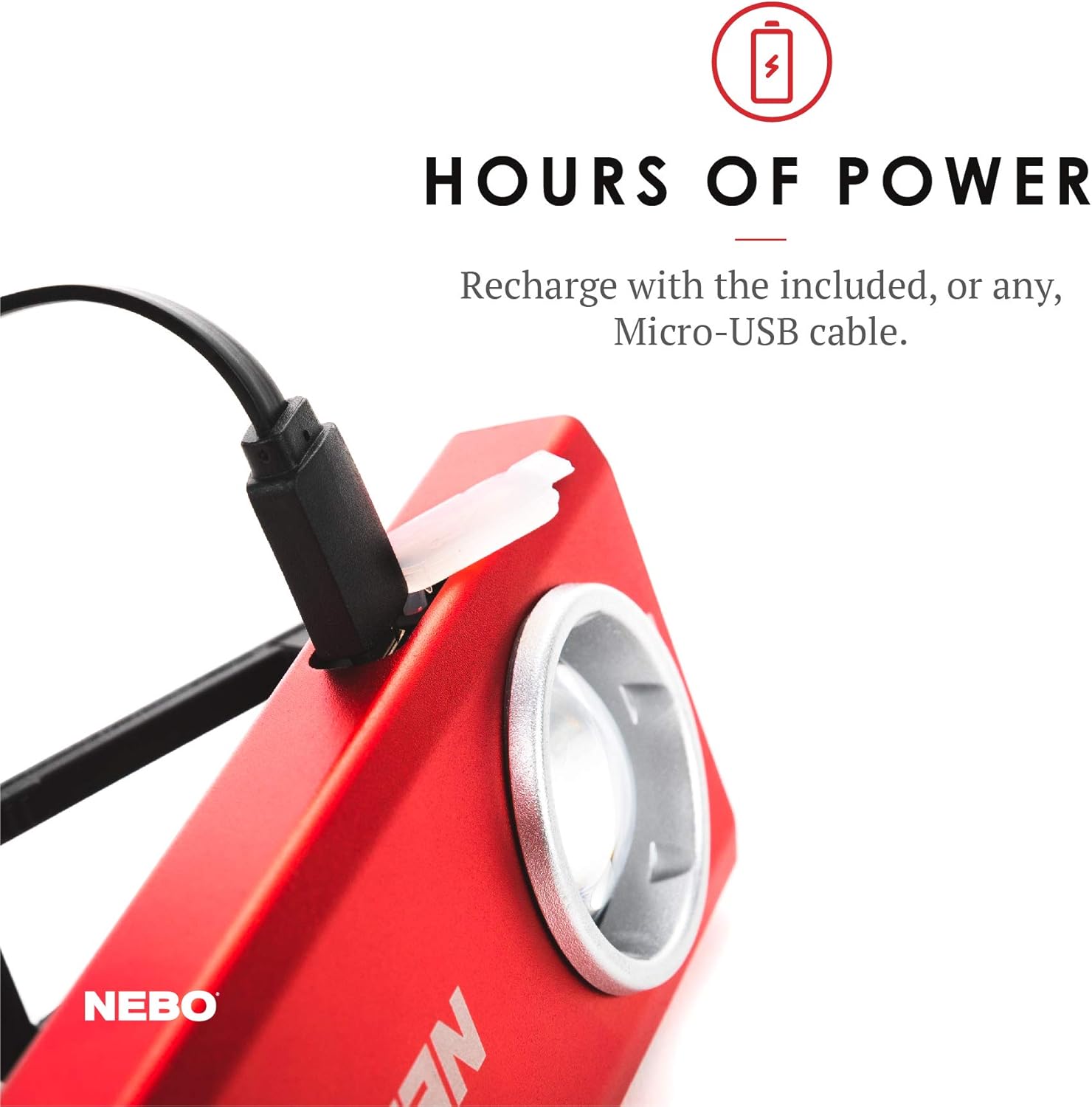
Image: Close-up of the NEBO SLIM showing the Micro-USB charging port. The port is protected by a silicone cover.

Video: Demonstrates the unboxing, features, and charging process of the NEBO SLIM flashlight. This video is provided by the seller.
Operating Instructions
The power button is located on the side of the flashlight.
- Power On/Off: Press the power button once to turn the flashlight on. Press it again to turn it off.
- Dimming Feature: While the light is on, press and hold the power button to dim the light down. The light will cycle to its lowest setting, indicated by a flash.
- Brightness Adjustment: To increase brightness, continue holding the power button. The light will cycle back up to its maximum brightness, also indicated by a flash.
- Power Memory Recall: The NEBO SLIM features a power memory recall function. The flashlight will remember your last used dimming setting and will turn on at that brightness level the next time it is activated.
Video: Demonstrates the power on/off, dimming, and memory recall functions of the NEBO SLIM flashlight. This video is provided by the seller.
Features
- Durable Construction: Constructed from anodized aircraft-grade aluminum, the NEBO SLIM is designed for durability and resistance to drops, making it suitable for various demanding environments.
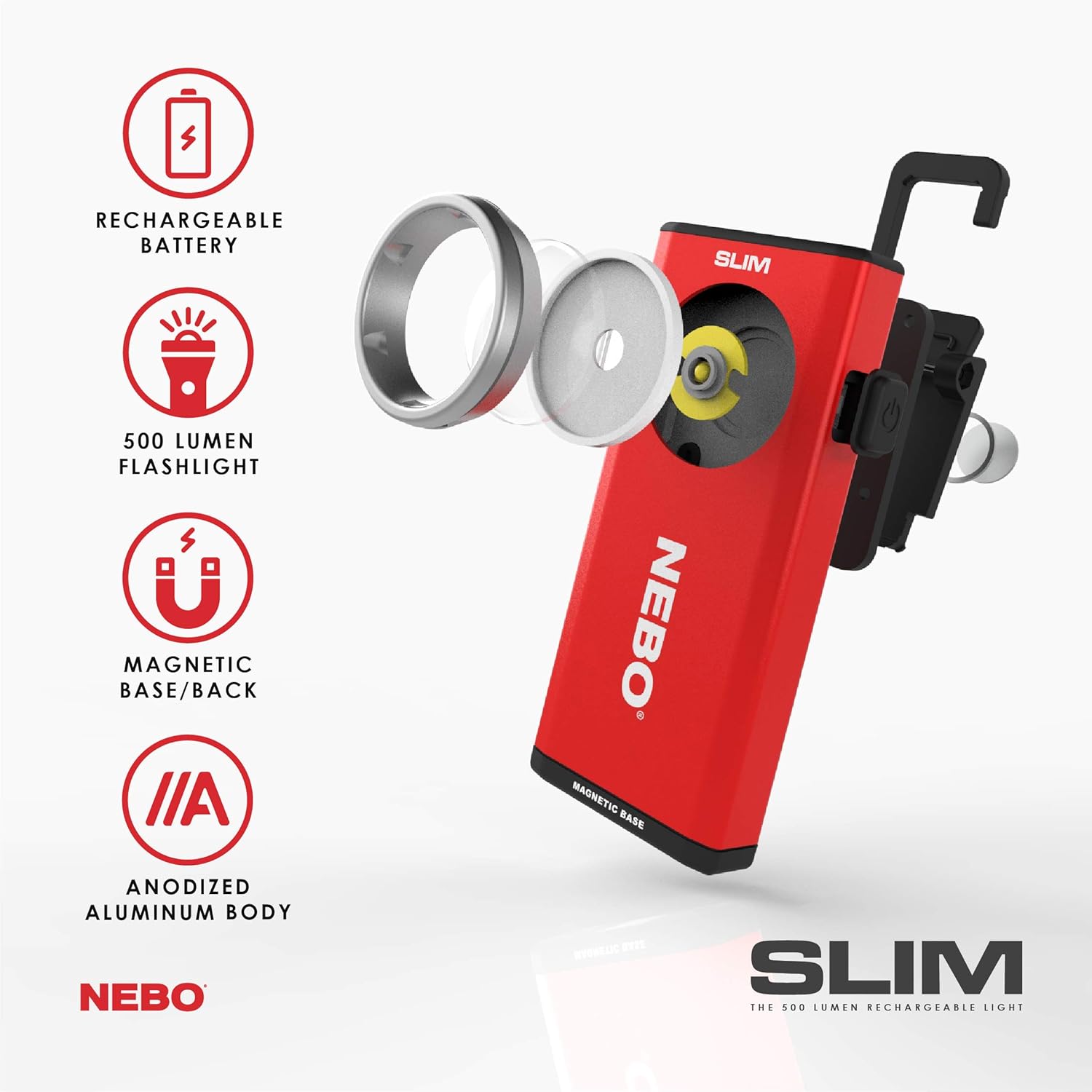
Image: Exploded view highlighting the internal components and durable aluminum body of the NEBO SLIM.
- Magnetic Base and Clip: The flashlight features two strong magnets: one in the base and another on the clip. This allows for easy attachment to any metallic surface, providing versatile hands-free lighting. The clip also has a rubberized grip with teeth to prevent slipping.
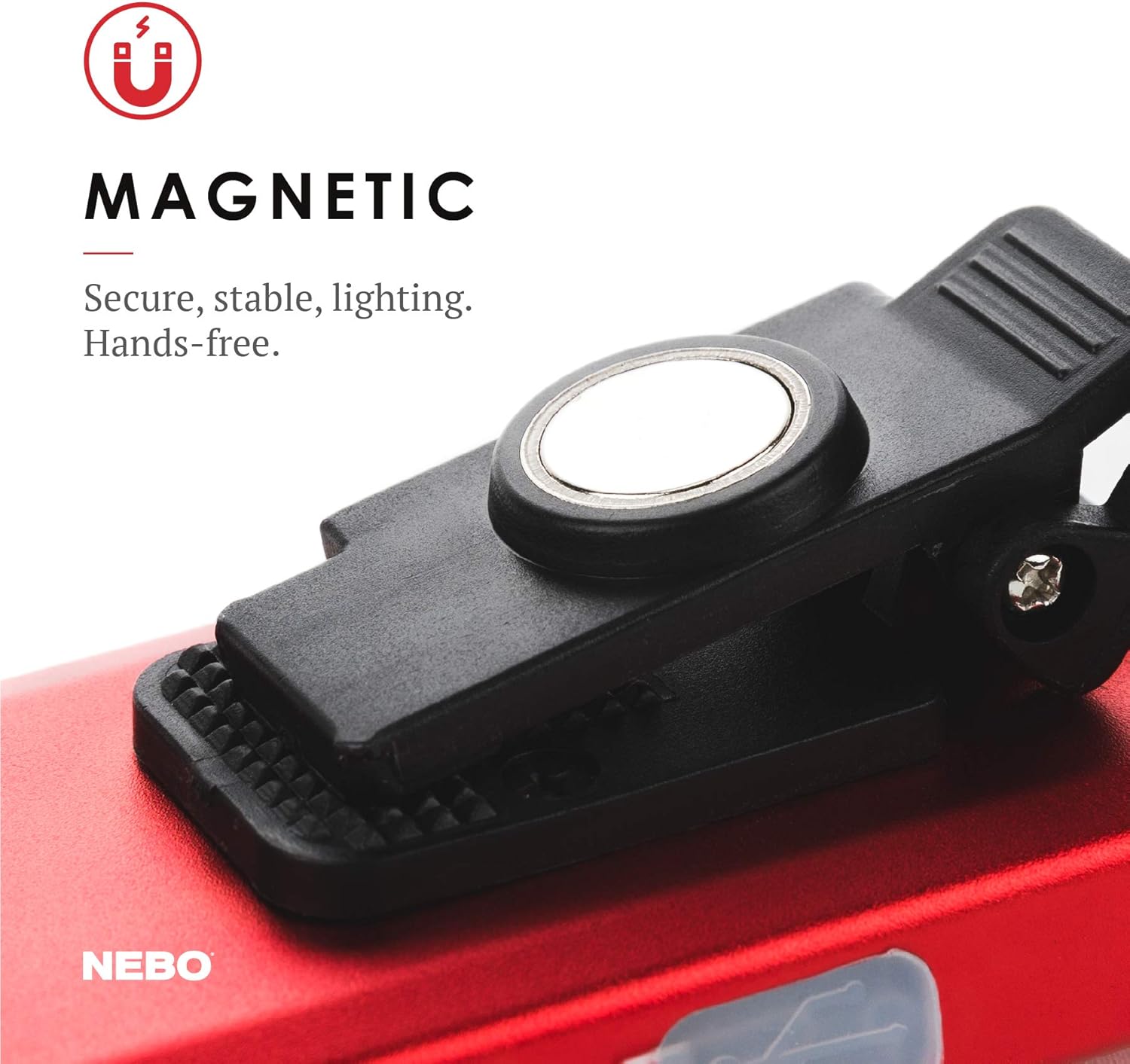
Image: Close-up of the NEBO SLIM's magnetic clip, demonstrating its secure attachment to a metal surface for hands-free use.
- Hanging Hook: A rotatable 180° hanging hook is integrated into the clip, offering another convenient option for hands-free illumination by hanging the light.

Image: The NEBO SLIM with its hanging hook extended, demonstrating its adaptability for various lighting needs.
- Water Spray Resistant (IPX4): The NEBO SLIM has an IPX4 water spray resistance rating, protecting it from normal water exposure like rain.
- Battery Protection: The integrated battery technology provides over-voltage, under-voltage, and short-circuit protection for enhanced safety and longevity.
Maintenance
- Keep the flashlight clean by wiping it with a soft, damp cloth.
- Avoid using abrasive cleaners or solvents.
- Store the flashlight in a cool, dry place when not in use.
- Ensure the silicone rubber USB cover is properly sealed when not charging to maintain water resistance.
Troubleshooting
- Light Not Turning On:
- Ensure the battery is charged. Connect to a power source and check the indicator light.
- Press the power button firmly.
- Light Not Dimming/Brightening:
- Ensure the light is on. Press and hold the power button to activate the dimming/brightening cycle.
- Charging Indicator Not Working:
- Check the Micro-USB cable and charging block for proper connection and functionality. Try a different cable or power source if available.
Specifications
| Brand | NEBO |
| Model | 7014 (SLIM) |
| Light Output (High) | 500 Lumens |
| Runtime (High) | 2 Hours |
| Beam Distance (High) | 58 Meters |
| Light Output (Low) | 55 Lumens |
| Runtime (Low) | 10 Hours |
| Beam Distance (Low) | 18 Meters |
| Material | Anodized Aircraft-Grade Aluminum |
| Water Resistance | IPX4 (Water Spray Resistant) |
| Power Source | Rechargeable Lithium Ion Battery (Built-in) |
| Charging Time | Approx. 3 Hours |
| Dimensions | 4.29 x 1.93 x 1.54 inches |
| Weight | 3.87 ounces |
Warranty and Support
For warranty information, technical support, or service inquiries, please contact NEBO customer service directly. Refer to the product packaging or the official NEBO website for contact details.