
1. Introduction and Overview
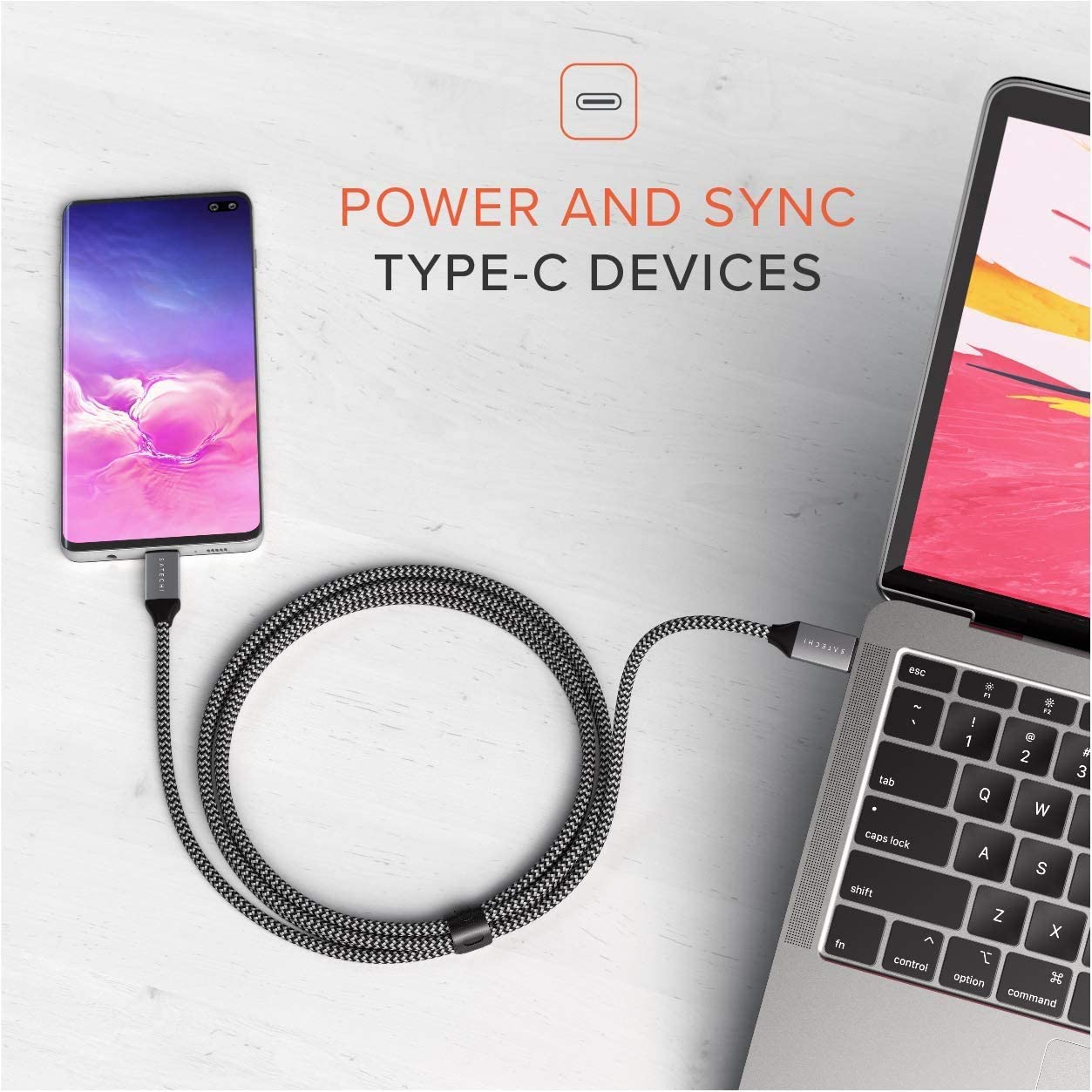
The Satechi USB C to USB C Cable 100W is engineered for efficient power delivery and reliable data transfer between compatible USB-C devices. This cable supports fast charging up to 100 Watts, making it ideal for charging a wide range of devices from smartphones and tablets to laptops. It also facilitates data synchronization at speeds up to 480 Mbps, ensuring quick file transfers.
Crafted with a durable braided nylon exterior, the cable is designed to resist fraying and withstand daily use. Its 6.5-foot (2-meter) length provides ample reach, and an included Velcro strap helps keep it organized and tangle-free.

2. Setup
Setting up your Satechi USB C to USB C Cable is straightforward. No software or drivers are required for its operation.
- For Charging: Connect one end of the USB-C cable to a compatible USB-C power adapter (sold separately). Connect the other end of the cable to the USB-C charging port of your device (e.g., smartphone, tablet, laptop). Ensure both the power adapter and your device support USB Power Delivery for optimal charging speeds.
- For Data Transfer: Connect one end of the USB-C cable to the USB-C port of your source device (e.g., laptop). Connect the other end of the cable to the USB-C port of your target device (e.g., smartphone, external hard drive). Your devices should automatically recognize the connection for data transfer.

3. Operating Instructions
The Satechi USB C to USB C Cable is designed for simple plug-and-play functionality for both charging and data transfer.
- Charging: Once connected to a compatible power source and device, the cable will automatically initiate charging. The 100W Power Delivery capability ensures rapid charging for devices that support this standard.
- Data Transfer: When connected between two data-enabled USB-C devices, the cable allows for seamless file synchronization and transfer. Data speeds can reach up to 480 Mbps. Please note that this cable does not support video output.
4. Maintenance
Proper care and maintenance will extend the lifespan of your Satechi USB C to USB C Cable.
- Cleaning: Use a soft, dry, lint-free cloth to gently wipe the cable and connectors. Avoid using harsh chemicals, abrasive cleaners, or excessive moisture.
- Storage: When not in use, coil the cable neatly and secure it with the included Velcro strap to prevent tangling and kinking. Store it in a cool, dry place away from direct sunlight and extreme temperatures.
- Handling: Avoid sharp bends or excessive pulling on the cable, especially near the connectors, as this can damage the internal wires. Always grasp the connector head when plugging or unplugging the cable.

5. Troubleshooting
If you encounter issues with your Satechi USB C to USB C Cable, refer to the following common troubleshooting steps:
- Device Not Charging or Charging Slowly:
- Ensure both ends of the cable are securely connected to the power adapter and the device.
- Verify that your power adapter supports USB Power Delivery and provides sufficient wattage for your device.
- Try using a different USB-C port on your device, if available.
- Test the cable with another compatible device and power adapter to isolate the issue.
- Data Transfer Issues:
- Confirm that both connected devices support data transfer via their USB-C ports.
- Check your device settings to ensure data transfer is enabled (e.g., 'File Transfer' mode on Android devices).
- Try disconnecting and reconnecting the cable.
- Attempt data transfer with a different USB-C cable to determine if the issue is with the cable or the devices.
- Physical Damage:
- Visually inspect the cable and its connectors for any signs of damage, such as fraying, bent pins, or discoloration.
- If the cable appears damaged, discontinue use immediately to prevent potential harm to your devices.
6. Specifications
| Feature | Specification |
|---|---|
| Brand | Satechi |
| Model Number | ST-TCC2MM |
| Connector Type | USB Type C (Male to Male) |
| Cable Type | USB |
| Length | 6.5 feet (2 meters) |
| Power Delivery | Up to 100W |
| Data Transfer Speed | Up to 480 Mbps |
| Special Feature | Fast Charging, Durable Braided Design |
| Compatibility | 2023 MacBook Pro 14-inch/16-inch (M2 Pro & Max), 2022 MacBook Pro/Air M2, 2021 MacBook Pro 14-inch/16-inch (M1 Pro & Max), 2020 MacBook Pro/Air M1, 2016-2019 MacBook Pro, 2018 MacBook Air, 2023 Mac Mini M2/M2 Pro, 2020/2018 Mac Mini, 2021/2020/2019/2017 iMac, iMac Pro, M2/M1 iPad Pro, M1 iPad Air, 2022 10th-Gen iPad, 2021 iPad Pro, 2021 iPad Mini, 2015-2017 MacBook, Microsoft Surface Laptop 3/Surface Pro 8/Go, Google PixelBook Go, ChromeBook, Samsung Galaxy Tab Pro S, iPhone 15/15Pro/15Plus/15ProMax, Samsung Galaxy S23, Nintendo Switch, and other USB-C devices. |

7. Warranty and Support
Satechi products, including the USB C to USB C Cable 100W, are covered by a 2-year limited warranty. This warranty protects against defects in materials and workmanship under normal use. For warranty claims or technical assistance, please contact Satechi customer support through their official website or the retailer where the product was purchased.
For the most up-to-date support information and contact details, please visit the official Satechi website: satechi.com/pages/contact-us