
Introduction
Thank you for choosing the FREETOO Portable Digital Luggage Scale. This manual provides essential information for the safe and efficient operation of your device. Please read these instructions thoroughly before use and retain them for future reference.
Safety Information
- Do not immerse the scale in water or other liquids.
- Avoid dropping the scale or subjecting it to strong impacts.
- Do not attempt to disassemble or repair the scale yourself. Contact customer support if service is required.
- Keep the scale out of reach of children.
- Remove batteries if the scale will not be used for an extended period to prevent leakage.
Product Overview
The FREETOO Portable Digital Luggage Scale is designed for accurate and convenient weighing of luggage and other items up to 50 kg (110 lb).

The FREETOO Portable Digital Luggage Scale, displaying 0.00 lb, ready for use.
FREETOO Portable Digital Luggage Scale with icons illustrating its features: Tare Function, Weight Hold, Auto On/Off, Low Battery Indicator, and Overload Indicator.

High-definition LCD display of the FREETOO Portable Digital Luggage Scale, showing available weight units: grams (g), ounces (oz), kilograms (kg), and pounds (lb).
Setup
Battery Installation
- Locate the battery compartment on the back of the scale.
- Open the battery compartment cover.
- Insert one CR2 battery, ensuring the correct polarity (+/-) as indicated inside the compartment.
- Close the battery compartment cover securely.
Operating Instructions
Power On/Off
- To power on, press the power button (U). The display will show "8888" then "0.00" with the current unit.
- The scale will automatically power off after 60 seconds of inactivity to conserve battery life.
- To manually power off, press and hold the power button for 3 seconds.
Unit Conversion
- With the scale powered on and displaying "0.00", press the power button briefly to cycle through the available weight units: kg (kilograms), lb (pounds), g (grams), and oz (ounces).
- Select your desired unit before weighing.
Weighing Procedure
- Attach the strap of the scale to the handle of the item you wish to weigh.
- Lift the scale by its handle, ensuring the item is suspended freely and not touching the ground.
- Hold the scale steady. The display will show the weight, and after a few seconds, it will lock the reading (indicated by a "HOLD" icon or a stable reading).
- Lower the scale and item. The locked weight will remain on the display for a short period before resetting or turning off.

FREETOO Portable Digital Luggage Scale in use, displaying a weight of 8.50 lb.

The FREETOO Portable Digital Luggage Scale weighing a blue suitcase, demonstrating its use for baggage.
Tare Function
- To weigh items in a container, first attach the empty container to the scale.
- Press the power button briefly while the empty container is being weighed. The display will reset to "0.00".
- Now, add the items to the container. The display will show only the net weight of the added items.

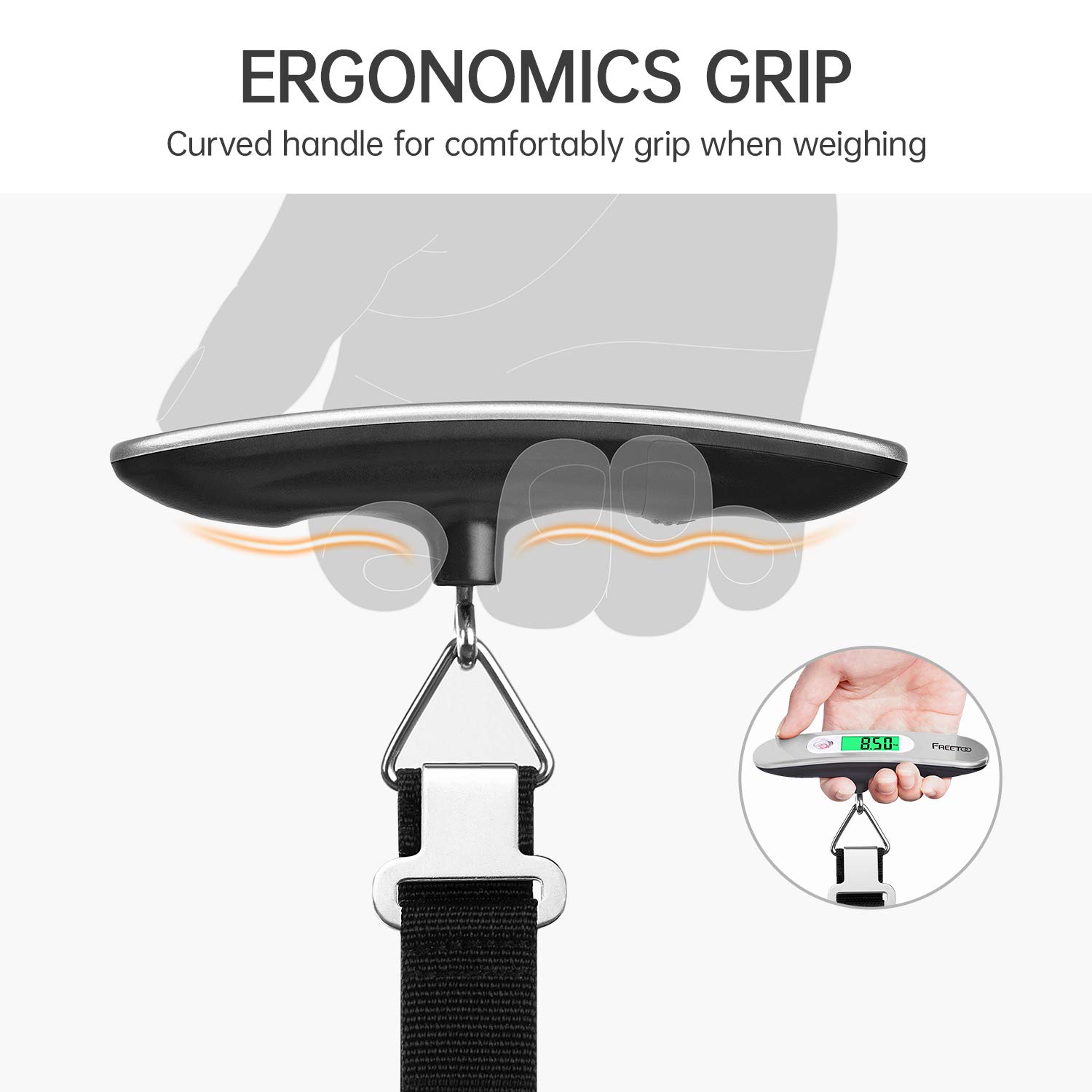
Illustration of the ergonomic grip design of the FREETOO Portable Digital Luggage Scale.
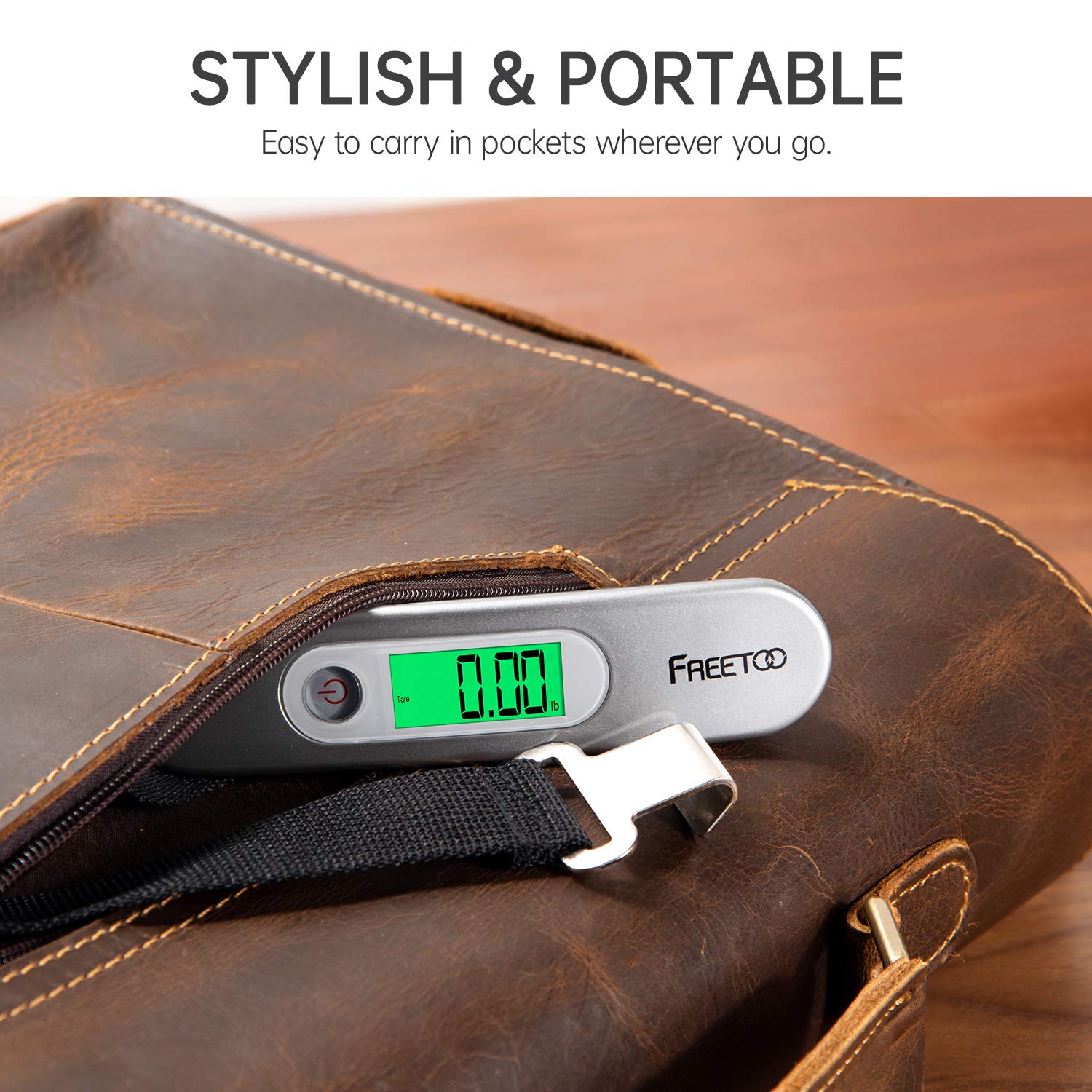
The compact FREETOO Portable Digital Luggage Scale being stored in a bag, highlighting its portability.
Maintenance
Cleaning
- Wipe the scale with a soft, damp cloth. Do not use abrasive cleaners or immerse in water.
- Ensure the scale is completely dry before storage.
Storage
- Store the scale in a cool, dry place away from direct sunlight and extreme temperatures.
- If storing for an extended period, remove the battery to prevent leakage and damage.
Troubleshooting
| Problem | Possible Cause | Solution |
|---|---|---|
| No display / Scale won't turn on | Dead battery; Incorrect battery installation | Replace battery; Check battery polarity |
| "Err" or "O-Ld" displayed | Overload (weight exceeds 50 kg / 110 lb) | Remove item; Do not exceed maximum capacity |
| Inaccurate readings | Unstable weighing; Item touching ground; Scale not zeroed | Ensure stable lift; Ensure item is suspended freely; Power off/on to re-zero |
| "Lo" displayed | Low battery | Replace battery |
Specifications
- Model: YW-S028
- Capacity: 50 kg / 110 lb
- Accuracy: 0.05 kg / 0.1 lb
- Units: kg, lb, g, oz
- Power: 1 x CR2 battery (included)
- Dimensions: Approximately 12 x 4 x 4 cm (4.7 x 1.6 x 1.6 inches)
- Weight: Approximately 90 g (3.2 oz)
- Special Features: Tare function, Auto-off, Low battery indicator, Overload indicator, Backlit LCD display, Ergonomic grip
Warranty and Support
FREETOO products are manufactured to high-quality standards. For warranty information or technical support, please refer to the contact details provided with your purchase or visit the official FREETOO website. Please have your model number (YW-S028) available when contacting support.