
1. Introduction
The myGEKOgear Aegis 200 is a high-performance body camera designed for reliable video and audio recording. It captures footage in 1440p Super HD with a 140° wide-angle lens, ensuring comprehensive coverage. Equipped with 32GB of internal storage and a battery life of up to 13 hours, it is suitable for extended use in various environments. The device features a 2-inch LCD for on-field review, IP65 waterproof rating for durability, and infrared night vision for low-light conditions. GPS logging is integrated to record location data with your footage. A password-protected system enhances data security, preventing unauthorized deletion of files directly on the device.
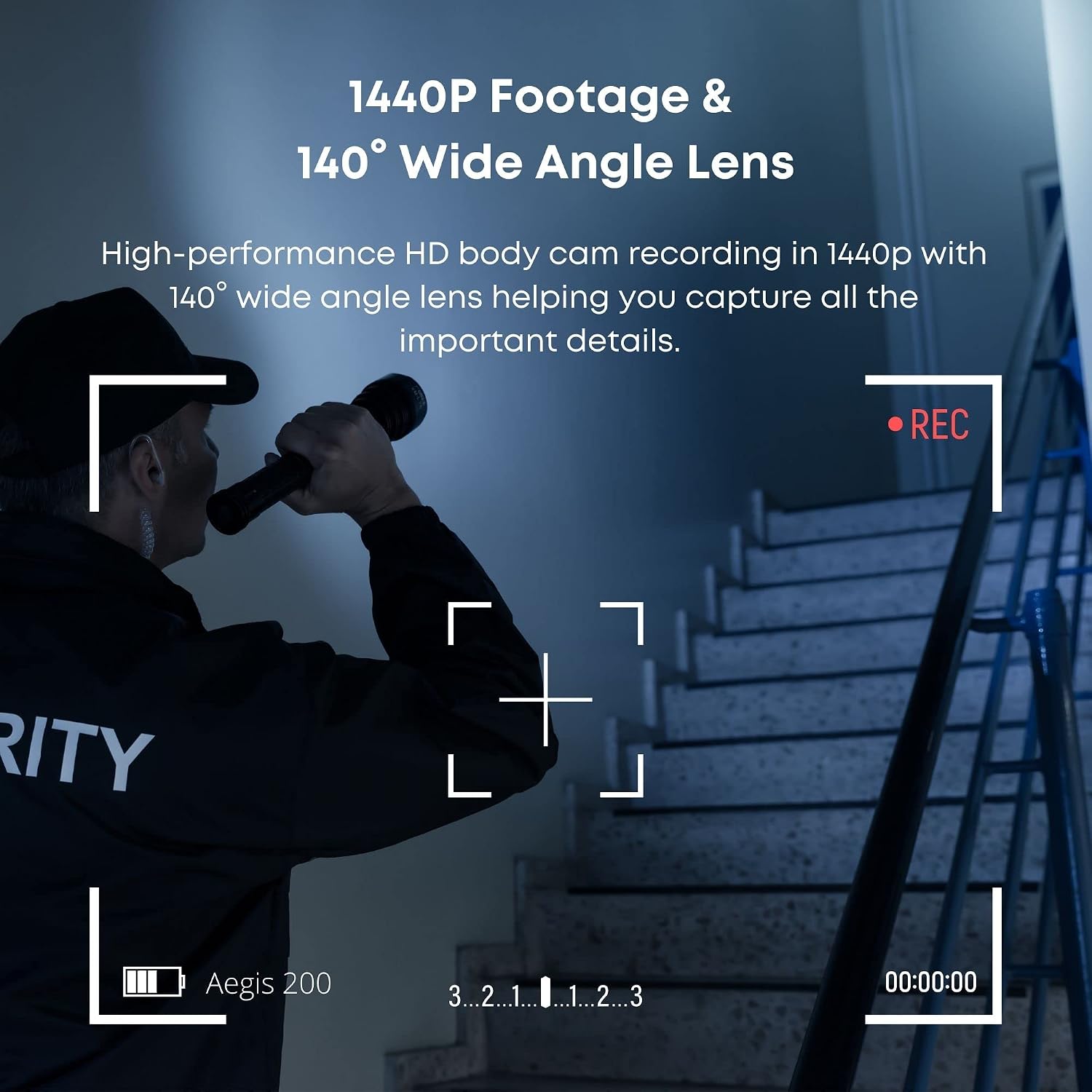
Image 1.1: The Aegis 200 captures 1440p Super HD footage with a 140° wide-angle lens.
2. What's in the Box
Please verify that all items are present in the package:
- myGEKOgear Aegis 200 Body Camera
- User Manual
- Short Clip
- Long Clip
- Power Adapter
- Charging Dock
- USB Cable
3. Setup
3.1 Charging the Device
Before initial use, fully charge the Aegis 200 body camera. Connect the USB cable to the charging dock, then connect the dock to the power adapter. Plug the adapter into a wall outlet. Place the body camera into the charging dock. The charging indicator light will show the charging status. A full charge can provide up to 13 hours of operation.

Image 3.1: The Aegis 200 features a built-in 3200mAH lithium battery for extended use.
3.2 Initial Power-On and Settings
- Press and hold the Power button to turn on the camera.
- Upon first use, you may be prompted to set the date and time. Use the navigation buttons to adjust values and confirm.
- Access the system settings via the menu to configure preferences such as video resolution, loop recording, and audio settings.
3.3 Password Protection
To ensure the security of your recorded data, enable the password protection feature. This requires a password to access playback and change settings on the device. Files cannot be deleted directly from the camera when this feature is active; deletion is only possible via a connected PC after entering the correct password.
4. Operating Instructions
4.1 Recording Video and Audio
To start video recording, press the dedicated Record button. The camera will begin capturing 1440p Super HD video with audio. Press the Record button again to stop recording. Ensure the microphone is not obstructed for clear audio capture.
4.2 Night Vision Activation
The Aegis 200 is equipped with high-intensity infrared LED lights for night vision. In low-light conditions, the camera can automatically switch to night vision mode or be manually activated through the settings menu. This allows for clear footage capture up to 30 feet in darkness.

Image 4.1: Infrared night vision allows for clear recording in low-light environments.
4.3 GPS Logging
The camera automatically logs GPS coordinates with your video footage. These coordinates will be displayed on the body camera's screen during playback and are embedded in the video files. When viewing footage on a PC, the GPS data can be used to pinpoint the exact location of an incident.

Image 4.2: GPS logging records location data directly onto your footage.
4.4 Reviewing Footage
Use the built-in 2-inch LCD screen to review recorded videos, photos, and audio files directly on the device. Navigate through files using the control buttons. Ensure password protection is disabled or enter the correct password if enabled.
4.5 Connecting to a PC
To transfer or manage files, connect the Aegis 200 to a computer using the provided USB cable. The camera will appear as a removable storage device. If password protection is enabled, you will need to enter the password on the PC to access and delete files. Files cannot be deleted from the device itself when password protection is active.
5. Maintenance
5.1 Cleaning the Device
Regularly clean the camera lens and LCD screen with a soft, lint-free cloth. For stubborn smudges, use a specialized lens cleaning solution. Avoid abrasive materials or harsh chemicals that could damage the surfaces.
5.2 Battery Care
To maximize battery life, avoid fully discharging the camera frequently. Store the device in a cool, dry place when not in use. If storing for an extended period, ensure the battery is partially charged (around 50%) to prevent degradation.
5.3 Water Resistance
The Aegis 200 has an IP65 waterproof rating, protecting it from dust and low-pressure water jets. While durable, avoid submerging the device in water or exposing it to high-pressure water streams to maintain its integrity.

Image 5.1: The IP65 rating ensures the Aegis 200 can withstand harsh weather conditions.
6. Troubleshooting
6.1 Device Not Powering On
- Ensure the battery is charged. Connect the camera to the charging dock and verify the charging indicator.
- Try resetting the device by holding the Power button for 10-15 seconds.
6.2 Recording Issues
- Check available storage space. If full, transfer files to a PC and delete them.
- Ensure the lens is clean and free from obstructions.
- Verify that the recording mode is correctly selected in the settings.
6.3 Cannot Access Files on PC
- Ensure the USB cable is securely connected to both the camera and the PC.
- If password protection is enabled, you must enter the password on the PC to access the files.
- Try connecting to a different USB port or another computer.
7. Specifications
| Feature | Detail |
|---|---|
| Brand | myGEKOgear |
| Model Name | AG20032G |
| Video Capture Resolution | 1440p Super HD |
| Viewing Angle | 140 degrees |
| Screen Size | 2 inches |
| Special Features | Infrared, Low Light, Night Vision, GPS Logging |
| Battery Life | Up to 13 hours (3200mAH Lithium Ion) |
| Storage | 32GB (Built-in) |
| Water Resistance | IP65 |
| Connectivity Technology | Wireless (for data transfer to compatible devices) |
| Item Weight | 4.8 ounces |
| File Format | MP4 |
8. Warranty and Support
8.1 Warranty Information
The myGEKOgear Aegis 200 Body Camera comes with a 1-year limited warranty from the date of purchase. This warranty covers manufacturing defects and workmanship under normal use. It does not cover damage caused by misuse, accidents, unauthorized modifications, or natural disasters. Please retain your proof of purchase for warranty claims.
8.2 Customer Support
For technical assistance, troubleshooting, or warranty inquiries, please visit the official myGEKOgear website or contact their customer support team. Refer to the contact information provided on the product packaging or the official website for the most up-to-date support channels.
