
1. Introduction
This manual provides detailed instructions for the proper setup, operation, and maintenance of your Radtel Heavy Duty Speaker Microphone. Please read this manual thoroughly before using the product to ensure optimal performance and longevity. This speaker microphone is designed for use with compatible BaoFeng waterproof two-way radios.
2. Product Overview
The Radtel Heavy Duty Speaker Microphone is designed for reliable communication in various environments. It features a robust construction and user-friendly design.
Key Features:
- High-quality speaker and microphone for clear audio.
- Durable reinforced cable for stable operation.
- Large Push-to-Talk (PTT) button with a textured surface for improved tactile feedback.
- 360-degree rotatable clip for flexible attachment to clothing or gear.
- Integrated 3.5mm earphone jack for private listening.
Component Identification:

Figure 1: Labeled diagram of the speaker microphone, highlighting the high-performance speaker and microphone, detachable swivel clip, metal base for the clip, rugged housing, 3.5mm earphone jack, and special reinforced cable.
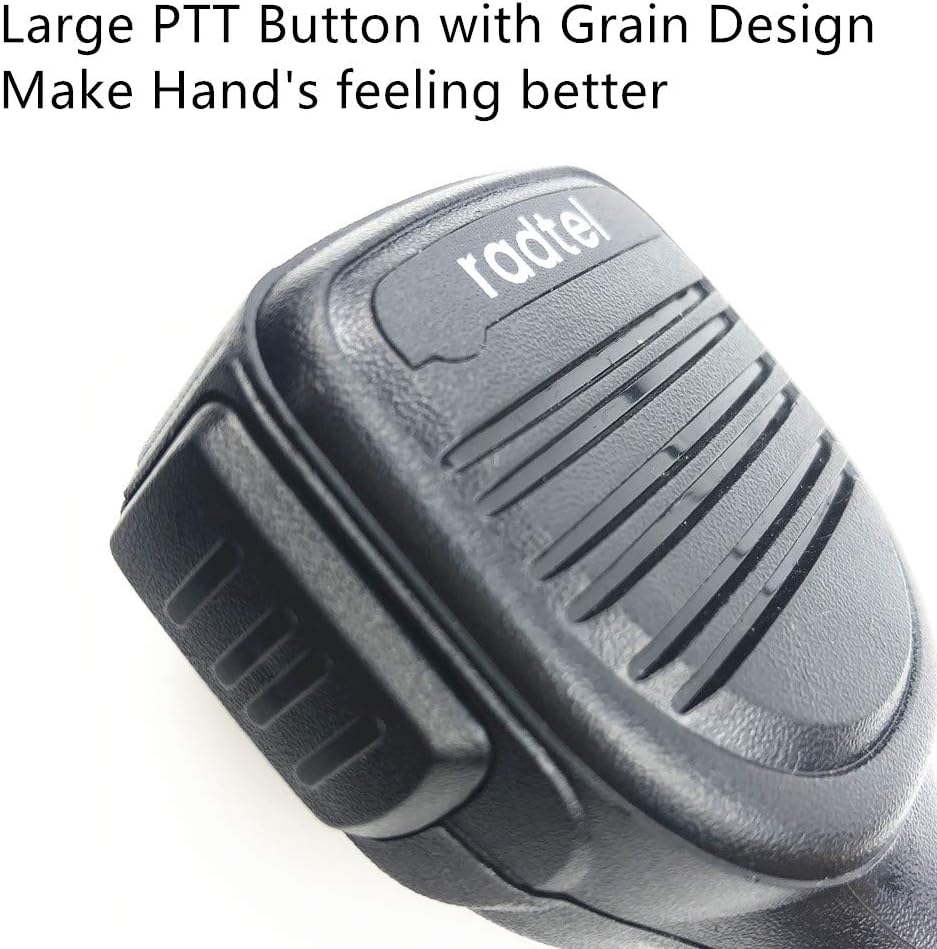
Figure 2: Front view of the Radtel speaker microphone, showing the speaker grille and the Radtel logo.
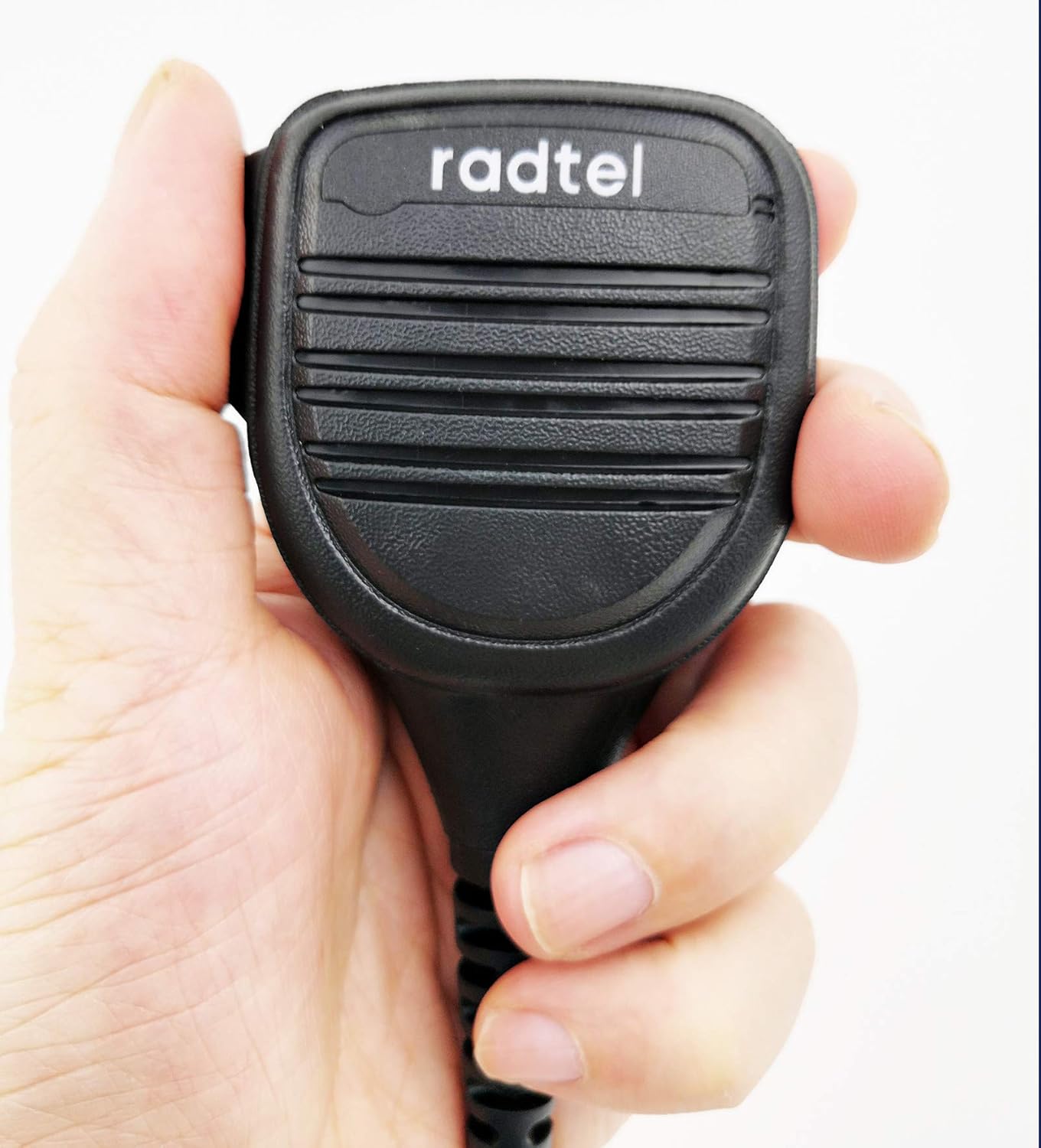
Figure 3: The speaker microphone held in a user's hand, illustrating its ergonomic design and size.

Figure 4: A complete view of the speaker microphone, including its reinforced coiled cable.

Figure 5: Close-up detail of the durable, long-life coiled cord and its special reinforced cable construction.

Figure 6: Rear view of the speaker microphone, highlighting the 360-degree rotatable clip with its stainless holder.
3. Setup
- Connect to Radio: Align the two-pin connector of the speaker microphone with the corresponding port on your compatible BaoFeng radio. Gently push until it clicks into place, ensuring a secure connection.
- Secure the Connector: If your radio model includes a screw for securing the accessory connector, tighten it carefully to prevent accidental disconnection.
- Attach to Clothing: Use the 360-degree rotatable clip on the back of the microphone to attach it to your collar, shoulder, or other convenient location on your clothing or gear. Adjust the clip for optimal positioning.
4. Operating Instructions
- Power On Radio: Ensure your two-way radio is powered on and set to the desired channel.
- Receiving Audio: Audio from the radio will be routed through the speaker on the microphone. Adjust the radio's volume control to your preferred listening level.
- Transmitting: To transmit, press and hold the large Push-to-Talk (PTT) button located on the side of the microphone. Speak clearly into the microphone. Release the PTT button to stop transmitting and return to receive mode.
- Using Earphone Jack: For private listening, plug a standard 3.5mm earphone into the earphone jack located on the bottom of the microphone. Audio will then be routed to the earphone instead of the speaker.
5. Maintenance
- Cleaning: Wipe the microphone's exterior with a soft, damp cloth. Do not use harsh chemicals or abrasive cleaners. Ensure no moisture enters the speaker grille or earphone jack.
- Storage: Store the microphone in a dry, cool place away from direct sunlight and extreme temperatures when not in use.
- Cable Care: Avoid sharp bends or excessive pulling on the cable to prevent internal damage.
- Connector Inspection: Periodically check the connector pins for dirt or damage. Clean gently if necessary.
6. Troubleshooting
| Problem | Possible Cause | Solution |
|---|---|---|
| No audio from speaker mic | Loose connection; Radio volume too low; Faulty mic. | Ensure mic is securely connected. Increase radio volume. Test with another mic if available. |
| Distorted or unclear audio | Loose connection; Microphone too far/close; Interference. | Check connection. Speak at a consistent distance (approx. 2-5 cm) from the microphone. Move away from potential sources of interference. |
| Cannot transmit | PTT button not fully pressed; Radio not in transmit mode; Mic not compatible. | Ensure PTT button is fully depressed. Check radio settings. Verify radio compatibility. |
| Screeching or feedback noise | Microphone too close to radio speaker; Faulty mic. | Increase distance between the mic and the radio's speaker. If problem persists, the mic may be faulty. |
7. Specifications
| Feature | Detail |
|---|---|
| Model Name | Heavy Duty Speaker Mic |
| Item Model Number | caa57e6a-9896-46cc-978e-bb5c0ee384a5 |
| Brand | Radtel |
| Microphone Form Factor | Lavalier |
| Power Source | Corded Electric |
| Material | Metal |
| Connectivity Technology | Auxiliary |
| Connector Type | 2-pin connector (compatible with specific BaoFeng models) |
| Special Feature | 360° Rotatable Clip |
| Item Weight | 6.7 ounces (approx. 190 grams) |
| Package Dimensions | 11.5 x 8.5 x 1.81 inches |
| Audio Sensitivity | 58 Decibels |
| Included Components | Durable Reinforced Cable, 360° Rotatable clip |
8. Compatibility
This Radtel Heavy Duty Speaker Microphone is compatible with the following BaoFeng waterproof radio models:
- BaoFeng UV-9R
- BaoFeng UV-9R Plus
- BaoFeng BF-A58
- BaoFeng BF-9700
- BaoFeng GT-3WP
NOTE: This microphone is NOT compatible with the Radtel RT-880 radio model.
9. Warranty and Support
For warranty information, technical support, or service inquiries, please contact Radtel customer service directly. Refer to the product packaging or the official Radtel website for the most current contact details.