
1. Introduction
This manual provides detailed instructions for the installation, operation, and maintenance of your SVBONY SV189 Microscope Digital Camera. Please read this manual thoroughly before using the product to ensure proper functionality and to maximize your experience.
The SVBONY SV189 is a 1.3-megapixel USB2.0 digital camera designed to capture high-definition images and videos through a microscope. It offers a convenient way to view and record microscopic observations on a computer screen, eliminating the need for direct eyepiece viewing.
2. Package Contents
Verify that all items listed below are included in your package. If any items are missing or damaged, please contact SVBONY customer support.
- 1x SVBONY SV189 Digital Microscope Camera
- 1x Microscope Adapter (for 23.2mm and 30.00mm eyepiece interfaces)
- 1x 1.5m USB 2.0 Cable
- 1x CD-ROM (containing software and drivers)
- 1x User Manual

Image: Contents of the SVBONY SV189 package, including the camera, adapter, USB cable, software CD, and user manual.
3. Product Components

Image: Labeled diagram showing the digital microscope camera, data line interface, microscope adapter, USB2.0 interface, and 1.5m USB 2.0 cable.
4. Installation Guide
- Prepare the Microscope: Ensure your microscope has a 23.2mm or 30.00mm eyepiece interface. The SV189 is compatible with both sizes.
- Attach the Adapter: Insert the microscope adapter into the eyepiece port of your microscope.
- Connect the Camera: Attach the SV189 digital camera to the microscope adapter.
- Connect to Computer: Insert the USB 2.0 cable into the camera's data line interface, then connect the other end of the USB cable to an available USB port on your desktop or laptop computer.
- Install Software: Insert the provided CD-ROM into your computer's optical drive and follow the on-screen instructions to install the necessary drivers and viewing software. If your computer lacks an optical drive, please visit the SVBONY website for software downloads.
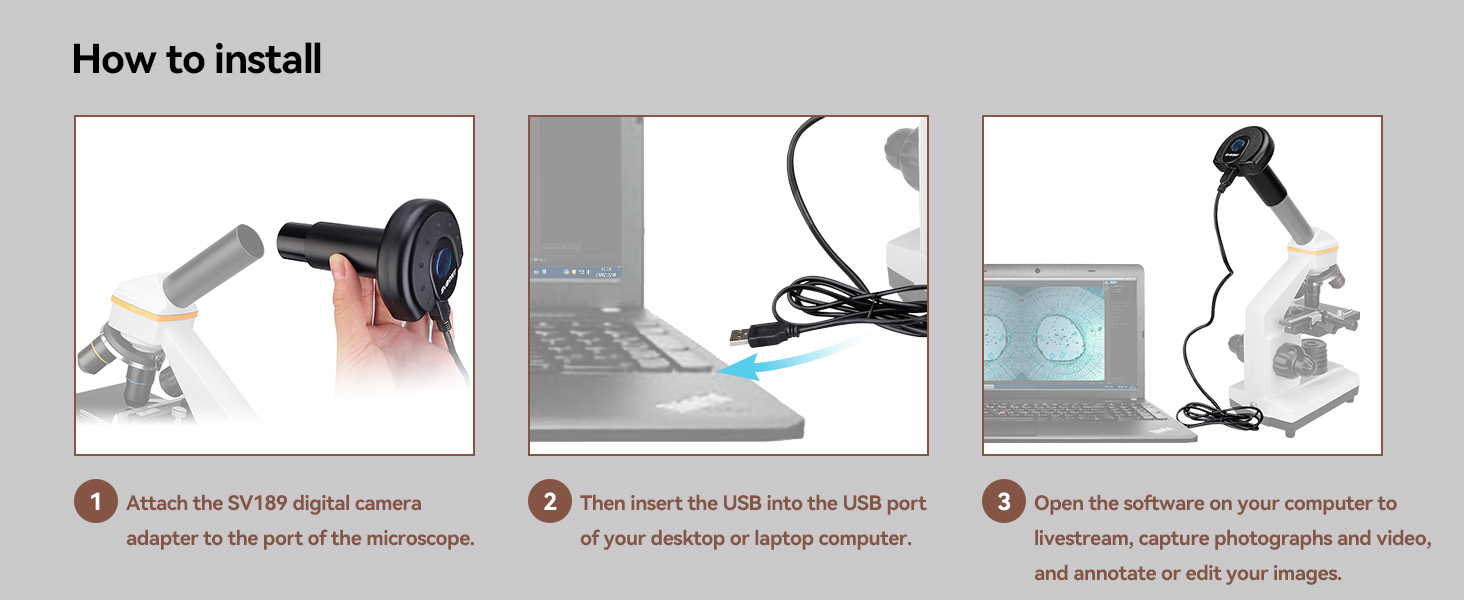
Image: Visual guide demonstrating the three steps for installing the SV189 camera: attaching to microscope, connecting USB to computer, and opening software.

Image: Illustration showing the SV189 camera with its adapter, highlighting compatibility with 23.2mm and 28.00mm eyepiece interface sizes.
5. Operating Instructions
5.1 Software Compatibility
The SV189 digital camera is compatible with the following operating systems:
- MAC OS 10.5 and above
- Windows Vista/7/8/10 (32/64 bit)
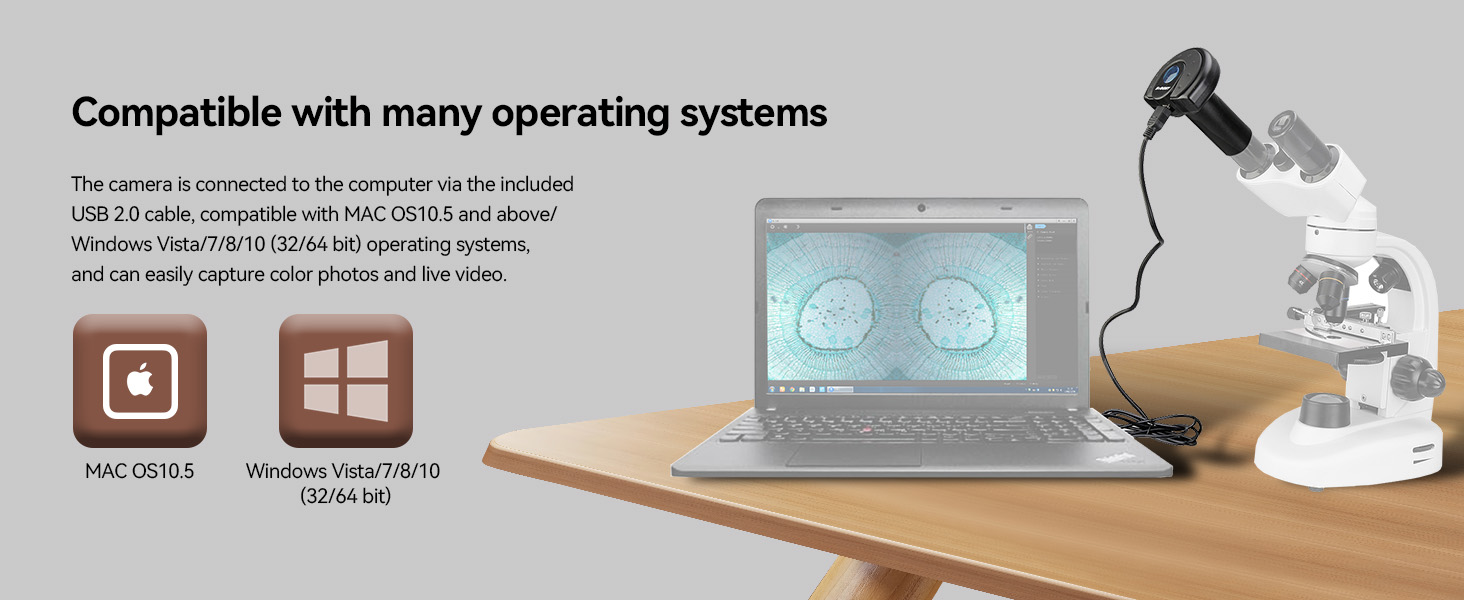
Image: Depiction of the SV189 camera connected to a microscope and laptop, with icons indicating compatibility with MAC OS 10.5+ and Windows Vista/7/8/10.
5.2 Capturing Images and Videos
Once the camera is installed and the software is running, you can:
- Live View: Observe microscopic specimens directly on your computer screen.
- Capture Photos: Take high-definition still images of your observations. The 1.3 million pixel resolution ensures clear details.
- Record Videos: Capture videos to document dynamic processes or share your findings.
- Software Features: Utilize the provided software for advanced functions such as measurement, calibration, data export, and image editing.

Image: The SV189 camera connected to a microscope, with an arrow indicating the ability to take and share pictures of microscopic views.
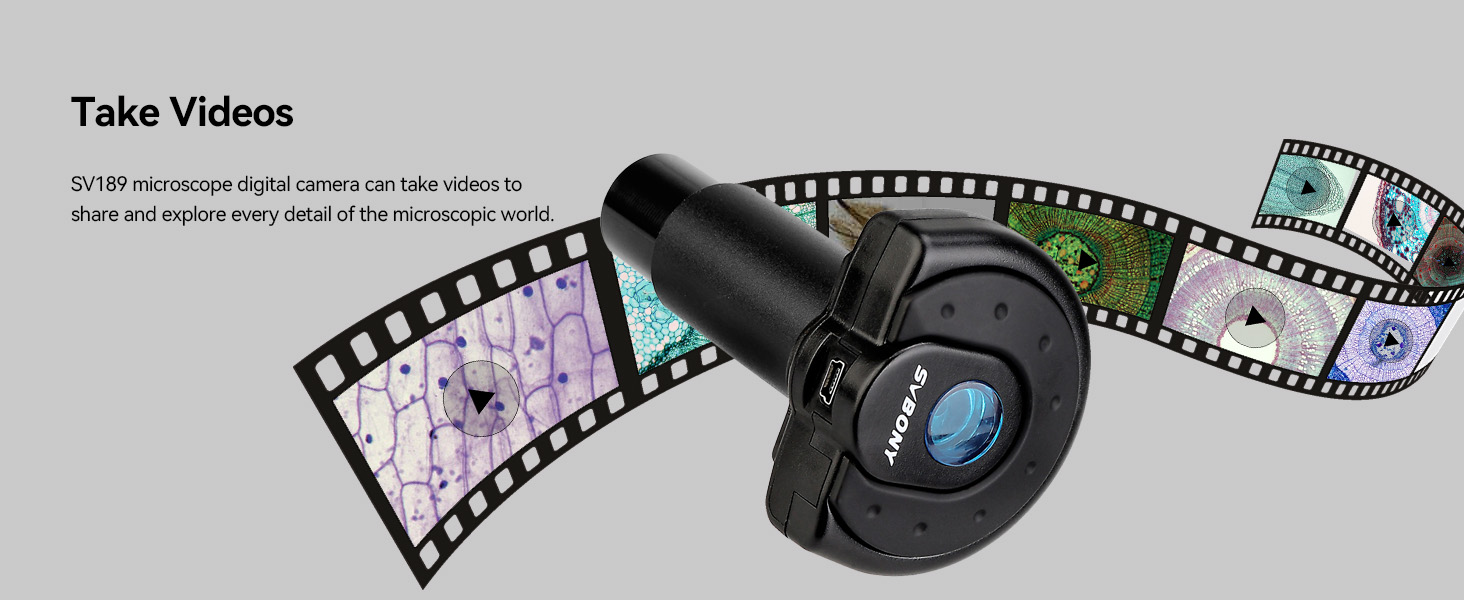
Image: The SV189 camera connected to a microscope, with a filmstrip graphic illustrating its capability to record videos of microscopic observations.
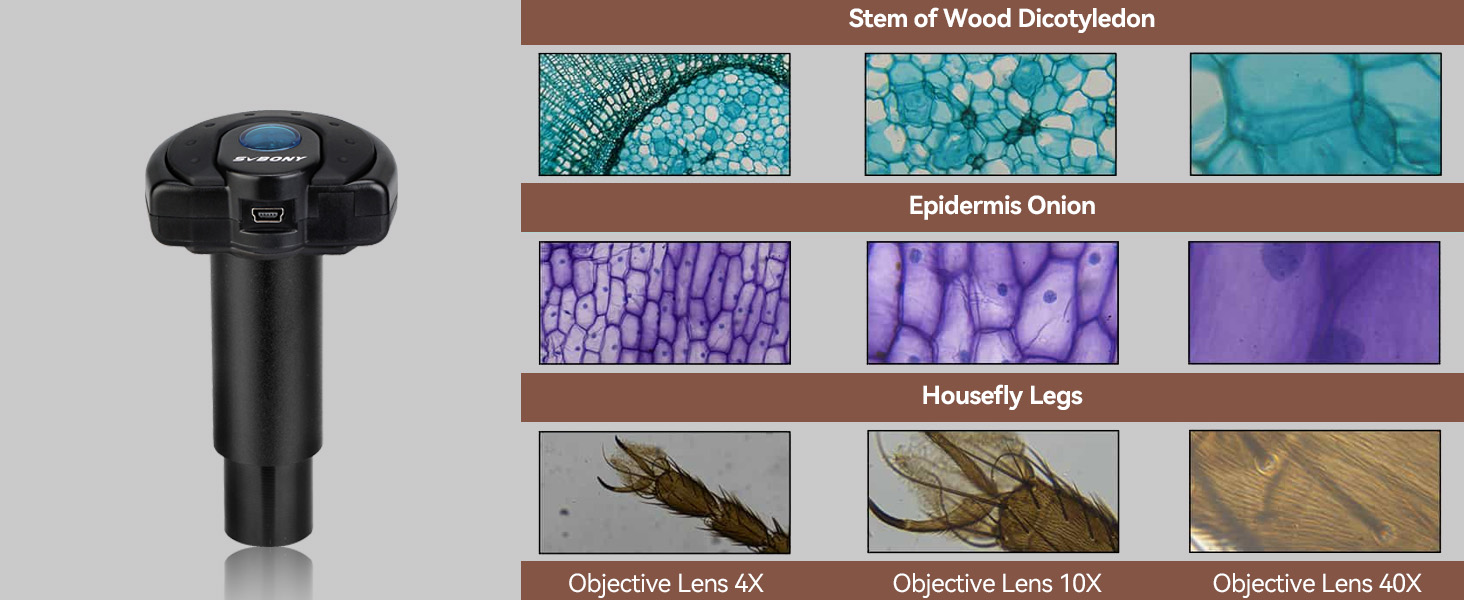
Image: A collage of various microscopic images, including plant stems, onion epidermis, and housefly legs, demonstrating the visual output of the SV189 camera at different magnifications.
6. Maintenance
To ensure the longevity and optimal performance of your SVBONY SV189 Microscope Digital Camera, follow these maintenance guidelines:
- Cleaning: Use a soft, lint-free cloth to gently clean the camera body. For the lens, use a specialized lens cleaning solution and cloth to avoid scratches. Do not use abrasive cleaners or solvents.
- Storage: Store the camera in a dry, dust-free environment when not in use. Keep it away from extreme temperatures and direct sunlight.
- Handling: Handle the camera with care to prevent drops or impacts, which can damage internal components.
7. Troubleshooting
If you encounter issues with your SVBONY SV189 camera, refer to the following common troubleshooting steps:
- No Image on Screen:
- Ensure the USB cable is securely connected to both the camera and the computer.
- Verify that the camera drivers and software are correctly installed and running.
- Check if the microscope's light source is on and properly adjusted.
- Confirm that the camera is properly seated in the microscope's eyepiece port.
- Poor Image Quality:
- Adjust the microscope's focus and illumination settings.
- Clean the camera lens and microscope optics if they appear dirty.
- Check the software settings for resolution and exposure adjustments.
- Software Not Launching/Crashing:
- Restart your computer.
- Reinstall the software from the provided CD-ROM or the official SVBONY website.
- Ensure your operating system meets the compatibility requirements.
If the problem persists, please contact SVBONY customer support for further assistance.
8. Technical Specifications
| Feature | Specification |
|---|---|
| Model | SV189 (EUW9148A) |
| Sensor Resolution | 1.3 Million Pixels |
| Interface | USB 2.0 |
| Eyepiece Interface Size Compatibility | 23.2mm, 30.00mm |
| Operating System Compatibility | MAC OS 10.5+, Windows Vista/7/8/10 (32/64 bit) |
| Product Dimensions | 5.7 x 4.8 x 3 inches |
| Item Weight | 5.6 ounces |
| Manufacturer | SVBONY |
9. Warranty and Support
SVBONY products are designed for reliability and performance. For information regarding warranty coverage, technical support, or service, please refer to the warranty card included in your package or visit the official SVBONY website. You can also contact their customer service directly for assistance with any product-related inquiries.
Manufacturer: SVBONY
Website: www.svbony.com