1. Introduction
The Pingi Vida 1S Dehumidifier is designed to efficiently remove excess humidity from your indoor environment. This manual provides essential information for the safe and effective operation, maintenance, and troubleshooting of your device.

Image 1.1: The Pingi Vida 1S Dehumidifier, demonstrating its compact and portable design.
Key features include a 1000ml water tank, automatic shut-off when the tank is approximately 90% full, and a winter mode for enhanced performance in colder conditions. The unit also features functional LED illumination and an optional permanent drain feature.
2. Safety Instructions
Please read all safety instructions carefully before using the appliance. Failure to follow these instructions may result in electric shock, fire, or injury.
- Ensure the power supply voltage matches the rating label on the dehumidifier.
- Do not operate the unit with a damaged cord or plug.
- Keep the unit away from water and other liquids. Do not immerse the unit in water.
- Do not block the air inlet or outlet vents.
- Always unplug the unit before cleaning or performing any maintenance.
- This appliance is for indoor use only.
- Keep out of reach of children.
3. Package Contents
Verify that all items are present in the package:
- Pingi Vida 1S Dehumidifier
- Power Adapter
- Drain Hose (for permanent drain option)
- User Manual (this document)
4. Product Overview
Familiarize yourself with the main components of your Pingi Vida 1S Dehumidifier.

Image 4.1: Top view of the dehumidifier, highlighting the power button and water tank.
- Power Button: Located on the top panel, used to turn the unit on and off.
- Air Inlet/Outlet: Vents for air circulation.
- Water Tank: Removable tank at the bottom for collected water.
- LED Indicator: Illuminates the water tank to indicate operational status.
- Drain Outlet: Port for connecting the permanent drain hose.
5. Setup
Follow these steps to set up your dehumidifier.
5.1 Placement
Place the dehumidifier on a flat, stable surface. Ensure there is adequate space around the unit (at least 10 cm) for proper air circulation. The unit can be used free-standing or wall-mounted.
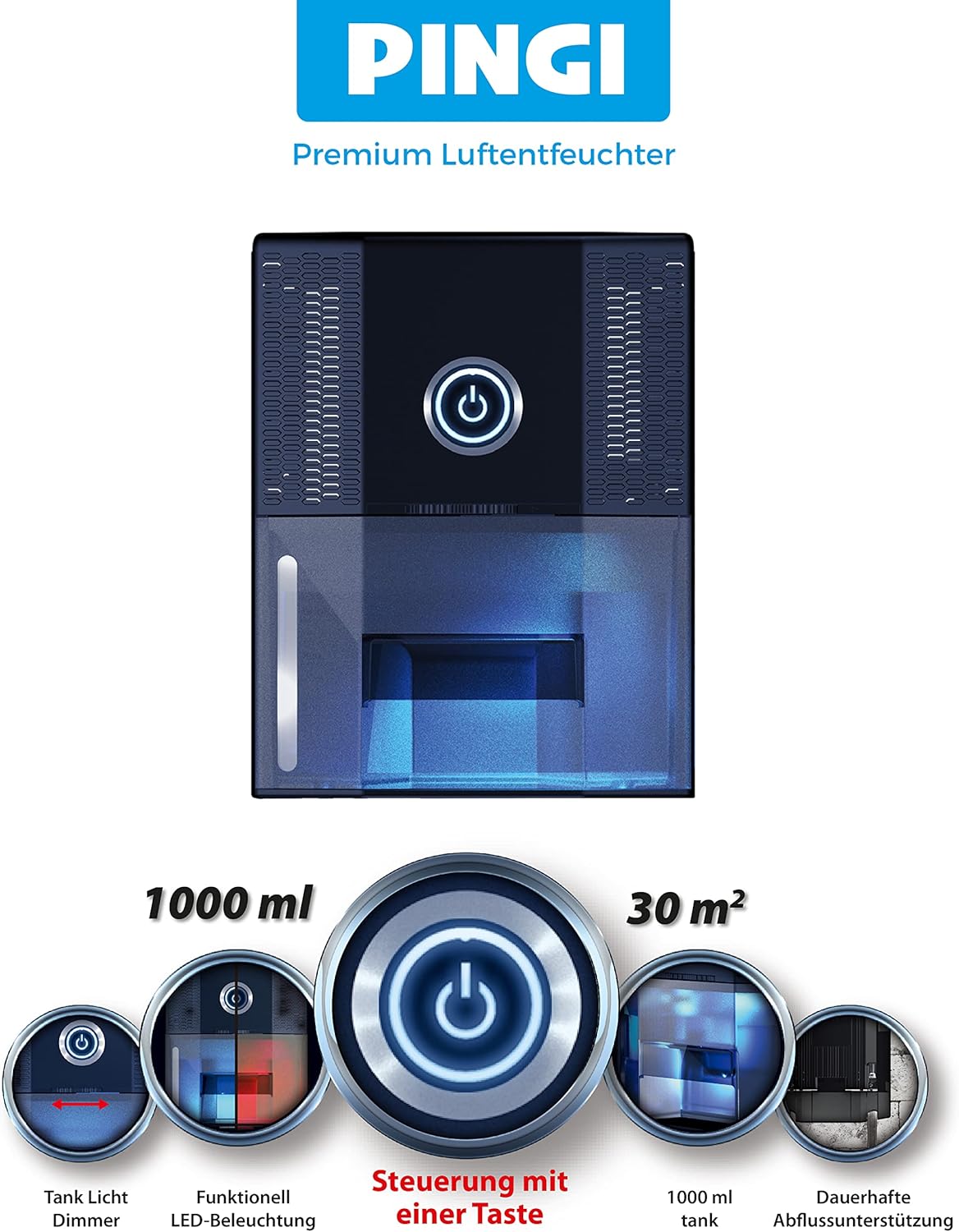
Image 5.1: Placement options for the dehumidifier, including wall mounting and permanent drainage setup.
5.2 Power Connection
- Connect the power adapter to the dehumidifier's power input port.
- Plug the power adapter into a suitable electrical outlet.
5.3 Permanent Drain Option (Optional)
If you prefer continuous drainage without manually emptying the tank, connect the included drain hose:
- Locate the drain outlet on the back of the unit.
- Firmly attach one end of the drain hose to the drain outlet.
- Direct the other end of the hose to a suitable drain, sink, or out of a window, ensuring the hose is sloped downwards for gravity drainage.
6. Operating Instructions
6.1 Powering On/Off
Press the power button on the top panel to turn the dehumidifier on or off.
6.2 Normal Operation
When operating normally, the LEDs in the water tank will illuminate blue. The unit will begin to extract moisture from the air.
6.3 Tank Full Indicator and Auto-Off
When the water tank is approximately 90% full, the tank light will switch to red, and the dehumidifier will automatically switch off to prevent overflow. Empty the water tank to resume operation.

Image 6.1: The dehumidifier's LED illumination indicating operational status (blue for normal, red for full tank).
6.4 Night Mode
For nighttime use, the tank light can be dimmed to a night mode setting. Refer to the device's controls for specific instructions on activating this feature.
6.5 Winter Mode
The Pingi Vida 1S can be switched to a winter mode for increased effectiveness in cold environments. In this mode, the unit intelligently uses excess heat to stabilize the cold sink temperature through a mechanical curtain. Consult the device's controls for activating winter mode.
7. Maintenance
Regular maintenance ensures optimal performance and longevity of your dehumidifier.
7.1 Emptying the Water Tank
- When the tank is full (red LED), turn off the unit and unplug it.
- Carefully slide out the water tank from the front of the unit.
- Pour out the collected water.
- Slide the empty tank back into the unit until it clicks into place.
- Plug in and restart the unit.

Image 7.1: Removing the water tank for emptying.
7.2 Cleaning the Unit
- Wipe the exterior of the dehumidifier with a soft, damp cloth. Do not use abrasive cleaners or solvents.
- Periodically clean the air inlet and outlet vents with a soft brush or vacuum cleaner to remove dust and debris.
- Ensure the unit is completely dry before plugging it back in.
8. Troubleshooting
If you encounter issues with your dehumidifier, refer to the following common problems and solutions:
| Problem | Possible Cause | Solution |
|---|---|---|
| Unit does not turn on | No power supply; Power button not pressed; Water tank full. | Check power connection; Press power button; Empty water tank. |
| No water collected | Humidity level too low; Room temperature too low; Air vents blocked; Permanent drain hose connected. | Ensure humidity is above 40% RH; Operate in temperatures above 15°C; Clear vents; Check if permanent drain is active and draining correctly. |
| Red LED is on, unit off | Water tank is full. | Empty the water tank. |
| Unusual noise | Unit not on a flat surface; Obstruction in fan. | Place on a flat, stable surface; Check for and remove any obstructions (unplug first). |
If the problem persists after attempting these solutions, please contact customer support.
9. Specifications
Technical details for the Pingi Vida 1S Dehumidifier:
- Model: Vida 1S
- Product Dimensions: 18.8 x 35.1 x 13.6 cm
- Item Weight: 1.28 Kilograms
- Water Tank Capacity: 1000 Milliliters (1 Liter)
- Dehumidification Capacity: Approximately 0.25 Liters/day
- Recommended Floor Area: Up to 30 Square Meters
- Special Features: Auto Power Off, Winter Mode, Functional LED Illumination, Permanent Drain Option
- Power Source: AC Adapter (Batteries not required)
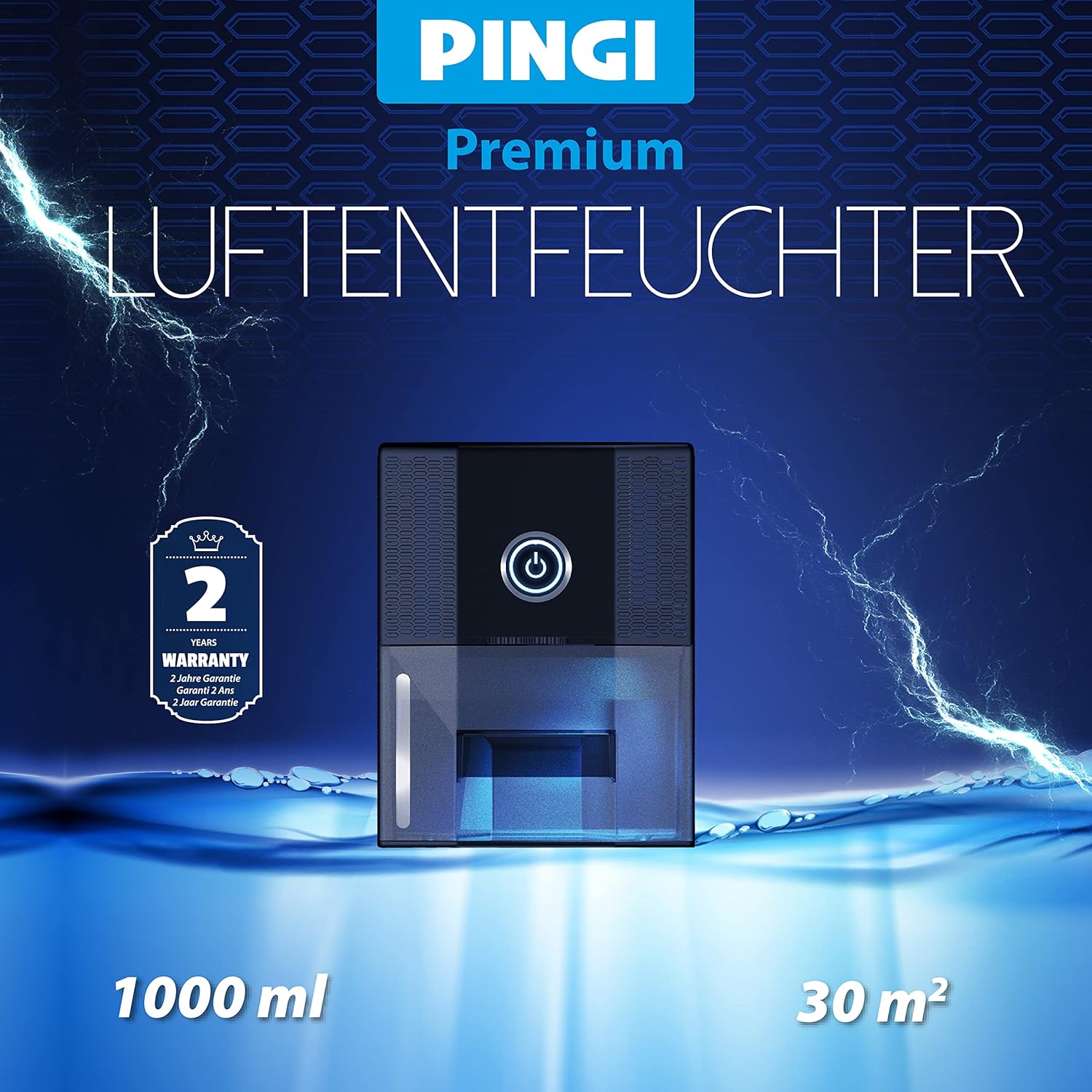
Image 9.1: Overview of key specifications and features.
10. Warranty and Support
10.1 Warranty Information
The Pingi Vida 1S Dehumidifier comes with a 2-year warranty from the date of purchase. This warranty covers manufacturing defects under normal use. Please retain your proof of purchase for warranty claims.

Image 10.1: The dehumidifier highlighting its 2-year warranty.
10.2 Customer Support
For technical assistance, warranty claims, or any questions regarding your Pingi Vida 1S Dehumidifier, please contact Pingi customer support through their official website or the retailer where the product was purchased.


