
Introduction
Thank you for choosing the PALOVUE iSound True Wireless Earbuds. These earbuds are designed to provide a superior audio experience with advanced features such as Qualcomm CSR Bluetooth 5.0, aptX HD sound quality, CVC 8.0 noise cancellation, and intuitive touch controls. This manual will guide you through the setup, operation, and maintenance of your new earbuds to ensure optimal performance.
What's in the Box
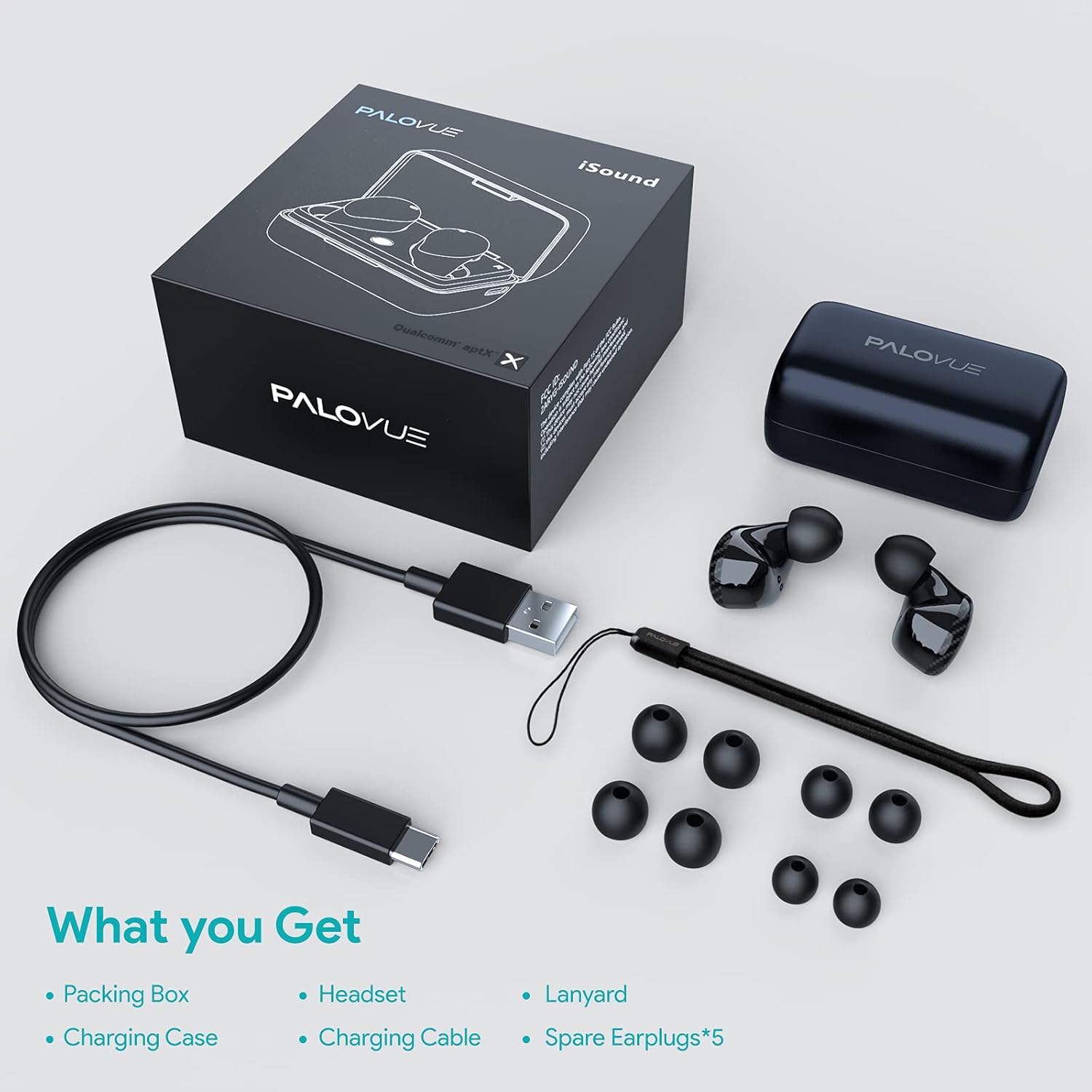
Upon unboxing your PALOVUE iSound True Wireless Earbuds, please verify that all components are present:
- PALOVUE iSound Earbuds (Left and Right)
- Charging Case
- USB-C Charging Cable
- Lanyard
- 5 Pairs of Silicone Ear Tips (XS, S, M, L, XL)
- User Manual (this document)
Product Overview
Familiarize yourself with the key components of your PALOVUE iSound Earbuds.


Setup
1. Charging the Earbuds and Case
Before first use, fully charge the earbuds and the charging case. Place the earbuds into the charging case. Connect the USB-C charging cable to the case and a power source. The indicator lights on the case will show the charging status.
- A full charge provides up to 24 hours of playback with the charging case.
2. Pairing with Your Device
- Ensure your device's Bluetooth is turned on.
- Open the charging case. The earbuds will automatically enter pairing mode (if it's the first time or if they are not connected to a previously paired device).
- On your device, search for Bluetooth devices and select "PALOVUE iSound" from the list.
- Once connected, you will hear a confirmation tone.
Automatic Reconnection: After the initial pairing, simply open the charging case, and the earbuds will automatically connect to your last paired device.
3. Wearing the Earbuds
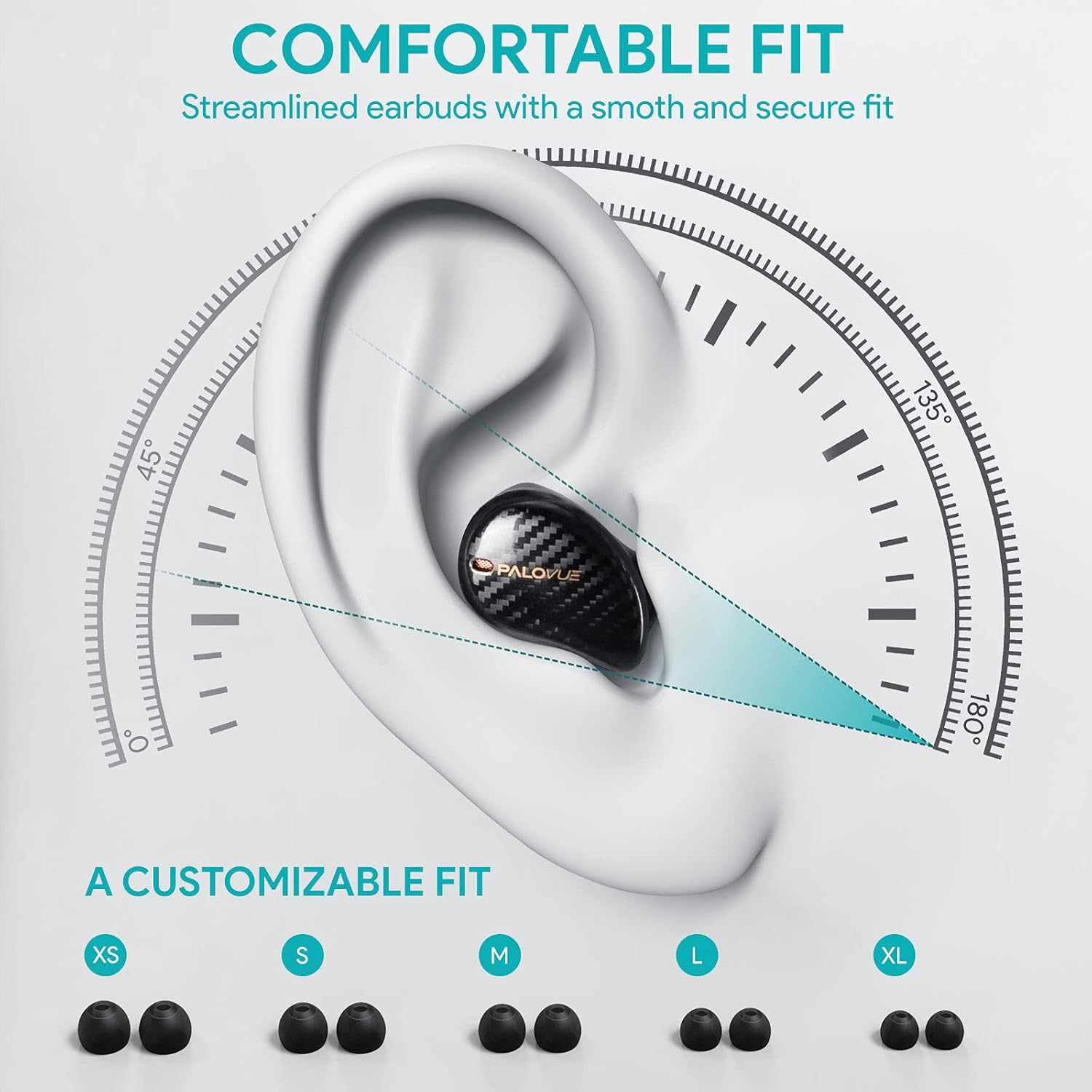
For optimal sound quality and comfort, select the correct ear tip size and ensure a secure fit.
- Choose from the 5 provided ear tip sizes (XS, S, M, L, XL) to find the best fit for your ears.
- Gently insert the earbuds into your ear canal and rotate them slightly until they feel secure and comfortable.
Operating Instructions
Touch Controls
The PALOVUE iSound earbuds feature multi-function touch panels on each earbud for easy control of audio playback and calls. Specific touch functions can be customized via the PALOVUE iSound app.
- Play/Pause: Single tap on either earbud.
- Next Track: Double tap on the right earbud.
- Previous Track: Double tap on the left earbud.
- Answer/End Call: Single tap on either earbud.
- Reject Call: Press and hold either earbud for 2 seconds.
- Activate Voice Assistant: Triple tap on either earbud.
- Volume Control: Customizable via the PALOVUE iSound app (e.g., tap and hold left for volume down, right for volume up).

Call Management and Noise Cancellation
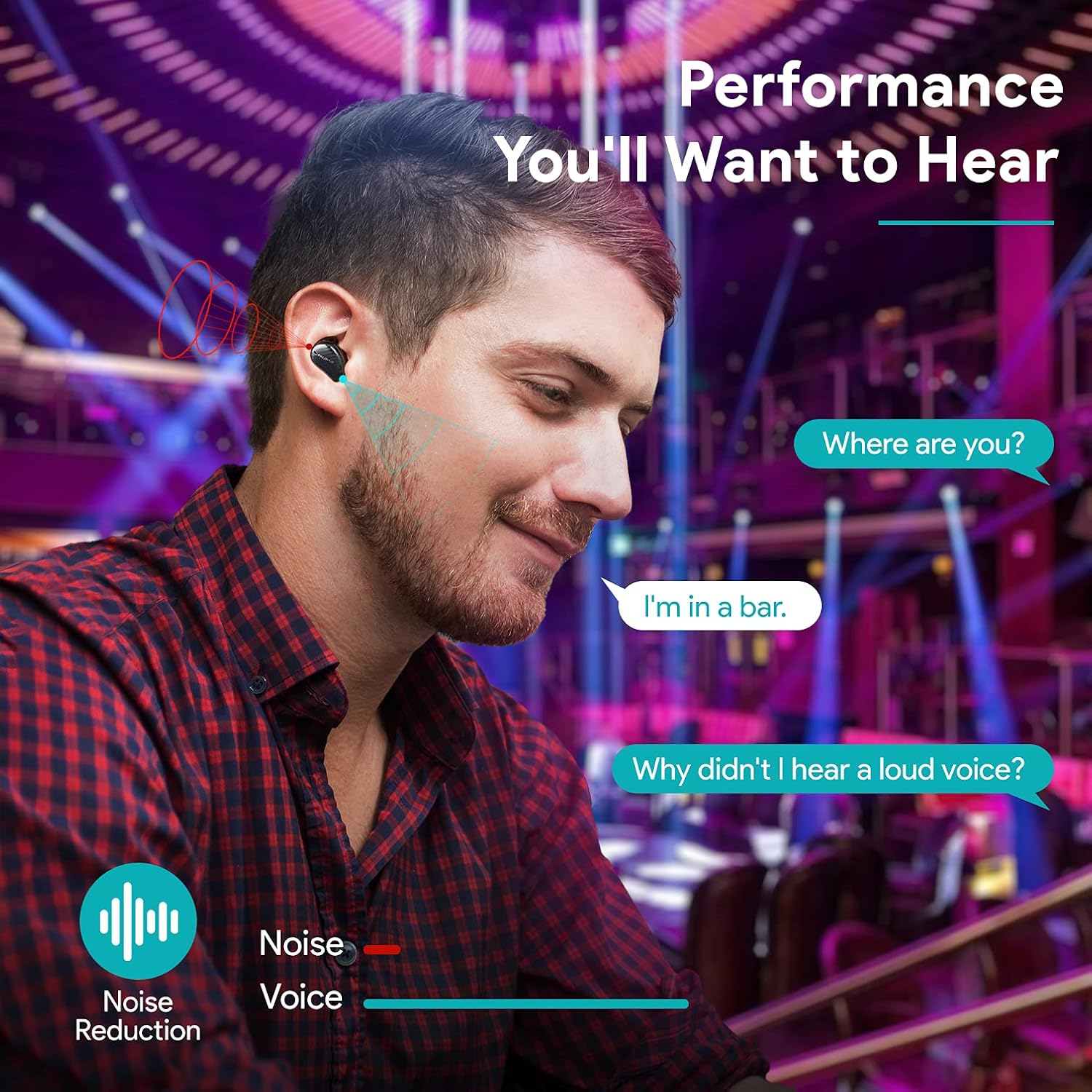
The earbuds are equipped with 4 microphones and CVC 8.0 noise cancellation technology to ensure clear calls even in noisy environments.
PALOVUE iSound App
Download the PALOVUE iSound app to customize touch controls, check battery status, and access additional features for your earbuds.
Maintenance
Proper maintenance ensures the longevity and optimal performance of your earbuds.
- Cleaning: Regularly clean the earbuds and charging case with a soft, dry, lint-free cloth. Do not use harsh chemicals or abrasive materials.
- Ear Tips: Remove and clean the silicone ear tips with mild soap and water. Ensure they are completely dry before reattaching.
- Storage: When not in use, store the earbuds in their charging case to protect them from dust and damage.
- Avoid Water: While the earbuds may have some water resistance, avoid submerging them in water or exposing them to excessive moisture.
Troubleshooting
If you encounter issues with your PALOVUE iSound earbuds, refer to the following common solutions:
- Earbuds not pairing:
- Ensure both earbuds are charged.
- Place earbuds back in the case, close it, then open it again to re-enter pairing mode.
- Forget "PALOVUE iSound" from your device's Bluetooth settings and try pairing again.
- Only one earbud working:
- Ensure both earbuds are charged.
- Try resetting the earbuds (refer to the app or manufacturer's website for specific reset instructions).
- Place both earbuds in the charging case, close the lid, wait a few seconds, then open it again.
- Poor sound quality:
- Ensure the ear tips provide a secure seal in your ear canal. Try different sizes.
- Clean any debris from the earbud nozzles.
- Ensure your device is within the Bluetooth range (up to 10 meters).
- Earbuds not charging:
- Ensure the charging cable is securely connected to both the case and the power source.
- Check if the charging contacts on the earbuds and inside the case are clean and free of debris.
- Try a different USB-C cable and power adapter.
For further assistance, please contact PALOVUE customer support.
Specifications
| Brand | PALOVUE |
| Model Number | 012000125 |
| Headphone Type | In-Ear |
| Connectivity Technology | Wireless (Bluetooth 5.0) |
| Wireless Communication Technology | Bluetooth |
| Special Features | Noise Reduction (CVC 8.0), Wireless |
| Chipset | Qualcomm CSR QCC3020 |
| Audio Codec | aptX HD |
| Battery Composition | Lithium Polymer |
| Rechargeable Battery | Yes |
| Playback Time | Up to 24 hours with charging case |
| Material | Plastic |
Warranty and Support
PALOVUE products are designed for reliability and performance. For warranty information, please refer to the warranty card included in your product packaging or visit the official PALOVUE website.
If you require technical support or have questions regarding your PALOVUE iSound True Wireless Earbuds, please contact PALOVUE customer service through their official website or the contact information provided in your product documentation.
Please have your model number (012000125) and purchase details ready when contacting support.

