Introduction
Thank you for purchasing the Inwa Bluetooth Bicycle Speaker. This waterproof, wireless, and portable speaker is designed for various outdoor activities such as cycling, showering, hiking, and golfing. It features TF Card mode, a built-in microphone for hands-free calls, and delivers excellent sound quality. Please read this manual carefully to ensure proper use and maintenance of your speaker.
Safety Information
- Do not expose the speaker to extreme temperatures or direct sunlight for prolonged periods.
- Keep the speaker away from water when charging. Ensure all ports are securely sealed when exposed to water.
- Do not attempt to disassemble, repair, or modify the speaker. This will void the warranty and may cause damage.
- Use only the provided charging cable.
- Avoid dropping or subjecting the speaker to strong impacts.
- When using on a bicycle, ensure the speaker is securely mounted and does not obstruct your view or control of the bike. Be aware of your surroundings and local regulations regarding sound devices while cycling.
What's in the Box
Please check the contents of your package:
- 1 x Inwa Bluetooth Speaker
- 1 x Charging Cable
- 1 x 3.5mm AUX Audio Line
- 1 x Metal Carabiner
- 1 x User Manual (this document)
- 1 x Bracket (for bicycle mounting)
Product Overview
The Inwa Bluetooth Bicycle Speaker is a compact and versatile audio device. Its robust design makes it suitable for various environments, including wet conditions, thanks to its IP65 waterproof rating.

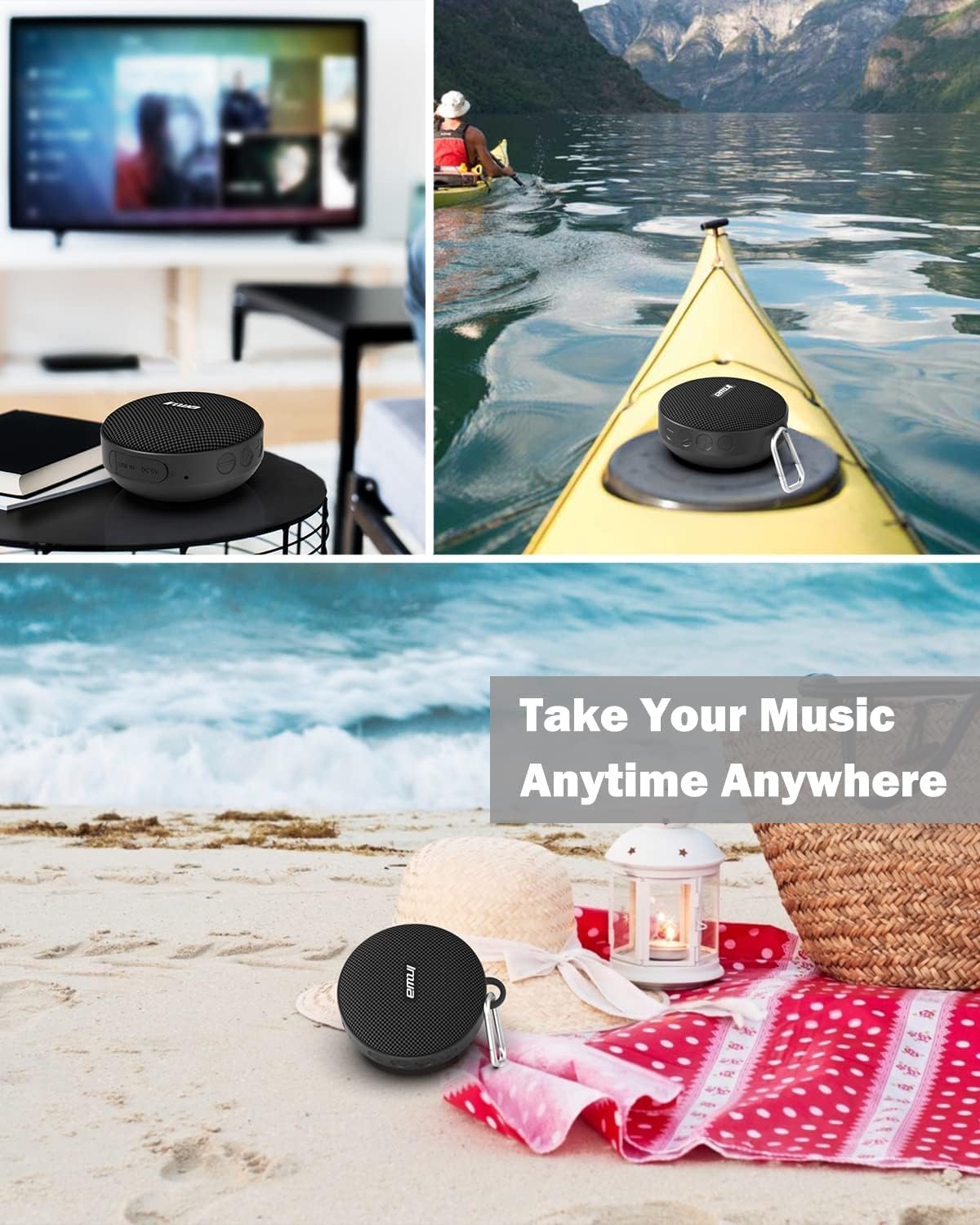
Front view of the Inwa Bluetooth Bicycle Speaker, showcasing its compact, circular design and speaker grille.

Image illustrating the compact size of the Inwa speaker, comparable to a hockey puck, highlighting its portability.
Key Features:
- Excellent Sound Quality: Enjoy clear and loud audio for your music.
- Long Battery Life: Provides 8-12 hours of playback on a single charge.
- Easy to Use: Simple installation and operation.
- Built-in Microphone: Enables hands-free phone calls.
- Diversified Design: Equipped with a bicycle stand and a carabiner for versatile use.
- Waterproof (IP65): Designed to withstand splashes and light rain.
- Multiple Playing Modes: Supports Bluetooth, TF Card, and AUX input.
Setup
1. Charging the Speaker
Before first use, fully charge the speaker. Connect the provided charging cable to the speaker's charging port and a USB power source (e.g., computer, wall adapter). The charging indicator light will show the charging status. A full charge may take up to 12 hours according to specifications.

Illustration of the speaker's long playtime, indicating extended battery life for outdoor use.
2. Mounting on a Bicycle
The speaker comes with a dedicated bracket for easy bicycle installation.
- Attach the bracket to your bicycle's handlebars using the provided anti-skid pads to ensure a secure fit.
- Slide the speaker into the bracket until it clicks into place.
- Ensure the speaker is firmly attached and does not wobble during rides.
The Inwa speaker securely mounted on bicycle handlebars, ready for use during a ride.

Visual guide demonstrating the easy installation process of the speaker onto a bicycle, alongside icons for Bluetooth, TF card, and AUX modes.
Operating Instructions
Power On/Off
Press and hold the Power button for 3 seconds to turn the speaker On or Off. A voice prompt will indicate the status.
Bluetooth Pairing
- Turn on the speaker. It will automatically enter Bluetooth pairing mode, indicated by a flashing LED light.
- Enable Bluetooth on your smartphone or other device.
- Search for "Inwa Speaker" (or similar name) in the list of available devices and select it to connect.
- Once connected, the LED light will become solid, and a voice prompt will confirm the connection.
TF Card Mode
Insert a TF (MicroSD) card with your favorite music files into the designated slot. The speaker will automatically switch to TF Card mode and begin playing music. Supported audio formats may vary.
AUX Mode
Connect an external audio device (e.g., MP3 player, laptop) to the speaker using the provided 3.5mm AUX audio line. The speaker will automatically switch to AUX mode.
Hands-Free Calling
When connected via Bluetooth to your smartphone, the built-in microphone allows for hands-free calls.
- Answer/End Call: Press the Play/Pause button once.
- Reject Call: Press and hold the Play/Pause button for 2 seconds.
- Redial Last Number: Double-press the Play/Pause button.

Image depicting a person on a bicycle using the Inwa speaker's built-in microphone for hands-free communication.
Volume Control
Use the Volume Up (+) and Volume Down (-) buttons on the speaker to adjust the audio level. You can also control the volume from your connected device.
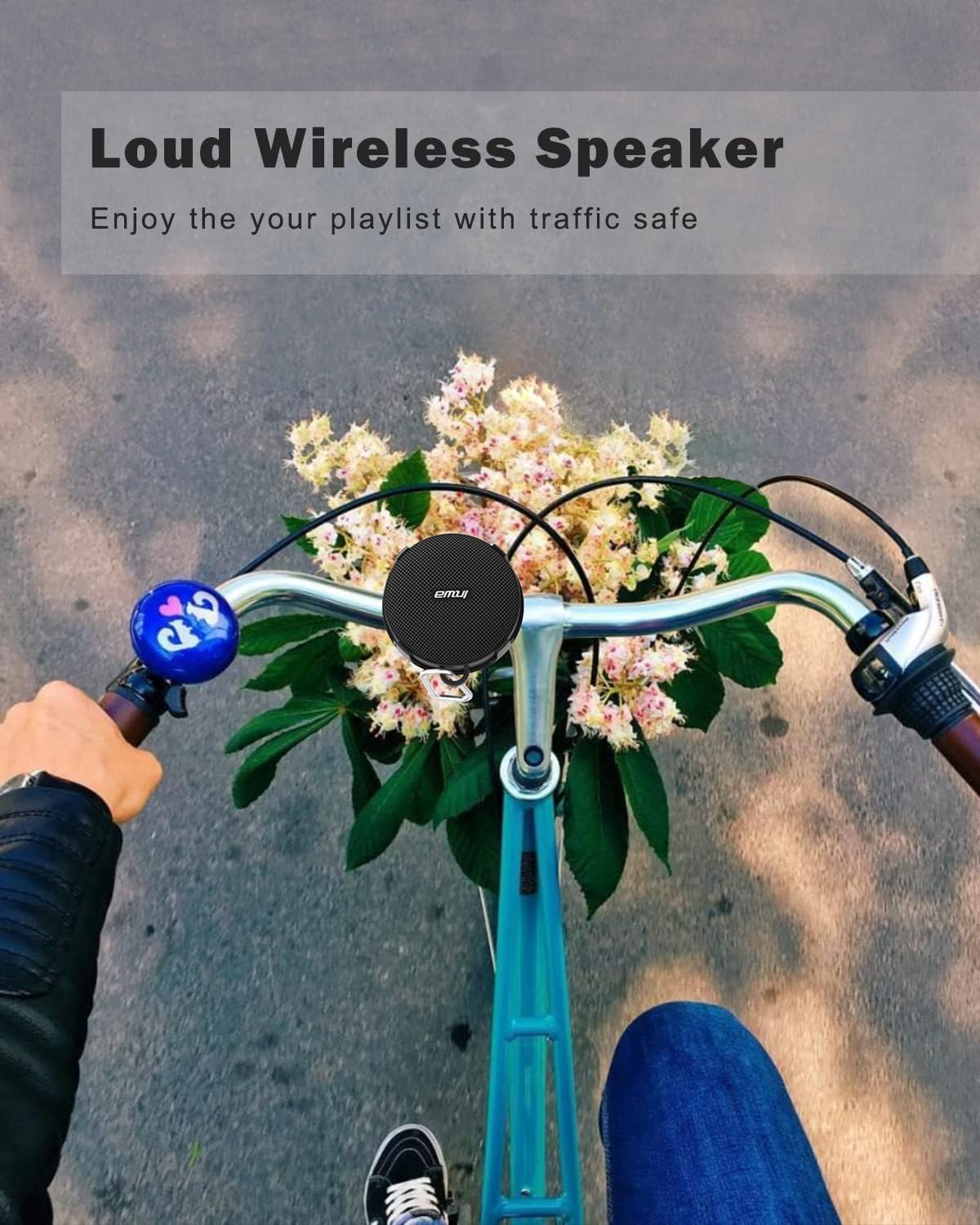
The Inwa speaker mounted on bicycle handlebars, emphasizing its loud wireless audio for enjoying music safely during rides.
Maintenance
- Cleaning: Wipe the speaker with a soft, damp cloth. Do not use harsh chemicals or abrasive cleaners.
- Storage: Store the speaker in a cool, dry place away from direct sunlight and extreme temperatures when not in use.
- Battery Care: To prolong battery life, avoid fully discharging the speaker frequently. Charge it regularly, even if not in use for extended periods.
- Water Resistance: While waterproof, ensure the charging port and AUX port covers are securely closed before exposing the speaker to water.
Troubleshooting
| Problem | Possible Cause | Solution |
|---|---|---|
| Speaker does not turn on. | Low battery. | Charge the speaker fully. |
| Cannot pair with Bluetooth device. | Speaker not in pairing mode; Bluetooth disabled on device; device too far. | Ensure speaker is in pairing mode. Enable Bluetooth on your device. Move device closer to speaker (within 10 meters). |
| No sound from speaker. | Volume too low; incorrect mode selected; device not playing. | Increase speaker and device volume. Ensure correct mode (Bluetooth, TF, AUX) is active. Check if music is playing on the source device. |
| Sound distortion. | Volume too high; low battery; interference. | Reduce volume. Charge the speaker. Move away from other electronic devices. |
| TF card not recognized. | Card inserted incorrectly; unsupported format; corrupted card. | Reinsert TF card correctly. Ensure music files are in a supported format. Try a different TF card. |
Specifications
| Feature | Detail |
|---|---|
| Model Name | MZ-360 |
| Speaker Type | Outdoor, Portable Bluetooth Speaker |
| Connectivity Technology | Bluetooth (Wireless) |
| Bluetooth Range | Up to 10 Meters (33 feet) |
| Speaker Maximum Output Power | 7 Watts |
| Water Resistance Level | IP65 Waterproof |
| Battery Capacity | 750 mAh |
| Charging Time | 12 Hours |
| Playback Time | 8-12 Hours (depending on volume and content) |
| Built-in Microphone | Yes |
| Product Dimensions (D x W x H) | 3.94" x 3.94" x 3.94" |
| Item Weight | 6.34 Ounces |
| Supported Modes | Bluetooth, TF Card, AUX |
Warranty and Support
Inwa offers lifetime product technical support for your speaker. If you encounter any issues with connection, returns, replacements, or have any questions, please do not hesitate to contact our Customer Service team. We are committed to resolving your concerns within 24 hours.
For support, please refer to the contact information provided on the product packaging or the official Inwa website.


