
HUAWEI 55026228
HUAWEI Scale 3 Smart Fat BMI Body Scale User Manual
Model: 55026228
Introduction
The HUAWEI Scale 3 is an advanced smart body scale designed to provide a comprehensive understanding of your physical condition. It connects via Wi-Fi and Bluetooth to the HUAWEI Health app, offering detailed analysis of 11 body indicators, including BMI, Body Fat Rate, Skeletal Muscle Mass, and Heart Rate. Its thoughtful design ensures stability and comfort during use.

Image: The HUAWEI Scale 3, a sleek white smart scale, shown alongside a smartphone displaying its health tracking application. The scale features four circular metallic sensors and a clear digital display.
Setup Guide
1. Battery Installation
The HUAWEI Scale 3 requires 4 AAA batteries for operation.
- Locate the battery compartment on the underside of the scale.
- Open the battery compartment cover.
- Insert 4 AAA batteries, ensuring correct polarity (+/-).
- Close the battery compartment cover securely.
2. App Installation and Connection
To utilize all features and track your data, download and connect the HUAWEI Health app.
- Download the HUAWEI Health app from your device's app store (supports Android 5.0 and above, iOS 9.0 and above).
- Open the app and follow the on-screen instructions to create an account or log in.
- Ensure your smartphone's Bluetooth is enabled.
- In the HUAWEI Health app, navigate to the device pairing section and select "Add device" or similar option.
- Select "HUAWEI Scale 3" from the list of available devices.
- Follow the app's prompts to complete the Bluetooth pairing process.
- For Wi-Fi connectivity, the app will guide you through connecting the scale to your home Wi-Fi network. This allows for automatic data upload without needing the app open during each measurement.

Image: Illustration demonstrating the dual connection capabilities of the HUAWEI Scale 3, supporting both Bluetooth and Wi-Fi for seamless data synchronization with your smartphone and cloud services.
Operating Instructions
Taking a Measurement
- Place the HUAWEI Scale 3 on a hard, flat surface for accurate readings. Avoid carpets or uneven floors.
- Step onto the scale barefoot. Ensure your feet are positioned on the four metallic electrodes for comprehensive body composition analysis.
- Stand still until the measurement is complete and your weight is displayed on the scale's LED screen.
- If connected via Wi-Fi, your data will automatically upload to the HUAWEI Health app. If using Bluetooth, open the app to sync the data.

Image: A user standing correctly on the HUAWEI Scale 3, highlighting the importance of barefoot contact with the sensors for precise data collection.
Understanding Body Indicators
The HUAWEI Scale 3, powered by HUAWEI TruFit technology, provides 11 body composition indicators:
- Weight: Your total body mass.
- BMI (Body Mass Index): A measure of body fat based on height and weight.
- Body Fat Rate: Percentage of fat in your body.
- Skeletal Muscle Mass: The total weight of muscle in your body.
- Heart Rate: Your current heart beats per minute.
- Fat-free Mass: Total body mass minus fat mass.
- Body Water Percentage: The amount of water in your body.
- Protein: The percentage of protein in your body.
- Bone Mineral Content: The amount of bone mineral in your body.
- Visceral Fat Level: The level of fat surrounding your organs.
- Basal Metabolic Rate (BMR): The number of calories required to keep your body functioning at rest.

Image: A visual representation of the 11 body indicators measured by the HUAWEI Scale 3, providing a detailed overview of health metrics.
Guest Mode and Multi-User Recognition
The scale can intelligently identify family members based on historical data. For guests or temporary users, a "Guest Mode" is available in the HUAWEI Health app.
- Intelligent Identification: When multiple users are registered in the app and have taken measurements, the scale can often identify the user automatically.
- Guest Mode: If a user is not registered or you prefer not to save their data, use the Guest Mode feature within the HUAWEI Health app. This allows for a one-time measurement without affecting your personal data history.

Image: A screenshot of the HUAWEI Health app showing the 'Guest Mode' feature, which allows for temporary measurements without saving data to a specific profile.
Data Synchronization and Tracking
All measurement records are automatically uploaded to the cloud and sent to related accounts, allowing you to view them on your phone anytime, anywhere.
- Automatic Upload: With Wi-Fi connected, data is automatically sent to the cloud and synced with your HUAWEI Health app profile.
- Historical Data: The app provides detailed historical data, allowing you to track your progress over days, weeks, months, and years.
- Data Visualization: View your body composition trends through charts and graphs within the app.

Image: Multiple screenshots of the HUAWEI Health app demonstrating the detailed body composition analysis and historical data tracking features, including graphs and numerical summaries.
Maintenance
Cleaning the Scale
- Wipe the surface of the scale with a soft, damp cloth.
- Do not use abrasive cleaners or immerse the scale in water.
- Ensure the scale is dry before storage or next use.
Storage
- Store the scale in a cool, dry place.
- Avoid extreme temperatures or direct sunlight.
- Do not place heavy objects on the scale when not in use.
Troubleshooting
| Problem | Possible Cause | Solution |
|---|---|---|
| Scale does not turn on. | Batteries are low or incorrectly installed. | Check battery polarity. Replace with new AAA batteries. |
| Inaccurate readings. | Scale is on an uneven surface; not standing still; not barefoot. | Place scale on a hard, flat surface. Stand still and barefoot on the electrodes. |
| Cannot connect to HUAWEI Health app. | Bluetooth/Wi-Fi is off; app not updated; scale not in pairing mode. | Ensure Bluetooth/Wi-Fi is on. Update app. Restart scale and phone. Re-attempt pairing. |
| Body composition data not displayed. | Not standing barefoot on electrodes; feet not making full contact. | Ensure bare feet are fully on all four metallic electrodes. |
Specifications
- Model Number: 55026228
- Product Dimensions: 11.81 x 11.81 x 0.93 cm (approx. 300 x 300 x 9.3 mm)
- Weight: 1.57 kg
- Weight Limit: 150 Kilograms
- Power Source: 4 AAA batteries (required)
- Display Type: LED
- Special Features: Body Fat, Bodyweight, Muscle Mass, 11 Body Indicators, Wi-Fi & Bluetooth Connection
- Color: White
- Compatible App: HUAWEI Health (Android 5.0+, iOS 9.0+)
- Manufacturer: Huawei
- Date First Available: January 6, 2021
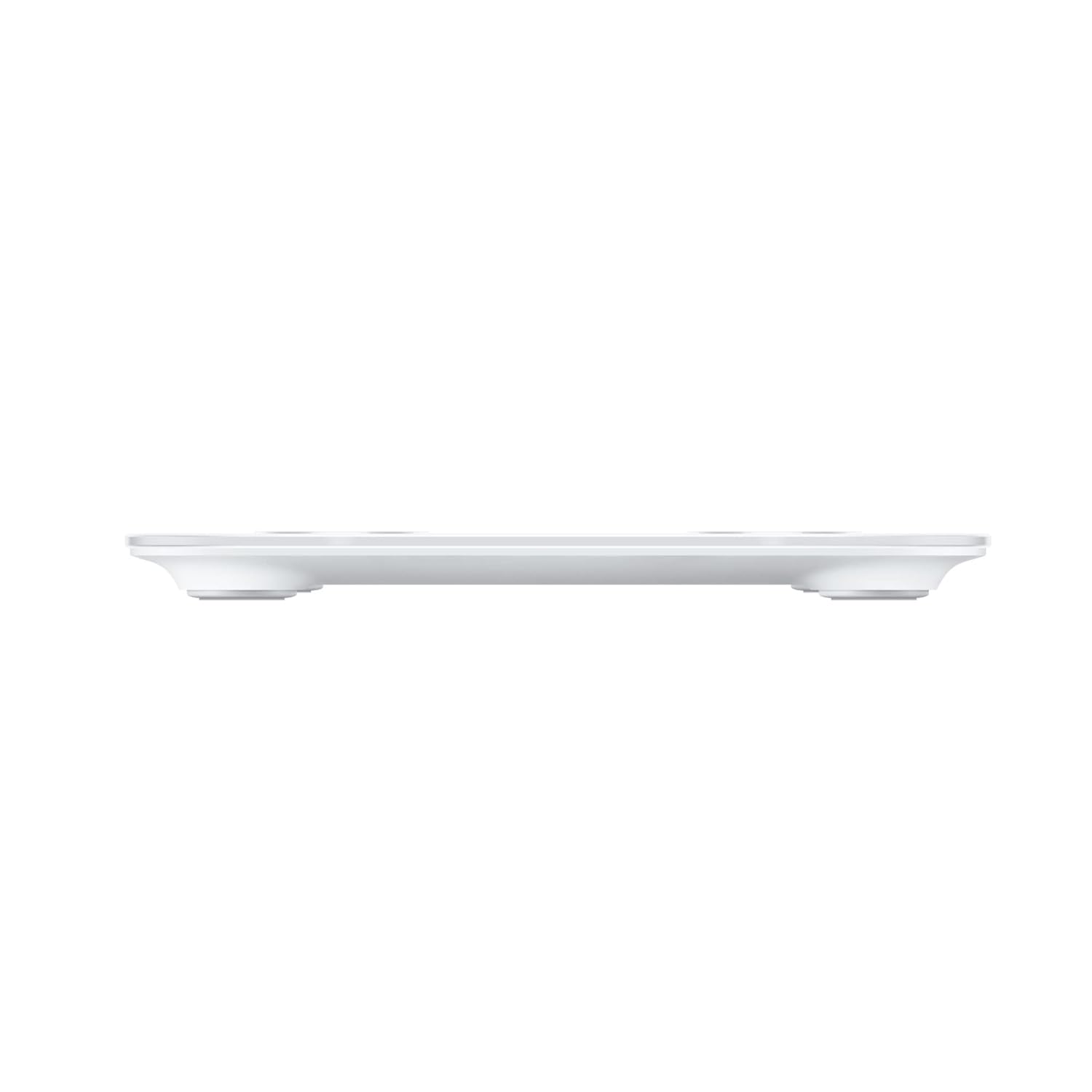
Image: A side view of the HUAWEI Scale 3, illustrating its slim profile and stable design with short feet.
Warranty and Support
For warranty information and customer support, please refer to the official HUAWEI website or contact their customer service directly.
- Customer Support: 1-888-5HUAWEI (1-888-548-2934)
- Place of Business: HUAWEI Technologies Canada, 15 Allstate Parkway, Unit 320, Markham, Ontario, Canada L3R 5B4
- Return Policy: Typically 30 days for refund/replacement (check with retailer for specific terms).
Related documents55026228


Ask a question about this manual
Ask about setup, troubleshooting, compatibility, parts, safety, or missing instructions. Manuals+ will review the question and use this page’s manual context to help answer it.