
Genius A28179
Genius Invictus One Version 1.0 Cordless Handheld Vacuum Cleaner Instruction Manual
Model: A28179
1. Introduction
Thank you for choosing the Genius Invictus One Version 1.0 Cordless Handheld Vacuum Cleaner. This manual provides essential information for the safe and efficient operation, maintenance, and care of your new appliance. Please read these instructions thoroughly before first use and keep them for future reference.
2. Safety Instructions
- Always ensure the appliance is switched off before cleaning or performing maintenance.
- Do not use the appliance to vacuum liquids, hot ashes, or sharp objects.
- Keep the appliance away from water and moisture.
- This appliance is for household use only. Do not use outdoors or for commercial purposes.
- Keep hair, loose clothing, fingers, and all parts of the body away from openings and moving parts.
- Use only manufacturer-recommended attachments.
- Do not operate the appliance with a damaged cord or plug.
- Store the appliance in a dry place when not in use.
3. Package Contents
Your Genius Invictus One Version 1.0 package includes the following components:
- 1 x Main Unit
- 1 x Dust Container
- 1 x Brush Attachment
- 2 x HEPA filters
- 1 x 18/10 Stainless Steel Filter
- 1 x Charging Station
- 1 x Crevice Nozzle
- 1 x Charging Cable

Image: The Genius Invictus One handheld vacuum cleaner displayed with its various attachments and charging base.
4. Product Overview
The Invictus One is a compact, cordless, and lightweight handheld vacuum cleaner designed for quick and efficient cleaning tasks. It features a powerful 90W BLDC motor and a dual-filter system for effective dust collection.

Image: Front view of the Genius Invictus One handheld vacuum cleaner.
Key Features:
- Cordless Design: Offers maximum flexibility and ease of use without being tethered to an outlet.
- Powerful BLDC Motor: Equipped with a 90W Brushless DC motor for strong suction performance.
- Lightweight: Weighing only 1.3 kg, it is easy to handle for extended periods.
- Dual Filter System: Includes HEPA and stainless steel filters for efficient air purification.
- Easy Empty Dustbin: The 90 ml dust container can be emptied quickly and hygienically.

Image: Internal view illustrating the powerful BLDC motor technology.
5. Setup
5.1. Charging the Appliance
- Place the charging station on a stable, flat surface near a power outlet.
- Connect the charging cable to the charging station and plug it into a power outlet.
- Place the handheld vacuum cleaner onto the charging station. Ensure it is securely seated.
- The charging indicator light will illuminate to show that the appliance is charging. A full charge typically takes 3-4 hours.
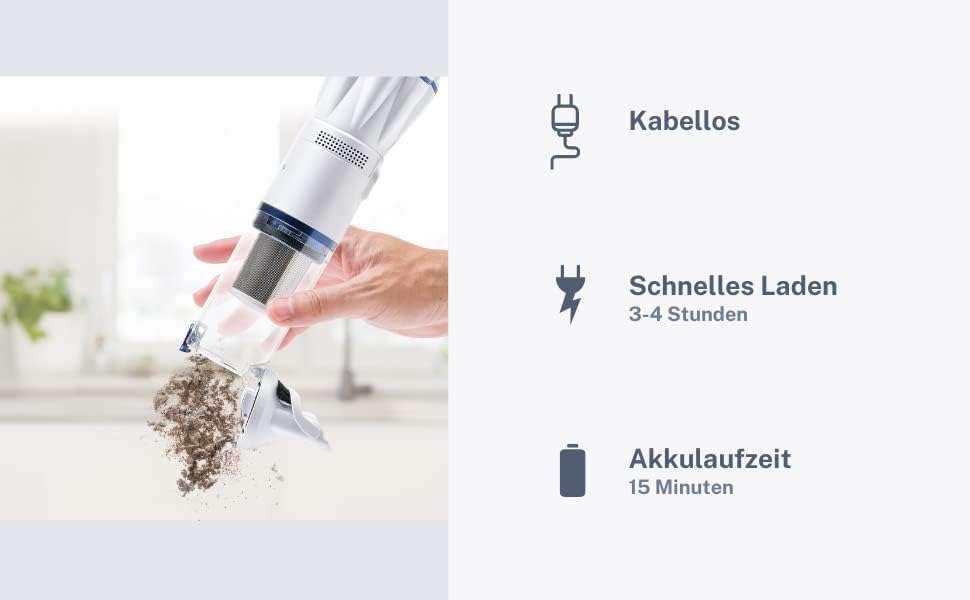
Image: The vacuum cleaner docked in its charging station, indicating readiness for use.
5.2. Attaching Accessories
To attach an accessory, align it with the suction opening of the main unit and push firmly until it clicks into place. To remove, pull the accessory away from the unit.
- Brush Attachment: Ideal for cleaning upholstery, car seats, and delicate surfaces.
- Crevice Nozzle: Perfect for reaching tight spaces, corners, and between cushions.
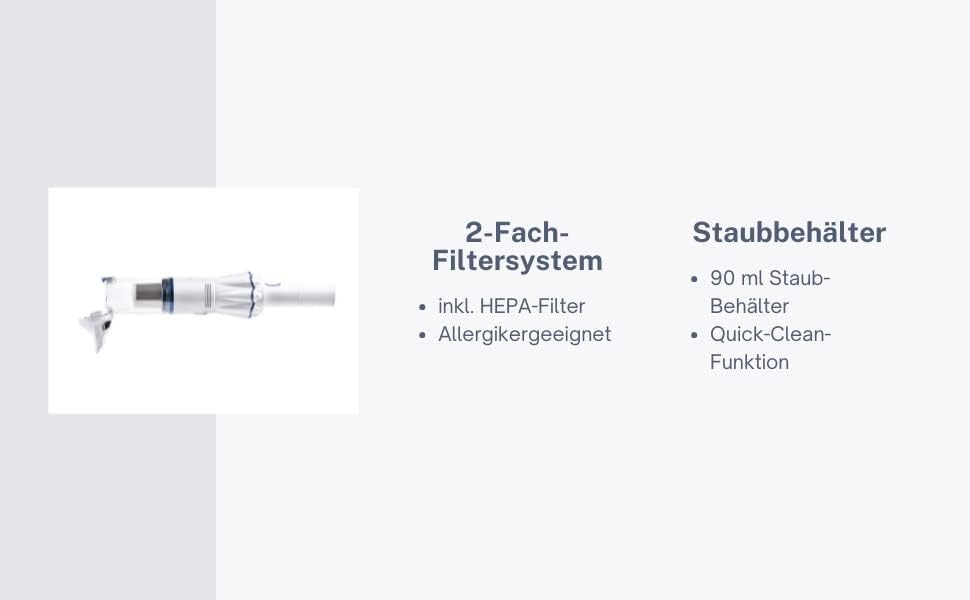
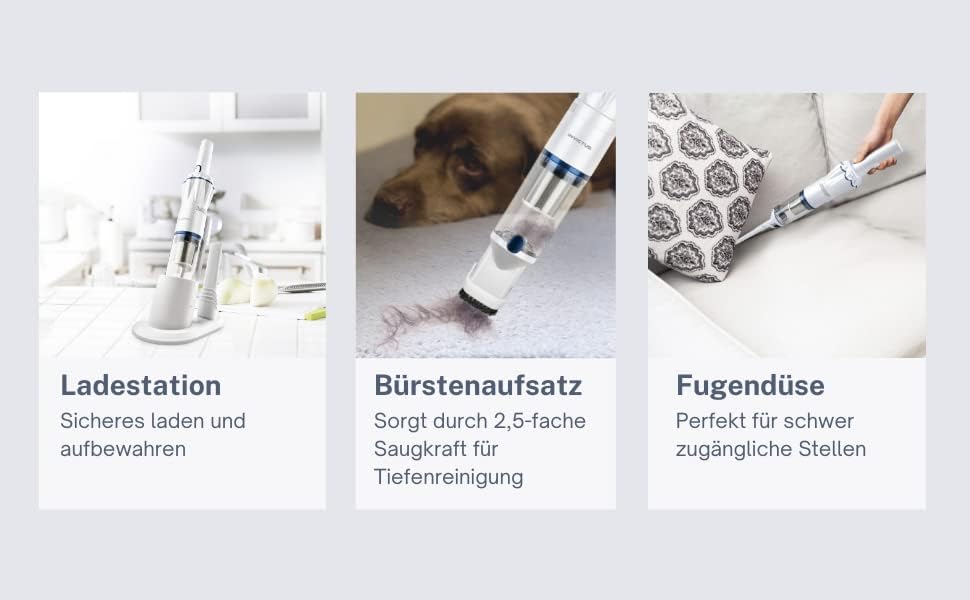
Image: The vacuum cleaner shown with the brush attachment and crevice nozzle for versatile cleaning.
6. Operating Instructions
6.1. Powering On/Off
Press the power button located on the handle to turn the vacuum cleaner on. Press it again to turn it off.
6.2. Cleaning
Select the appropriate attachment for the surface you intend to clean. Guide the vacuum cleaner over the dirty area. The powerful suction will collect dust and debris into the dust container.
6.3. Battery Life
The appliance provides approximately 15 minutes of continuous operation on a full charge. The indicator light will change or flash to signal low battery.
7. Maintenance
7.1. Emptying the Dust Container
- Ensure the vacuum cleaner is switched off.
- Press the release button on the dust container to detach it from the main unit.
- Hold the dust container over a waste bin and open the bottom flap to empty the contents.
- Close the flap and reattach the dust container to the main unit until it clicks securely.

Image: Demonstrating the quick-clean function for emptying the dust container.
7.2. Cleaning the Filters
Regular cleaning of the filters is crucial for maintaining optimal suction power and appliance longevity.
- Remove the dust container as described above.
- Carefully remove the HEPA filter and the stainless steel filter from the dust container.
- Tap the filters gently to remove loose dust. For a deeper clean, rinse them under running water.
- Allow the filters to air dry completely for at least 24 hours before reassembling. Do not use a dryer or direct heat.
- Once dry, reinsert the filters into the dust container and reattach the container to the main unit.

Image: The dual filter system, including HEPA and stainless steel filters, designed for effective dust capture.
8. Troubleshooting
| Problem | Possible Cause | Solution |
|---|---|---|
| Low suction power | Dust container is full; Filters are clogged; Suction opening is blocked. | Empty the dust container; Clean or replace filters; Remove any blockages from the suction opening. |
| Appliance does not turn on | Battery is depleted; Appliance not properly charged. | Charge the appliance fully; Ensure the charging cable and station are correctly connected. |
| Short operating time | Battery not fully charged; Battery life degraded. | Ensure a full charge cycle; Contact customer support if battery life significantly decreases. |
9. Specifications
| Feature | Detail |
|---|---|
| Brand | Genius |
| Model Number | A28179 |
| Special Feature | Cordless |
| Filter Type | Cartridge (HEPA, 18/10 Stainless Steel) |
| Surface Recommendation | Hard floor |
| Power Source | Battery (1 Lithium Ion, included) |
| Voltage | 11.1V |
| Product Dimensions | 13 x 19 x 33 cm |
| Product Weight | 1.3 Kilograms |
| Capacity | 90 Milliliters (Dust Container) |

Image: Technical drawing showing the dimensions of the Invictus One vacuum cleaner.
10. Warranty and Support
For warranty information, technical support, or service inquiries, please refer to the warranty card included in your product packaging or visit the official Genius website. Keep your proof of purchase for any warranty claims.
Ask a question about this manual
Ask about setup, troubleshooting, compatibility, parts, safety, or missing instructions. Manuals+ will review the question and use this page’s manual context to help answer it.