
1. Introduction
Thank you for purchasing the R.W.FLAME RW5314-G 85 Degree Oscillating Tower Fan. This manual provides important information regarding the safe operation, installation, maintenance, and troubleshooting of your new fan. Please read this manual thoroughly before use and retain it for future reference.
2. Safety Instructions
To reduce the risk of fire, electric shock, or injury, observe the following safety precautions:
- Always ensure the fan is placed on a stable, level surface to prevent tipping. The steady base provides anti-toppling stability.
- Do not insert fingers or foreign objects into the fan grille. The bladeless design enhances safety, especially around children and pets.
- Unplug the fan from the power outlet before cleaning, moving, or performing any maintenance.
- Do not operate the fan with a damaged cord or plug. If the cord or plug is damaged, contact customer support.
- Keep the power cord away from heated surfaces.
- Do not use the fan in wet or damp locations, such as bathrooms or laundry areas.
- This appliance is not intended for use by persons (including children) with reduced physical, sensory, or mental capabilities, or lack of experience and knowledge, unless they have been given supervision or instruction concerning use of the appliance by a person responsible for their safety.
- Children should be supervised to ensure that they do not play with the appliance.

Image: The R.W.FLAME tower fan features an anti-toppling design for enhanced stability, making it safer in environments with children and pets.
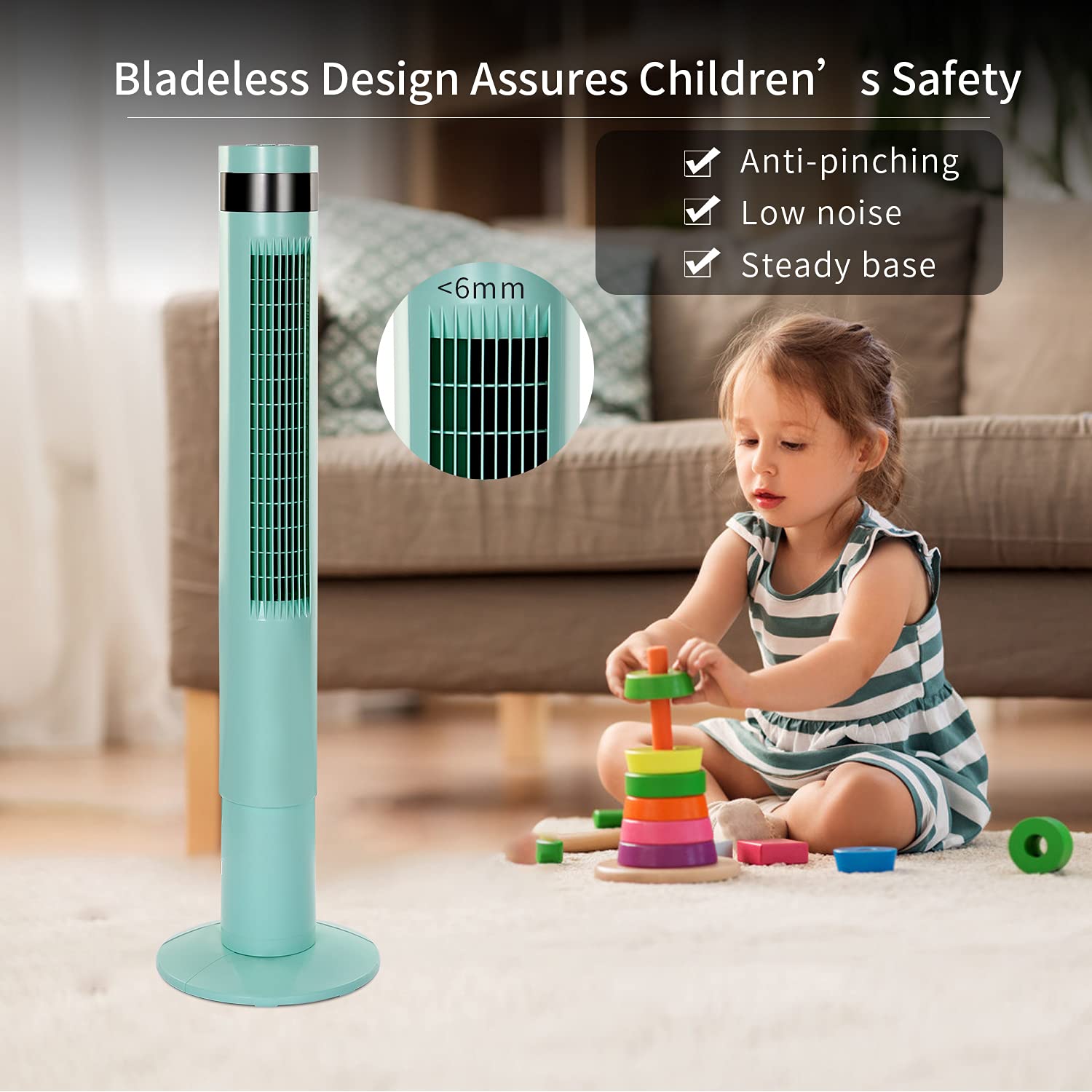
Image: The bladeless design of the R.W.FLAME tower fan ensures safety, preventing accidental pinching and providing a secure environment for children.
3. Package Contents
Please check the package for the following items:
- R.W.FLAME RW5314-G Tower Fan Unit
- Remote Control
- User Manual (this document)
4. Setup
Follow these steps to set up your tower fan:
- Unpack: Carefully remove all components from the packaging. Retain packaging materials for future storage or transport.
- Base Assembly (if required): If the base is separate, align the base sections and attach them to the main fan unit according to the diagrams provided in the quick start guide (if applicable). Ensure it is securely fastened.
- Placement: Place the fan on a firm, level surface. Ensure there is adequate space around the fan for optimal airflow and oscillation. The fan has a small 11.81 x 11.81 inch footprint.
- Power Connection: Plug the power cord into a standard electrical outlet.

Image: The R.W.FLAME tower fan stands 43.31 inches tall with an 11.81-inch diameter base, designed for efficient space utilization.
5. Operating Instructions
Your R.W.FLAME tower fan can be operated using the control panel on top of the unit or the included remote control.
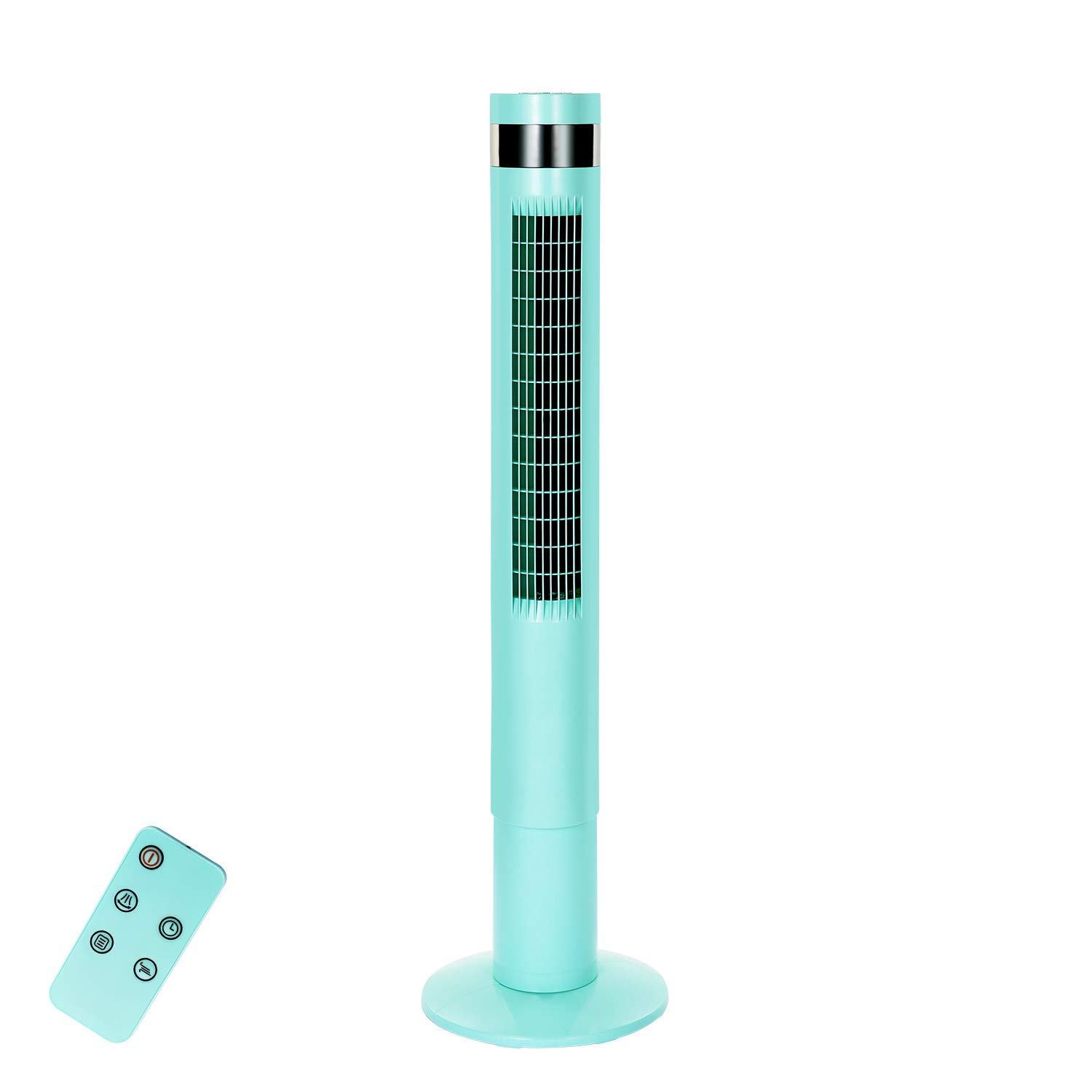
Image: The control panel on the R.W.FLAME tower fan offers simple operation with clearly marked buttons for power, wind modes, timer, and oscillation.

Image: The R.W.FLAME tower fan features a user-friendly control panel and offers three distinct wind modes: Normal, Natural, and Sleep, each designed for different comfort levels.
5.1 Control Panel and Remote Control
The control panel is located on the top of the fan. The remote control allows operation from up to 17 feet away. Ensure the remote control has working batteries.
5.2 Power On/Off
- Press the Power button (
 ) once to turn the fan on.
 - Press the Power button again to turn the fan off.
5.3 Wind Modes
Press the Mode button ( ) to cycle through the available wind modes:
- Normal Mode: Provides a constant, steady airflow.
- Natural Mode: Simulates a natural breeze by varying the fan speed.
- Sleep Mode: Designed for quiet operation during sleep. In this mode, the fan speed will reduce by one level every half an hour until it reaches the lowest speed, where it will remain until turned off.
5.4 Wind Speeds
Press the Speed button ( ) to adjust the fan speed. There are 3 wind speed settings available.
5.5 Oscillation
Press the Oscillation button ( ) to activate or deactivate the 85-degree oscillation feature, which helps distribute air across a wider area.
5.6 Timer Settings
Press the Timer button ( ) to set the fan to automatically turn off after a specified period. The fan offers 12-hour timer settings. Each press typically increases the timer by one hour.
6. Maintenance
Regular maintenance ensures optimal performance and longevity of your fan.
- Cleaning: Before cleaning, always unplug the fan. Use a soft, damp cloth to wipe the exterior surfaces. Do not use abrasive cleaners or solvents. The fan is designed to be easy to clean.
- Storage: If storing the fan for an extended period, unplug it, clean it thoroughly, and store it in a cool, dry place, preferably in its original packaging.
7. Troubleshooting
If you encounter issues with your fan, refer to the following common problems and solutions:
| Problem | Possible Cause | Solution |
|---|---|---|
| Fan does not turn on. | No power supply. | Ensure the power cord is securely plugged into a working electrical outlet. Check the circuit breaker. |
| Remote control not working. | Dead batteries or obstruction. | Replace the batteries in the remote control. Ensure there are no obstructions between the remote and the fan's sensor. The remote works within 17 feet. |
| Fan is not oscillating. | Oscillation feature is off. | Press the Oscillation button on the control panel or remote control to activate it. |
| Weak airflow. | Low speed setting or obstruction. | Increase the fan speed. Ensure the air intake and outlet are not blocked. |
If the problem persists after trying these solutions, please contact R.W.FLAME customer support.
8. Specifications
| Feature | Specification |
|---|---|
| Brand | R.W.FLAME |
| Model Number | RW5314-G |
| Type | Tower Fan (Floor Fan) |
| Height | 43.31 inches |
| Footprint | 11.81 x 11.81 inches |
| Oscillation | 85 degrees |
| Wind Modes | Normal, Natural, Sleep |
| Number of Speeds | 3 |
| Timer Settings | Up to 12 hours |
| Power Source | Corded Electric |
| Wattage | 50 Watts |
| Controller Type | Remote Control, On-unit Control Panel |
| Special Features | Bladeless Design, Anti-toppling Steady Base, Low Noise, Energy Saving |
| Material | Plastic |
9. Warranty and Support
Your R.W.FLAME RW5314-G Tower Fan comes with a one-year guarantee for free replacement from the date of purchase. This warranty covers manufacturing defects and ensures your product functions as intended under normal use.
For warranty claims, technical support, or any questions regarding your product, please contact R.W.FLAME customer service through the retailer where the product was purchased or refer to the contact information provided with your purchase documentation.