
1. Product Overview
This manual provides essential information for the setup, operation, and maintenance of your Foxsky 55FS-VS 55-inch 4K Ultra HD Smart LED TV. Please read this manual thoroughly before using your television to ensure proper functionality and safety.
The Foxsky 55FS-VS features a 55-inch 4K Ultra HD display with a 3840x2160 resolution and a 60 Hz refresh rate. It includes an A+ Grade Panel, Quantum Dot Display, Micro Dimming, and an IPQ Engine for enhanced picture quality. The television operates on an Android 9.0 based OS, offering access to over 5000 applications including YouTube, Netflix, and Prime Video. Audio is delivered through 30 Watts output speakers with Dolby Audio System, Dolby ATMOS, and DTS support. Connectivity options include 2 HDMI ports and 2 USB ports, along with built-in Wi-Fi and Miracast.
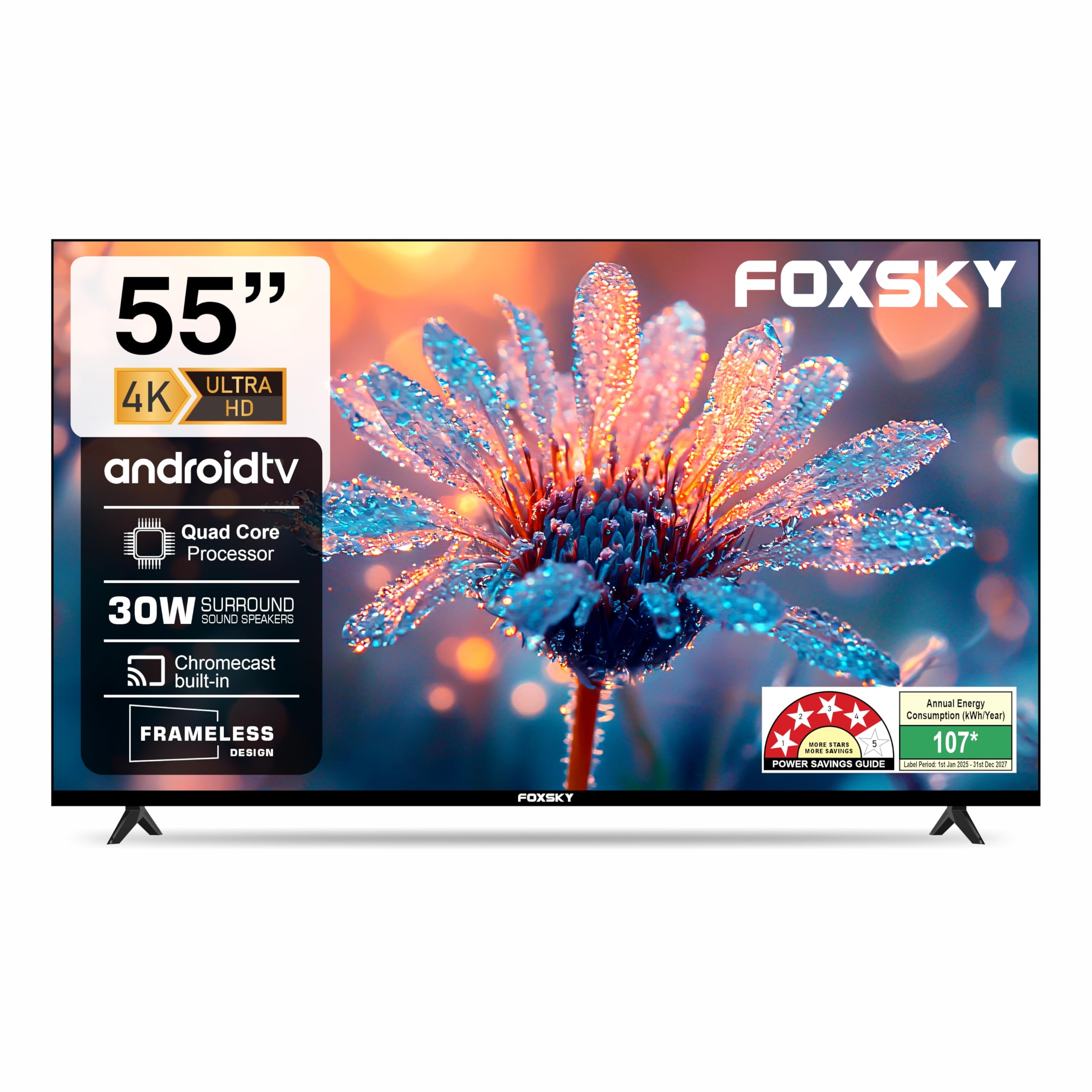
Figure 1: Foxsky 55FS-VS 55-inch 4K Ultra HD Smart LED TV.
Video 1: Overview of the Foxsky 55FS-VS 4K Ultra HD Smart LED TV features.
2. Setup Instructions
2.1 Unpacking and Initial Inspection
Carefully remove all components from the packaging. Ensure all items listed below are present and undamaged. If any items are missing or damaged, contact Foxsky customer support.
Box Contents:
- 1 LED TV
- 1 Table Top Stand
- 1 Wall Mount
- 1 User Manual (this document)
- 1 Warranty Card
- 1 Remote Control
- Batteries for Remote Control
2.2 Mounting Options
Your Foxsky TV can be set up using the included tabletop stand or mounted on a wall. The VESA mount standard is 800 x 400 mm for wall mounting.
- Tabletop Stand Installation: Attach the provided stand feet to the bottom of the TV using the designated screws. Ensure the TV is placed on a stable, flat surface.
- Wall Mount Installation: For wall mounting, use a compatible VESA 800 x 400 mm wall mount (sold separately). Professional installation is recommended for wall mounting to ensure safety and proper alignment.
2.3 Connecting Peripherals
The TV offers various ports for connecting external devices. Refer to the diagram below for port locations.

Figure 2: Rear view of Foxsky TV showing multiple connectivity ports.
- HDMI Ports: Connect your set-top box, laptop, gaming console, or other HDMI-enabled devices to the 2 available HDMI ports.
- USB Ports: Use the 2 USB ports to connect hard drives, USB flash drives, or other USB devices for media playback.
- Wi-Fi: Connect to your home network wirelessly using the built-in Wi-Fi for internet access and smart features.
- Other Ports: The TV also includes RCA audio input, optical audio output, and an RF IN port for antenna/cable connections.
3. Operating Your TV
3.1 Basic Operation
- Power On/Off: Press the power button on the remote control or on the TV itself to turn the TV on or off.
- Input Selection: Use the 'Input' button on your remote to switch between connected devices (HDMI 1, HDMI 2, USB, etc.).
3.2 Smart TV Features
Your Foxsky TV runs on an Android 9.0 based operating system, providing a smart and interactive viewing experience.

Figure 3: Key features of the Foxsky Smart LED TV, including voice assistant, Google TV, and built-in Chromecast.
- Google Voice Assistant: Use voice commands to search for content, control smart home devices, and get information.
- Built-in Miracast: Wirelessly mirror content from your compatible smartphone or tablet to the TV screen.
- App Access: Enjoy a wide range of applications such as YouTube, Netflix, Prime Video, Sony Liv, Disney+Hotstar, Zee5, and more.

Figure 4: The TV's interface highlighting Google TV and voice assistant capabilities.

Figure 5: Access to a wide variety of streaming applications on your Foxsky Smart TV.
3.3 Picture Settings
Experience stunning visuals with the TV's advanced display technologies.

Figure 6: Display features including 1.07 Billion Colors, Bezel-less Display, 60Hz Refresh Rate, and 178° Wide Viewing Angle.
- 4K Ultra HD: Enjoy crisp, detailed images with 4K resolution.
- HDR10: High Dynamic Range support provides a wider range of colors and contrast for a more realistic picture.
- Picture Modes: Customize your viewing experience with various picture modes such as User, Standard, Sport, Vivid, Movie, Game, and Energy Saving.

Figure 7: Available picture modes to optimize your viewing experience for different content types.
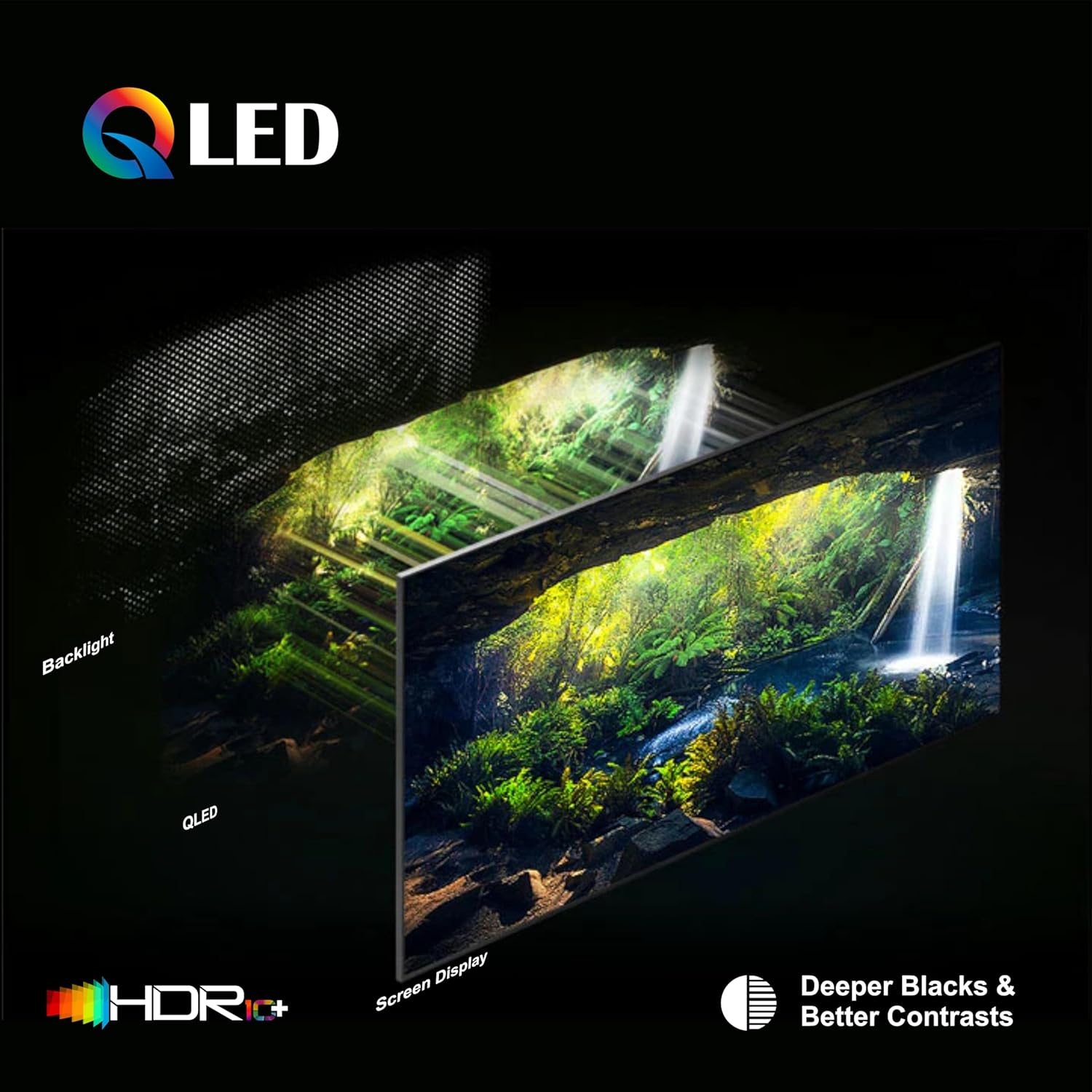
Figure 8: QLED Technology enhances color saturation, peak brightness, and contrast for deeper blacks.
3.4 Audio Settings
Immerse yourself in rich, clear sound with the TV's audio system.

Figure 9: The TV features 30W sound output and Dolby Audio for a cinematic sound experience.
- 30 Watts Output: Powerful audio output for clear and dynamic sound.
- Dolby Audio System, Dolby ATMOS, DTS: Advanced audio technologies provide immersive surround sound.
3.5 Remote Control
The included remote control provides intuitive navigation and control over your TV's features.
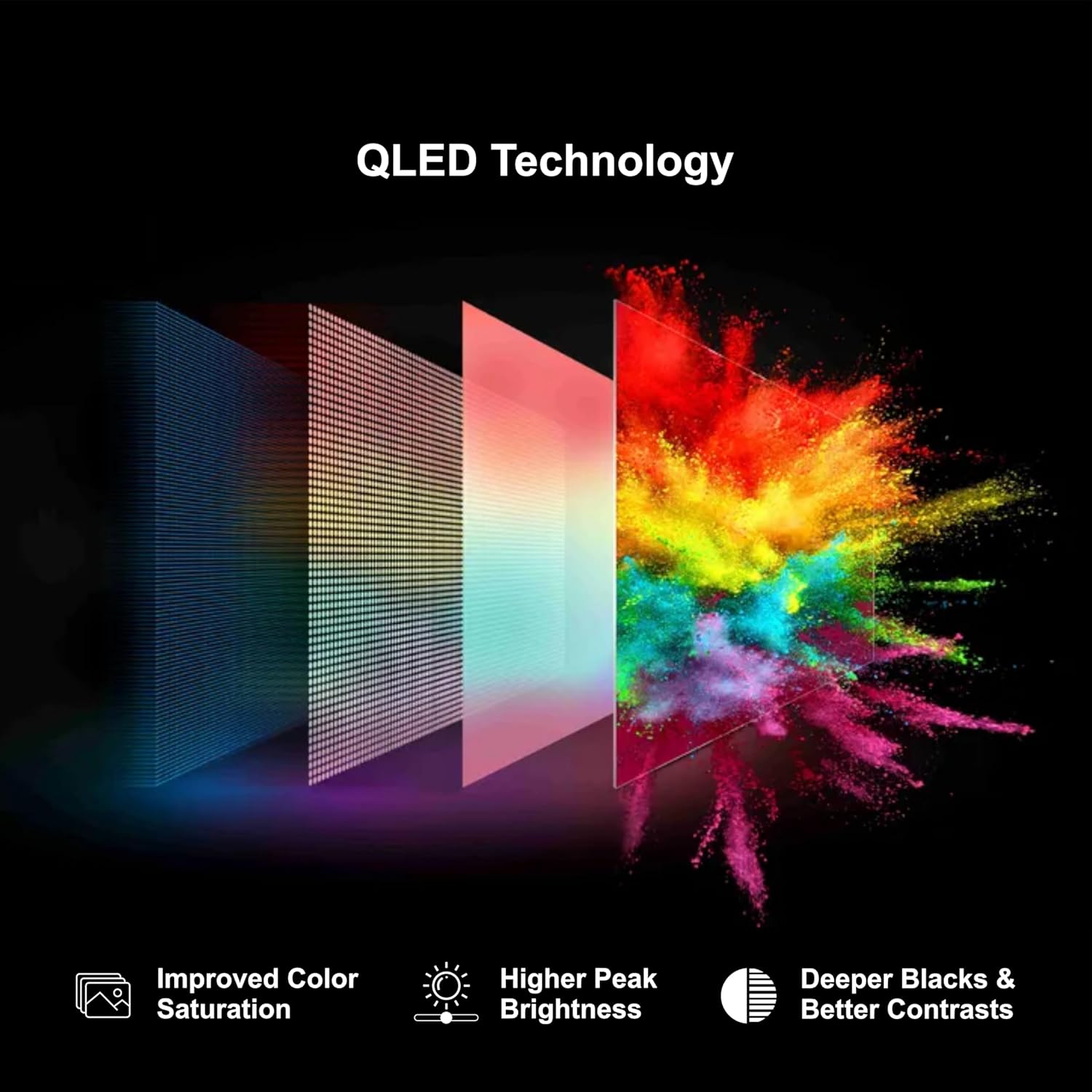
Figure 10: Features of the Magic Remote, including single-click access, voice commands, point-click-scroll functionality, and hotkeys for popular streaming services.
- Voice Control: Press the voice button and speak commands for easy navigation and search.
- Hotkeys: Dedicated buttons for quick access to popular streaming services like Netflix and Prime Video.
4. Maintenance
Regular maintenance helps prolong the life of your TV and ensures optimal performance.
- Cleaning the Screen: Gently wipe the screen with a soft, dry microfiber cloth. For stubborn smudges, slightly dampen the cloth with water or a screen-cleaning solution specifically designed for electronics. Avoid harsh chemicals or abrasive materials.
- Cleaning the TV Body: Use a soft, dry cloth to wipe the exterior of the TV. Do not use liquid cleaners directly on the TV.
- Software Updates: Ensure your TV's software is up to date. The TV may prompt you for updates, or you can check manually through the settings menu.
- Ventilation: Ensure adequate ventilation around the TV to prevent overheating. Do not block the ventilation openings.
5. Troubleshooting
If you encounter issues with your TV, refer to the following common solutions before contacting customer support.
- No Power: Check if the power cord is securely plugged into both the TV and the wall outlet. Ensure the power outlet is functional.
- No Picture/Sound: Verify that the correct input source is selected. Check all cable connections (HDMI, AV) for looseness. Try restarting the TV and the connected device.
- Remote Control Not Working: Replace the batteries in the remote control. Ensure there are no obstructions between the remote and the TV's IR sensor.
- Network Connection Issues: Check your Wi-Fi router and internet connection. Restart the router and the TV. Re-enter your Wi-Fi password in the TV's network settings.
- Picture Quality Issues: Adjust picture settings (brightness, contrast, color) in the TV menu. Ensure the content source is of high quality (e.g., 4K content for 4K display).
If the problem persists after trying these steps, please contact Foxsky customer support.
6. Specifications
Detailed technical specifications for the Foxsky 55FS-VS 55-inch 4K Ultra HD Smart LED TV.

Figure 11: Physical dimensions of the Foxsky 55-inch TV.
| Feature | Detail |
|---|---|
| Model Number | 55FS-VS |
| Screen Size | 55 Inches (139.7 cm) |
| Display Technology | LED |
| Resolution | 4K Ultra HD (3840x2160) |
| Refresh Rate | 60 Hz |
| Operating System | Android 9.0 Based OS |
| Connectivity | Built-in Wi-Fi, 2 HDMI Ports, 2 USB Ports |
| Sound Output | 30 Watts |
| Audio Technology | Dolby Audio System, Dolby ATMOS, DTS |
| Special Features | HDR-10, Google Voice Assistant, Built-in Miracast, Quantum Dot Display, Micro Dimming, IPQ Engine |
| Product Dimensions (D x W x H) | 19.8D x 111W x 64.4H Centimeters |
| Weight | 17000 Grams |
| Power Consumption | 170 Watts |
| Manufacturer | Foxsky Electronics India Pvt. Ltd. |
7. Warranty and Support
Your Foxsky TV comes with a comprehensive warranty and dedicated customer support.
7.1 Warranty Information
A 1-year comprehensive warranty is provided by Foxsky from the date of purchase for the product. A six-month standard warranty is provided for the remote control (covering technical defects only). Warranty claims can be processed using your Amazon e-invoice.
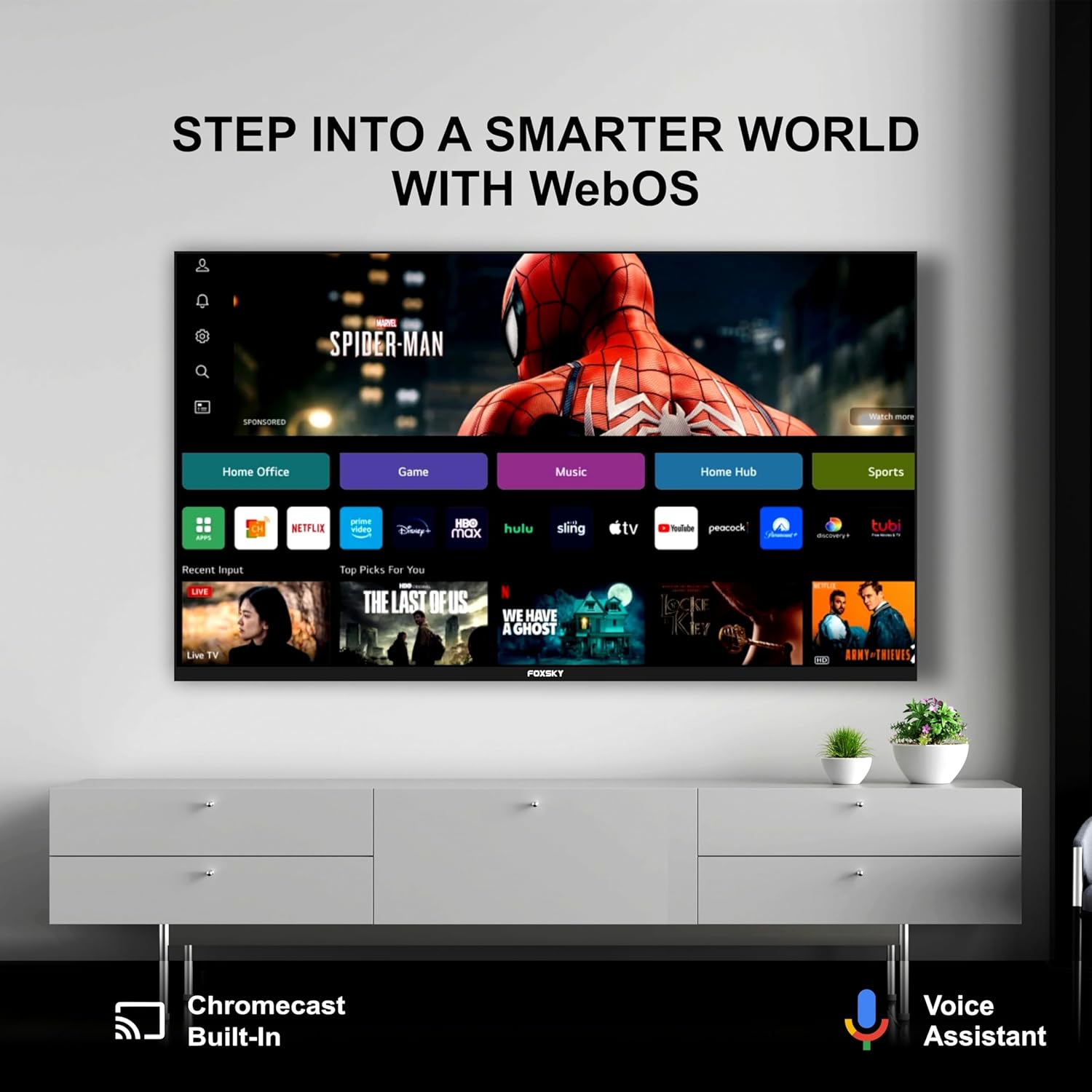
Figure 12: Warranty details for the Foxsky TV.
7.2 Customer Support
For assistance, service requests, or any queries, please contact Foxsky customer care. Provide the product's model name and seller's details from your invoice when contacting support.
- Toll-Free Number: +91-7079797902 (Monday to Saturday, 10:00 AM to 06:00 PM)
- Service Manager Email ID: customer.service@foxskyindia.com
- Website: www.foxskyindia.com

Figure 13: Foxsky customer support contact details and service coverage.
Foxsky offers pan-India service and post-installation support, with assistance available within 48 hours from service centers in 28 states and 400 cities.