
1. Introduction
This manual provides detailed instructions for the installation, operation, and maintenance of your meross Smart LED Strip Lights, model MSL320. These smart strip lights offer versatile lighting options with app and voice control, compatible with various smart home platforms.
2. What's in the Box
Upon unboxing your meross Smart LED Strip Lights, you should find the following components:
- 1 x 5m (16.4ft) LED Light Strip
- 1 x Connector
- 1 x Power Adapter
- 1 x Smart Wi-Fi Controller
- 5 x Fixing Clips
- User Manual
- Additional paperwork (e.g., EU Declaration of Conformity, HomeKit information)

The LED strip features a strong 3M double-sided adhesive tape on the back for secure installation. The smart controller includes breakout cables for power supply and connection to the LED strip.
3. Product Features
- Apple HomeKit Support: Control lights and scenes using Siri voice commands or the Meross app. An Apple TV or HomePod is required as a home hub for remote control via the Apple Home App.
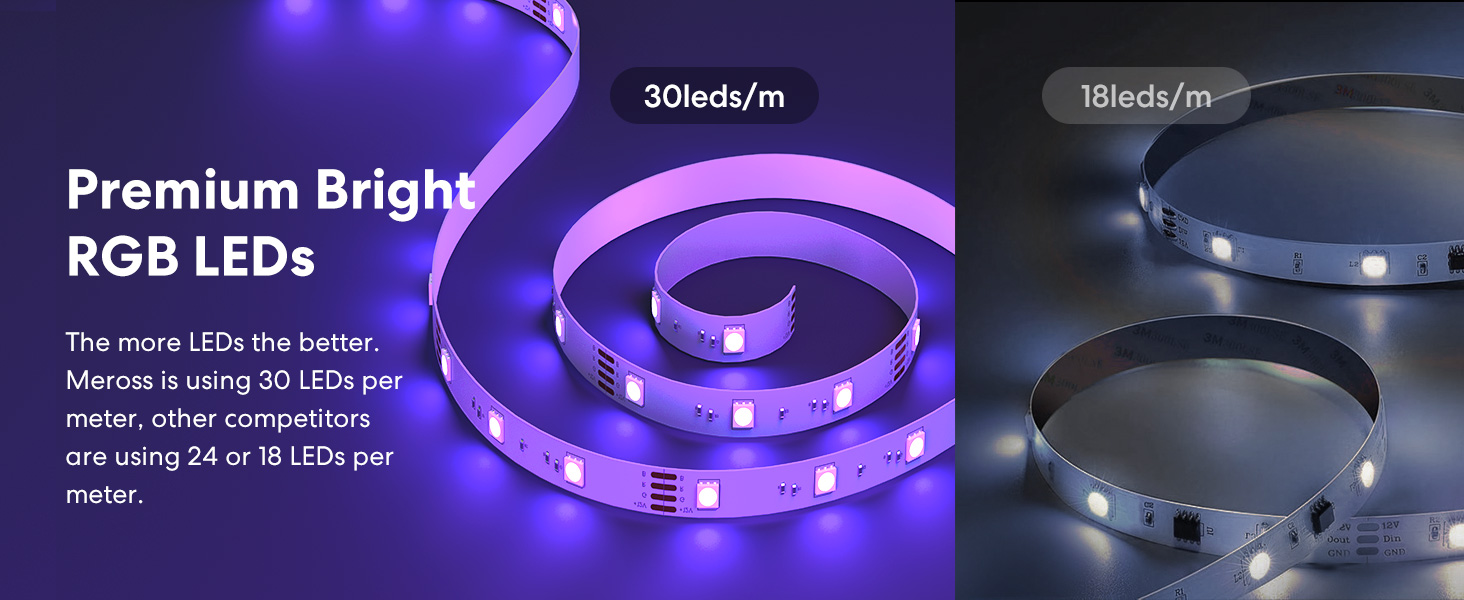
- Premium Bright RGB LEDs: Equipped with 150 LED beads for bright illumination.
- Voice and App Control: Compatible with Apple HomeKit, Amazon Alexa, Google Home, and SmartThings for convenient control.
- Offline and Local Control: Maintain control via the Meross app locally even if the home network loses internet connection. Scheduled routines will also continue to function.
- Timer and Schedule: Set custom schedules, including Sunrise and Sunset modes, to automate lighting.
- 16 Million Colors with Cuttable Design: Offers a wide range of color options. The strip can be cut at designated points to fit specific dimensions, though detached portions cannot be re-attached or lit.
- Safety: Made of V-0 flame-rated material to reduce fire risk.
4. Setup Instructions
Follow these steps to set up your meross Smart LED Strip Lights:
- Prepare the Surface: Ensure the surface where you plan to install the LED strip is clean, dry, and smooth for optimal adhesion.
- Connect Components: Connect the LED strip to the smart Wi-Fi controller, and then connect the power adapter to the controller.
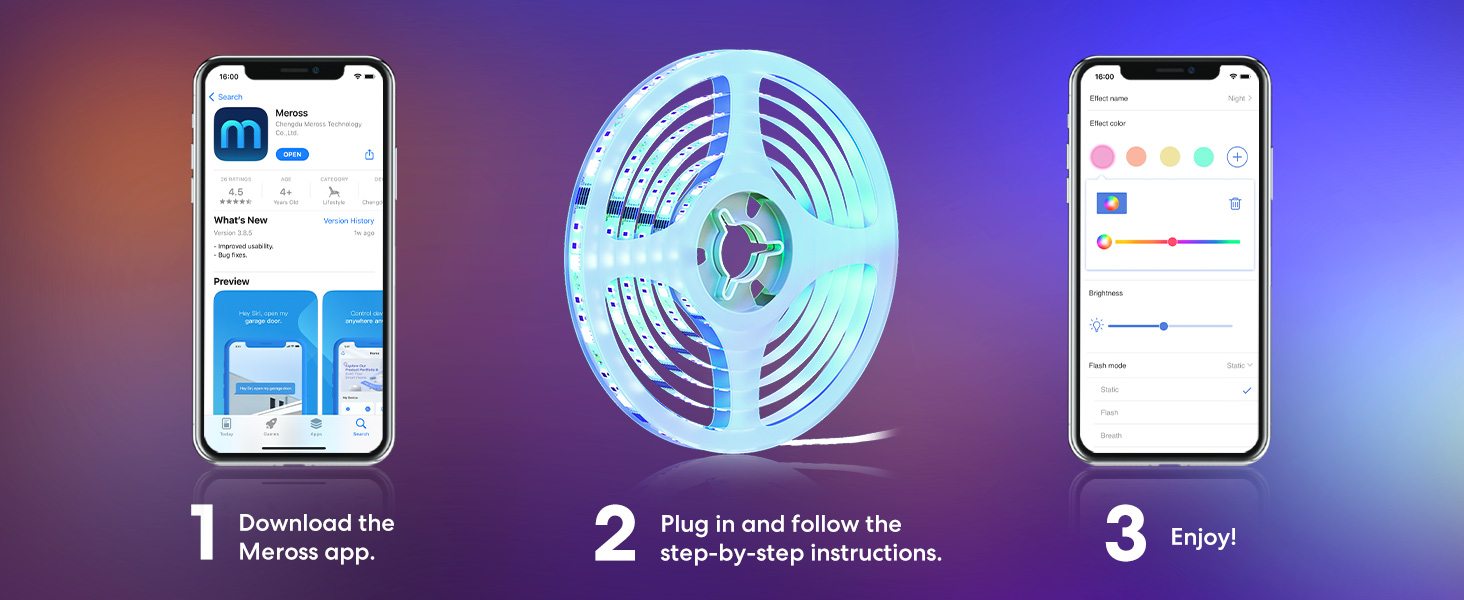
- Download the Meross App: Download the Meross app from the Apple App Store or Google Play Store.
- Power On: Plug the power adapter into an electrical outlet. The LED strip should light up.
- Add Device in App: Open the Meross app and follow the on-screen instructions to add your new device. Ensure your smartphone is connected to a 2.4GHz Wi-Fi network.
- HomeKit Integration (Optional): For Apple Home App remote control, set up an Apple TV or HomePod as a home hub. The home hub needs to stay connected to your home Wi-Fi network and powered on. You can scan the QR code provided in the manual or on the device for easy pairing.

For more detailed HomeKit troubleshooting, visit: meross HomeKit Support
5. Operating Instructions
Once set up, you can control your meross Smart LED Strip Lights using various methods:
5.1. App Control
Use the Meross app to:
- Turn the lights on/off.
- Adjust brightness.
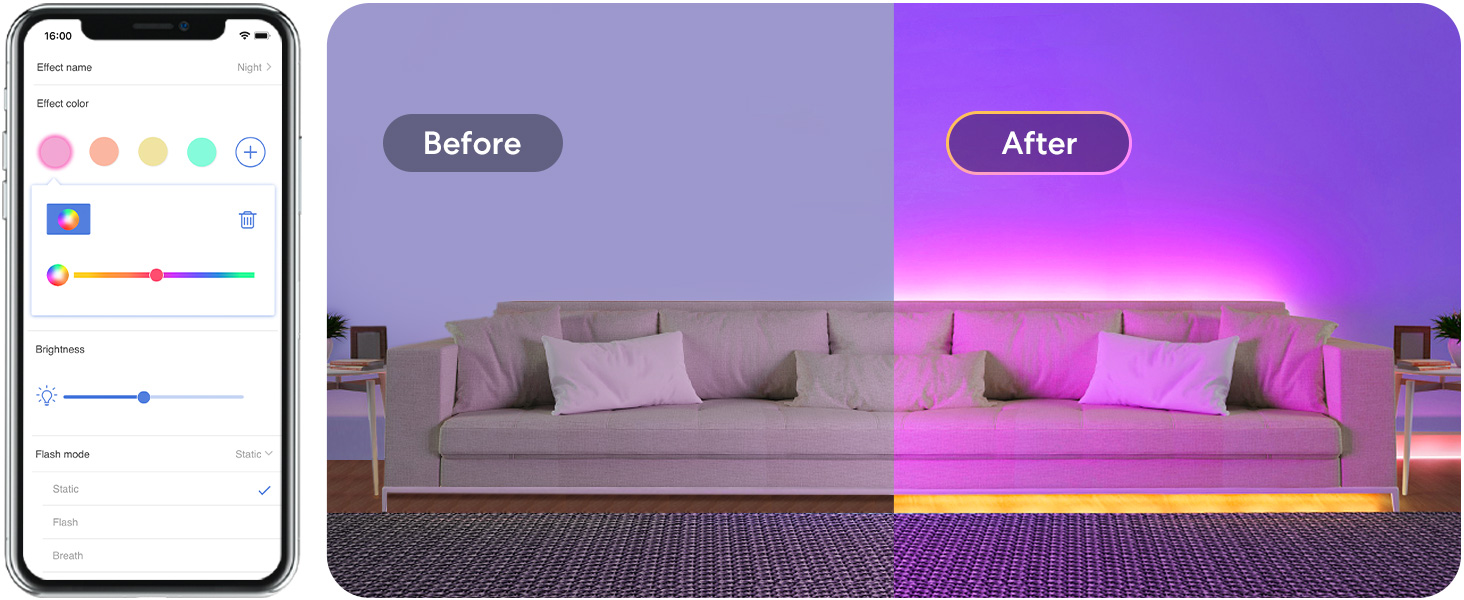
- Change colors (16 million options).
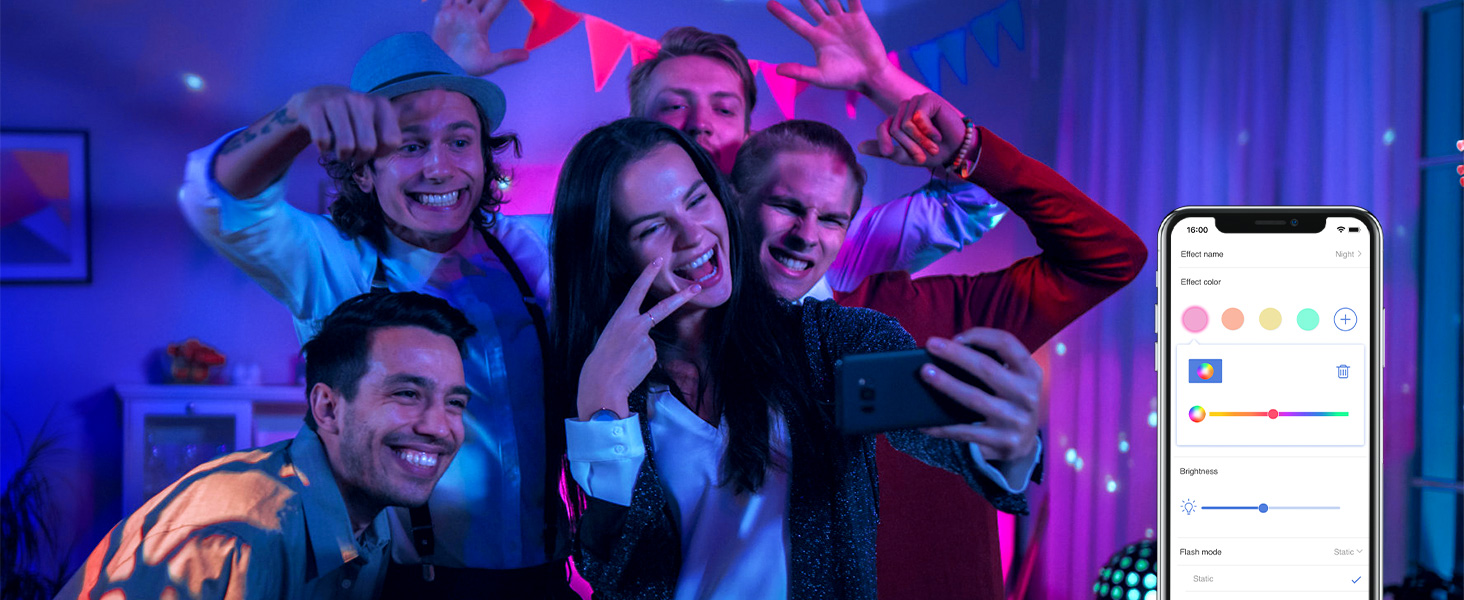
- Set scenes and custom lighting effects.
- Create schedules and timers (e.g., Sunrise/Sunset modes).
5.2. Voice Control
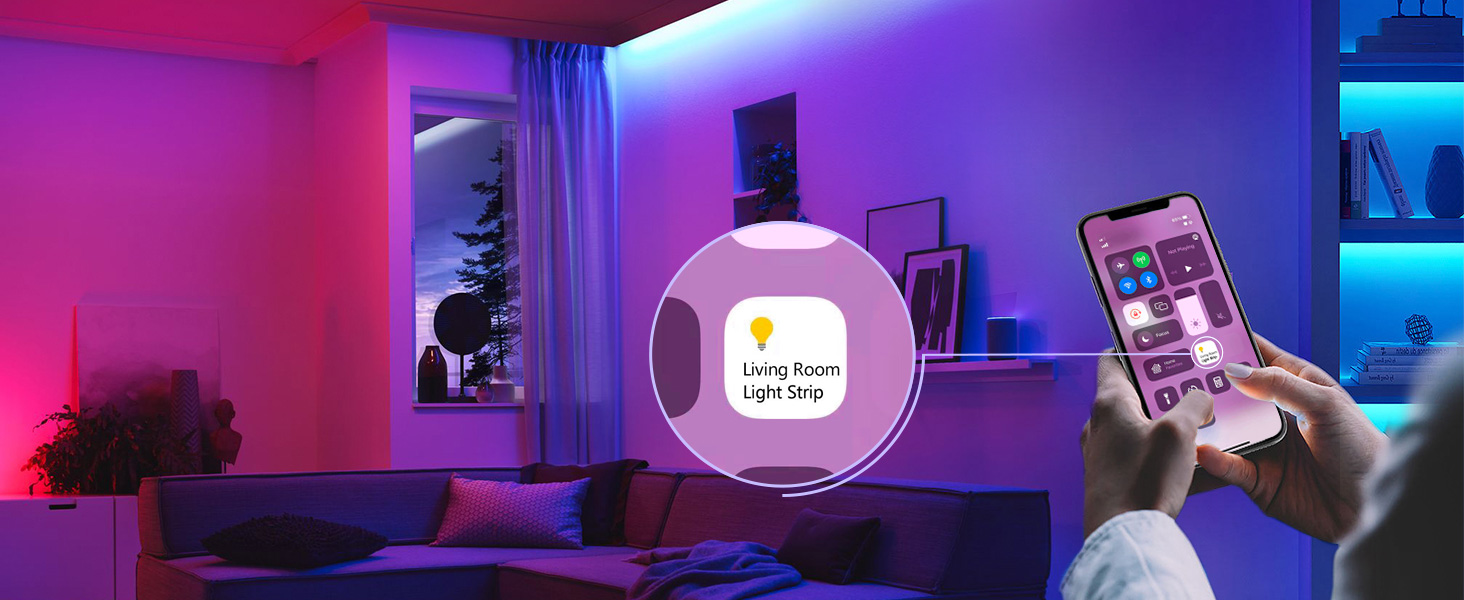
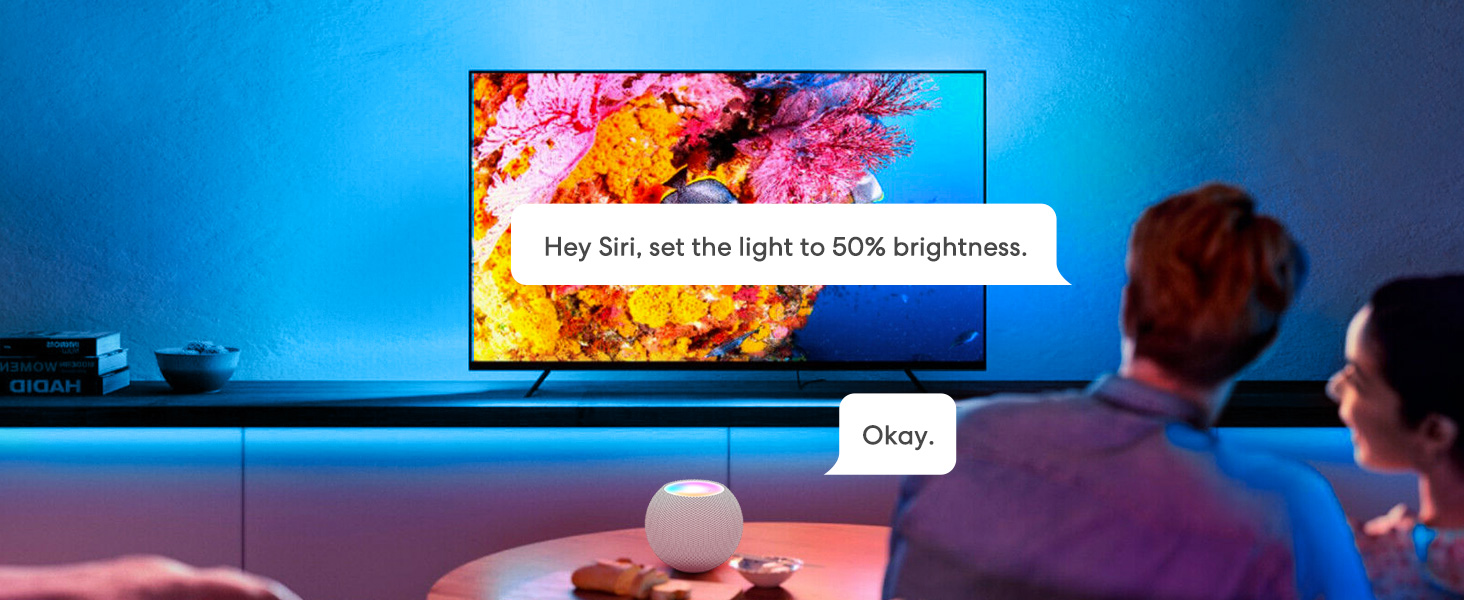
Integrate your LED strip lights with Apple HomeKit (Siri), Amazon Alexa, or Google Home for hands-free voice control. Examples:
- "Hey Siri, turn on the light strip."
- "Alexa, set the bedroom lights to purple."
- "Hey Google, dim the kitchen lights to 50%."
5.3. Schedules and Scenes
Automate your lighting experience:
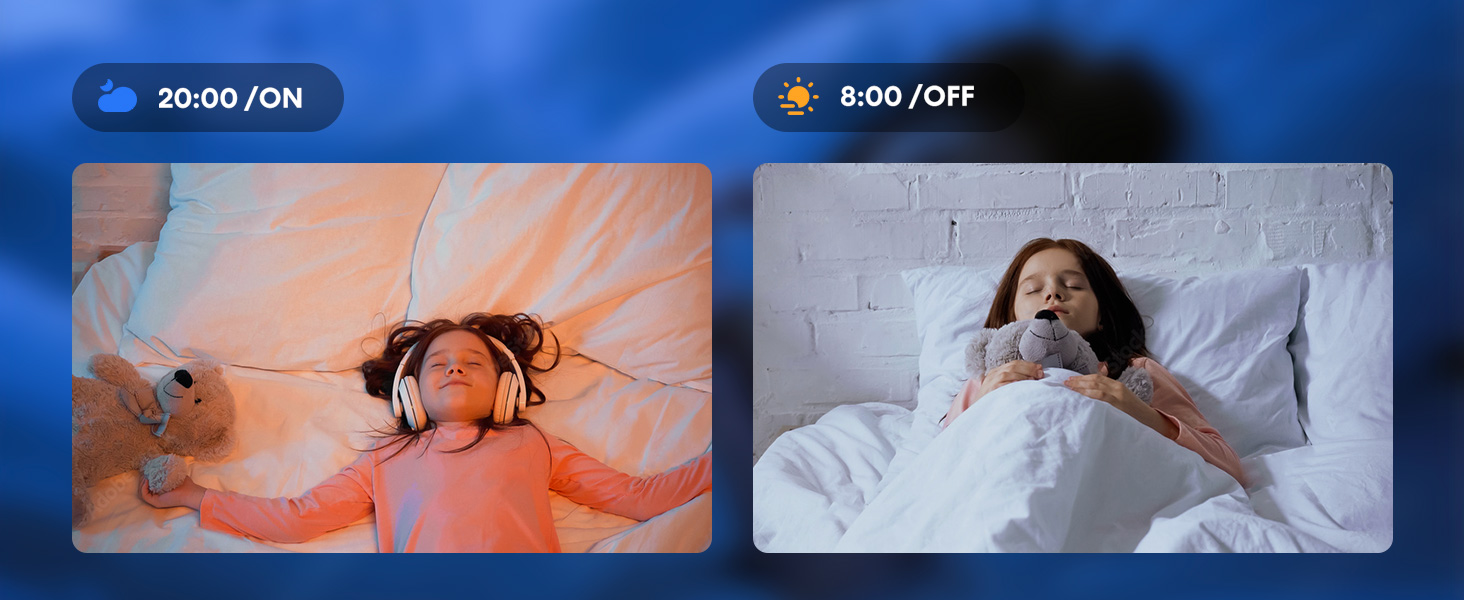
- Sunrise/Sunset: Program lights to gradually brighten in the morning and dim in the evening.
- Custom Scenes: Create personalized lighting environments for different activities or moods (e.g., movie night, party, relaxation).
5.4. Offline Control
The Meross app allows local control of your light strips even if your home network is disconnected from the internet. Scheduled routines stored locally will also continue to execute.
6. Maintenance
- Cleaning: Gently wipe the LED strip with a dry, soft cloth. Do not use liquid cleaners or abrasive materials.
- Indoor Use Only: These LED lights are not waterproof and are designed exclusively for indoor use. Avoid exposure to moisture or high humidity.
- Handling: Avoid excessive bending or twisting of the strip, especially at the connection points, to prevent damage.
7. Troubleshooting
- Lights Not Turning On: Ensure all connections are secure and the power adapter is properly plugged into a working outlet.
- Cannot Connect to Wi-Fi: Verify your Wi-Fi network is 2.4GHz. Ensure your smartphone is connected to the same 2.4GHz network during setup. Move the device closer to your Wi-Fi router if connection issues persist.
- HomeKit Pairing Issues: If the QR code does not work, try manually entering the HomeKit code found on the device label. Ensure you have an Apple Home Hub (Apple TV or HomePod) set up and online for remote control.
- App Control Unresponsive: Check your internet connection and ensure the Meross app is updated to the latest version. If using offline control, ensure your device is within range of your local Wi-Fi network.
8. Specifications
| Feature | Detail |
|---|---|
| Model Number | MSL320 |
| Length | 16.4 Feet (5 meters) |
| Rated Voltage | 12V⎓1.5A, 18W |
| Wireless Standard | IEEE 802.11 b/g/n, 2.4GHz |
| System Requirement | Smartphone running iOS 13 or higher or Android 4.1 or higher, Existing 2.4GHz Wi-Fi network |
| Light Source Type | LED |
| Light Color | RGB (Red, Green, Blue) with 16 Million Colors |
| Color Temperature (White) | 3000K-8000K |
| Indoor/Outdoor Usage | Indoor |
| Material | Plastic |
| Number of Light Sources | 150 |
| Wattage | 36 watts |
9. Warranty and Support
Your meross Smart LED Strip Lights MSL320 come with a 12-month warranty.
For technical support or warranty claims, please contact meross customer service:
- Email: support@meross.com
- Website: www.meross.com/support
10. Product Videos
Life should be colorful
This video showcases the vibrant color capabilities of the meross Smart LED Strip Lights, demonstrating how they can enhance various environments and activities.
UL Certified LED Light Strips
This video highlights the UL certification of the LED light strips, emphasizing product safety and quality standards.
Color Changing Led Strips for Home, Bedroom, Kitchen, Party
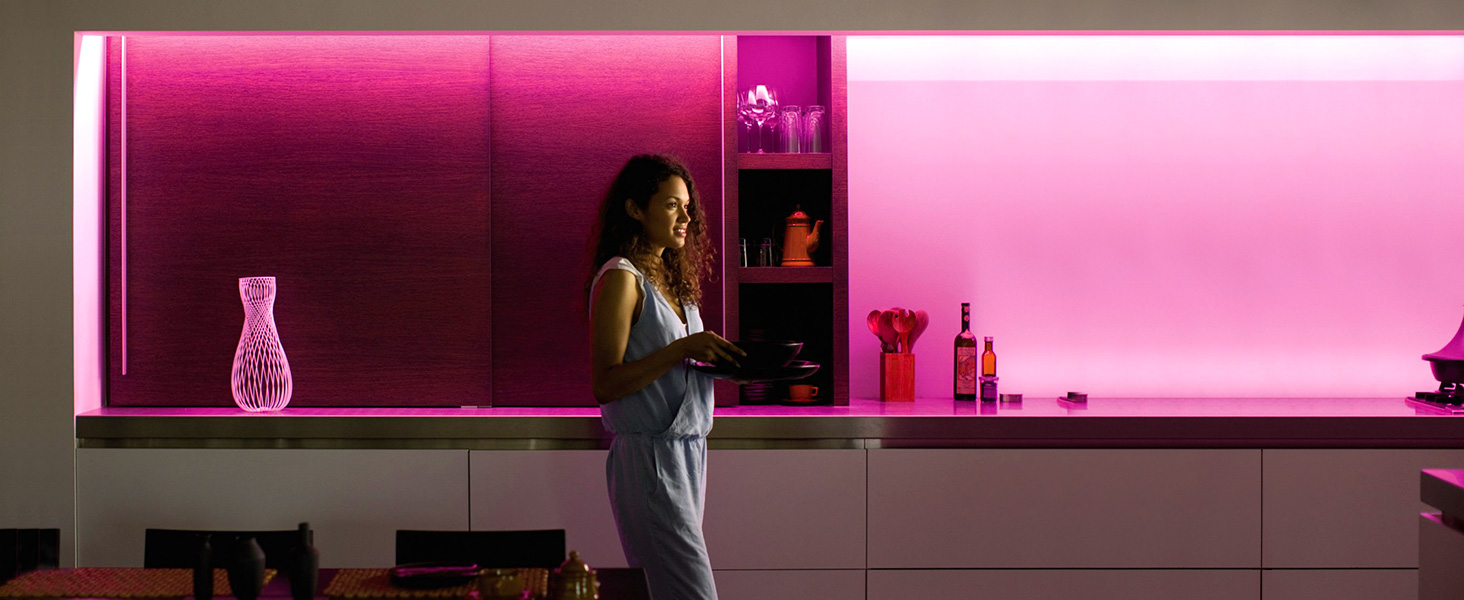
This video demonstrates the dynamic color-changing capabilities of the LED strips, showing their application in various home settings like bedrooms, kitchens, and for parties.
Christmas LED Light Strip For You
This video illustrates the use of meross LED strip lights for festive occasions, specifically showcasing their application for Christmas decorations.
Smart LED Strip Lights Compatible with Siri, Alexa&Google
This video demonstrates the seamless integration and voice control capabilities of the smart LED strip lights with popular platforms like Siri, Alexa, and Google Assistant.


