
Accutime RYW4006AZ
Ryan's World Kids Smart Watch Instruction Manual
Model: RYW4006AZ
1. Product Overview
The Ryan's World Kids Smart Watch is designed to provide an engaging and educational experience for children. This device features a generously sized, easy-to-read touchscreen display and a fun Ryan's World design. It is specifically created for children, operating independently without internet, Wi-Fi, Bluetooth, or other wireless connectivity, ensuring a safe environment for young users.
Key features include:
- Interactive touchscreen with kid-friendly features.
- 10 digital watch faces and Ryan's World wallpapers featuring favorite characters.
- Built-in camera for taking pictures.
- Photo album viewer and video player.
- Voice recorder.
- Calculator.
- Alarm clock.
- Pedometer step counter to encourage movement.
- Various playable games.
- Adjustable silicone band fitting wrist sizes from 5.5" to 8".
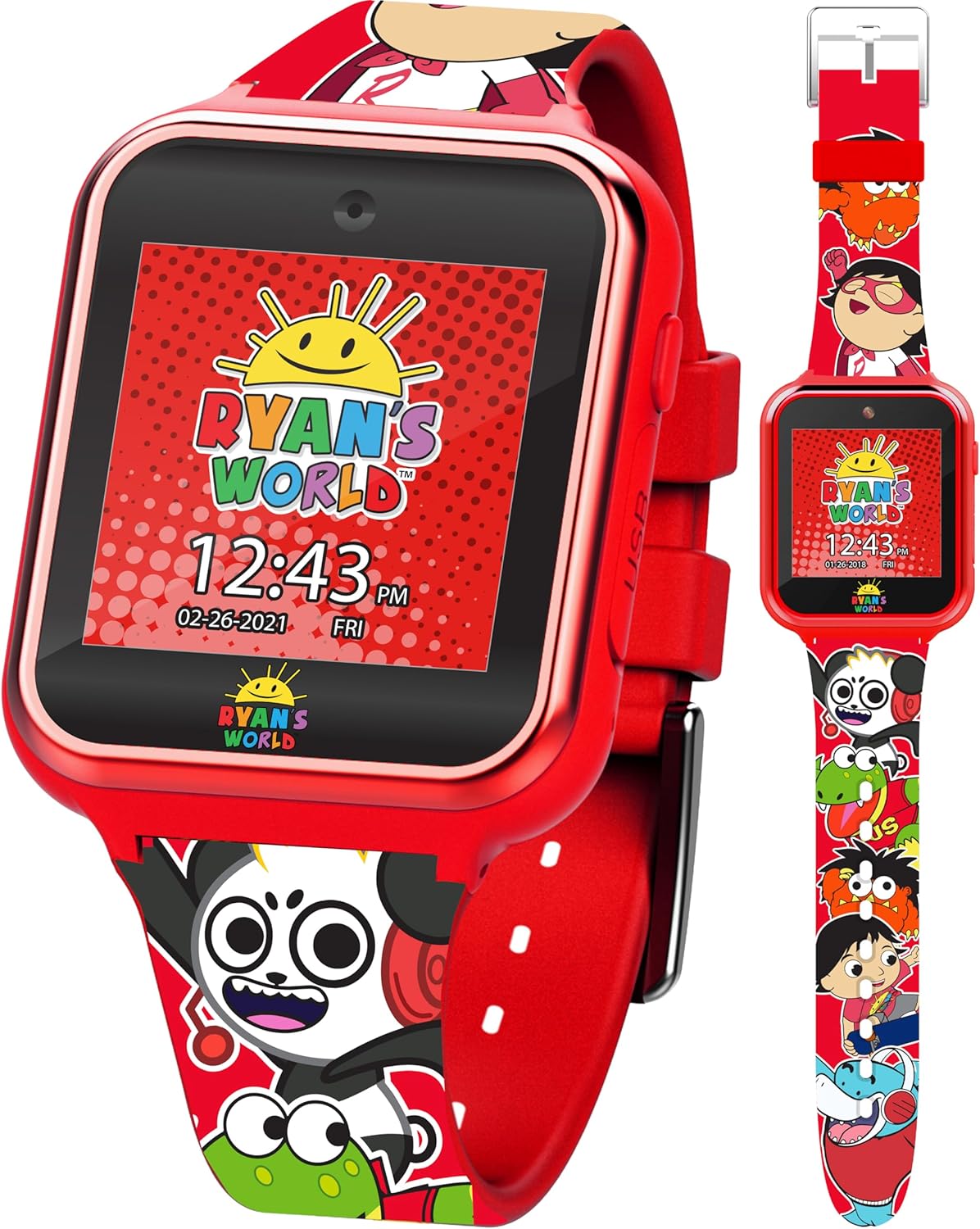
Image: Front view of the Ryan's World Kids Smart Watch in red, showcasing its vibrant design and digital display.
2. Setup
2.1 Initial Charging
Before initial use, please charge the watch for at least two hours to ensure optimal performance and battery life. Use the provided USB charging cable to connect the watch to a compatible USB power source (e.g., computer USB port, USB wall adapter).

Image: The white USB charging cable included with the smart watch.
3. Operating Instructions
3.1 Touchscreen Navigation
The watch features a responsive touchscreen for easy navigation. Swipe left or right to browse through different applications and features. Tap on an icon to select and open an application.
3.2 Changing Watch Faces
Personalize your watch by selecting from 10 different digital watch faces and various Ryan's World wallpapers. To change the watch face, navigate to the 'Settings' or 'Display' menu and select your preferred design.
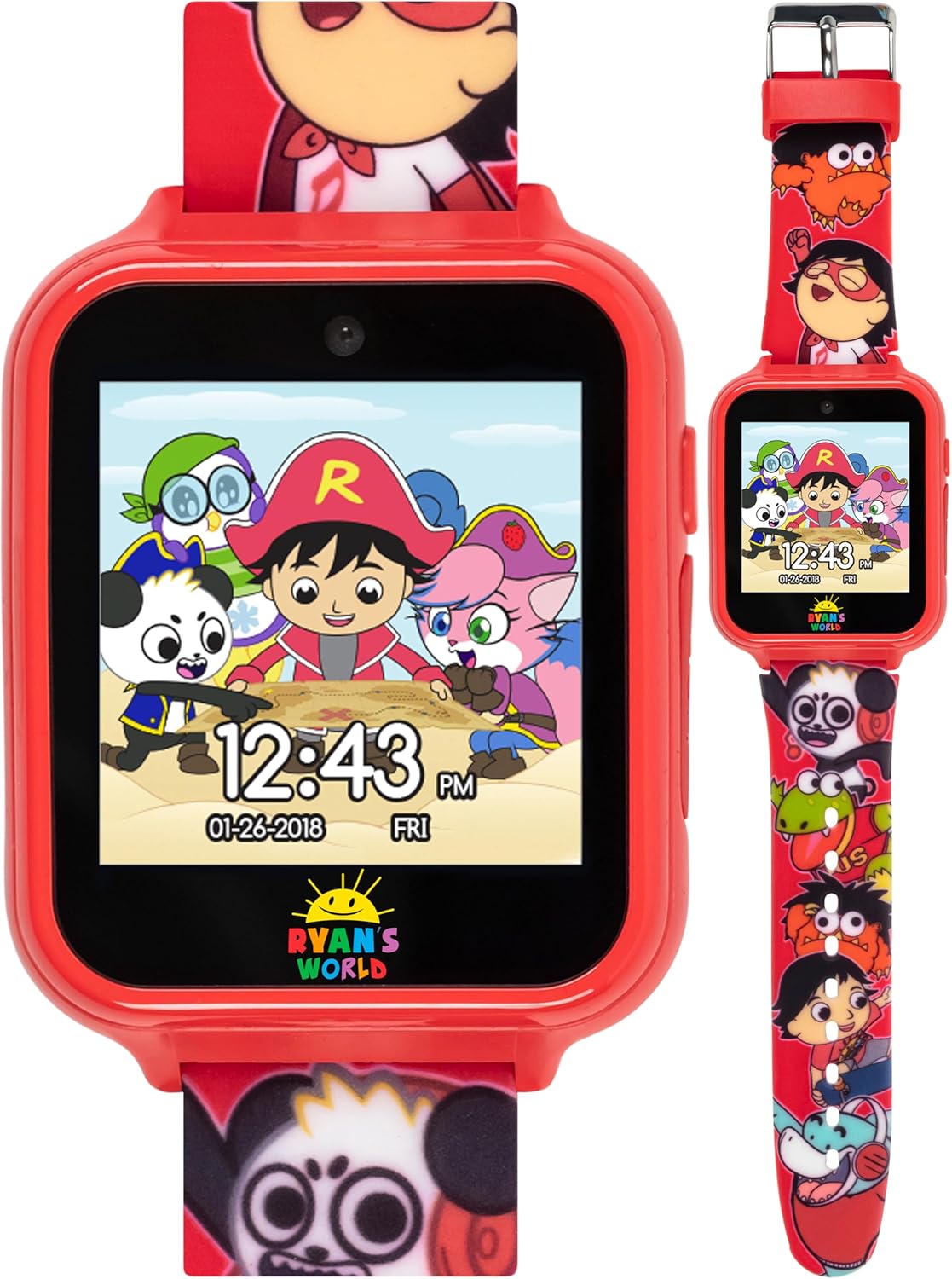
Image: The smart watch displaying a watch face featuring Ryan's World characters.

Image: A promotional graphic highlighting the 10 changeable watch faces and 6 interactive games available on the watch.
3.3 Camera & Video
The watch includes a built-in camera for capturing photos and videos. Access the camera application from the main menu. You can view your captured media in the photo album viewer or video player applications.

Image: The smart watch screen showing a live camera view, ready to capture an image or video.
3.4 Voice Recorder
Use the voice recorder feature to record short audio clips. This can be found as an icon on the watch's main menu.
3.5 Pedometer
The integrated pedometer tracks your child's steps and encourages active play throughout the day. The step and calorie tracker can be accessed via its dedicated application.
3.6 Games
Enjoy various pre-loaded interactive games. Select the 'Games' icon to browse and play.
3.7 Calculator & Alarm Clock
The watch includes a functional calculator for basic arithmetic and an alarm clock feature to set reminders or wake-up times. These applications are accessible from the main menu.
4. Maintenance
4.1 Cleaning
To clean the watch, gently wipe the screen and strap with a soft, dry cloth. Avoid using abrasive cleaners or submerging the watch in water.
4.2 Battery Care
To prolong battery life, avoid fully discharging the watch frequently. Recharge the battery when the low battery indicator appears. Store the watch in a cool, dry place when not in use for extended periods.
5. Troubleshooting
5.1 Watch Not Turning On
If the watch does not turn on, ensure it is fully charged. Connect it to the charger for at least 30 minutes before attempting to power it on again. If the issue persists, try a different USB port or charging adapter.
5.2 Screen Unresponsive
If the touchscreen is unresponsive, try restarting the watch by holding down the power button (if available) or allowing the battery to fully drain and then recharging it. If the problem continues, contact customer support.
5.3 Short Battery Life
Battery life can vary based on usage. Frequent use of games, camera, or voice recorder will consume more power. Ensure the watch is fully charged before each use. If battery life remains unusually short, it may indicate a battery issue.
6. Specifications
| Model Number | RYW4006AZ |
| Brand | Accutime |
| Display | Touchscreen LED Display |
| Connectivity | None (No Wi-Fi, Bluetooth, or cellular) |
| Strap Material | Silicone |
| Wrist Size Compatibility | 5.5" to 8" |
| Battery | Built-in Rechargeable Battery |
7. Warranty and Support
7.1 Warranty Information
This Ryan's World Kids Smart Watch comes with a one-year warranty from Accutime Watch. Please retain your proof of purchase for warranty claims.
7.2 Customer Support
For any questions, technical assistance, or warranty inquiries, please contact Accutime customer support. Refer to the product packaging or the Accutime website for the most current contact information.
Related documentsRYW4006AZ

Ask a question about this manual
Ask about setup, troubleshooting, compatibility, parts, safety, or missing instructions. Manuals+ will review the question and use this page’s manual context to help answer it.