
1. Introduction
This manual provides essential information for the proper installation, use, and maintenance of your Asuwish Phone Case for Samsung Galaxy A21. The product includes a durable hybrid protective case and a tempered glass screen protector, designed to safeguard your device from daily wear and tear.
Compatibility: This product is specifically designed for the Samsung Galaxy A21. It is NOT compatible with other devices, including the Samsung Galaxy A21S.

Image 1.1: Compatibility verification. Ensure your device is a Samsung Galaxy A21.
2. Package Contents
Upon opening your package, please verify that all components are present:
- 1 x Asuwish Hybrid Protective Case for Samsung Galaxy A21 (Green)
- 1 x Tempered Glass Screen Protector for Samsung Galaxy A21
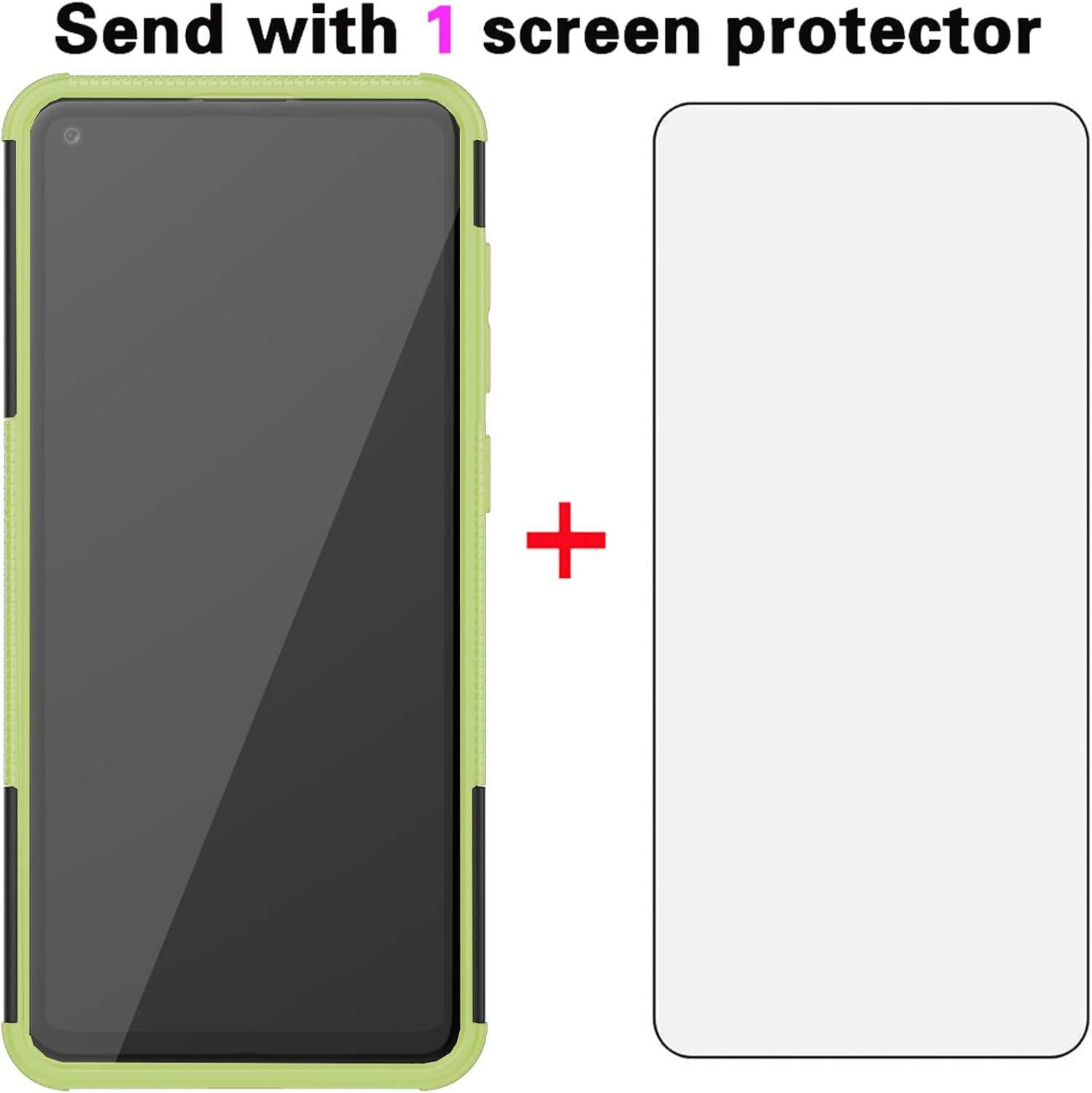
Image 2.1: Included items: phone case and screen protector.
3. Setup and Installation
3.1. Installing the Phone Case
- Separate the Case Components: The hybrid case consists of two parts: a soft TPU inner layer and a hard plastic outer shell. Gently separate these two layers.
- Insert Your Phone: Place your Samsung Galaxy A21 into the soft TPU inner layer, ensuring all buttons and ports align correctly.
- Reassemble the Case: Carefully fit the hard plastic outer shell over the TPU layer, ensuring it snaps securely into place around the edges of your phone.

Image 3.1: Various angles of the assembled phone case.
3.2. Installing the Tempered Glass Screen Protector
For optimal adhesion and clarity, perform this installation in a clean, dust-free environment.
- Clean the Screen: Use the provided cleaning wipes (if included) or a microfiber cloth to thoroughly clean your phone's screen. Ensure there are no dust particles, smudges, or fingerprints.
- Align the Protector: Carefully peel off the protective film from the adhesive side of the tempered glass. Align the screen protector with your phone's screen, paying close attention to the cutouts for the camera and sensors.
- Apply the Protector: Once aligned, gently lower the screen protector onto the screen. It will begin to adhere automatically.
- Remove Bubbles: If any air bubbles appear, gently push them towards the edges of the screen using a clean, soft cloth or a squeegee card (if included).
4. Operating Instructions
4.1. Using the Built-in Kickstand
Your Asuwish phone case features a built-in kickstand for convenient hands-free viewing.
- Deploying the Kickstand: Locate the kickstand on the back of the case. Gently pull the bottom edge of the kickstand outwards until it clicks into an open position.
- Positioning Your Phone: Place your phone horizontally on a flat surface. The kickstand is designed to hold your phone at an optimal viewing angle for media consumption.
- Retracting the Kickstand: When not in use, push the kickstand back into its recess on the case until it lies flush with the back surface.
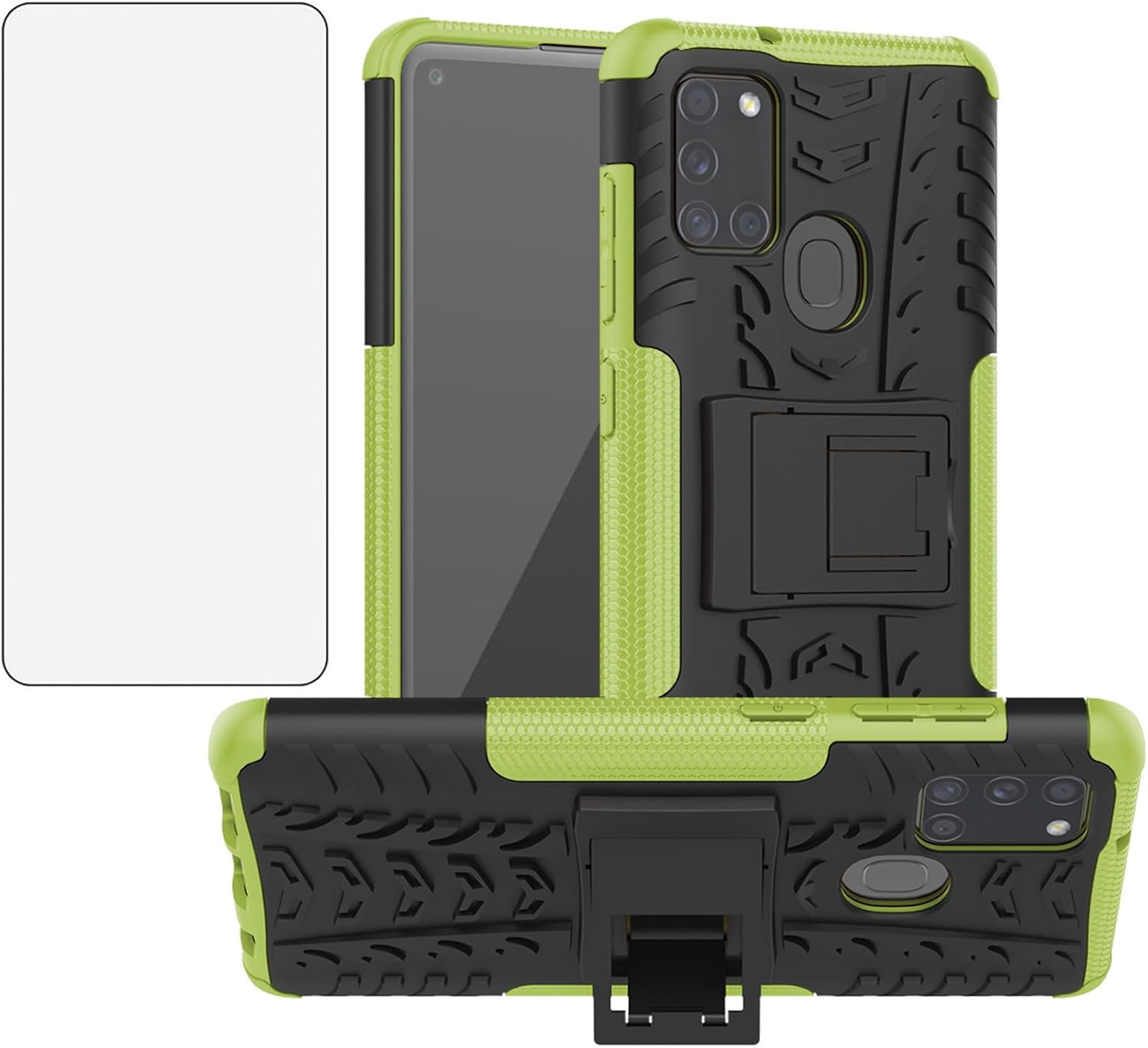
Image 4.1: Phone case with kickstand in deployed position.
5. Maintenance and Care
To ensure the longevity and effectiveness of your phone case and screen protector, follow these maintenance guidelines:
- Cleaning the Case: Wipe the case regularly with a soft, damp cloth. Avoid using harsh chemicals, abrasive cleaners, or solvents, as these can damage the material and finish.
- Cleaning the Screen Protector: Use a microfiber cloth to gently wipe the screen protector. For stubborn smudges, a small amount of screen cleaner designed for electronics can be applied to the cloth (not directly to the screen).
- Avoid Extreme Conditions: Do not expose the case or screen protector to extreme temperatures or prolonged direct sunlight, which can cause material degradation.
- Camera and Screen Protection: The case features raised edges around the camera and screen to prevent direct contact with surfaces. While this offers protection, avoid placing your phone face down or on rough surfaces unnecessarily.

Image 5.1: Detail of raised lip for camera protection.

Image 5.2: Detail of raised lip for screen protection.

Image 5.3: Illustration of the case's shock absorption design.
6. Troubleshooting
- Case does not fit my phone: Ensure your phone model is a Samsung Galaxy A21. This case is not compatible with other models, including the A21S. Refer to Image 1.1 for compatibility verification.
- Bubbles under the screen protector: Small bubbles can often be pushed out towards the edges with a soft cloth. If large bubbles persist, carefully lift the nearest edge of the protector and reapply, ensuring no dust is trapped underneath.
- Kickstand is loose or won't stay open: Ensure the kickstand is fully extended until it clicks into place. If it becomes loose over time, inspect for any debris or damage preventing proper engagement.
7. Specifications
| Feature | Detail |
|---|---|
| Compatible Devices | Samsung Galaxy A21 |
| Material | Plastic, Thermoplastic Polyurethane (TPU) |
| Color | Green |
| Item Weight | 2.82 ounces |
| Package Dimensions | 6.3 x 3.94 x 0.59 inches |
| Special Features | Built-in Kickstand, Tempered Glass Screen Protector |
8. Warranty and Customer Support
Asuwish is committed to providing quality products and customer satisfaction.
Warranty: For defective products, Asuwish offers a warranty. If you encounter any issues or have doubts regarding your product, please do not hesitate to contact us.
Customer Service: Asuwish provides 24-hour professional customer service. For support, please contact us via mail. We are dedicated to providing satisfactory solutions to your inquiries.
For further assistance, please refer to the contact information provided at the point of purchase or on the official Asuwish website.