
1. Introduction
This manual provides essential instructions for the installation, operation, and maintenance of your ANNKE C500 5MP PoE Security Camera System. Please read this manual thoroughly before using the product to ensure proper setup and functionality. Keep this manual for future reference.
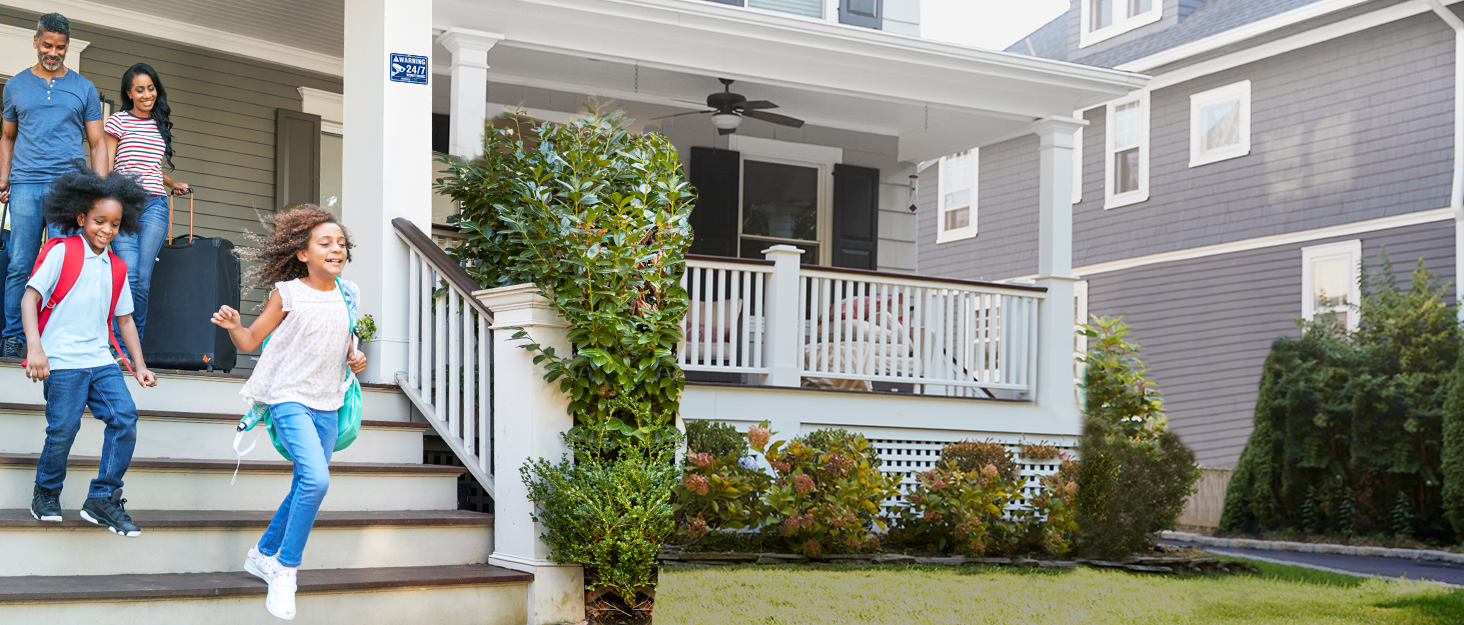
Image 1.1: Overview of the ANNKE C500 5MP PoE Security Camera System.
2. What's in the Box
Verify that all components are present in your package:
- 4 x 5MP Wired PoE Security Cameras
- 1 x User Manual (this document)
- 2 x 60 ft/18 m Ethernet Cables
- 2 x 100 ft/30 m Ethernet Cables
- 4 x Mounting Screw Bags
3. Setup and Installation
3.1 Camera Placement and Mounting
The ANNKE C500 cameras are designed for both indoor and outdoor use, featuring an IP67 weatherproof rating. Consider optimal viewing angles and coverage areas before mounting. The cameras offer a 115° field of view with a 2.8 mm lens.

Image 3.1: Camera features and flexible mounting options (ceiling or wall).
3.2 Power and Network Connection
The C500 cameras support Power over Ethernet (PoE), allowing a single Ethernet cable to transmit both power and data when connected to a compatible PoE NVR or PoE switch. Alternatively, the camera can be powered via a 12V DC power adapter (not included) and connected to a router with a network cable for standalone operation.

Image 3.2: Powering options: standalone with adapter or PoE with NVR.
3.3 Initial Setup and App Configuration
For initial setup and live viewing, download the ANNKE Vision app on your smartphone. The app guides you through connecting your camera to your network and accessing live feeds.

Image 3.3: Easy Plug & Play Setup steps with the ANNKE Vision App.
Video 3.1: Official product video demonstrating the ANNKE H500 5MP PoE Security Camera System features and capabilities.
4. Operating Instructions
4.1 High-Resolution Video and Night Vision
The C500 camera delivers 5MP (2K) Super HD images. It features EXIR 2.0 technology for enhanced night vision up to 100 ft, and can capture color night vision in ambient lighting conditions.

Image 4.1: Comparison of 5MP Day vision and Color Night vision.
4.2 Video Compression and Recording
Utilizing advanced H.265+ video compression, the camera saves up to 80% storage space and consumes less bandwidth compared to H.264, allowing for extended recording times without compromising 5MP image quality. The system supports 24/7 continuous recording.
Image 4.2: H.265+ video format significantly reduces storage requirements.
Image 4.3: The system supports continuous recording for constant surveillance.
4.3 Audio Recording and Smart Features
The built-in noise-cancelling microphone provides high-fidelity audio recording. The camera also features smart motion detection, sending instant notifications to your smartphone, tablet, or computer via the ANNKE Vision app or email.

Image 4.4: Receive instant notifications on your mobile device.
4.4 Weather Resistance and Durability
With an IP67 weatherproof rating, the camera is built to withstand harsh environmental conditions, including torrential rain, freezing temperatures down to -40°F, and high temperatures up to 140°F.

Image 4.5: The camera is designed for extreme weather conditions.
4.5 Wide Dynamic Range (WDR)
The camera features Wide Dynamic Range (WDR) technology, which helps to balance exposure in scenes with both very bright and very dark areas, ensuring clear images in challenging lighting conditions.

Image 4.6: WDR improves image clarity in high-contrast lighting.
5. Maintenance
5.1 Cleaning the Camera
To ensure optimal image quality, regularly clean the camera lens. Use a soft, damp cloth to gently wipe away dust and dirt. Avoid using harsh chemicals or abrasive materials that could scratch the lens or housing.
5.2 Firmware Updates
Periodically check the ANNKE official website or the ANNKE Vision app for available firmware updates. Keeping your camera's firmware up-to-date ensures access to the latest features, security enhancements, and performance improvements.
5.3 Environmental Considerations
While the camera is IP67 weatherproof, ensure that all cable connections are properly sealed and protected from direct water exposure to prevent moisture ingress, especially for non-PoE connections.
6. Troubleshooting
6.1 No Image/Video Feed
- Check Power: Ensure the camera is receiving power, either via PoE from a compatible NVR/switch or from a 12V DC power adapter.
- Check Network Connection: Verify that the Ethernet cable is securely connected to both the camera and the network device (NVR/router/switch). Test the cable if possible.
- NVR/Software Configuration: Confirm that the camera is properly added and configured in your NVR system or the ANNKE Vision app.
6.2 Poor Image Quality
- Clean Lens: Dust or smudges on the lens can degrade image quality. Clean the lens gently with a soft cloth.
- Lighting Conditions: Ensure adequate lighting for optimal color night vision. Extreme backlighting can also affect image clarity; enable WDR if available.
- Network Bandwidth: Insufficient network bandwidth can cause choppy or low-resolution video. Ensure your network can support the 5MP video stream.
6.3 Motion Detection Not Working
- Enable Motion Detection: Verify that motion detection is enabled in the camera's settings via the NVR or ANNKE Vision app.
- Adjust Sensitivity: Adjust the motion detection sensitivity and detection zones to suit your environment.
- Check Notification Settings: Ensure app notifications and email alerts are correctly configured and not blocked by your device or email provider.
6.4 Camera Not Connecting to App
- Network Connectivity: Confirm your smartphone has a stable internet connection.
- Camera Online: Ensure the camera itself is online and accessible on your local network.
- App Version: Make sure your ANNKE Vision app is updated to the latest version.
7. Specifications
| Feature | Detail |
|---|---|
| Model Number | C500 |
| Video Capture Resolution | 5 MP (2K) |
| Frame Rate | 20 fps |
| Connectivity Technology | Wired (PoE) |
| Night Vision Range | 100 Feet (EXIR 2.0) |
| Low Light Technology | Color Night |
| International Protection Rating | IP67 Weatherproof |
| Operating Temperature | -40°F to 140°F (-40°C to 60°C) |
| Audio | Built-in Noise-Cancelling Microphone |
| Video Compression | H.265+ |
| Form Factor | Bullet |
| Mounting Type | Wall Mount |
| Material | Acrylonitrile Butadiene Styrene (ABS), Metal |
| Alert Type | Motion Only |
| Compatible Devices | Cameras, Personal Computers |
8. Warranty and Support
8.1 Product Warranty
ANNKE products typically come with a limited warranty. For specific warranty terms and conditions, please refer to the warranty card included with your product or visit the official ANNKE website. Keep your purchase receipt as proof of purchase for warranty claims.
8.2 Technical Support
If you encounter any issues or have questions regarding your ANNKE C500 security camera system, please contact ANNKE customer support. You can find contact information, FAQs, and additional resources on the official ANNKE website:
- Official Website: www.annke.com
- Support Page: Refer to the website for specific support channels (email, phone, live chat).