
1. Introduction
The Uyole L720 WiFi Projector is designed for versatile entertainment, offering a large screen experience with support for 1080P Full HD content. It features wireless screen mirroring capabilities for iOS and Android devices, making it suitable for both indoor and outdoor use. This manual provides detailed instructions for setting up, operating, and maintaining your projector to ensure optimal performance.
2. Package Contents
Please check the package contents upon unboxing to ensure all items are present.
- Uyole L720 WiFi Projector
- 100-inch Projector Screen
- Remote Control
- Power Cable
- HDMI Cable
- AV Cable
- User Manual
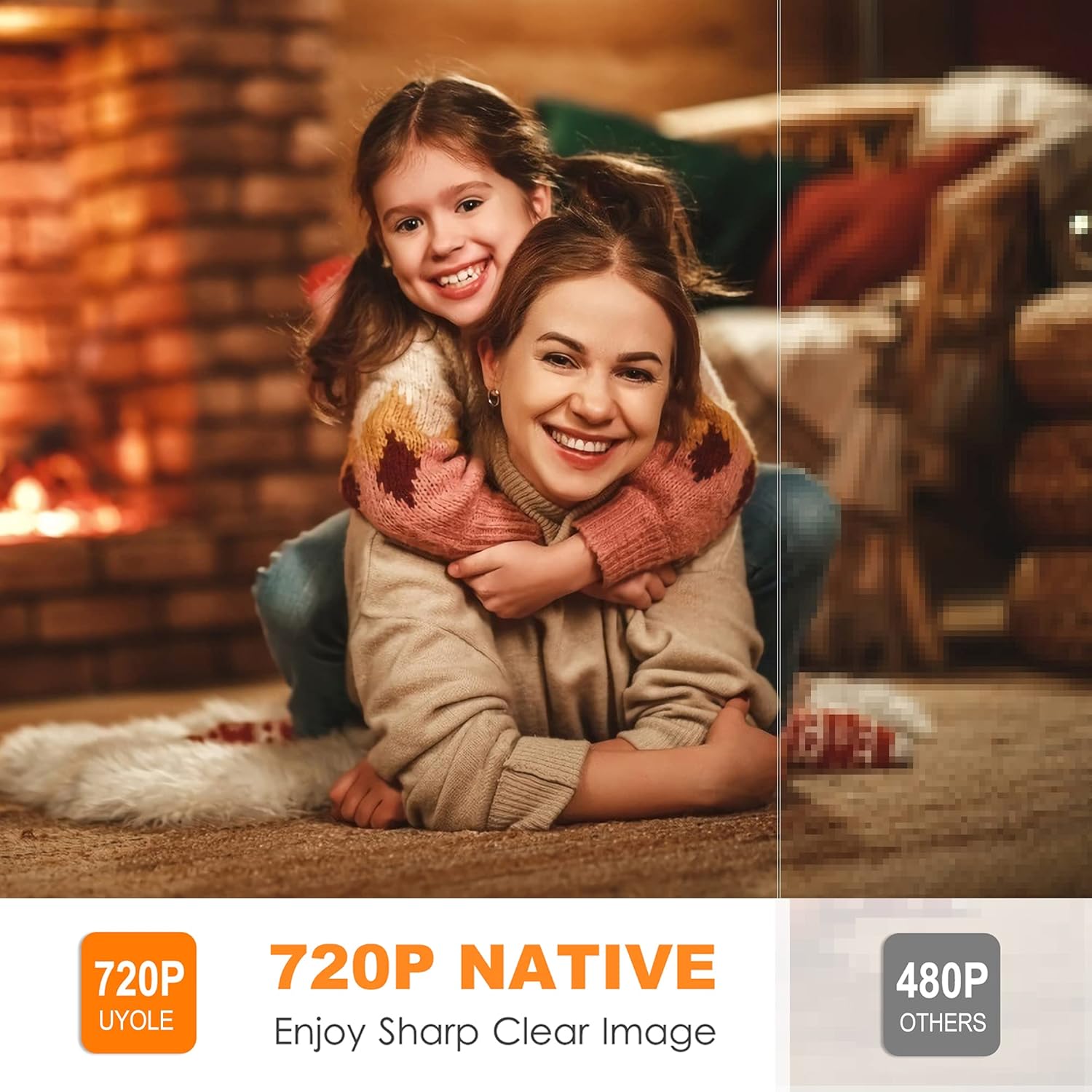
Image: The Uyole L720 WiFi Projector shown with its included accessories, including the remote control, cables, and the 100-inch projector screen.
Video: An overview of the Uyole L720 WiFi Mini Projector, demonstrating its features and components.
3. Product Overview
The Uyole L720 projector features a compact design with multiple connectivity options.
3.1 Front and Side Views

Image: Side view of the Uyole L720 Projector, highlighting the various input ports including HDMI, USB, VGA, and AV.
- Lens: Projects the image onto the screen.
- Focus Ring: Adjusts image clarity.
- Keystone Correction: Corrects trapezoidal image distortion.
- Input Ports: HDMI, USB, VGA, AV for connecting various devices.
- Power Port: For connecting the power cable.
- Control Panel: Buttons for basic operation.
4. Setup
4.1 Placement
Position the projector on a stable, flat surface or mount it on a tripod, wall, or ceiling. Ensure the projector is perpendicular to the projection surface for the best image quality. The optimal projection distance is between 3.8 to 11.4 feet, allowing for a screen size of 38 to 100 inches.

Image: The projector set up in a living room, demonstrating its ability to project a large image suitable for home entertainment.
4.2 Power Connection
- Connect the power cable to the projector's power port.
- Plug the other end of the power cable into an electrical outlet.
- The power indicator light on the projector will illuminate.
4.3 Focus and Keystone Adjustment
- Turn on the projector.
- Adjust the Focus Ring on the lens until the image appears clear and sharp.
- If the image appears trapezoidal, use the Keystone Correction dial to adjust it into a rectangular shape.
5. Operating Instructions
5.1 Turning On/Off
- To Turn On: Press the power button on the projector or the remote control.
- To Turn Off: Press the power button twice on the projector or once on the remote control.
5.2 Input Source Selection
Use the "Source" button on the remote control or projector to select the desired input: HDMI, USB, VGA, or AV.
5.3 Wireless Screen Mirroring (iOS/Android)
The Uyole L720 supports wireless screen mirroring for compatible iOS and Android devices.
- Ensure your projector and mobile device are connected to the same Wi-Fi network.
- Select the "Screen Mirroring" input source on the projector.
- Follow the on-screen instructions for iOS or Android devices to connect.
- For iOS, use "Screen Mirroring" or "AirPlay Mirroring" from your Control Center.
- For Android, use "Smart View," "Multi-screen," or "Wireless Display" from your device settings.
Note: Due to copyright protection, content from streaming services like Hulu, Netflix, and Amazon Prime Video cannot be mirrored or screencast directly from your device. Please use a TV stick or other compatible device connected via HDMI for these services.

Image: A smartphone wirelessly mirroring its screen to the Uyole L720 projector, demonstrating the ease of connection.
5.4 Connecting External Devices
The projector is compatible with a variety of devices:
- HDMI: Connect TV sticks, laptops, gaming consoles (PS4, PS5, XBOX), Blu-ray DVD players.
- USB: Play media directly from a USB flash drive.
- VGA: Connect older computers or laptops.
- AV: Connect legacy devices using the included AV cable.

Image: An illustration showing the Uyole L720 projector connected to various devices such as a TV stick, computer, phone/tablet, Nintendo Switch, PS5, Chromecast, and USB drive.
5.5 Audio Output
The projector has a built-in speaker. For an enhanced audio experience, it is recommended to connect external speakers via the 3.5mm audio output port.
6. Maintenance
6.1 Lens Cleaning
Use a soft, lint-free cloth or lens cleaning paper to gently wipe the projector lens. Avoid using abrasive cleaners or excessive force, as this can damage the lens.
6.2 Ventilation
Ensure the projector's ventilation ports are clear and unobstructed to prevent overheating. The projector features an innovative cooling system to minimize fan noise and maintain optimal operating temperature. Do not block the air vents during operation.
7. Troubleshooting
- No Image:
- Check power connection.
- Ensure the correct input source is selected.
- Verify cables (HDMI, AV, VGA) are securely connected.
- Adjust focus and keystone.
- No Sound:
- Check the projector's volume settings.
- Ensure external speakers are properly connected and powered on if used.
- Some devices (e.g., Firestick) may require audio settings to be changed to PCM or Stereo output, as the projector may not support Dolby Digital.
- Blurry Image:
- Adjust the focus ring.
- Ensure the projection distance is within the recommended range.
- Clean the lens if it is dirty.
- Wireless Mirroring Issues:
- Ensure both devices are on the same Wi-Fi network.
- Restart both the projector and the mobile device.
- Remember that copyrighted content cannot be mirrored.
- Overheating:
- Ensure ventilation ports are not blocked.
- Allow the projector to cool down if it has been running for an extended period.
8. Specifications
| Feature | Specification |
|---|---|
| Brand | Uyole |
| Model Number | L720 (W16) |
| Native Resolution | 1280 x 720P |
| Supported Resolution | Up to 1920 x 1080P (Full HD) |
| Brightness | 6000 Lux |
| Contrast Ratio | 3600:1 |
| Display Type | LCD |
| Connectivity Technology | VGA, Mini-DisplayPort, USB, HDMI |
| Wireless Connectivity | WiFi (for screen mirroring) |
| Projection Size | 38 - 200 inches (Optimal: 100 inches) |
| Throw Distance | 3.8 - 11.4 feet |
| Mounting Type | Tripod Mount, Wall Mount, Ceiling Mount |
| Color | White |
| Controller Type | Remote Control |
| Compatible Devices | Gaming Console, Laptop, Smartphone, Tablet, TV Stick |
9. Warranty and Support
Uyole offers a 12-month technical support period and lifetime professional customer service for the L720 WiFi Projector.
If you encounter any issues or have questions regarding your projector, please contact Uyole customer service via email. We are committed to providing a satisfactory solution.