
IOWODO A
IOWODO Smart Watch Fitness Tracker Instruction Manual
Model: A
Comprehensive guide for your IOWODO Smart Watch Fitness Tracker, covering setup, operation, maintenance, and specifications.
1. Introduction
Welcome to your new IOWODO Smart Watch Fitness Tracker. This manual provides essential information to help you set up, operate, and maintain your device. Please read it thoroughly to ensure optimal performance and a seamless user experience.
Package Contents
- IOWODO Smart Watch Fitness Tracker
- Magnetic Charging Cable
- User Manual

2. Setup
2.1 Charging Your Smartwatch
Before first use, fully charge your smartwatch. Connect the magnetic charging cable to the charging points on the back of the watch. Ensure the pins align correctly for a secure connection. Connect the USB end of the cable to a standard USB power adapter (not included) or a computer's USB port.
2.2 App Download and Pairing
To unlock the full potential of your IOWODO Smart Watch, download the "GloryFit" app on your smartphone. The app is compatible with both iOS and Android systems. You can find the app by scanning the QR code displayed on your watch (navigate to settings on the watch to find it) or by searching "GloryFit" in your device's app store.
Android Connection Guide
Video 1: This video demonstrates the step-by-step process of connecting your IOWODO Smart Watch to an Android smartphone using the GloryFit app. It covers app download, initial setup, and device pairing.
iOS Connection Guide
Video 2: This video provides a detailed guide on how to connect your IOWODO Smart Watch to an iOS device. It includes instructions for downloading the GloryFit app, granting necessary permissions, and successfully pairing the watch.
3. Operating Your Smartwatch
3.1 Basic Navigation
The smartwatch features a 1.69'' HD touch screen for easy navigation. Swipe left/right or up/down to access different functions and menus. Press the side button to return to the main watch face or to power on/off the device.
Video 3: This quick start guide demonstrates the basic operations of the IOWODO R3 Pro Smart Watch, including screen navigation, app download, pairing, and setting up notifications and sports modes.
3.2 Key Features
Heart Rate Monitoring
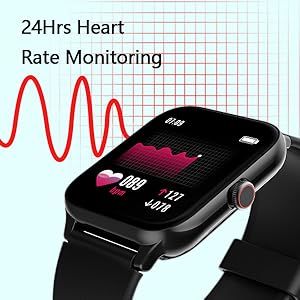
The smartwatch continuously monitors your heart rate throughout the day. View real-time data on your watch or detailed historical data in the GloryFit app.
Sleep Tracking
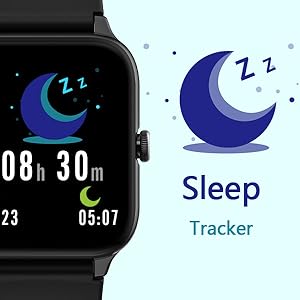
Wear your watch to bed to track your sleep patterns, including deep sleep, light sleep, and wake-up times. Analyze your sleep quality in the GloryFit app for insights into your rest.
Sports Modes
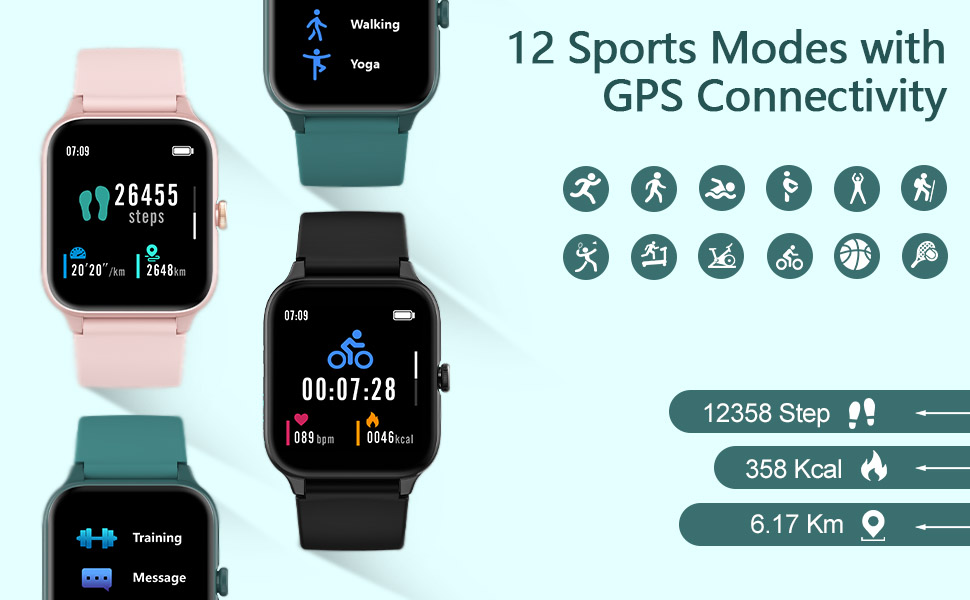
The watch supports 12 sports modes, including running, walking, and yoga. Select your activity to track specific metrics like steps, distance, calories burned, and heart rate during your workout.
Notifications
Receive call, SMS, and app notifications directly on your wrist. Customize which app notifications you want to receive through the GloryFit app settings.

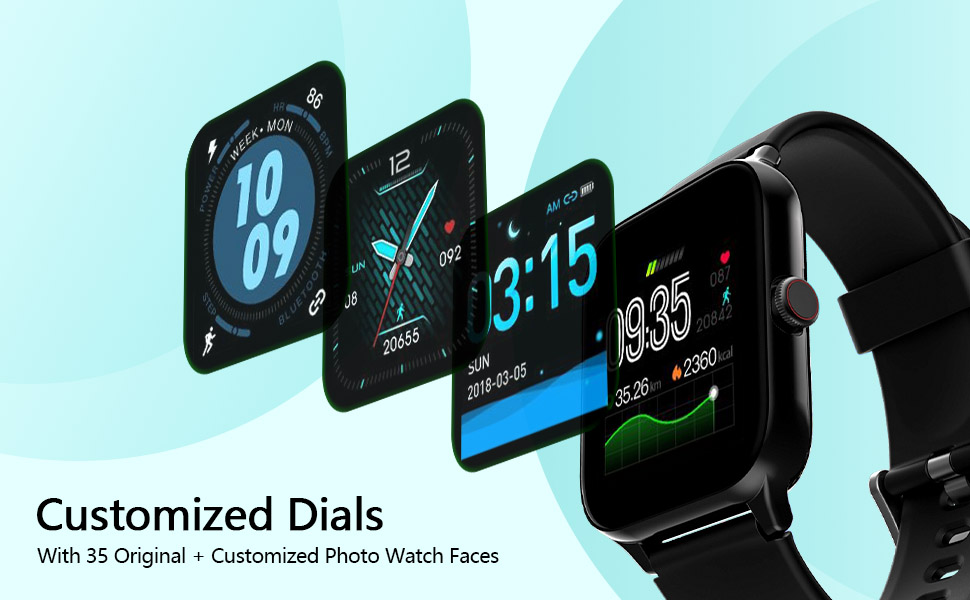
Custom Watch Faces
Personalize your smartwatch with a variety of watch faces available in the GloryFit app. You can also upload your own photos to create unique custom dials.
Water Resistance
The IOWODO Smart Watch is 5ATM waterproof, making it suitable for swimming and showering. Avoid hot water and prolonged submersion in deep water.

Battery Life
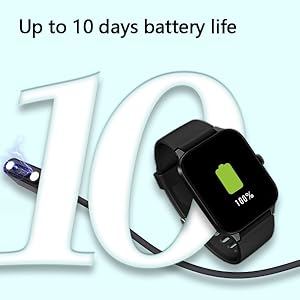
Enjoy up to 10 days of battery life on a single charge, depending on usage. This ensures extended use without frequent recharging.
4. Maintenance
To ensure the longevity and optimal performance of your smartwatch, follow these maintenance guidelines:
- Cleaning: Regularly clean the watch screen and strap with a soft, dry cloth. If necessary, use a slightly damp cloth with mild soap, then wipe dry.
- Avoid Chemicals: Do not use harsh chemicals, cleaning solvents, or strong detergents, as these can damage the watch's finish and seals.
- Storage: Store the watch in a cool, dry place when not in use. Avoid extreme temperatures.
- Water Exposure: While 5ATM waterproof, avoid exposing the watch to hot water, steam, or high-velocity water jets. Dry the watch thoroughly after exposure to water.
5. Troubleshooting
If you encounter any issues with your IOWODO Smart Watch, refer to the following common problems and solutions:
- Watch not turning on: Ensure the watch is fully charged. Connect it to the magnetic charging cable and a power source for at least 30 minutes.
- Unable to pair with smartphone:
- Make sure Bluetooth is enabled on your smartphone.
- Ensure the GloryFit app has all necessary permissions (location, notifications, etc.).
- Bring the watch close to your smartphone during pairing.
- Restart both your smartphone and the watch, then try pairing again.
- Notifications not appearing:
- Check if notification permissions are enabled for the GloryFit app in your phone's settings.
- Verify that specific app notifications are enabled within the GloryFit app.
- Ensure the watch is connected via Bluetooth to your phone.
- Inaccurate data (steps, heart rate):
- Ensure the watch is worn snugly on your wrist, about one finger's width from your wrist bone.
- Update your personal information (height, weight, age) in the GloryFit app for better accuracy.
- Screen unresponsive: Restart the watch by pressing and holding the side button. If the issue persists, ensure it is charged.
6. Specifications
| Feature | Detail |
|---|---|
| Brand | IOWODO |
| Model Number | A |
| Screen Size | 1.69 Inches (from title, spec says 1.85, using title for consistency with product name) |
| Display Type | HD Touch Screen |
| Water Resistance | 5ATM |
| Special Features | Heart Rate Monitor, Sleep Monitor, Fitness Tracker, 12 Sports Modes |
| Connectivity | Bluetooth |
| Operating System Compatibility | iPhone (iOS), Android |
| Battery Type | Lithium Polymer |
| Battery Life | Up to 10 days (typical usage) |
| Item Weight | 6.8 ounces (193 Grams) |
| Product Dimensions | 3.74 x 3.74 x 2.56 inches |
7. Warranty and Support
IOWODO products are designed with quality and reliability in mind. For warranty information, technical support, or any inquiries regarding your Smart Watch Fitness Tracker, please refer to the contact information provided on the product packaging or visit the official IOWODO website. Keep your purchase receipt as proof of purchase for warranty claims.
Related documentsA


Ask a question about this manual
Ask about setup, troubleshooting, compatibility, parts, safety, or missing instructions. Manuals+ will review the question and use this page’s manual context to help answer it.