
1. Introduction
This manual provides detailed instructions for the installation, operation, and maintenance of your MekedeTech Android 12 System 10.25-inch touch screen radio with GPS navigation. This unit is specifically designed for Lexus IS and RC models manufactured between 2013 and 2018, compatible with vehicles equipped with a Square Joystick or Touchpad.
2. Vehicle Compatibility
The Android head unit is compatible with the following Lexus models:
- 2013-2019 Lexus IS250, IS300, IS300H, IS350, IS200T (including F Sport and AWD models)
- 2014-2019 Lexus RC300, RC300H, RC350, RC200T, RC F (including F Sport and AWD models)
Important Notes:
- This version is designed for cars with a Square Joystick or Touchpad (2013-2019).
- The Android unit requires your factory screen to be functional, as audio is routed through the OEM CD system. Ensure your factory CD is working before purchase.
- This stereo fits Lexus IS and RC models with a small 7-inch OEM display. If your OEM screen is 10.3 inches, please contact us for an extra LVDS cable adapter to ensure proper functionality.
- Compatible with vehicles both with and without Mark Levinson sound systems. All audio (radio, YouTube, music, etc.) will play through your OEM speakers.
3. What's in the Box
Upon unboxing, verify that all components are present:
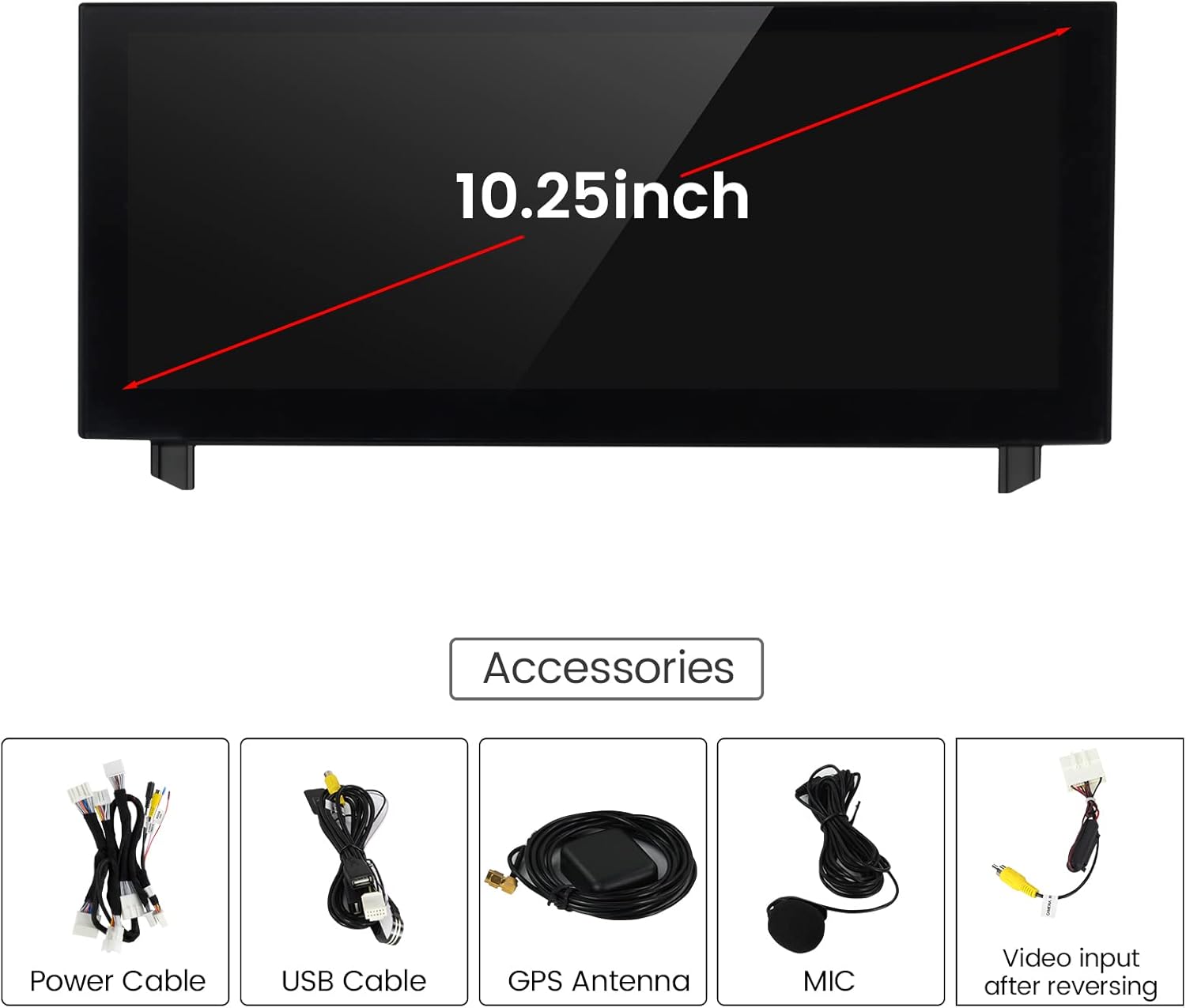
- 1x 10.25 inch car touch screen upgrade
- All necessary wire harnesses for installation
- GPS Antenna
- USB Cable
- Microphone (MIC)
- Video input cable for reversing camera
4. Setup and Installation
Installation of the MekedeTech Android 12 System involves connecting the new display unit to your vehicle's existing wiring. It is recommended to consult a professional for installation if you are unfamiliar with car electronics.
4.1 Wiring Connections
The unit is designed for plug-and-play installation. Ensure all cables are securely connected as per the wiring diagram. The wire harness and screen chip vary based on your OEM mouse (joystick) type. Confirm you have the correct version for your vehicle.

4.2 Initial Power-Up
After connecting all wires, power on your vehicle. The Android system should boot up automatically. If the screen does not power on, recheck all connections.
5. Operating Instructions
The MekedeTech Android 12 System offers a range of features for enhanced in-car entertainment and navigation.
5.1 Main Menu and Navigation
The main menu provides access to various functions including Navigation, Bluetooth, Music, Video, Settings, and Apps. Tap the respective icons to launch applications.

5.2 Wireless CarPlay and Android Auto
The unit supports both Wireless CarPlay and Wireless Android Auto. To connect:
- Pair your phone via Bluetooth to the unit.
- Turn on your cellphone's Wi-Fi.
- Open the 'Zlink' app on the Android unit. CarPlay or Android Auto will connect automatically.

5.3 GPS Navigation
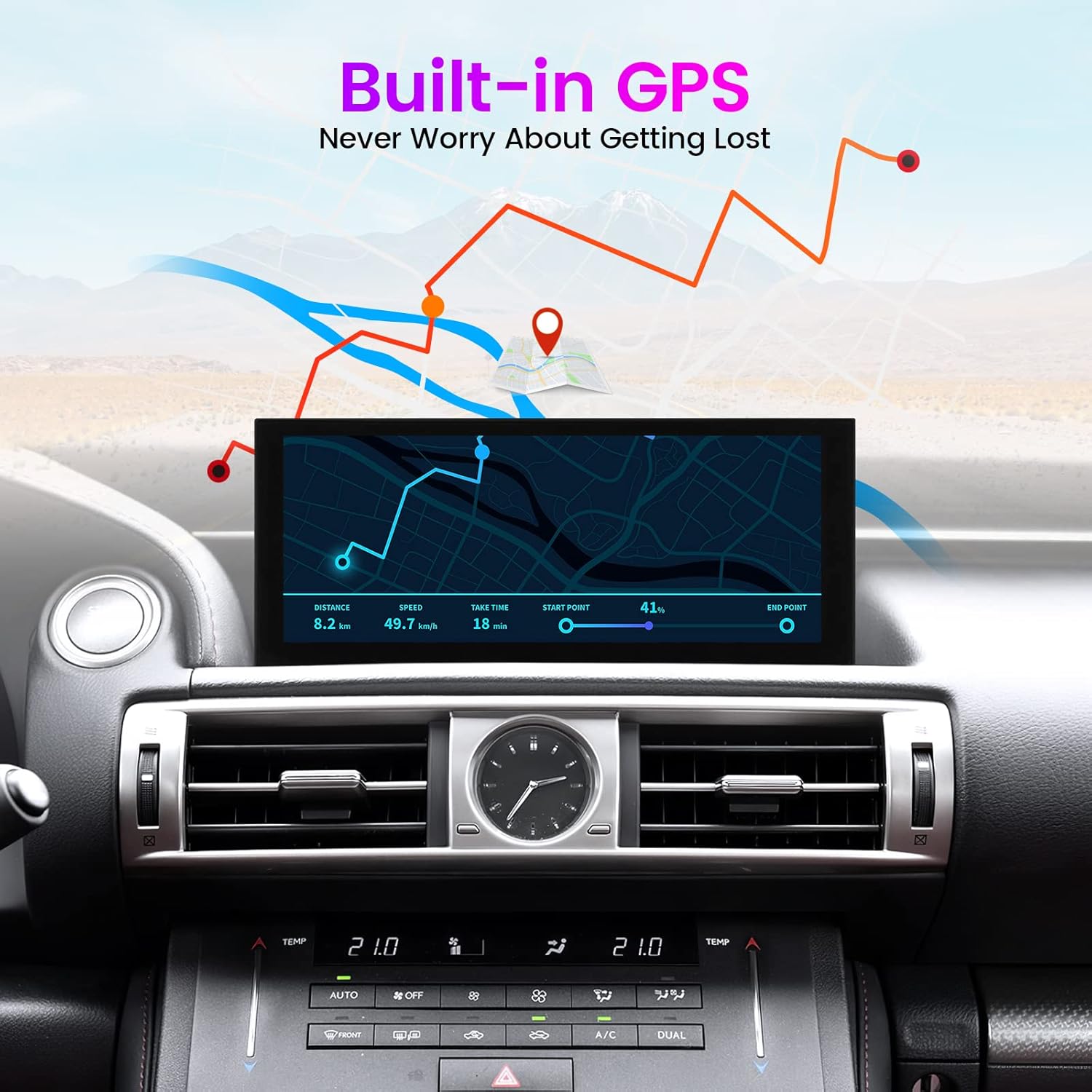
The system features built-in GPS for navigation. You can use pre-installed maps or download your preferred navigation apps from the Google Play Store (requires Wi-Fi connection).
5.4 Bluetooth Functionality
Connect your smartphone via Bluetooth for hands-free calling and audio streaming. Access your phonebook, dial numbers, and play music directly from your device.
5.5 Media Playback (Music & Video)
Play music and videos from USB drives or internal storage. The unit supports 1080P video format. Use the equalizer (EQ) settings to customize your audio experience (Standard, Pop, Rock, Jazz, Classic, User-defined).
5.6 Built-in Wi-Fi
Connect the unit to your cellphone's hotspot to access the internet. This allows for online navigation, app downloads, and streaming services.

5.7 Steering Wheel Control
The unit retains original steering wheel control functionality, allowing you to manage audio and calls without taking your hands off the wheel.
5.8 Reversing Camera Input
Automatically switches to reversing mode to display the car's rear view when the vehicle is in reverse. Supports original factory backup camera.
5.9 General Operation Overview
6. Maintenance
To ensure the longevity and optimal performance of your Android unit, follow these maintenance guidelines:
- Cleaning: Use a soft, lint-free cloth to clean the screen. Avoid abrasive cleaners or solvents that may damage the display.
- Temperature: Avoid exposing the unit to extreme temperatures.
- Physical Damage: Do not crush or apply excessive force to the unit. Protect it from impacts.
- Software Updates: Periodically check for system updates to ensure optimal performance and access to new features.
7. Troubleshooting
If you encounter issues with your MekedeTech Android unit, refer to the following common problems and solutions:
7.1 No Audio Output
- Check AUX Connection: Ensure the AUX cable is properly connected. The Android screen routes audio through the factory CD/AUX input.
- Factory CD Functionality: Verify that your factory CD system is working correctly, as the Android unit relies on it for audio.
- Volume Levels: Check both the Android unit's volume and your car's OEM audio system volume.
7.2 CarPlay/Android Auto Connectivity Issues
- Bluetooth Pairing: Ensure your phone is correctly paired via Bluetooth to the Android unit.
- Wi-Fi Enabled: Confirm your phone's Wi-Fi is turned on, as wireless CarPlay/Android Auto often uses Wi-Fi for data transfer after initial Bluetooth pairing.
- Zlink App: Make sure the 'Zlink' app is open on the Android unit.
- Phone Compatibility: Ensure your smartphone's operating system is up-to-date and compatible with CarPlay/Android Auto.
7.3 Screen Freezing or Unresponsiveness
- Restart Unit: Try restarting the Android unit by turning off and on your vehicle's ignition.
- Factory Reset: If issues persist, a factory reset may resolve software glitches. Refer to the 'Settings' menu for this option.
8. Specifications
| Feature | Detail |
|---|---|
| Model Number | G7S |
| Operating System | Android 12 |
| Screen Size | 10.25 Inches |
| Display Resolution | 1920x720 |
| RAM | 8GB |
| Storage | 64GB |
| Processor | 8 Core |
| Connectivity | Wireless (AM/FM, Bluetooth, Wi-Fi) |
| Special Features | Bluetooth, Touchscreen, Wireless Android Auto, Wireless CarPlay, Split Screen |
| GPS | GPS Enabled (North America Map Type) |
| Product Dimensions | 10.25 x 4.8 x 4.5 inches |
| Item Weight | 3.5 pounds |
| Manufacturer | Shenzhen Mekede Technology Co.,Ltd |
9. Warranty and Support
For warranty information and customer support, please refer to the documentation included in your product packaging. You can also contact MekedeTech directly for assistance.
Note: An electronic installation manual and wiring diagram are typically provided via Amazon message. Please check your Amazon inbox for these resources before installation.