
Introduction
The Xiaomi Mi Watch Black is a smart sport watch designed to enhance your daily life and fitness activities. It features a vibrant 1.39-inch AMOLED display, comprehensive health monitoring, and extended battery life. This manual provides essential information on setting up, operating, maintaining, and troubleshooting your device.

Image: Front view of the Xiaomi Mi Watch Black, showcasing its round AMOLED display with a digital watch face.
Package Contents
Upon unboxing your Xiaomi Mi Watch, please verify that all items are present:
- Xiaomi Mi Watch Black
- USB Charging Cable
- User Manual (this document)
Setup
1. Charging the Device
Before first use, fully charge your Xiaomi Mi Watch.
- Connect the magnetic end of the USB charging cable to the charging contacts on the back of the watch.
- Connect the USB-A end of the cable to a standard USB power adapter (5V/1A recommended) or a computer's USB port.
- The watch display will indicate charging status. A full charge typically takes approximately 2 hours.
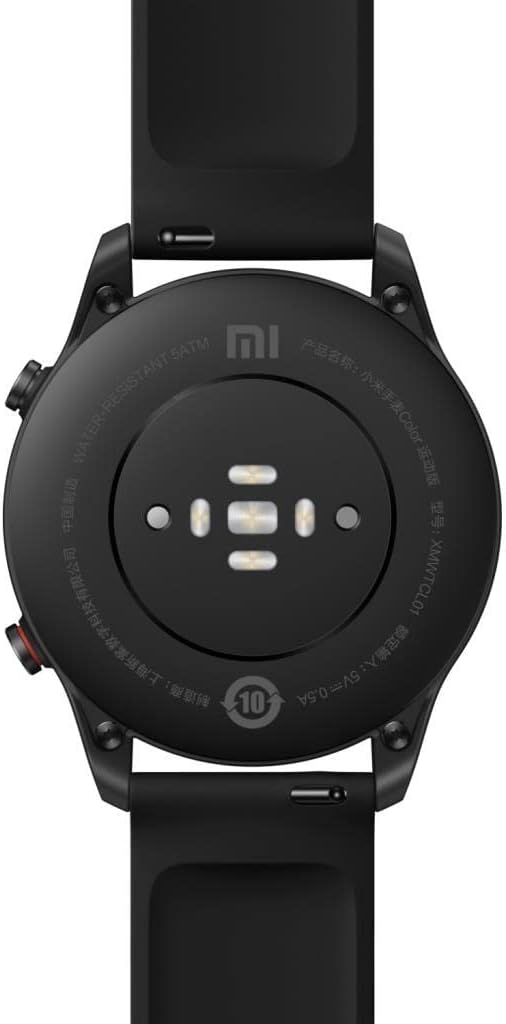
Image: Rear view of the Xiaomi Mi Watch showing the heart rate sensor and magnetic charging contacts.
2. Powering On/Off
- Power On: Press and hold the top button (usually labeled "HOME" or "POWER") for a few seconds until the Xiaomi logo appears.
- Power Off: From the watch face, swipe down to access quick settings, or navigate to "Settings" > "System" > "Power off". Alternatively, press and hold the top button, then select "Power off" from the options.
3. Pairing with Your Smartphone
To unlock the full functionality of your Mi Watch, pair it with the Xiaomi Wear app on your smartphone. The watch is compatible with both Android and iOS devices.
- Download the "Xiaomi Wear" app from the Google Play Store (for Android) or Apple App Store (for iOS).
- Open the Xiaomi Wear app and log in or create a Mi account.
- Follow the on-screen instructions in the app to add a new device. Select "Xiaomi Mi Watch" from the list.
- Ensure Bluetooth is enabled on your smartphone and the watch is powered on and near your phone.
- Confirm the pairing request on both your phone and the watch.
- Once paired, the app will guide you through initial settings and data synchronization.
Operating Your Mi Watch
Basic Navigation
- Touchscreen: Swipe up, down, left, or right to navigate through menus, notifications, and widgets. Tap to select an item.
- Top Button (HOME/POWER): Press to return to the watch face. Press and hold for power options or to access the app list.
- Bottom Button (SPORT): Press to quickly access the workout modes.
Display and Watch Faces
The 1.39-inch AMOLED display offers vibrant colors and sharp details. You can customize your watch face:
- Changing Watch Faces: Press and hold the watch face, then swipe left or right to browse pre-installed faces. Tap to select. More watch faces are available through the Xiaomi Wear app.
- Always On Display (AOD): The watch supports AOD, allowing the time and basic information to remain visible without raising your wrist. This feature can be enabled/disabled in the watch settings, but it will consume more battery.
Workout Modes and GPS
The Mi Watch supports 117 professional workout modes and 100 supported exercises.
- Press the SPORT button to access the workout list.
- Select your desired activity (e.g., Outdoor Running, Cycling, Swimming).
- For outdoor activities, the built-in GPS (GPS, Galileo, BDS, Glonass) will track your route, distance, and pace. Wait for the GPS signal to lock before starting your workout for accurate data.
- During a workout, you can view real-time metrics. Swipe to pause or end the activity.
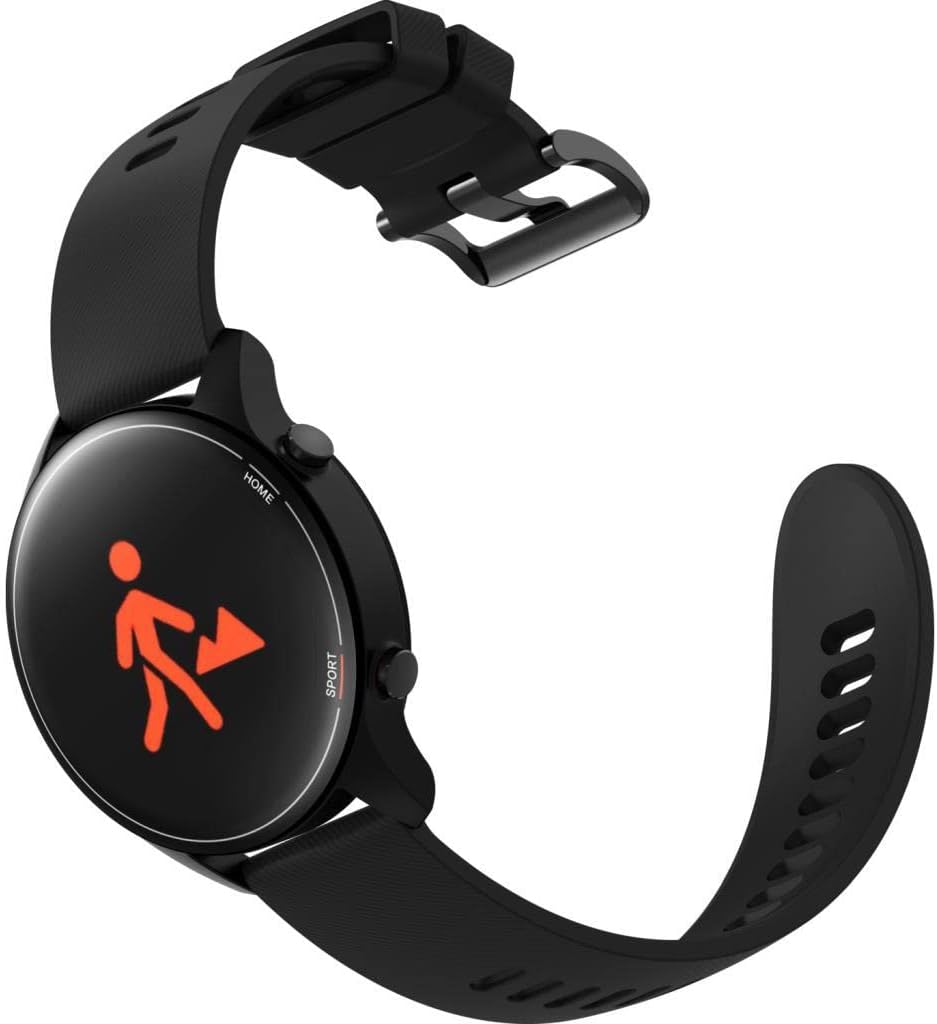
Image: Xiaomi Mi Watch showing an activity tracking screen with a running icon.
Health Monitoring
The watch provides comprehensive health data:
- Heart Rate Monitoring: Real-time 24/7 heart rate tracking. Access heart rate data from the watch or the app.
- Blood Oxygen (SpO2) Monitoring: Measure your blood oxygen level on demand.
- Sleep Monitoring: Tracks sleep cycles (REM, deep, and light sleep) to provide insights into your sleep quality.
- Stress Monitoring & Breath Training: Monitor your stress levels and use guided breath training exercises to relax.
- Body Energy Monitoring: Provides an assessment of your body's energy levels throughout the day.
Notifications and Other Features
- Smart Notifications: Receive call, message, and app notifications directly on your wrist. Manage notification settings via the Xiaomi Wear app.
- Music Control: Control music playback on your paired smartphone from the watch.
- Phone Camera Remote: Use your watch as a remote shutter for your phone's camera.
- 5ATM Water Resistance: The watch is water-resistant up to 50 meters, suitable for swimming and shallow-water activities. Avoid hot water, saunas, or diving.
Maintenance
Cleaning Your Watch
- Regularly clean the watch body and strap with a soft, damp cloth.
- For the charging contacts and sensors on the back, use a dry, soft cloth to remove any dust or debris.
- Avoid using harsh chemicals, abrasive cleaners, or solvents, as these can damage the watch.
Strap Care
- Ensure the strap is not too tight or too loose for comfort and accurate sensor readings.
- If the strap gets wet, dry it thoroughly before wearing to prevent skin irritation.
- Periodically remove the watch and allow your wrist to breathe.

Image: Multiple Xiaomi Mi Watches showcasing different strap color options.
Environmental Conditions
- The watch is designed to operate within a temperature range of -10°C to 45°C.
- Avoid exposing the watch to extreme temperatures, direct sunlight for prolonged periods, or high humidity.
Troubleshooting
Common Issues and Solutions
- Watch not powering on:
Ensure the watch is fully charged. Connect it to the charger and wait a few minutes before attempting to power on again.
- Unable to pair with smartphone:
- Make sure Bluetooth is enabled on your phone and the watch.
- Ensure the watch is within the Bluetooth range of your phone.
- Restart both your watch and smartphone.
- Clear the Bluetooth cache on your phone (Android) or forget the device and re-pair.
- Update the Xiaomi Wear app to the latest version.
- Inaccurate heart rate/SpO2 readings:
- Ensure the watch is worn snugly on your wrist, not too tight or too loose.
- Clean the sensor area on the back of the watch.
- Remain still during measurements.
- Short battery life:
- Disable Always On Display (AOD) if not needed.
- Reduce screen brightness.
- Limit the number of apps sending notifications to the watch.
- Frequent GPS usage will significantly reduce battery life.
If issues persist, consider performing a factory reset on your watch (found in Settings > System > Factory reset). Note that this will erase all data on the watch.
Specifications
| Feature | Detail |
|---|---|
| Model Number | BHR4550GL |
| Display | 1.39-inch AMOLED, 454 x 454 pixels |
| Dimensions | 45.9 x 53.3 x 11.8 cm |
| Weight | 32 g |
| Battery Capacity | 420 mAh Lithium Polymer |
| Battery Life (Typical) | Up to 16 days (normal use), 22 days (long-battery mode), 50+ hours (GPS sports mode) |
| Charging Time | Approx. 2 hours |
| Connectivity | Bluetooth 5.0 BLE |
| GPS | Built-in (GPS, GLONASS, BDS, GALILEO) |
| Sensors | Heart rate, acceleration, gyroscope, geomagnetic, baraceptor, ambient light, SpO2 |
| Water Resistance | 5ATM (up to 50 meters) |
| Operating Temperature | -10°C to 45°C |
| Compatible OS | Android, iOS |
Warranty and Support
Your Xiaomi Mi Watch is covered by a standard manufacturer's warranty. Please refer to the warranty card included in your original packaging for specific terms and conditions, including warranty period and coverage details.
For technical support, service, or further inquiries, please visit the official Xiaomi support website or contact their customer service. You can also find more information and resources on the XIAOMI Store on Amazon.